

32" Cozyla Calendar Plus 2
Only 19 units left
Free Delivery Between 3-5 Business Days
30-day risk-free trial
1-Year Warranty
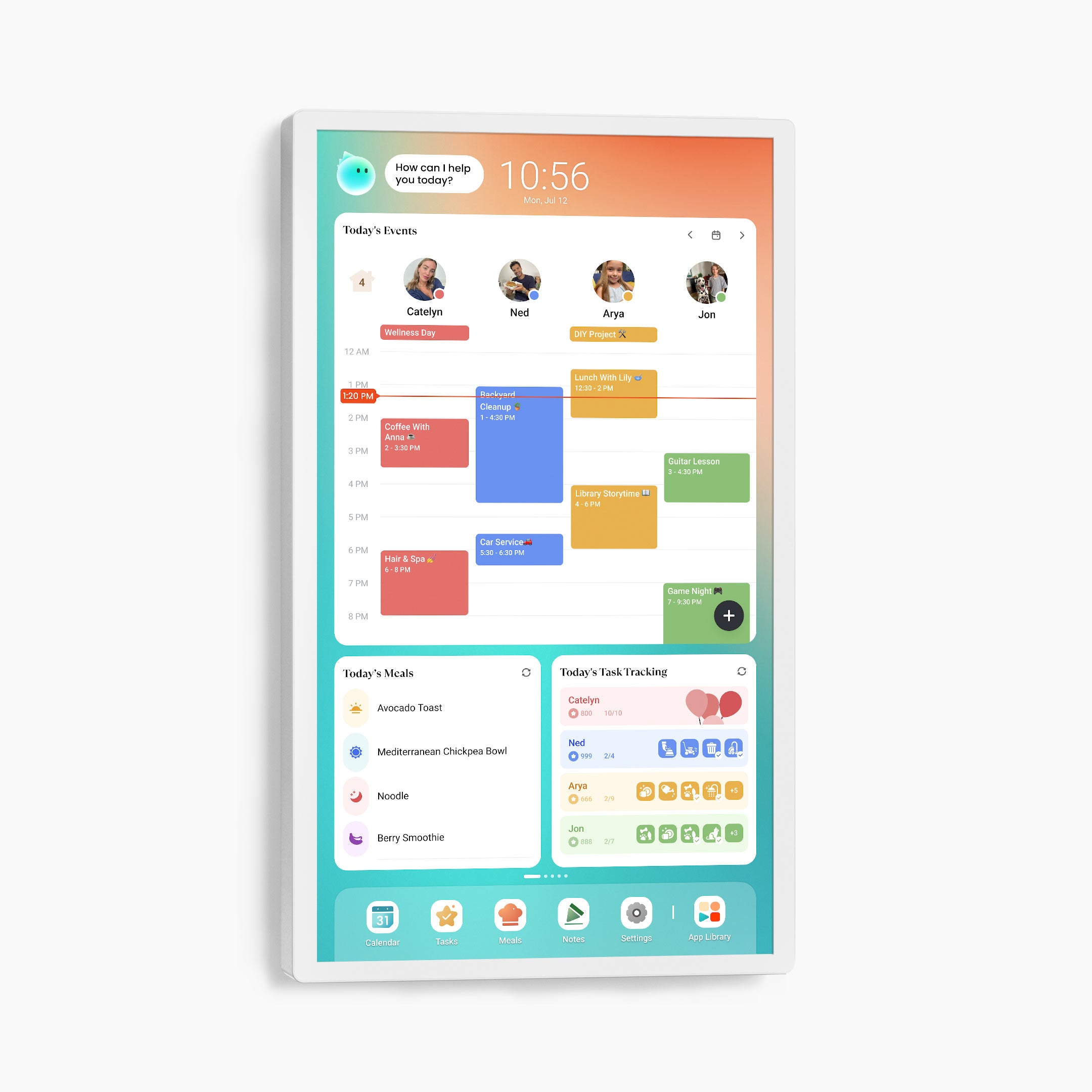
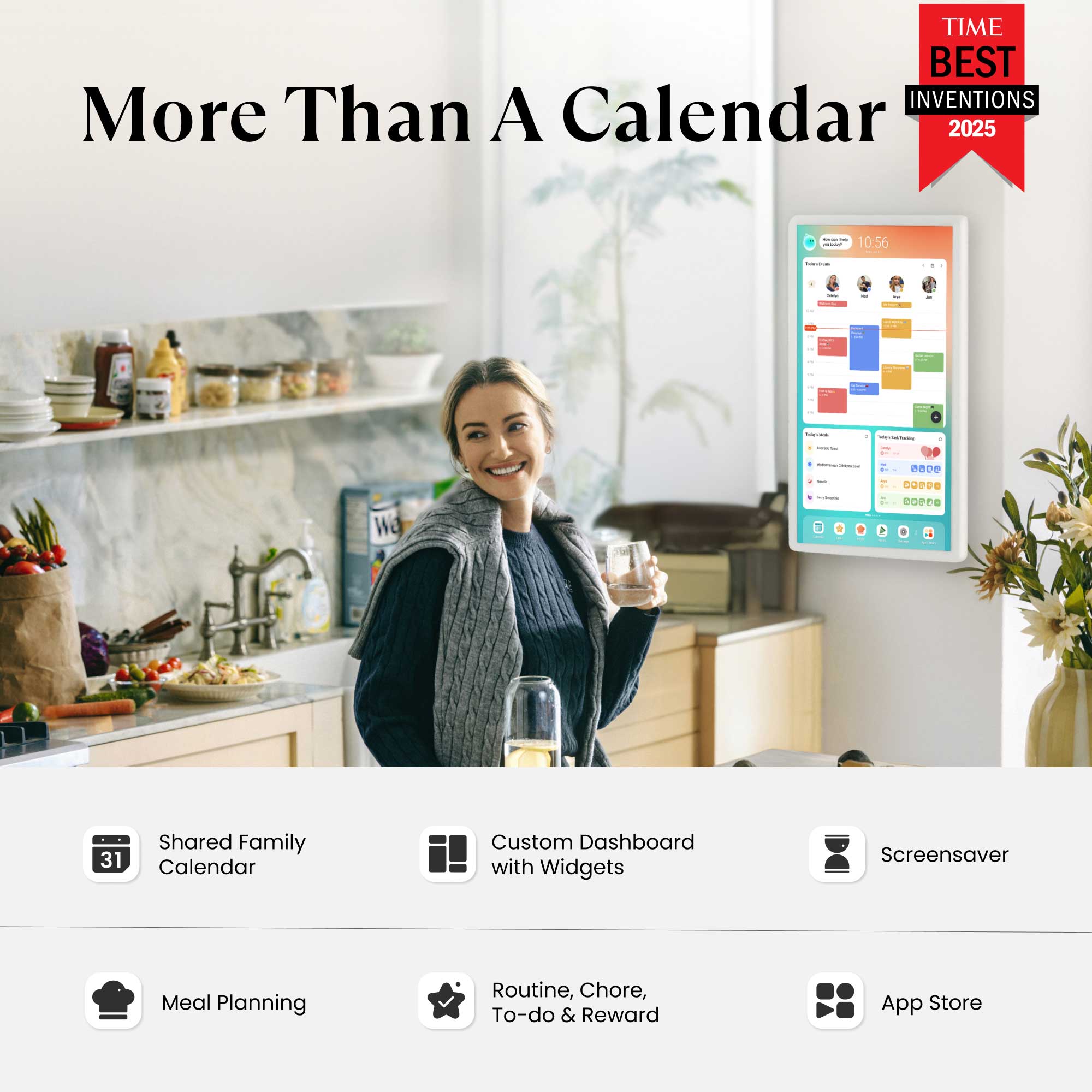
The 32" Cozyla Calendar Plus 2 combines a digital calendar, an Android tablet, a smart home hub and a digital picture frame with a rotating wall mount.
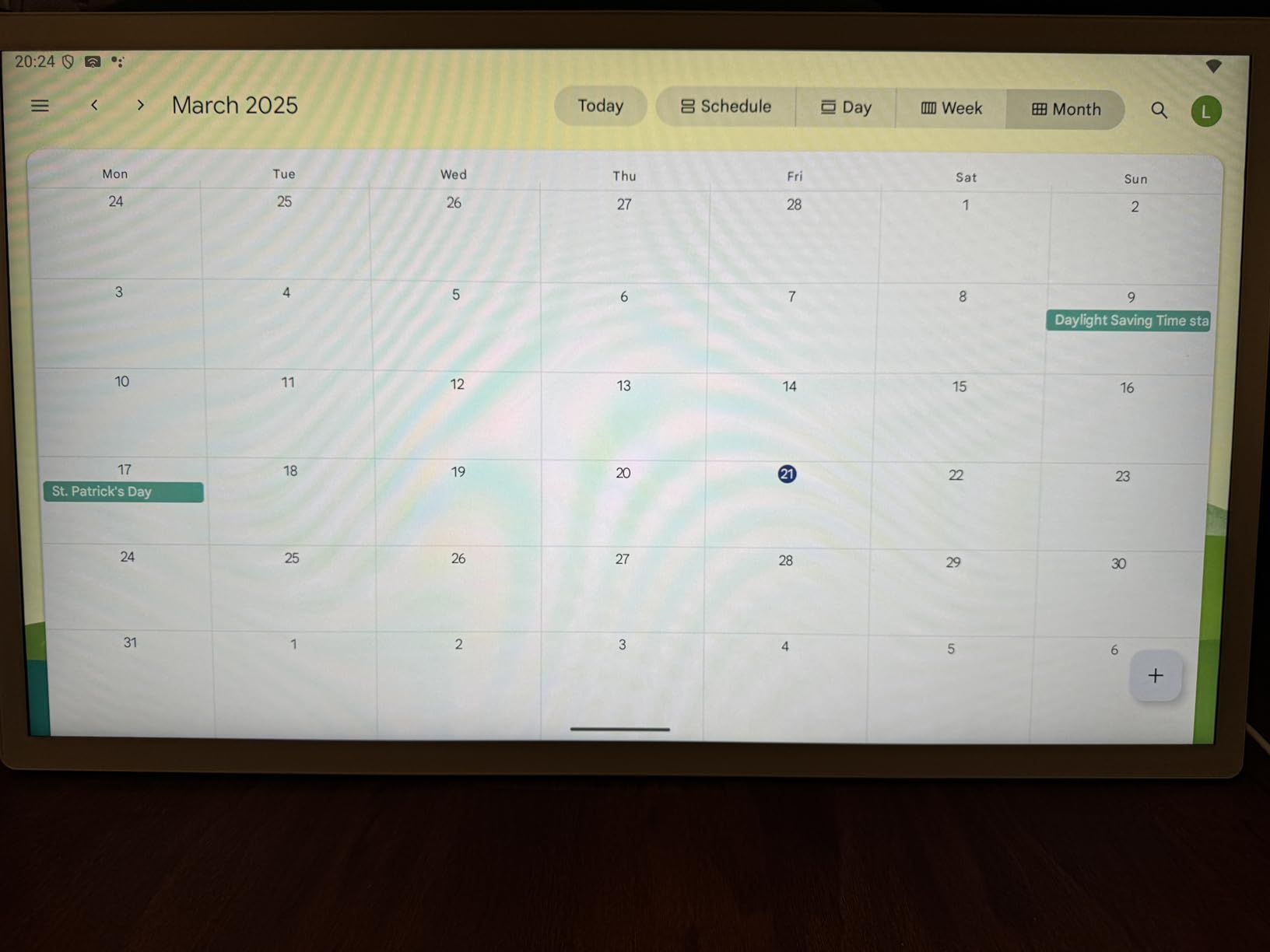
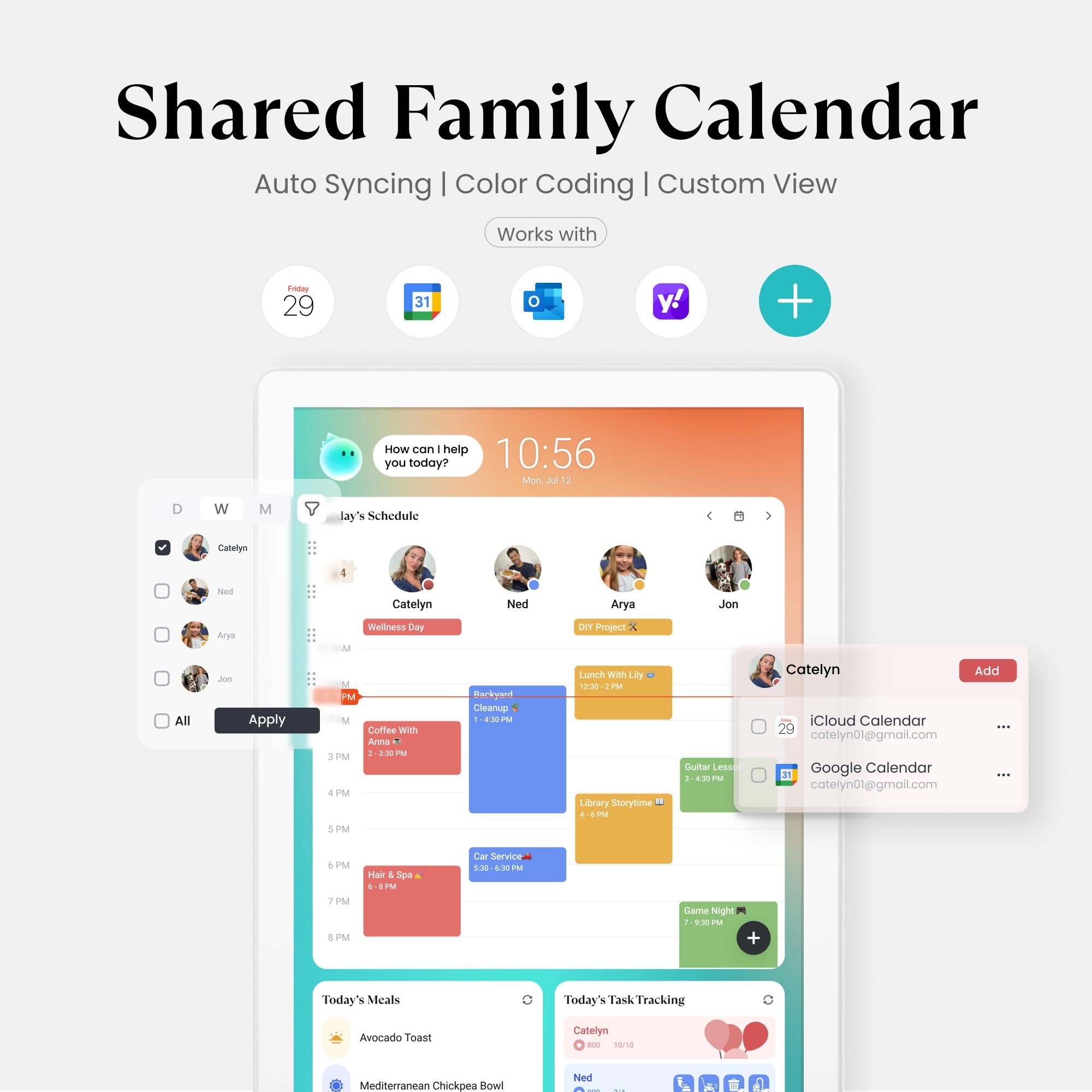
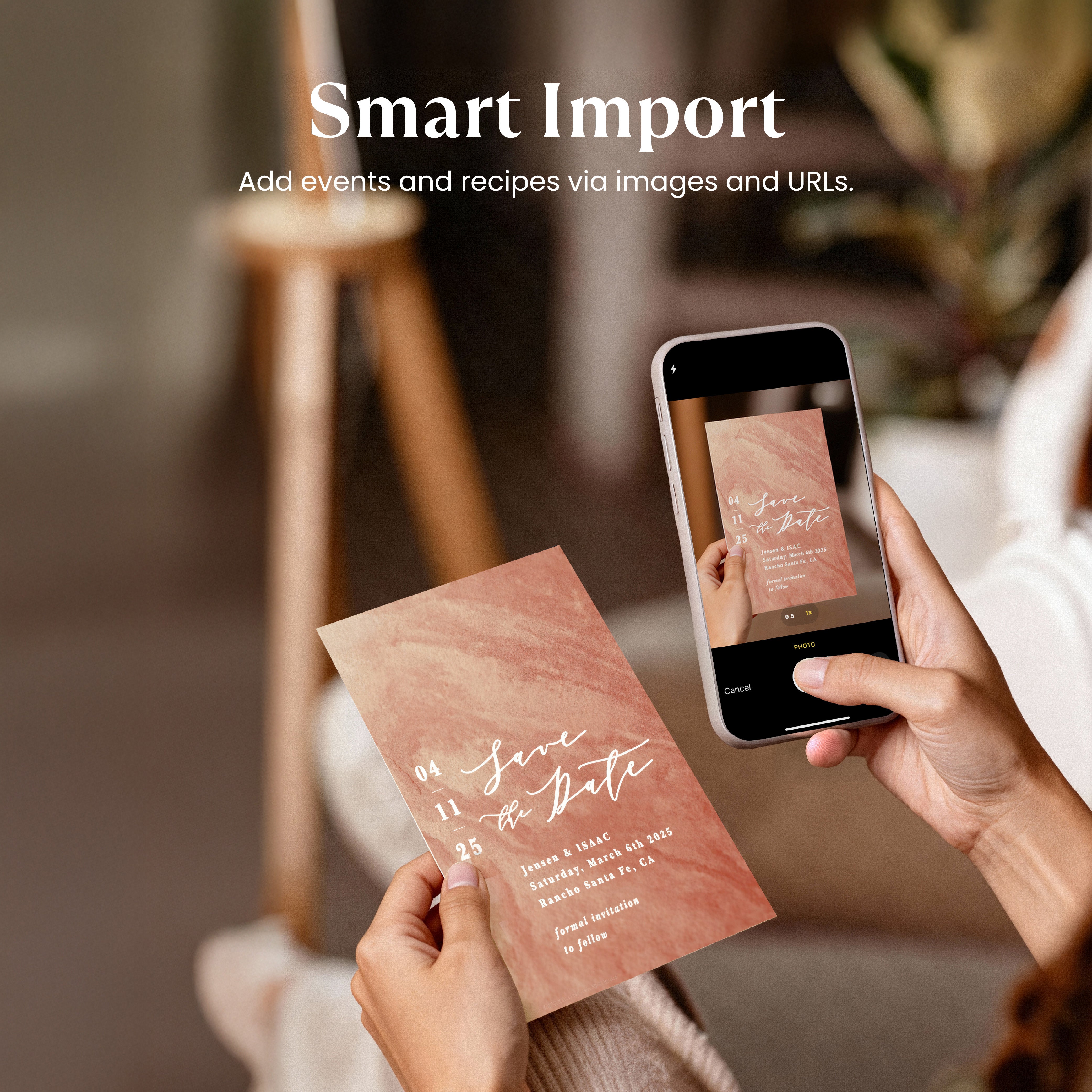
- Family Calendar: Auto sync your Apple, Google, Outlook etc. calendars.
- Family Profiles: Create a profile for each family member and manage everyone's schedule with color coding.
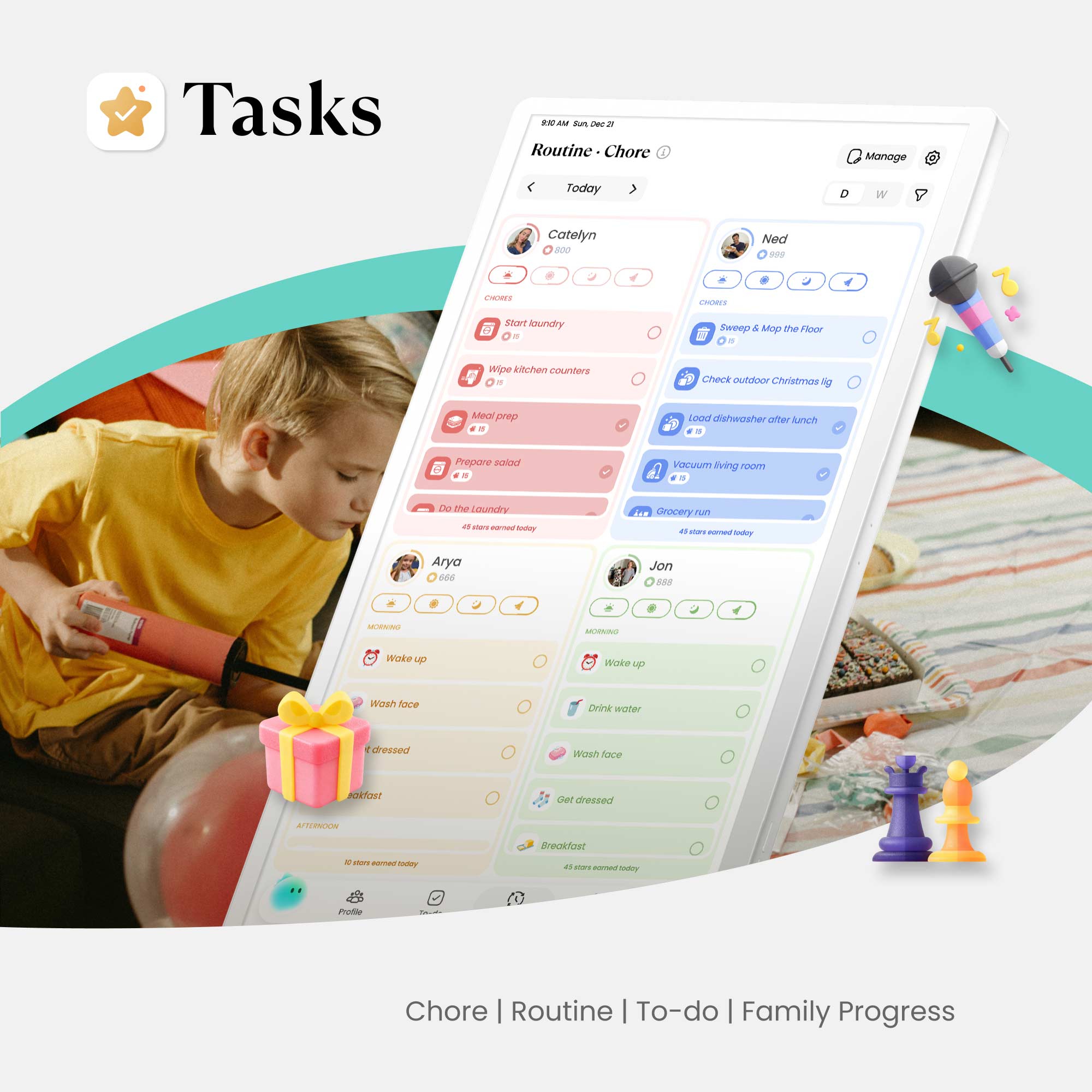
- Chores & Routines: Create chores and routines with point/repetition/reminder.
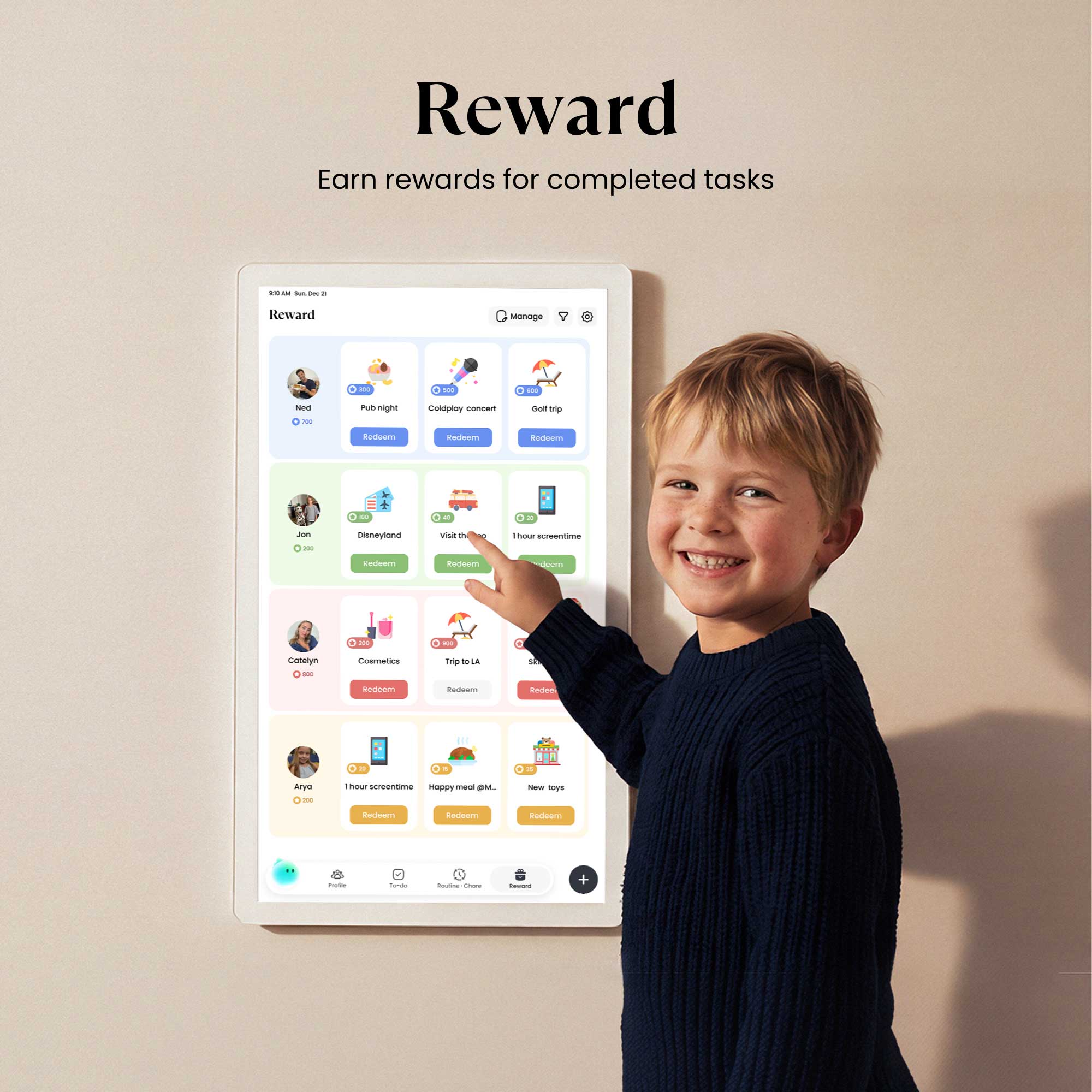
- Rewards: Custom rewards with conditions, and redeem points with approval.
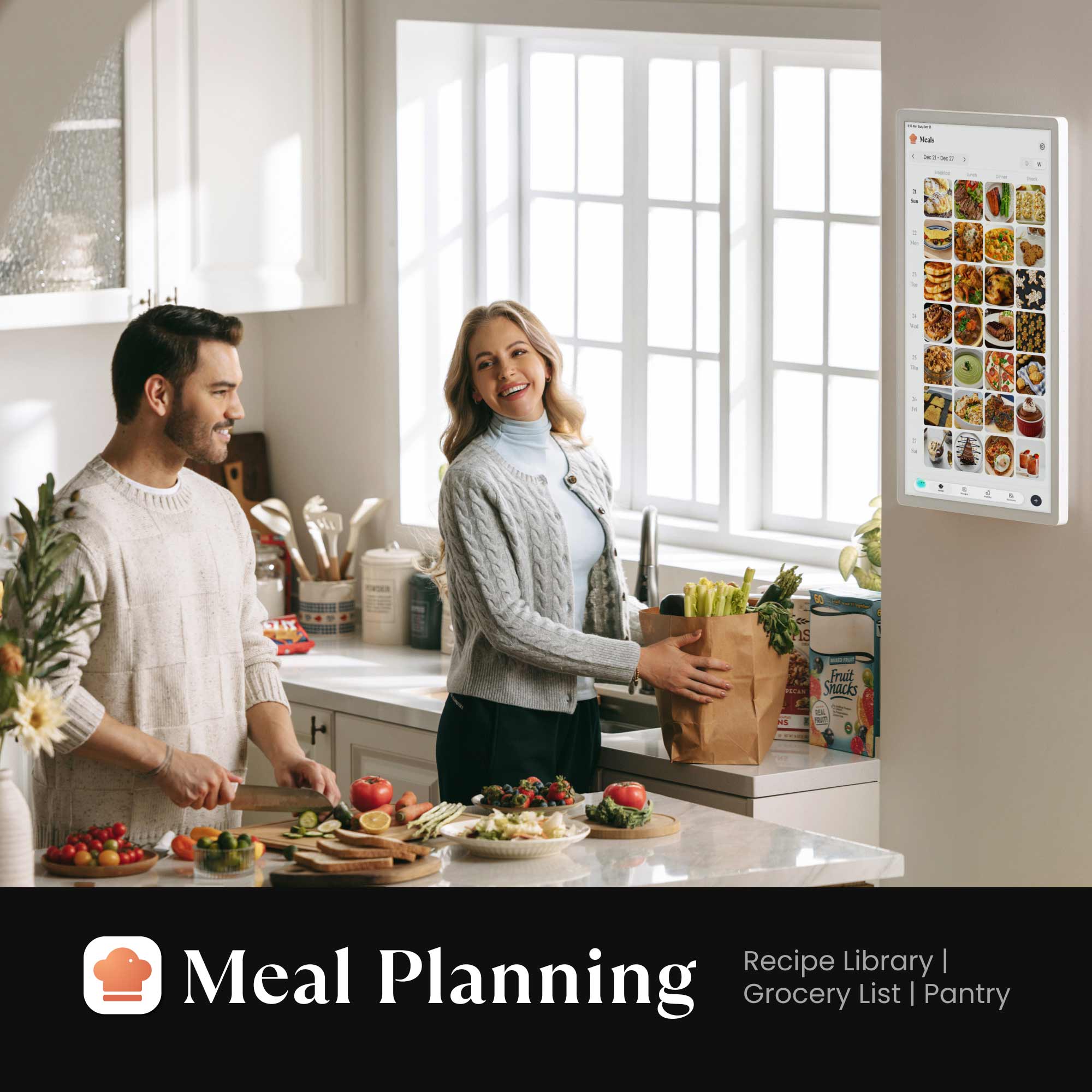
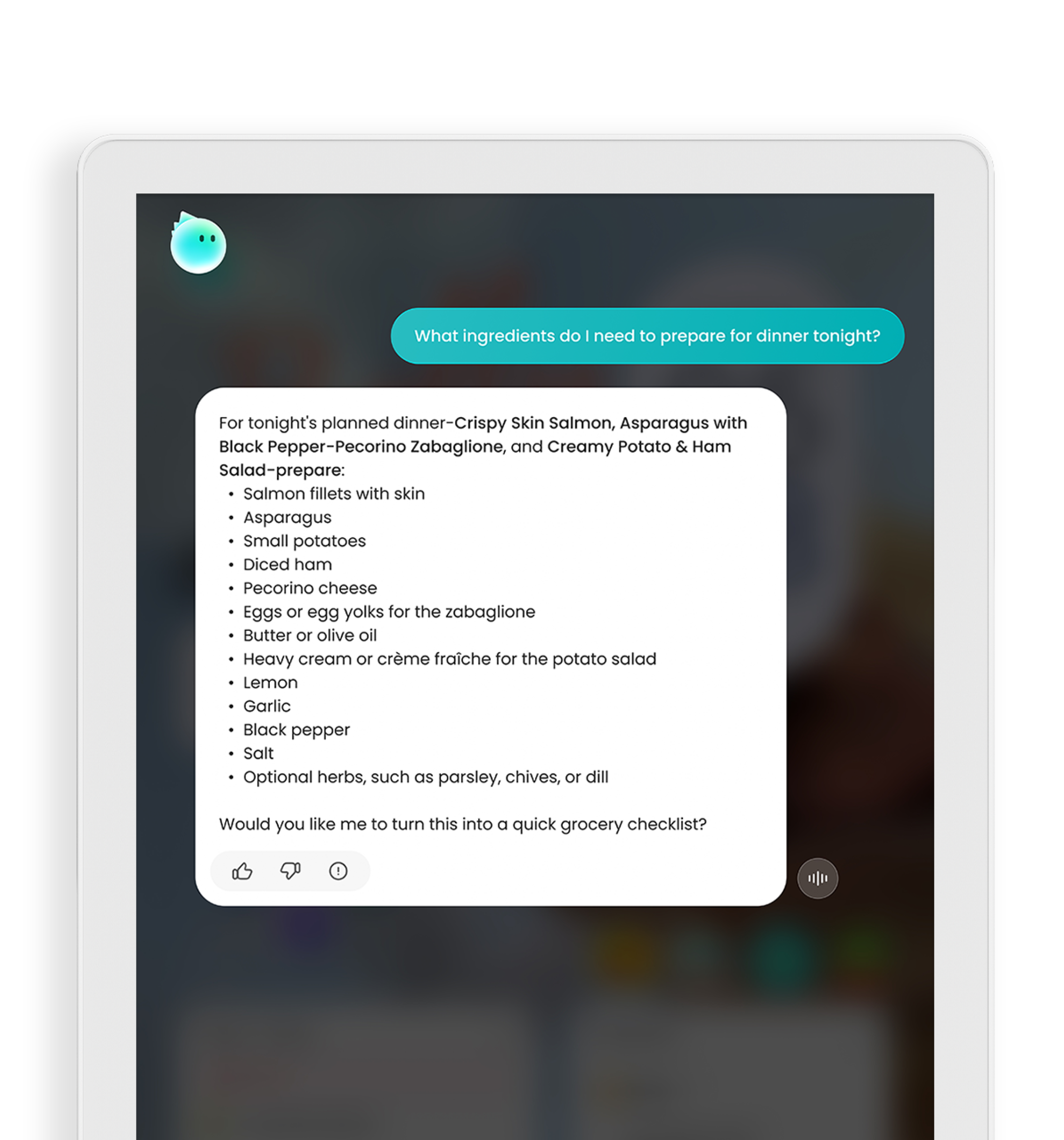
- Meal Planning: Add breakfast/lunch/dinner/snack to daily family meal plan with detailed ingredients and instructions.
- Grocery List: Effortlessly generate a grocery list based on your meal plan.
-
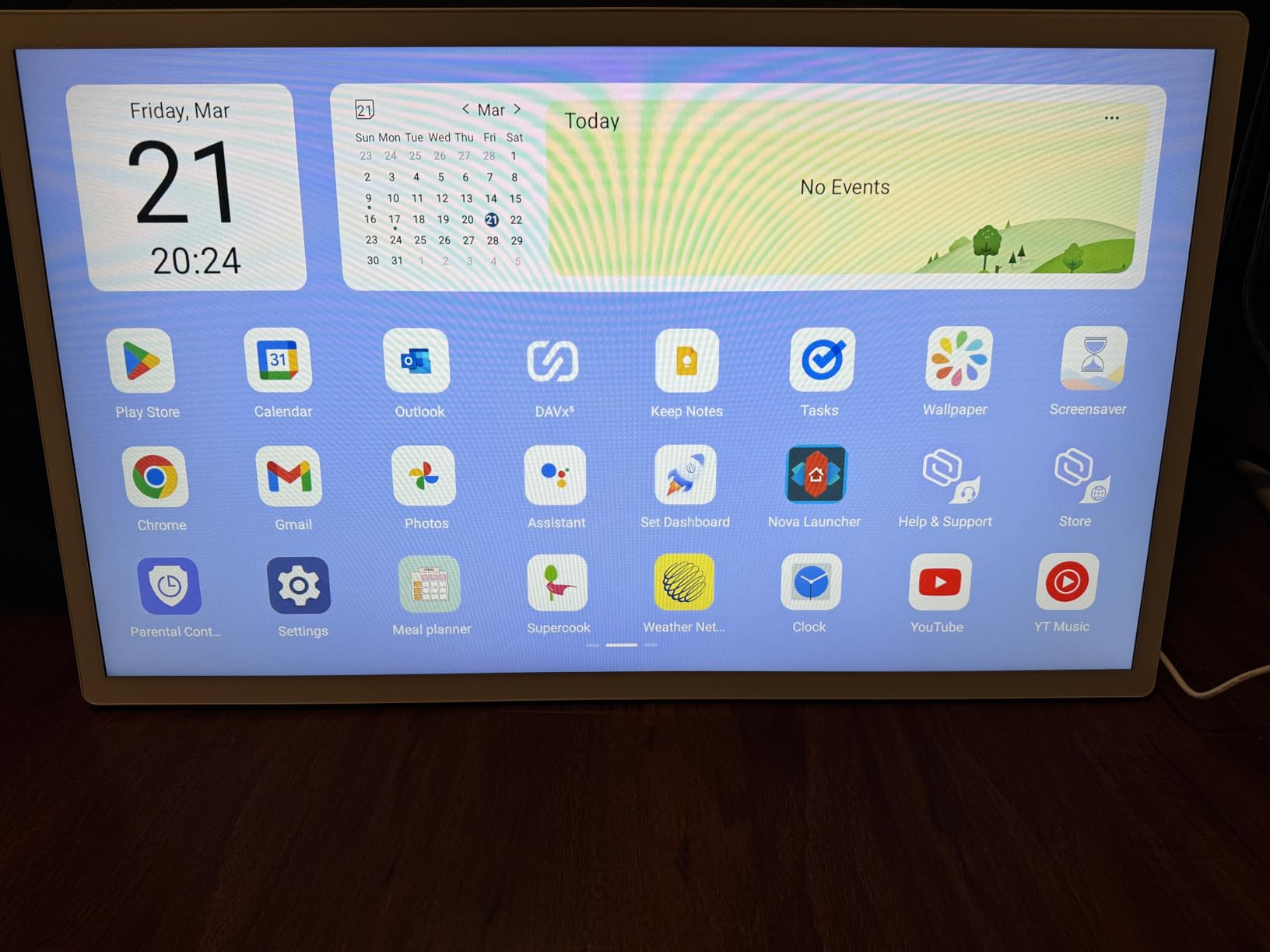
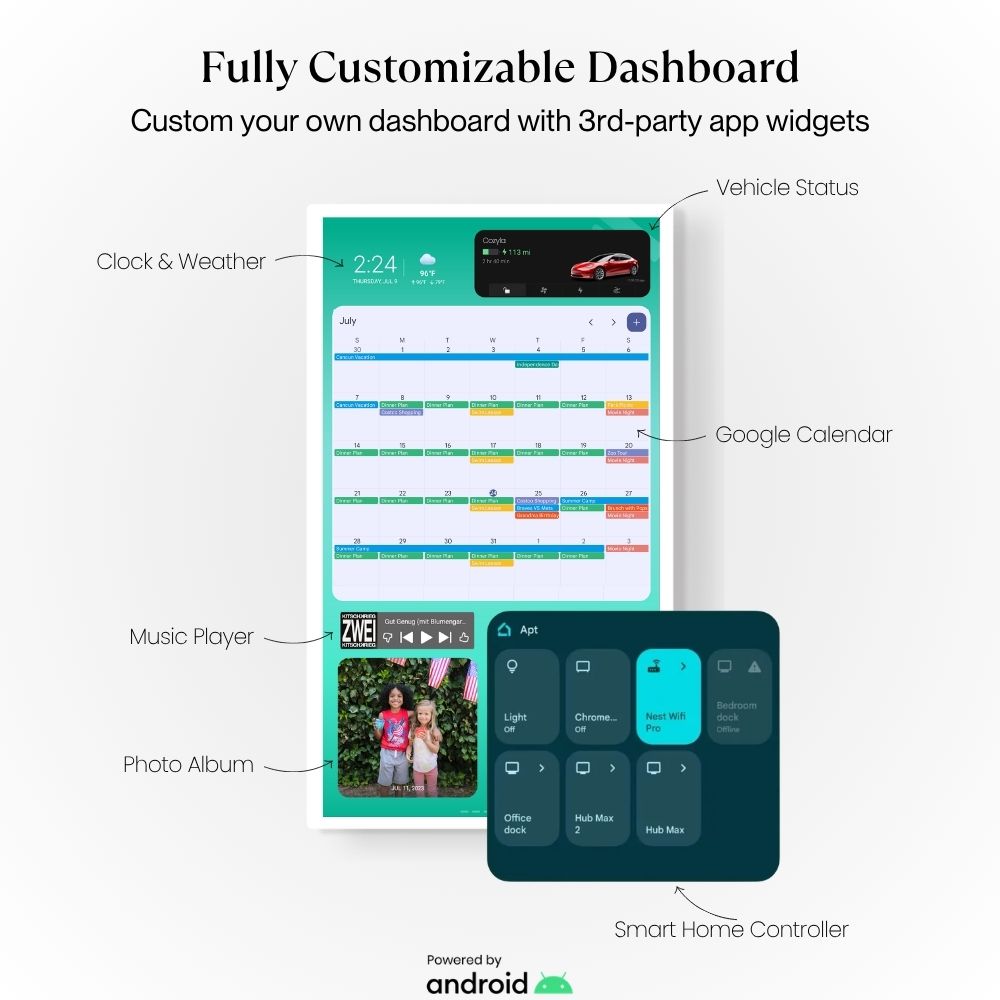
Personalize Dashboard: Customize your screen with every type of widget and customizable wallpaper.
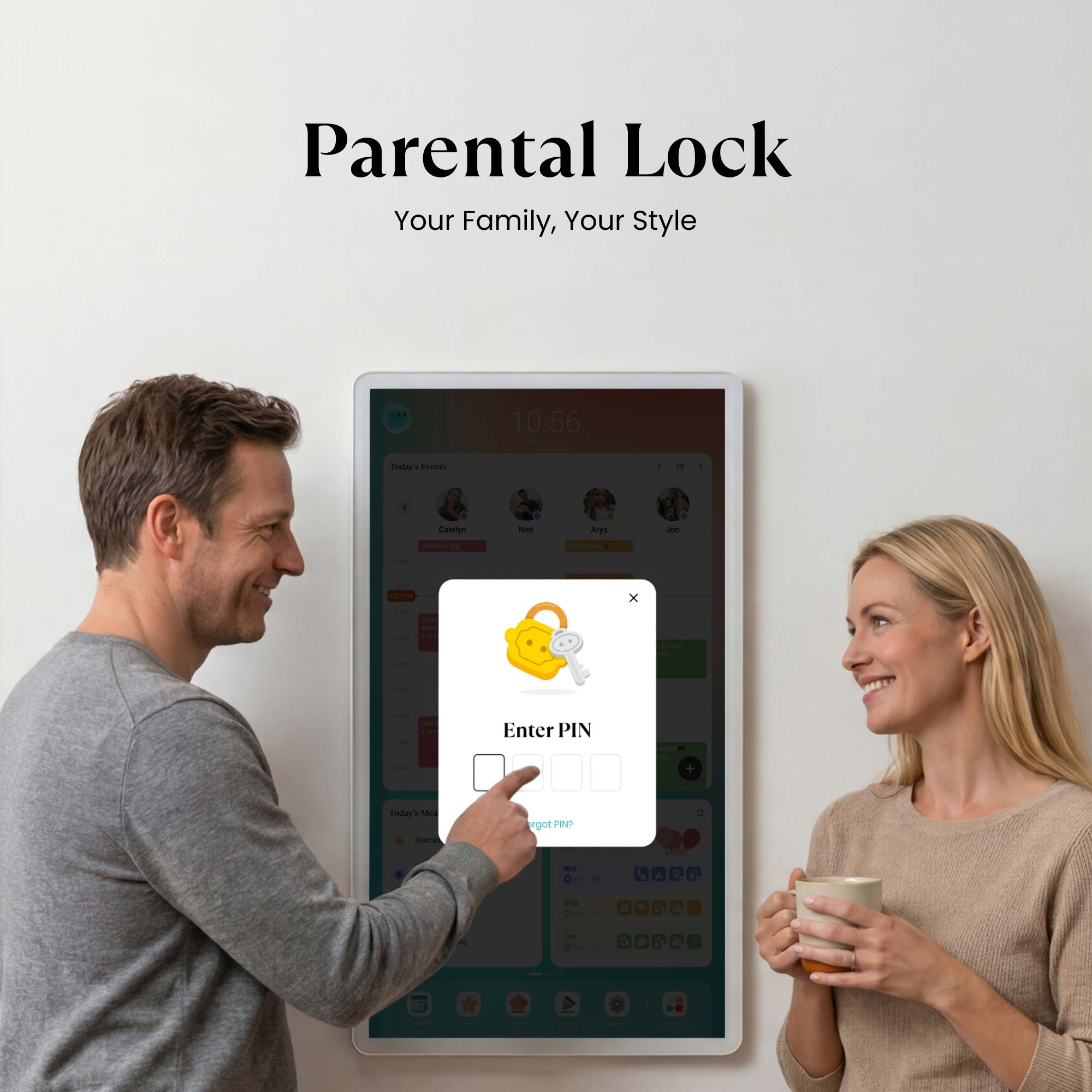
- Parental Lock: Manage screen time, lock specific apps, restrict kids from adding, modifying, or deleting events/chores/rewards etc.
- Entertainment: Access video streaming, Web browser to expand your usage beyond the calendar. (Youtube, Chrome, TikTok and etc.)
- Android App Store: Download the app that you already use on the phone and get the similar experience on a large screen.
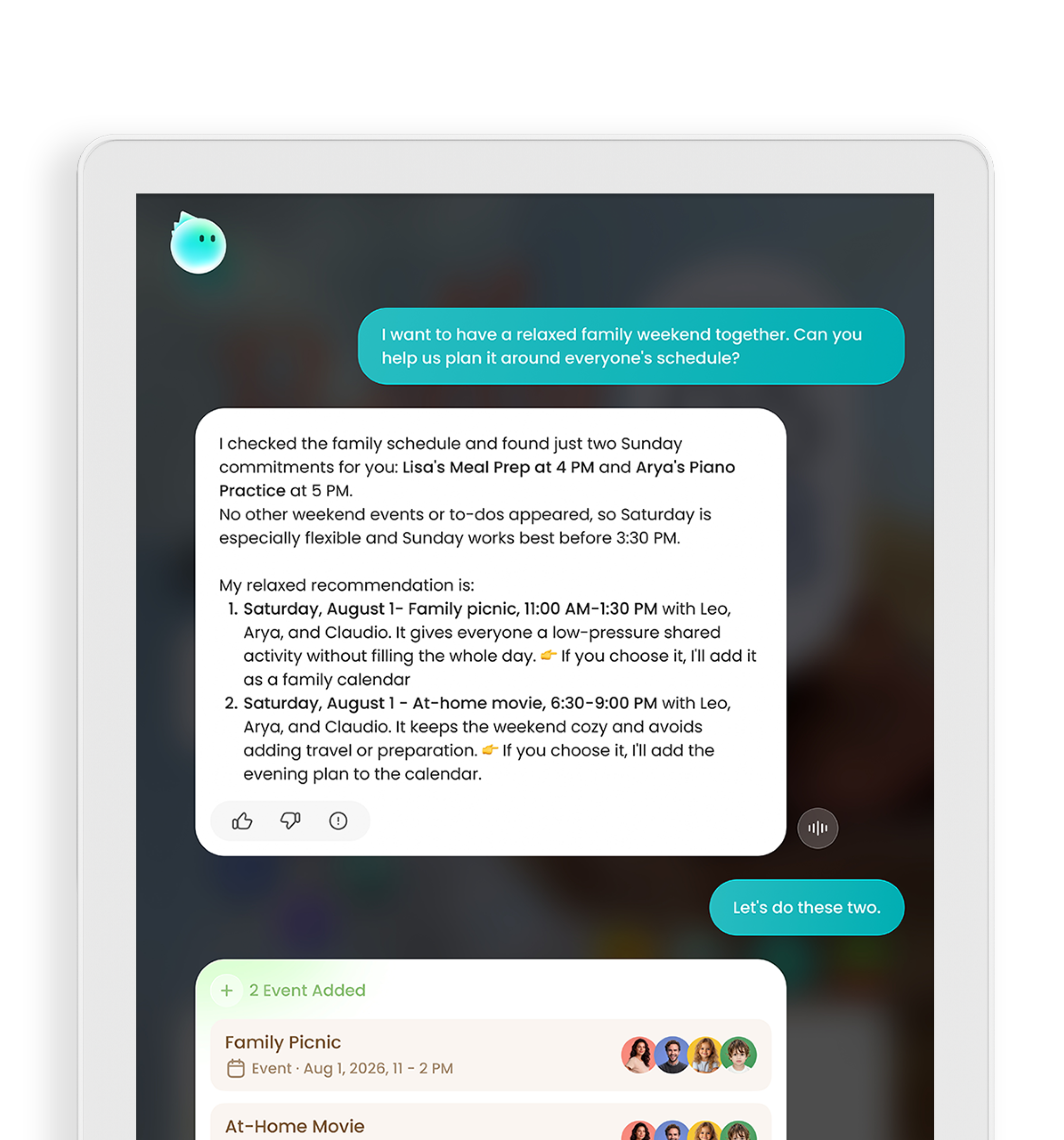
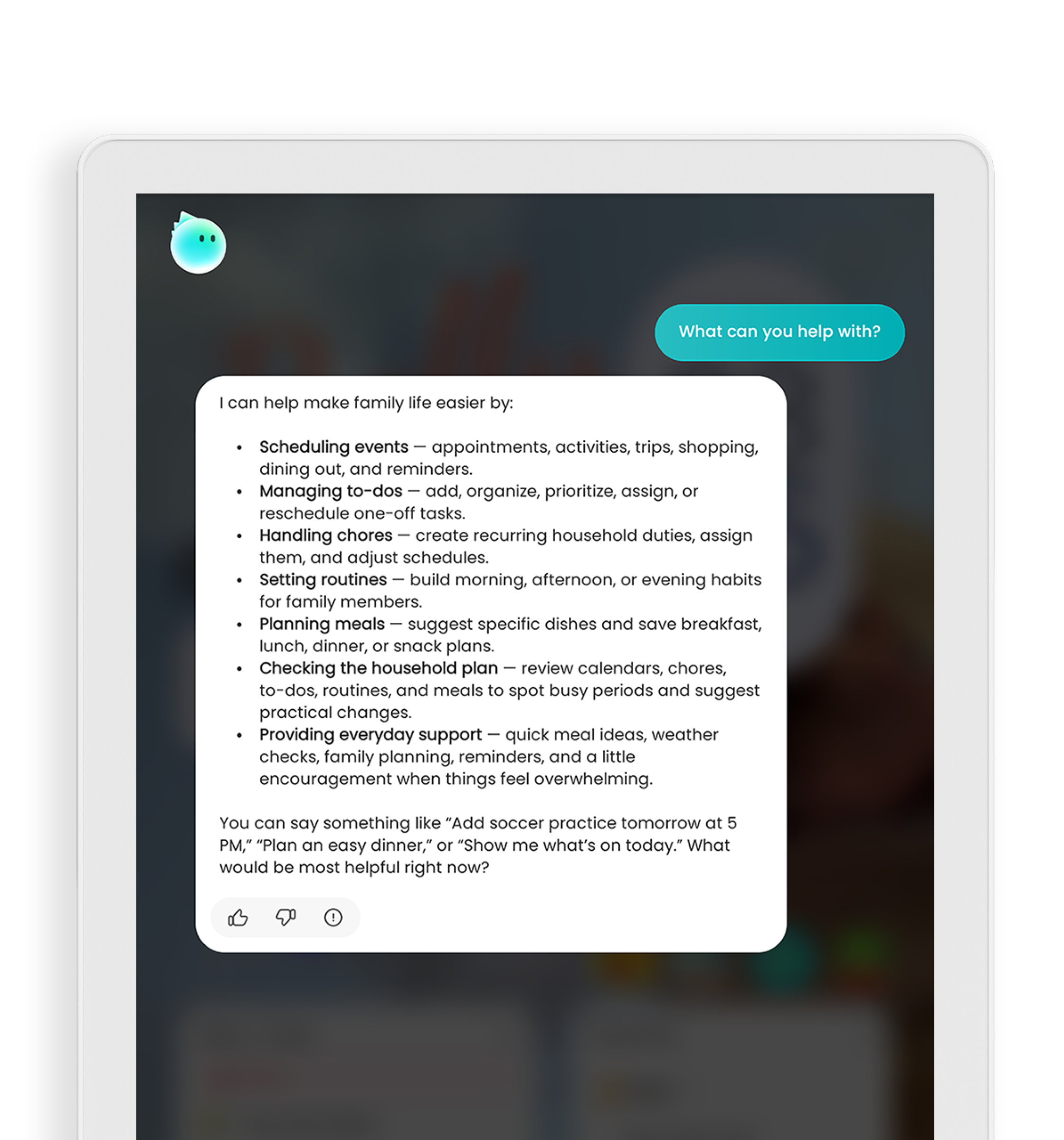
- AI Voice Agent: Add/edit/remove events, chores, to-dos etc. without typing.
- Sleep Mode: Schedule the screen off and on during bedtime to save your energy.
- Time and Weather: Keep abreast of the latest weather forecasts and time updates.
-
Device Syncing: Syncs events, chores, rewards and meal plans across all your Cozyla Calendar and Routie devices.
Live Demo
Explore our demo videos and live demo here.
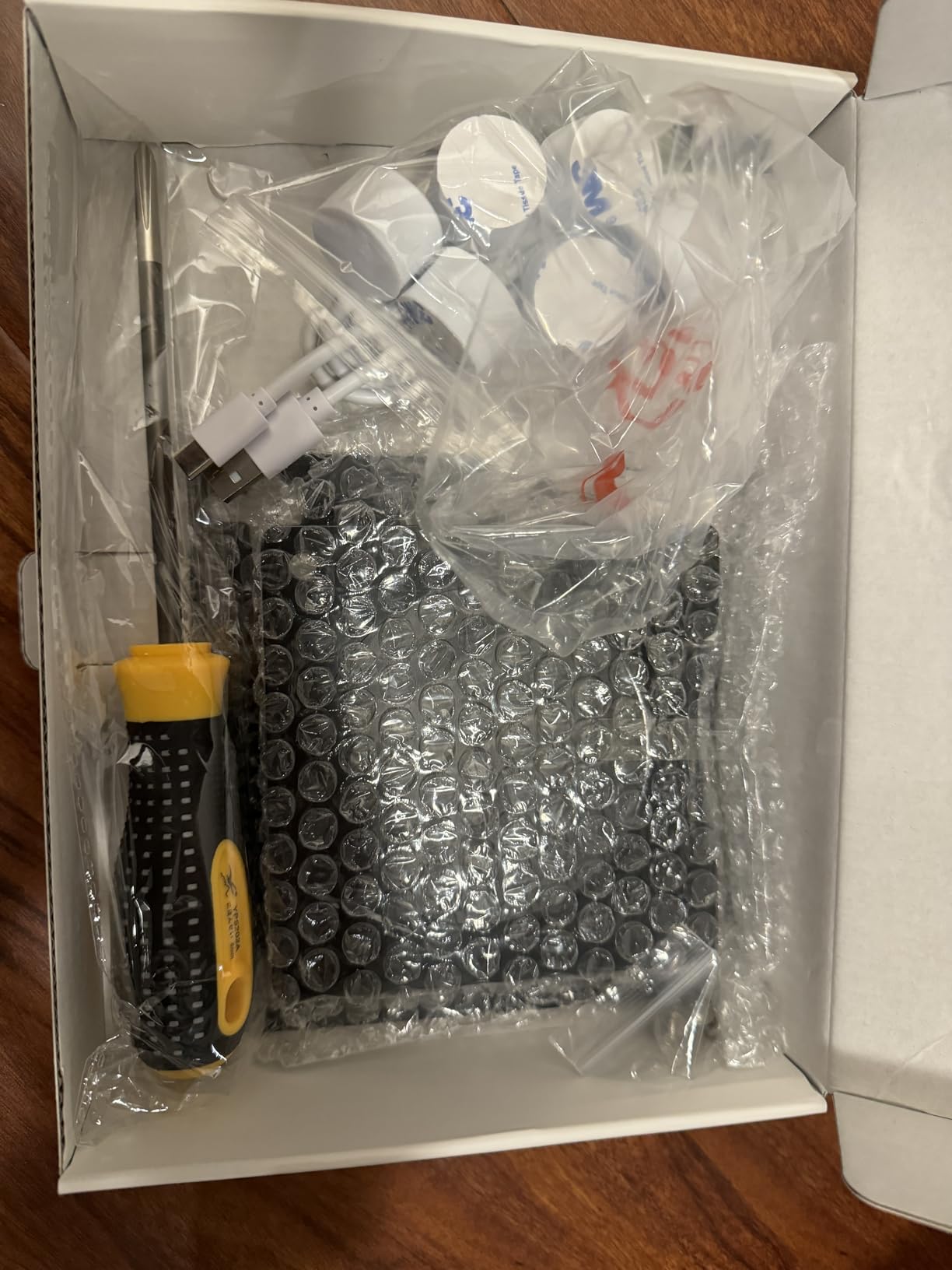
What's in the box?
- Cozyla Calendar Plus 2
- Power Adapter
- Rotating Wall Mount
- User Manuals
*International users: Outlet adapter not included. Cozyla devices come with a US-style plug by default.
32" Cozyla Calendar Plus 2
Ask Anything.
Update Everything.
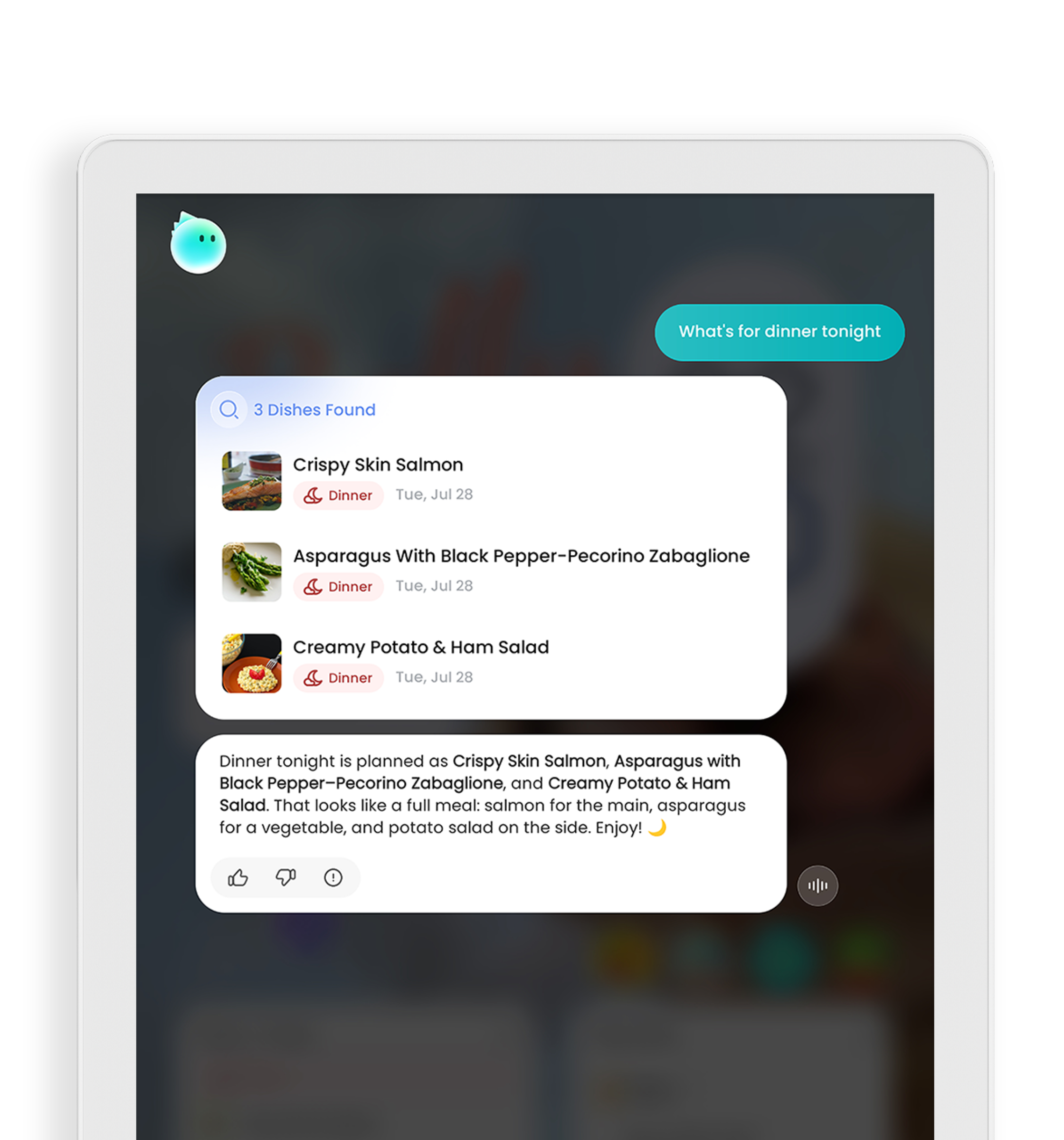
Just ask, and AI-powered Cozyla Voice Agent instantly turns your thoughts into fully mapped schedules so you can stay ahead without the hassle.
Daily Briefing
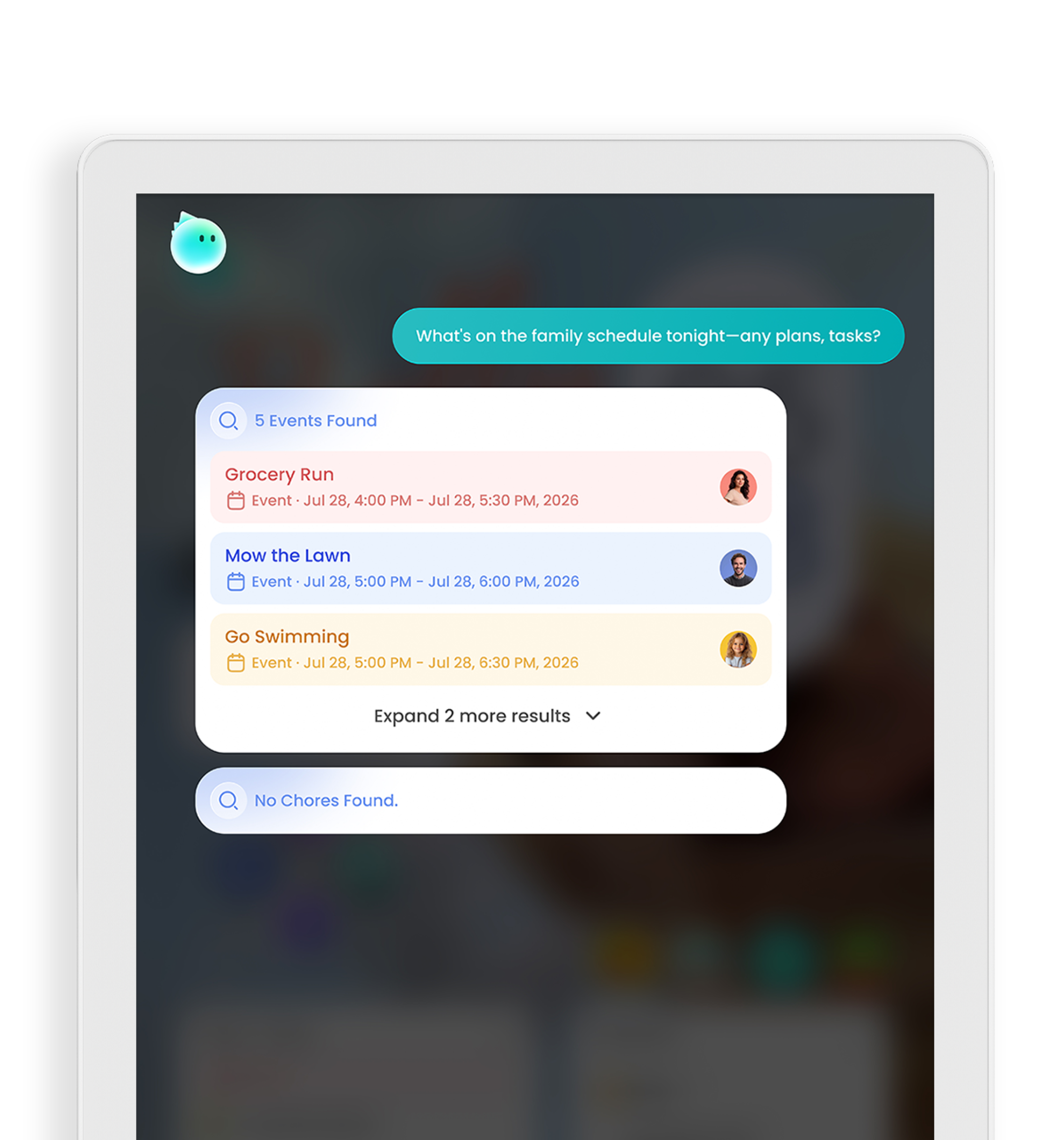
Reminders & Calendar
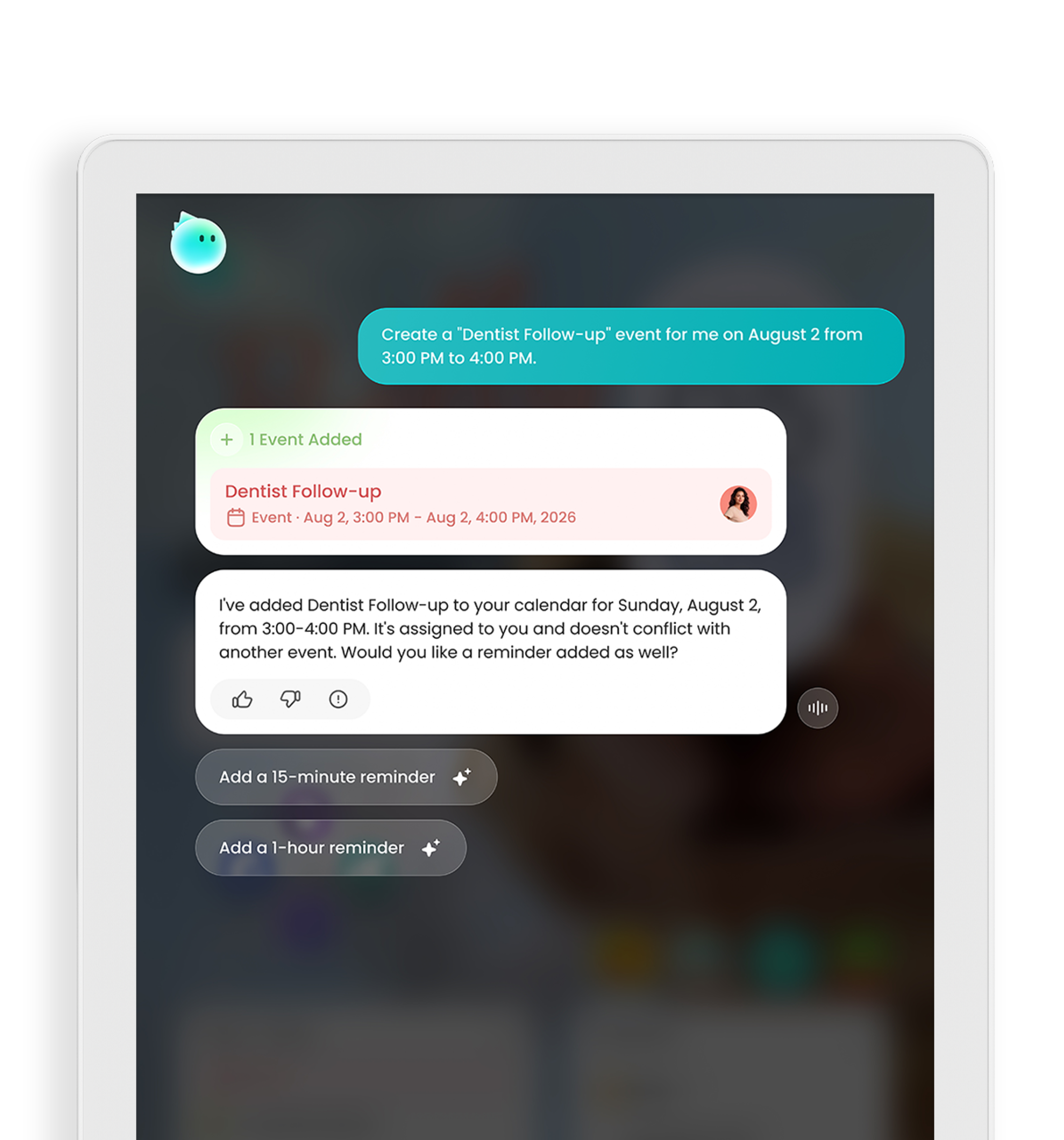
Tasks
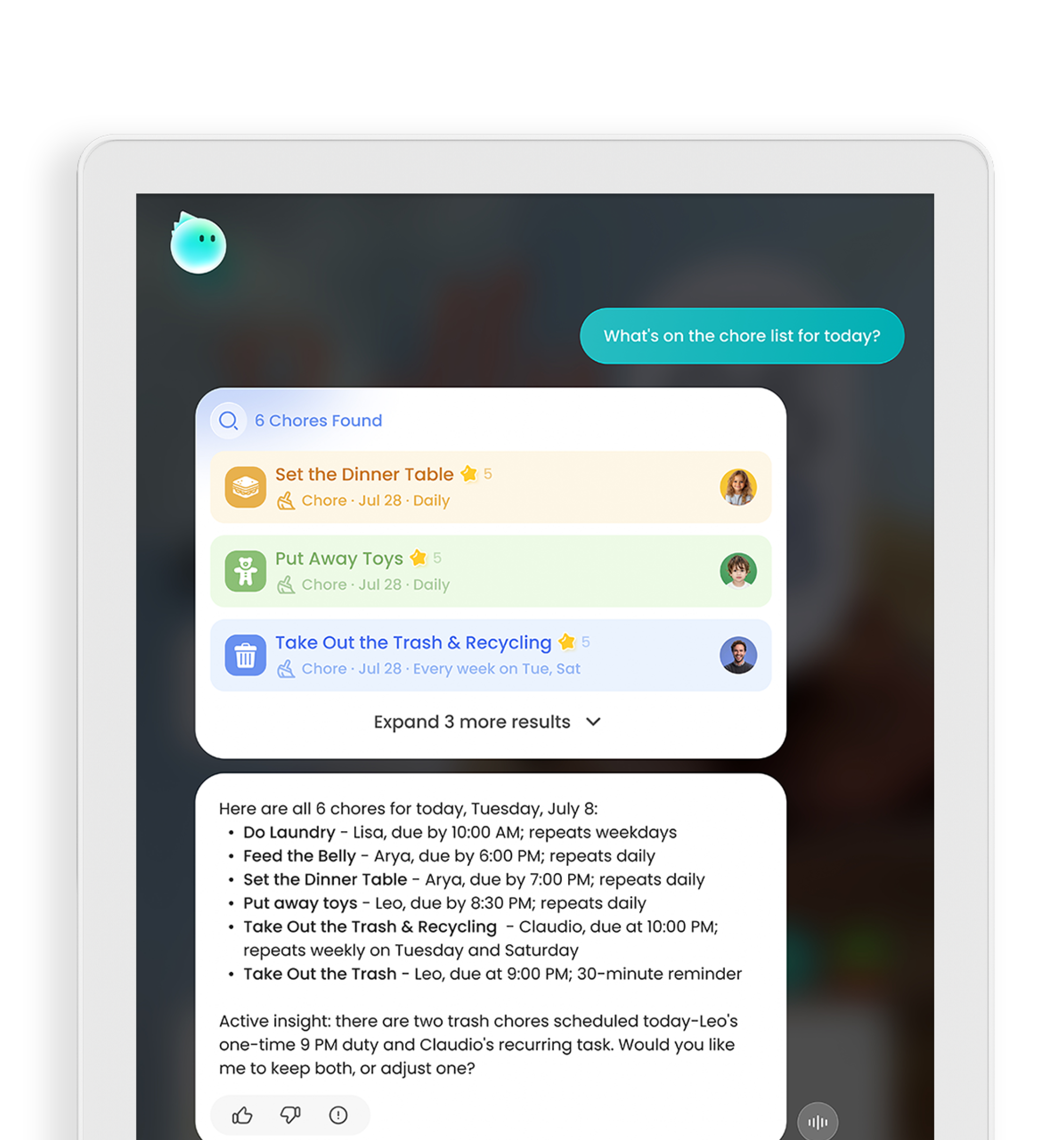
Meals
Plan with Ease
Smart Planning
Just Ask Cozyla
Designed for Every Moment of Family Life
From busy mornings to evenings at home, everything works together to keep your family in sync, organized, and connected.


Help your family to kickstart the day
Start the Day in Sync
Everything your family needs, right from the start. Mornings feels easier as everyone knows what’s next.

Dashboard

Calendar

Tasks


Always on track
Stay Connected Anywhere
Your family stays connected—even when you're apart.

Cozyla+

Auto-Sync

Reminders

Grocery


Sit back and relax
From Chaos to Comfort
From busy evenings to quiet moments, everything flows together.

Meals

Rewards

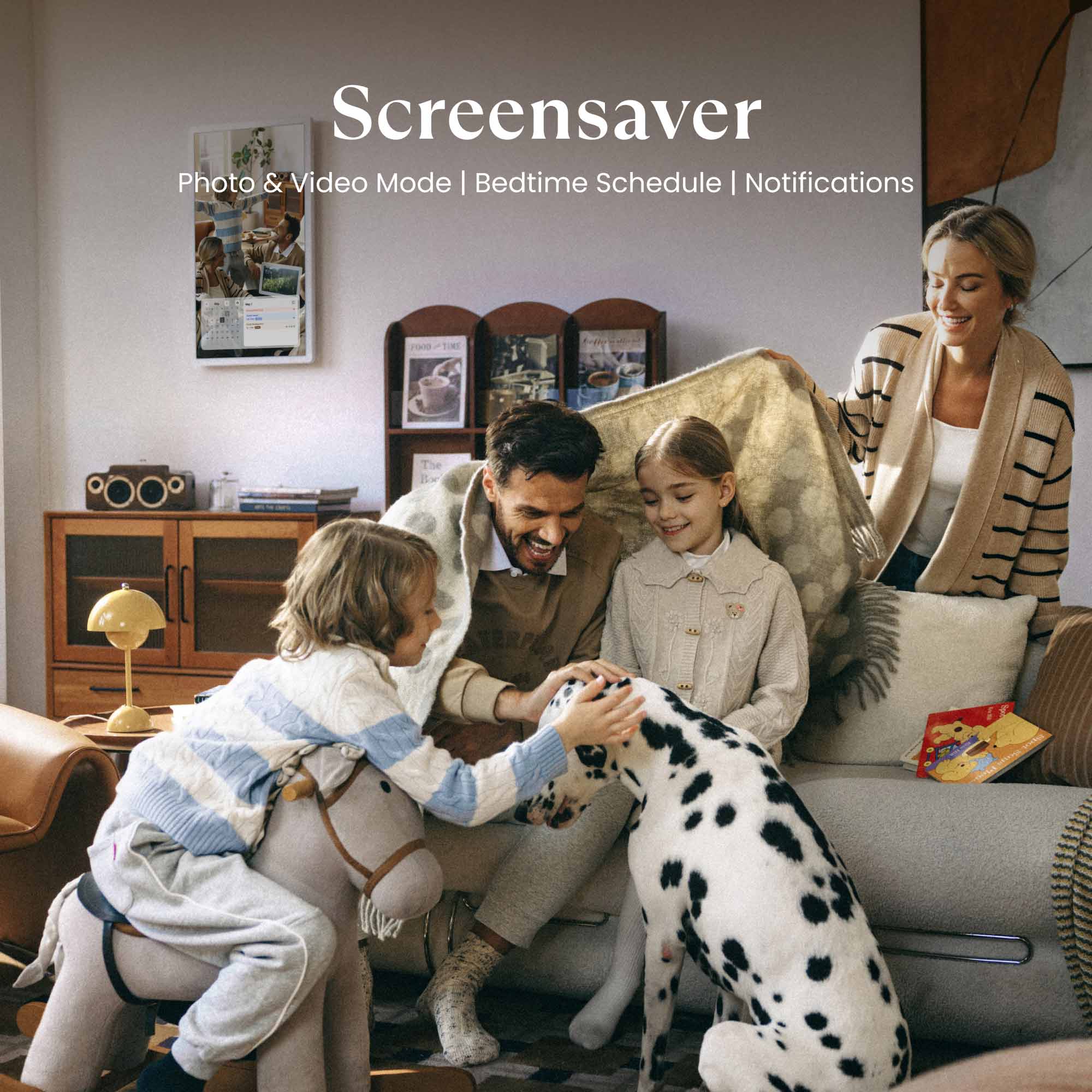
Screensaver

Entertainment
Help your family to kickstart the day
Start the Day in Sync
Everything your family needs, right from the start. Mornings feels easier as everyone knows what’s next.
Dashboard
Calendar
Tasks
Always on track
Stay Connected Anywhere
Your family stays connected—even when you're apart.
Cozyla+
Auto-Sync
Reminders
Grocery
Sit back and relax
From Chaos to Comfort
From busy evenings to quiet moments, everything flows together.
Meals
Rewards
Screensaver
Entertainment
Effortless Daily Rhythm for Families
Powered by CalendarOS, it keeps schedules and tasks organized, help families stay connected and in control.

Calendar
Automatically sync your family life across Google, iCloud, Outlook, Yahoo, and more!

Tasks
Chores for kids, peace for parents, turning "should do" into "want to."

Meals
Elevate your culinary inspirations through step-by-step recipe tutorials!

Dashboard
Your hub, your way. Personalize your Family Hub by adding the information that matters most to every member of the household.

App Store
Curate your own family hub with millions of apps from the Google Play Store.

And More to Explore
All the extra perks that come along with your Cozyla Calendar+ 2!


Celebrated and Trusted by the World’s Leading Media
Our innovative products and services have been widely recognized and consistently praised by leading media outlets, showcasing our exceptional quality, industry impact, and commitment to excellence.

"Display all the details day by day, color-coded by household member."

"With calendar, task, meal planning, shopping, streaming ... it's a useful tool to help you get organized."

"Cozyla can be whatever you make of it."
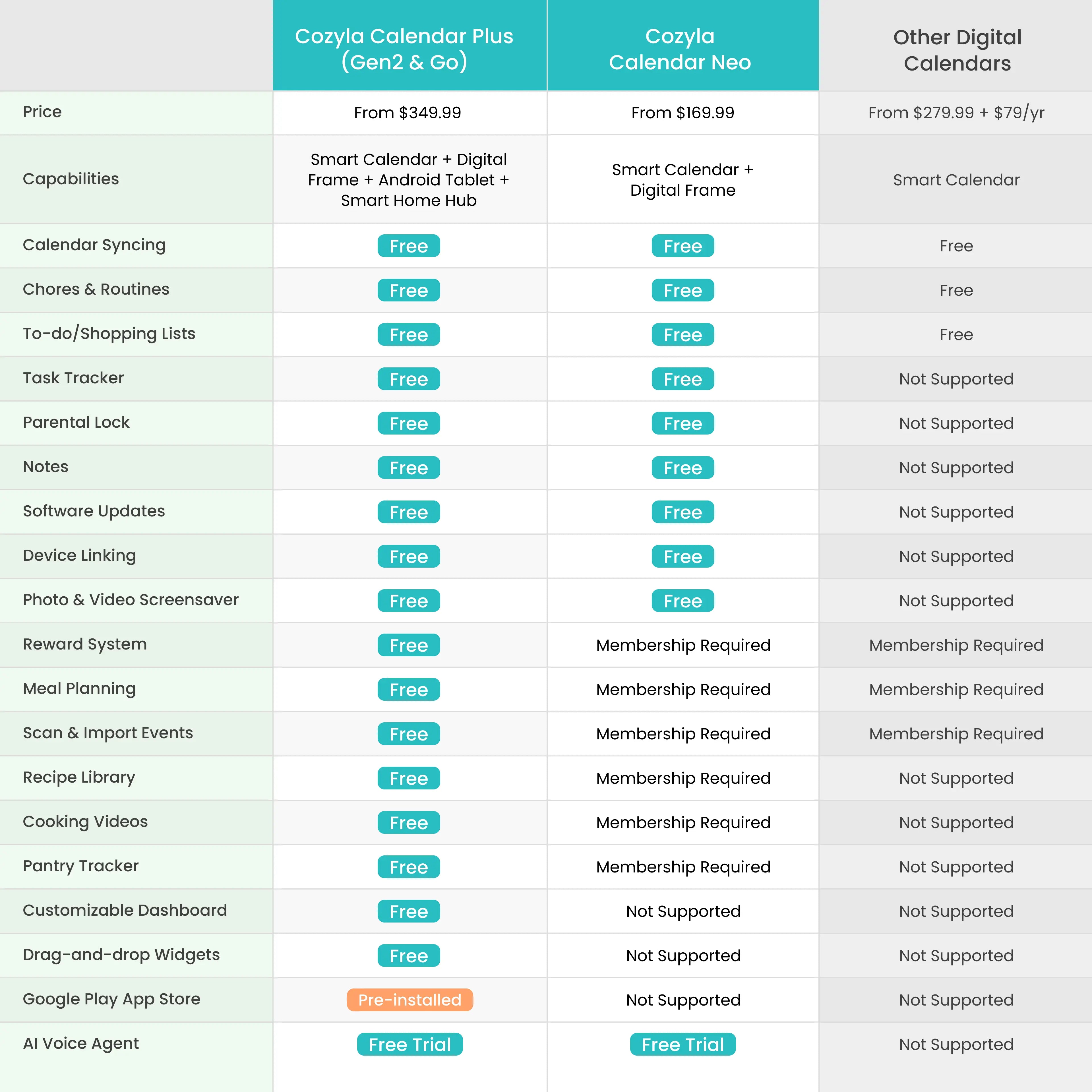
Not sure which Calendar
is right for you?
is right for you?


29.29 x 17.28 x1.4"
16.8 lbs
29.29 x 17.28 x1.4"
16.8 lbs

1080p FHD
4K UHD

Third-Party Apps Supported
Third-Party Apps Supported

Webcam Not Supported
Webcam Not Supported

Rotating Wall Mount Included
Rotating Wall Mount Included

USB Type C
USB Type C
USB Type A
See Real Families
in Action


FAQs
How do I choose the right Cozyla model and screen size for my family and space?
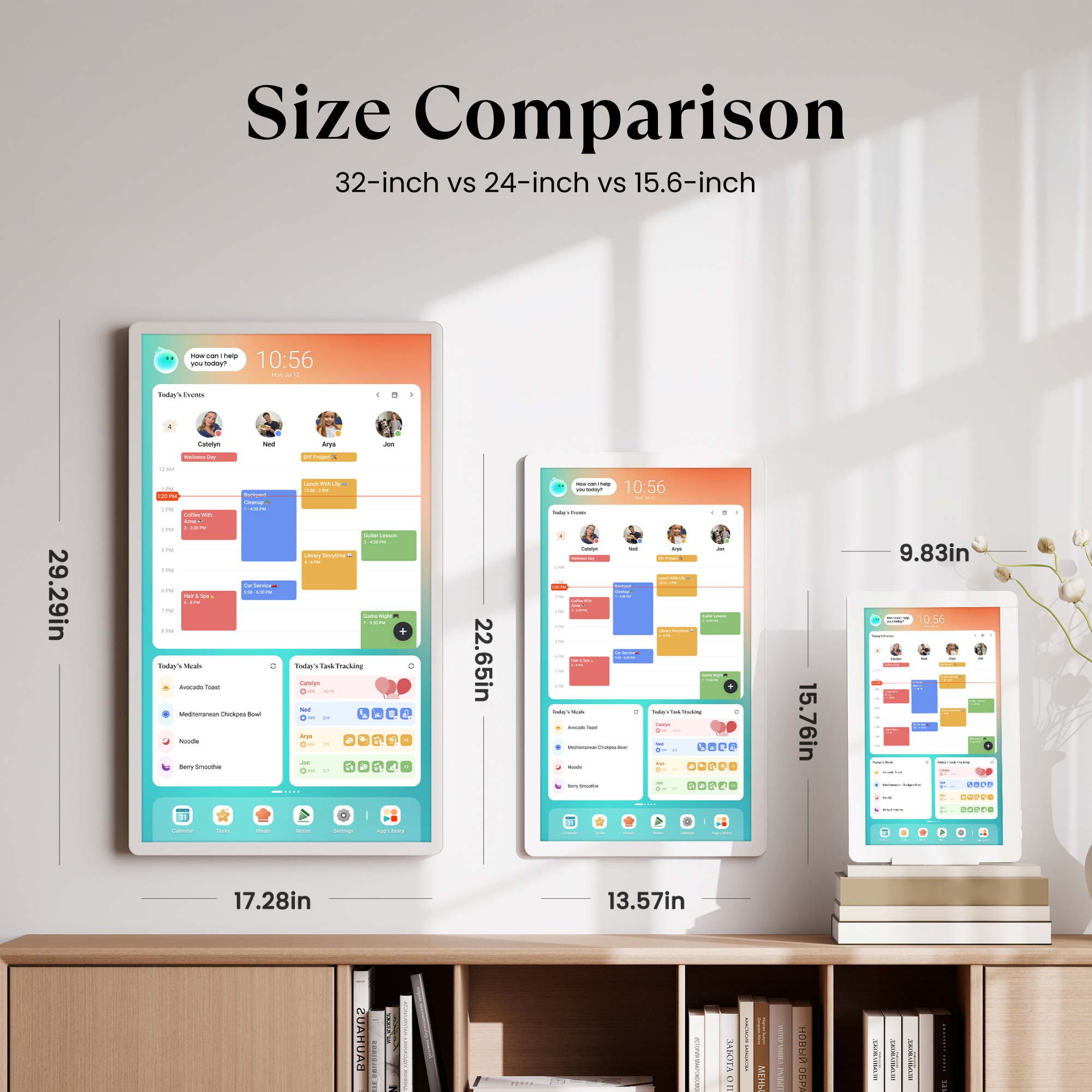
The 32-inch model is our most popular choice, offering the best visibility in kitchens and shared spaces; if you need mobility, the 32-inch Calendar+ Go provides the same experience with a rechargeable rolling stand. The 24-inch version is a good fit for medium-size areas and can also be wall-mounted for a cleaner setup. The 15.6-inch model is best for small counters or desks, making it a compact option for tighter spaces.
Can I sync and share information across multiple Cozyla devices?
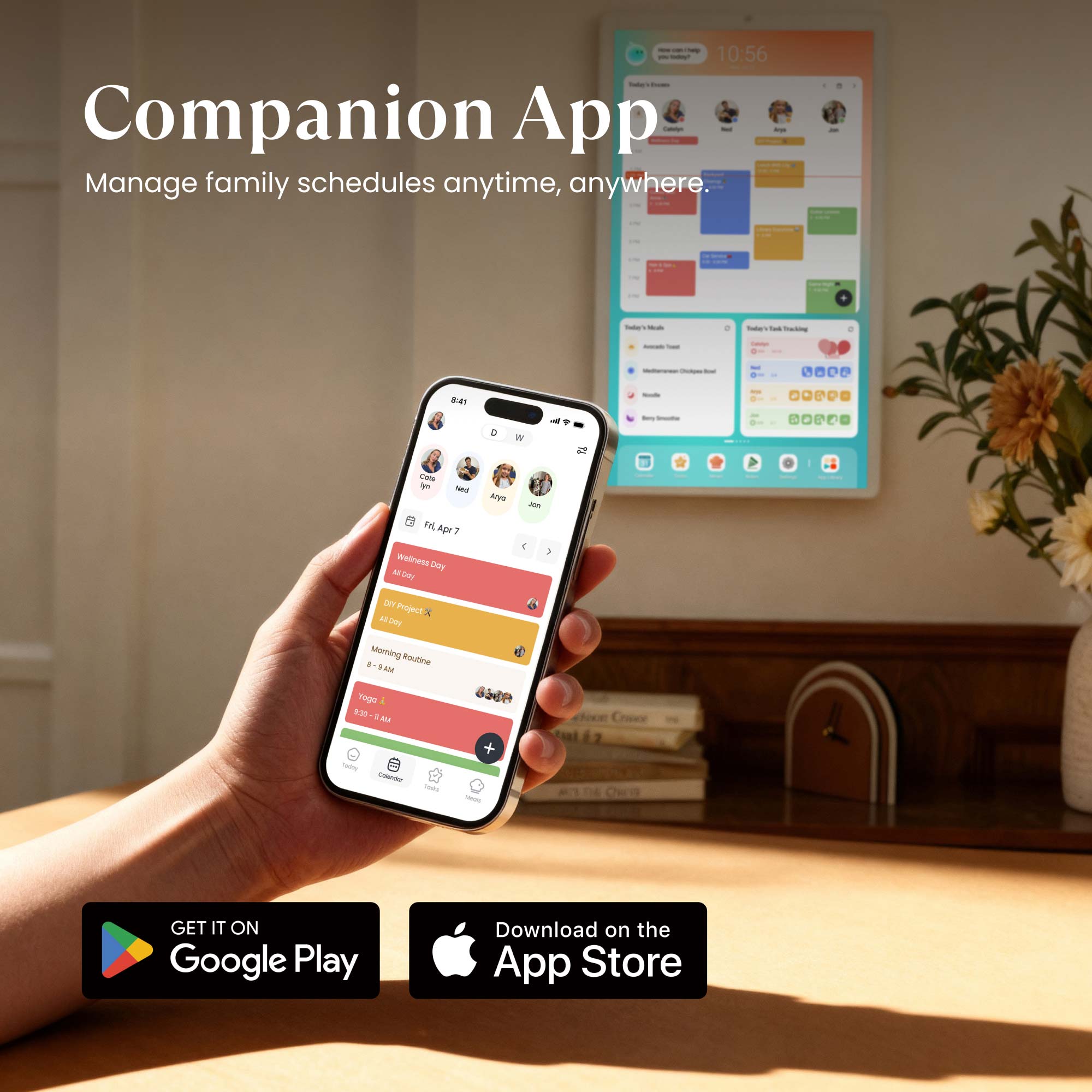
Yes. Just use the same Cozyla ID on all your devices, including Cozyla Calendar and Cozyla Routie. Multiple family members can also log into the Cozyla+ companion app on their phones using that same account — so everything updates in real time across all devices and phones.
What’s the difference between the Tablet TV and Calendar Plus Go?
Both are 32-inch Android touchscreens with a rolling stand. The difference is that Calendar+ Go pre-installed with our CalendarOS as an extra, which includes advanced features like Dashboard, Calendar, Tasks, and Meals, etc. — making it a true family hub.
Can I sync my existing calendars and the family's with Cozyla?
Yes! Cozyla Calendar Plus supports auto-syncing with Apple, Google, Outlook, CalDAV, and URL-based calendars. We also support true two-way sync, so any edits you make on our device will automatically sync back to your phone.
How many family member's profiles are supported?
Cozyla supports up to 8 user profiles. Within each profile, there’s no limit to the number of calendar accounts you can sync.
Can it be used as a photo frame?
Yes, use the Screensaver feature to display a rotating slideshow of your favorite photos and videos.
Can Cozyla function as a smart home hub?
Yes. Cozyla Calendar Plus can control smart devices through apps like Google Home & Amazon Alexa — simply download the app and manage your lights, cameras, and more directly from the display.
Are there any voice command capabilities, such as Google Assistant or Alexa?
Yes. Cozyla Calendar Plus supports both Google Assistant and Alexa.
Does it support streaming media apps?
Yes. Cozyla Calendar Plus supports a wide range of popular streaming apps, including video and music services. You can easily install them from the built-in app library and enjoy the same entertainment your family already loves.
How does Cozyla protect my privacy and data?
At Cozyla, safeguarding your privacy is our highest priority. All services are hosted on Amazon Web Services (AWS) in the United States, where your data is securely stored and protected by industry-leading standards. Your personal information is never sold to third parties, and every feature of Cozyla is designed with transparency and security at its core.
Customers praised this family calendar for organizing schedules, appointments, and activities. The rewards system motivates kids to complete chores. Shoppers appreciated the structure it brings, though some want more screensaver options and enhanced app controls. Overall, customers found it "worth the splurge."
- My kids are eager to get chores done so they can cool rewards.
- A great addition to our family craziness.
- Overall the splurge was worth it!
This calendar has been a great addition to our family. I like that everyone’s calendar is in one place, I can set chores/routines/to-do lists for family members, and the meal planning. I also like that I can listen to music or a show while I’m spending time in my kitchen. Also very happy that there’s not an annual subscription requirement. I would definitely purchase again!
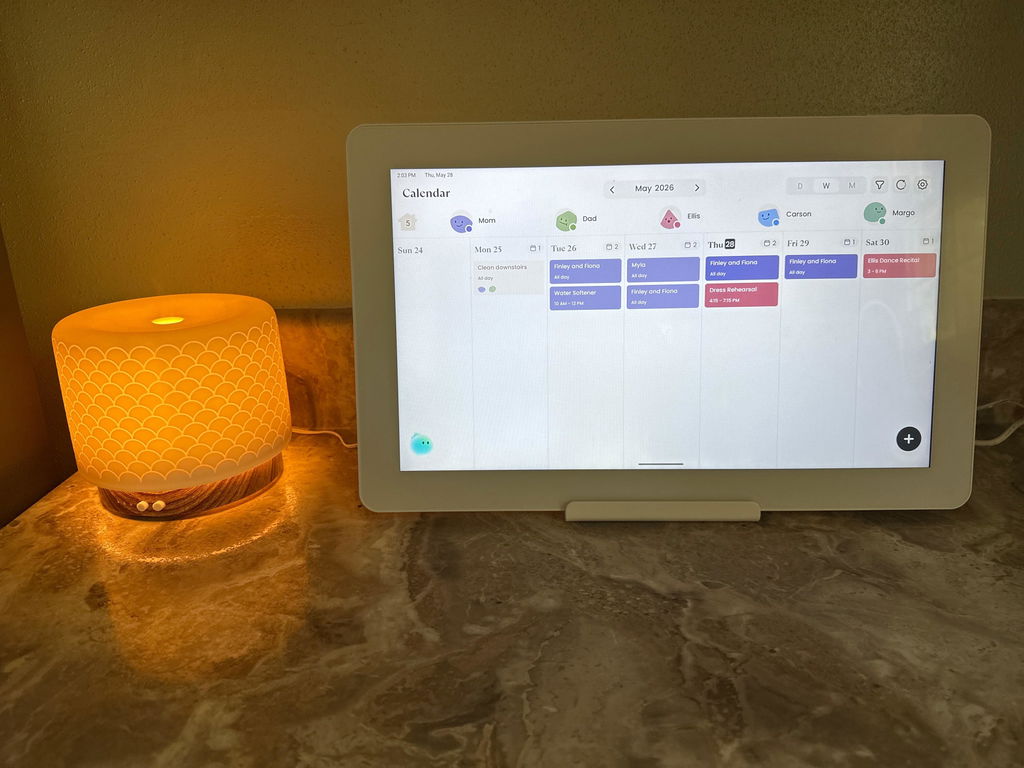
The digital calendar is an amazing addition to any household. It would be advised that the sound system be upgraded to support the cost and functionality of the device. It has the options to download additional applications to support a user. In the future, maybe there is an option for different wallpapers or different screensavers that can be utilized with the calendar.
We have had nothing but success with family organization, and it is easier for us as parents to plan trips and events due to the transparency of everyone putting their schedule on a centralized calendar.
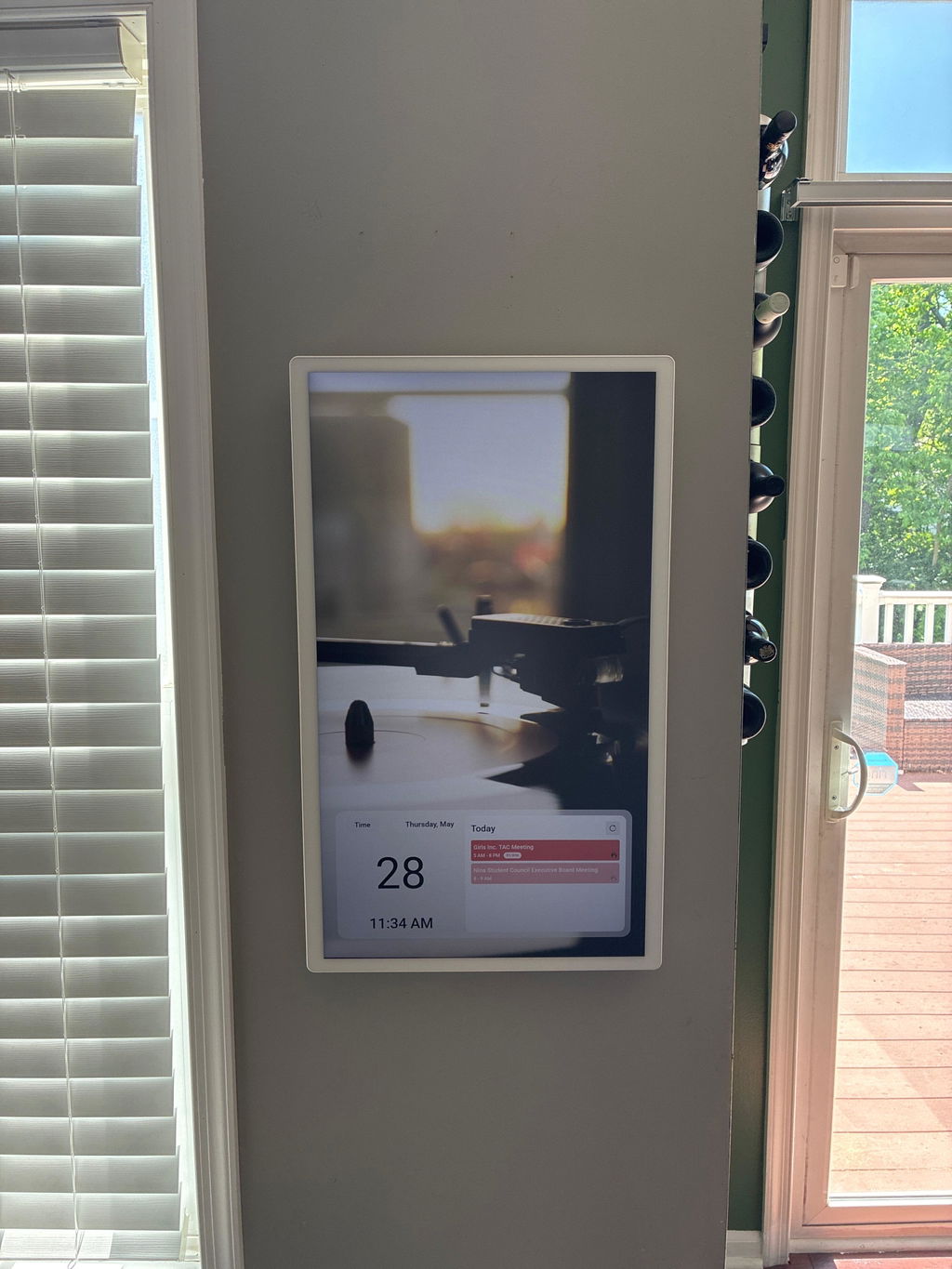
The cozyla calendar has been a great addition to our family craziness. My kids have loved the rewards and tasks section and we've loved having more structure and organization with our schedule.
I would love to see more options for the screensavers, better display for notes, as well as the ability to control more within the app (such as settings). But overall the splurge was worth it! Thanks Cozyla!
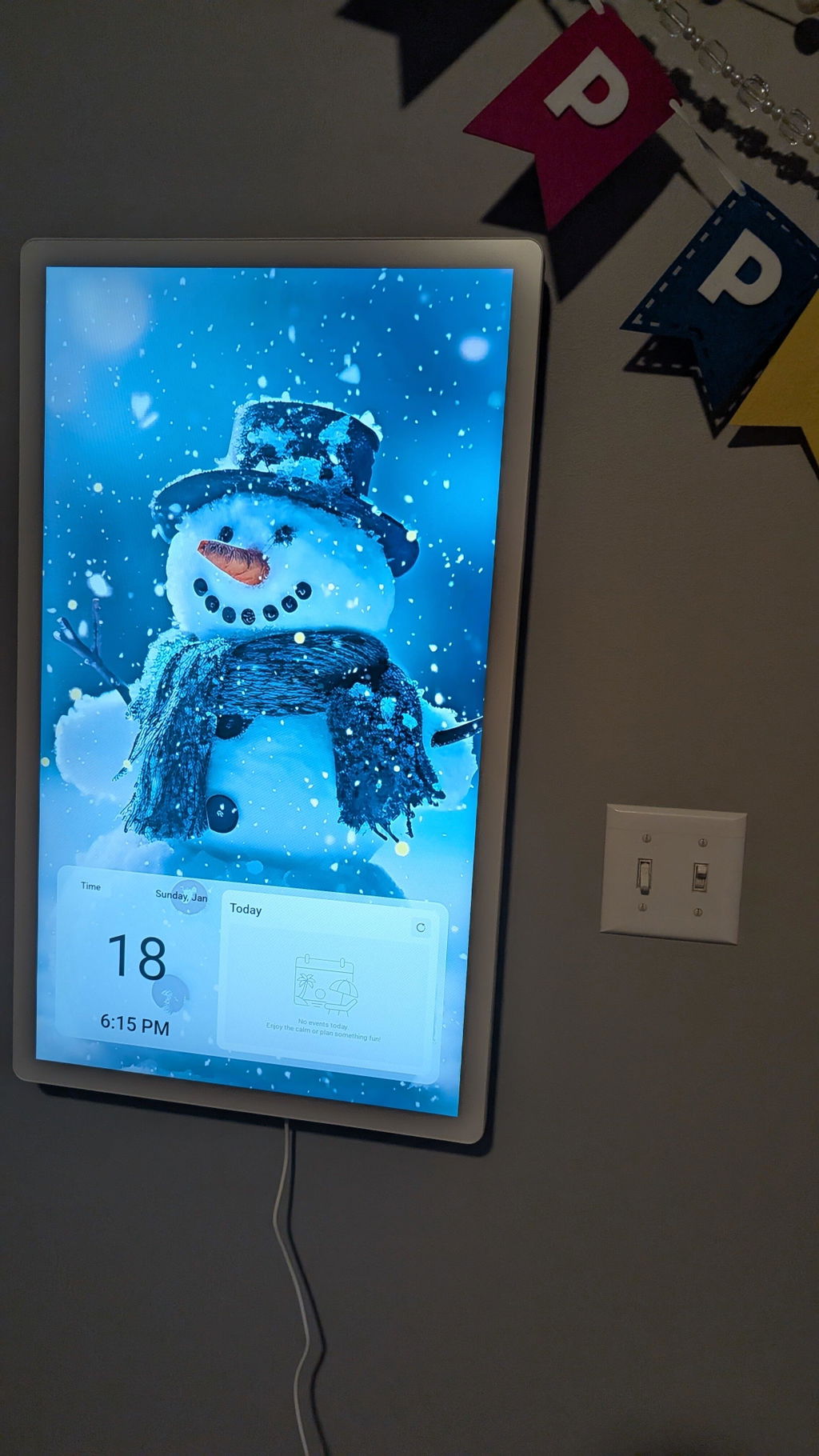
We got this for my family of 4 and has worked great, easy to use need to do atleast the 24" or bigger so its easier to read and see the calendar, we have it in the kitchen and keeps all our appointments and shows the day and background scenes. Only complaint is the power box sticks out from the outlet and you tend to hit it alot in high traffic area.
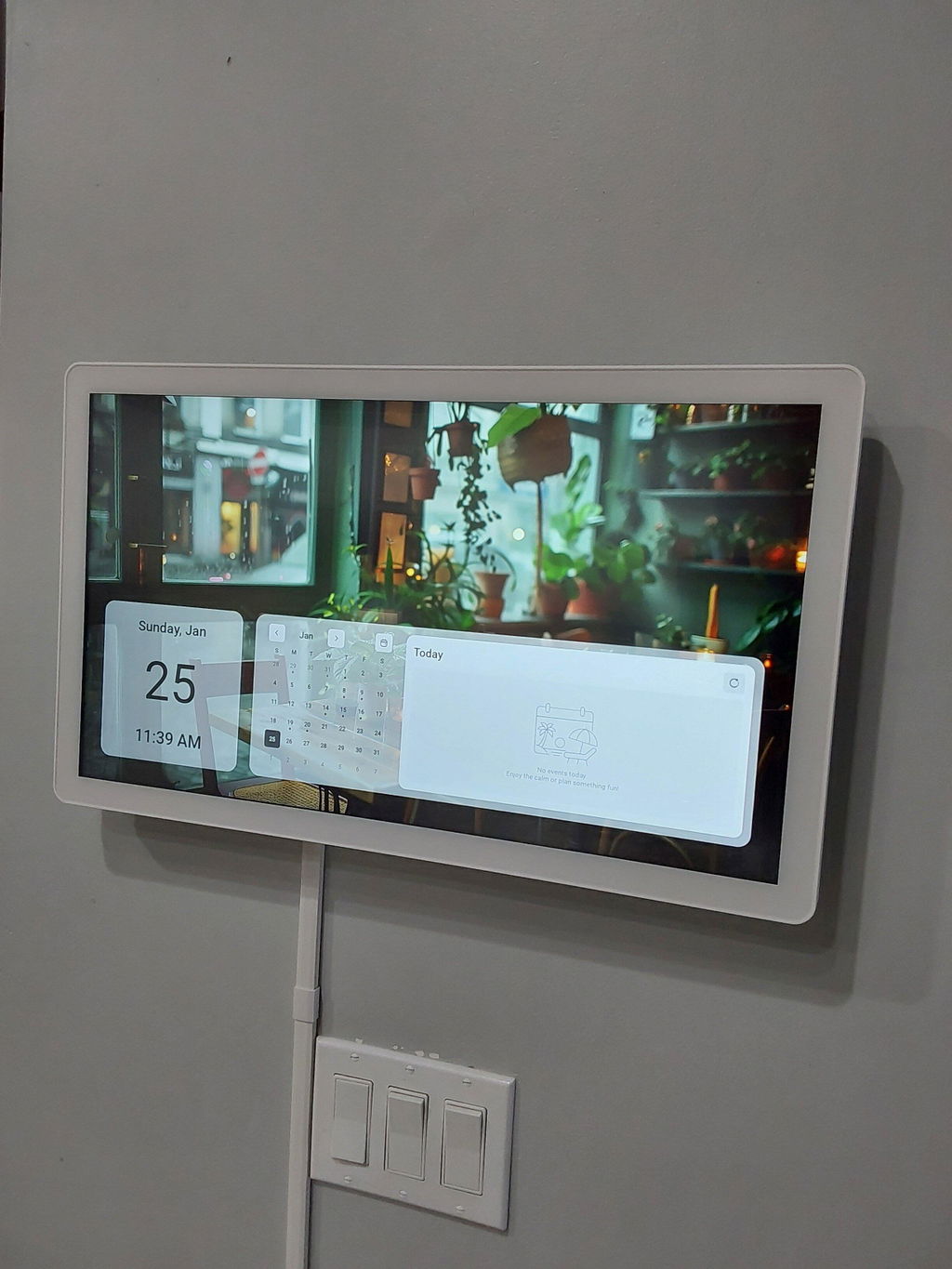
I’ll start by saying I’m a tech enthusiast who works in the digital space, solving problems with technology. Because of that, I tend to have a picture-perfect vision in my head of what the ideal “family command center” should look like... and it's something between Cozyla and Home Assistant. For the past year, I’ve been running Dakboard on a kiosked Android 14 tablet and have also tried most of Cozyla’s competitors. I finally decided to take a shot with Cozyla, and I love it.
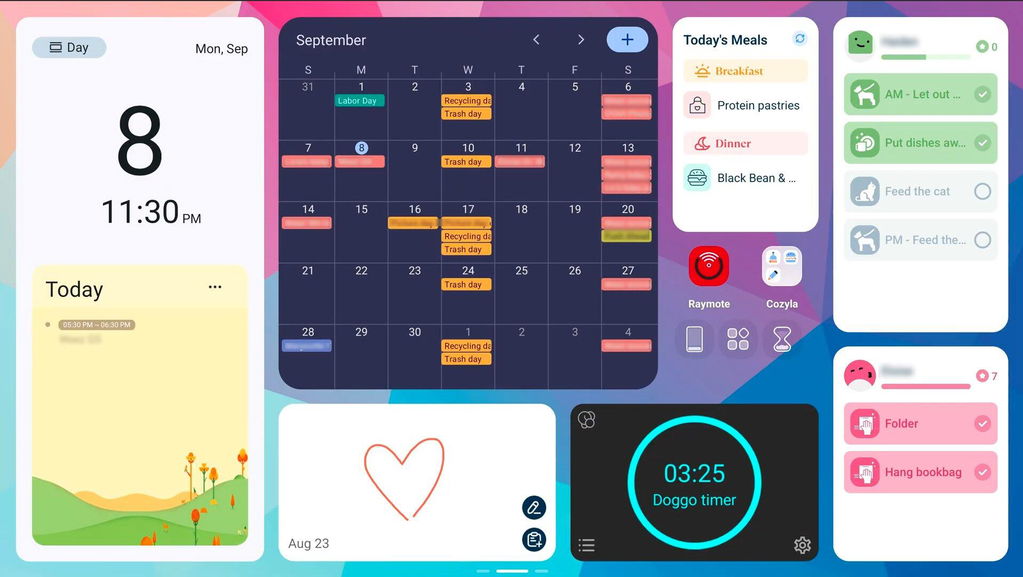
The biggest draws for me were that Cozyla doesn’t lock you into a single UX experience, and there’s NO MONTHLY FEE. Having the full suite of Android apps and widgets available makes a huge difference. At the core, it’s a base Android 14 build with Cozyla’s own widgets layered on top (chores, calendar, meal planner, etc.), and that combination works really well. Being able to integrate the same apps and widgets I already used to manage my home is a big win... whether that’s quickly turning on the pool heater, checking motion alerts from cameras, or glancing at our shared Google Keep shopping list that we add to with our voice from assistants all over the house. My hope is that the rise of these digital family hubs pushes more developers to invest in widget functionality again, because in this space, widgets are what shine. One additional non-Cozyla widget that is a must for me is Multitimer, where we can track when the dogs were out last and reset it with a couple of taps.
That said, I still prefer Google’s own calendar widget since it updates in near real time thanks to push sync, whereas Cozyla’s calendar relies on API polling and can lag behind just a tad.
The chore system is excellent. I love how you can assign points and rewards, which makes it fun and motivating for kids while keeping "I forgot" out of the equation. I’d just like to see a couple more options, like the ability to bump a repeating chore forward by a day if schedules change. For example, trash pickup sometimes shifts by one day around holidays, and next week is back on schedule. So being able to kick a repeating chore forward once without throwing everything off would be great.
The meal planner is also beautifully done, though underutilized in our house since both kids eat lunch at school. Previously, I kept meals in a separate color-coded calendar and layered them in the main calendar, but Cozyla’s dedicated approach is much cleaner and easier to manage.
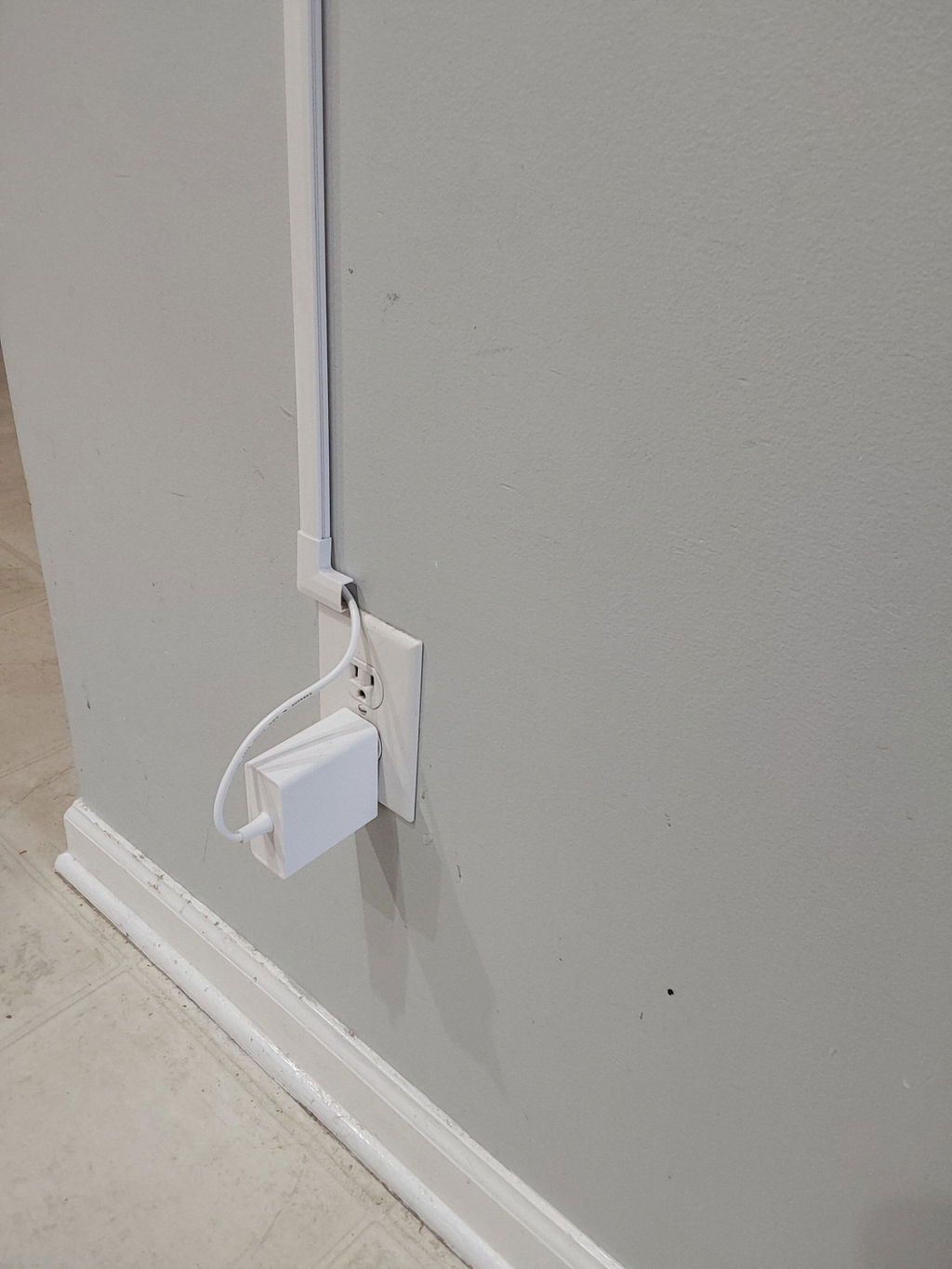
Hardware design deserves credit, too. The all-around even bezel, sturdy magnetic frame, and thoughtful port placement all feel premium. The only drawback is the power brick on the 32" 4K model, which makes it awkward with standard recessed wall outlets. I had to switch to one that lets the plug sit completely sideways.
Overall, Cozyla nails the balance between flexibility and polish. It’s a strong platform today, and if you're as particular as I am, they are the gold standard for digital family command centers.
I love my cozyla+. I got the 15 inch for my kitchen and it’s the perfect size on countertop. My kids had a crazy sport schedule in the fall so got to stay organized and prepared for the day and has helped out greatly. Seamless integration with our family google calendar! I already have 3 family members that want one too for Christmas! Excited to see future enhancements as time goes on!
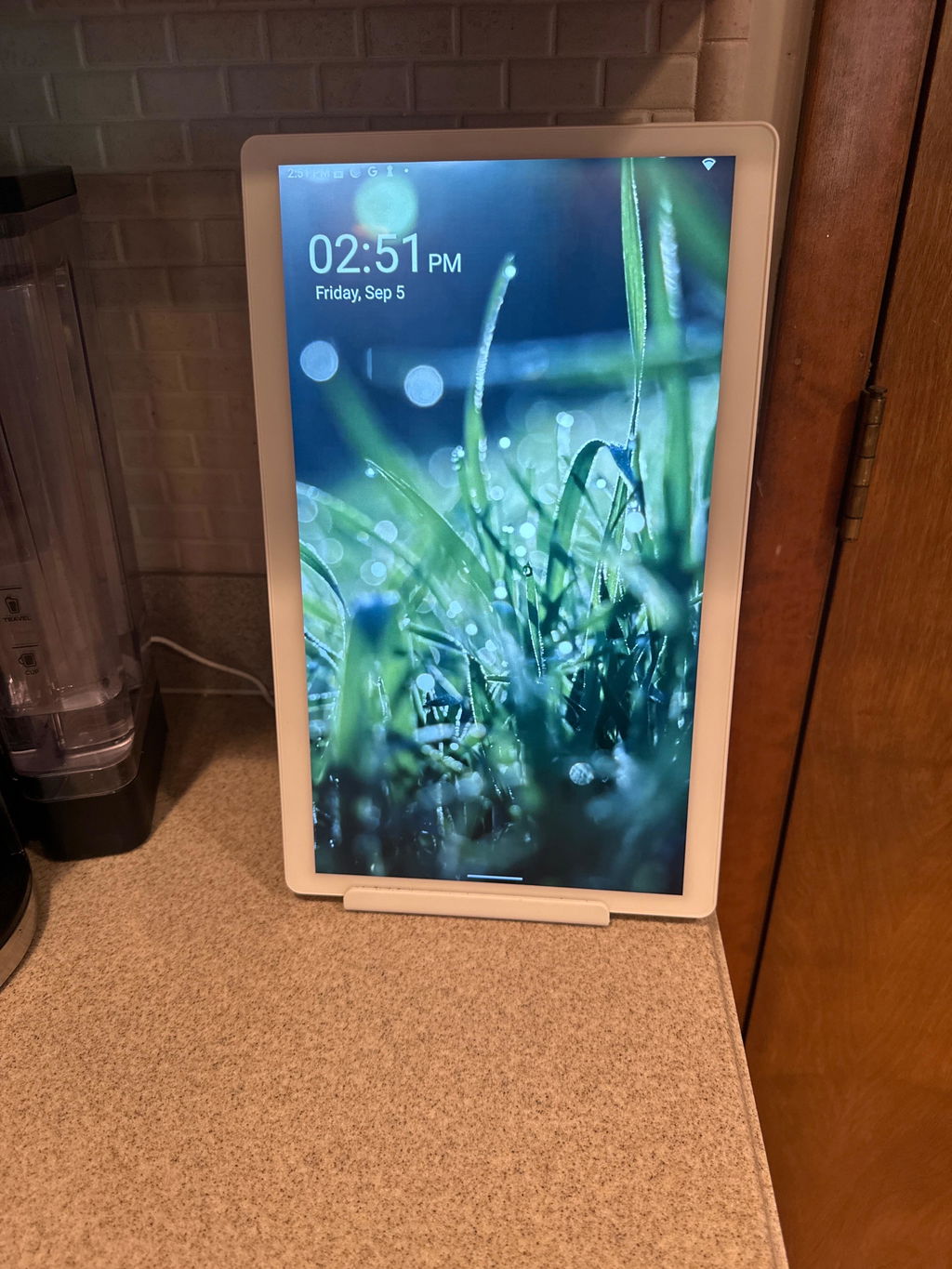
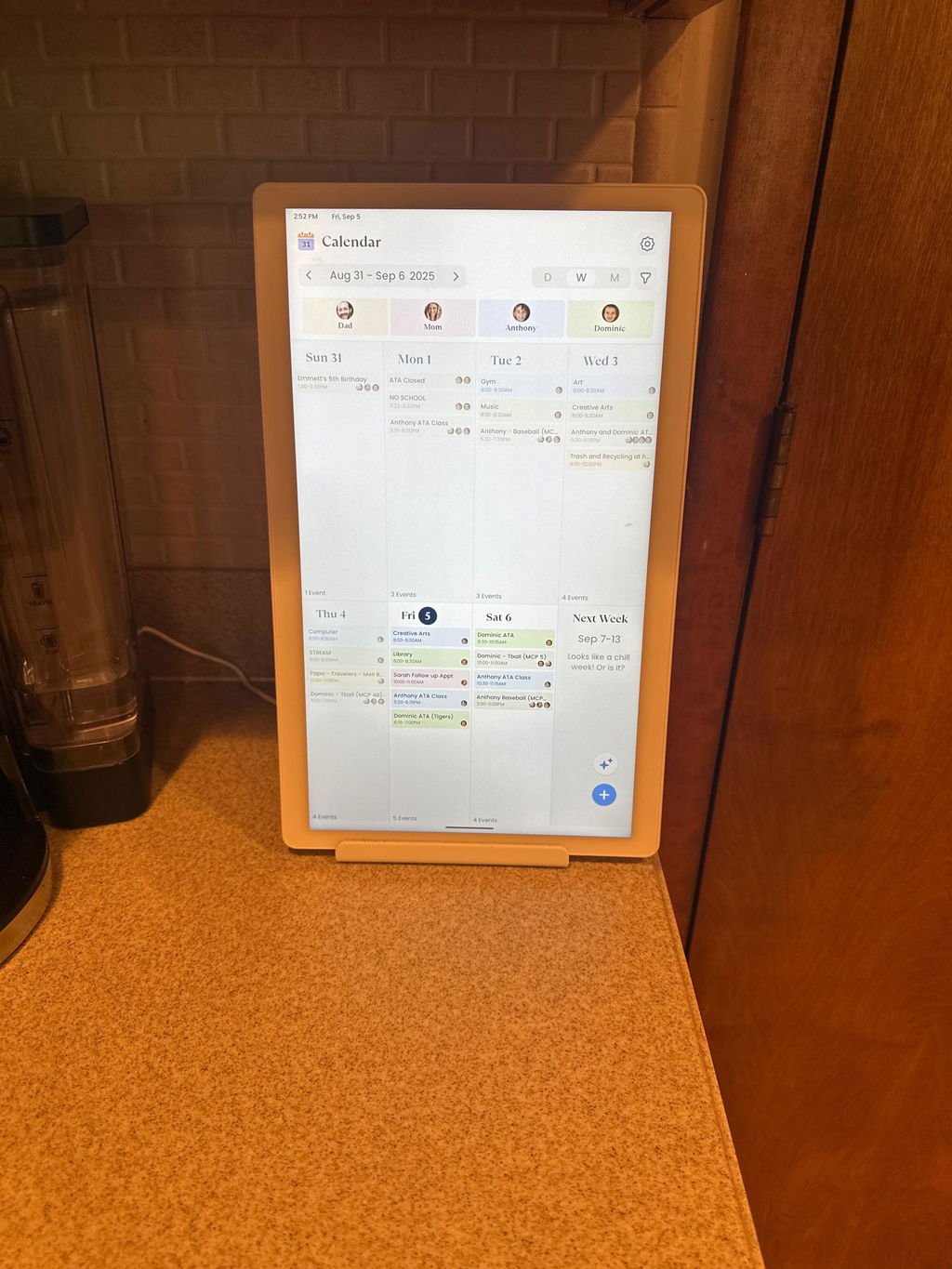
Had issues with the original Cozyla calendar I bought a little over a year ago. Customer support was able to make an exception and send me out a new unit and even upgraded me to the calendar+ at no charge. This new updated calendar TV is everything we hoped for. The chores app is user-friendly and the kids are already loving it. Setting up widgets and personalizing. Our home screen was now a breeze. My wife and my daughter both have ADHD and this new calendar is going to help make their daily routines so much easier. Thanks cozyla for making things right and would not hesitate to recommend this product to anyone now. You guys fixed all the flaws from your first generation and we couldn’t be happier.
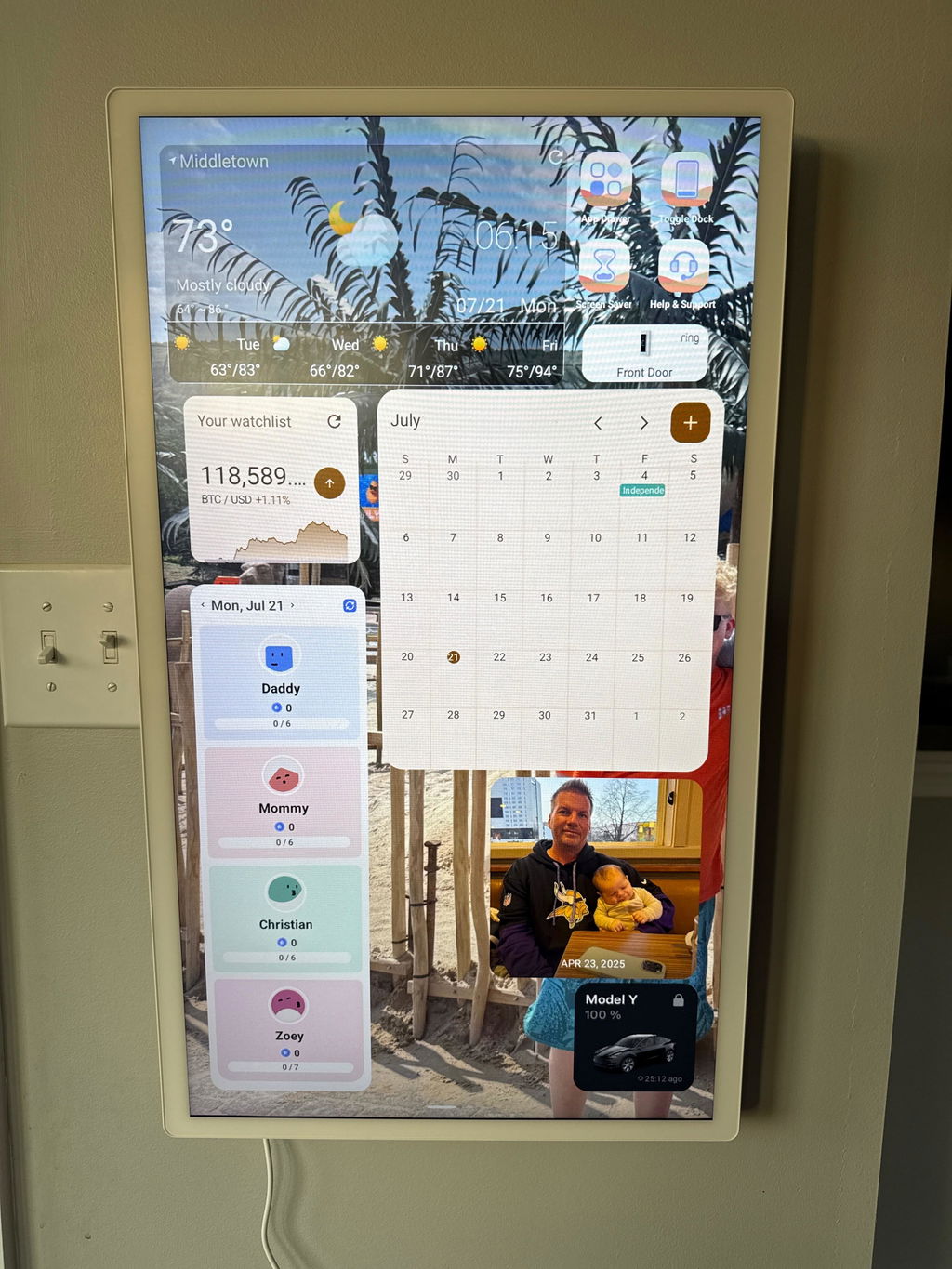
The mounting lot was great except for the drywall anchors so I wrote them and they took my feedback seriously and plan to change that in future versions - I was so impressed with how responsive they were to my concerns. I still need to play more with the apps but I already have my calendar, weather, photos and shopping lists set up. My kids are already using it to plan for the day. It’s a win so far.
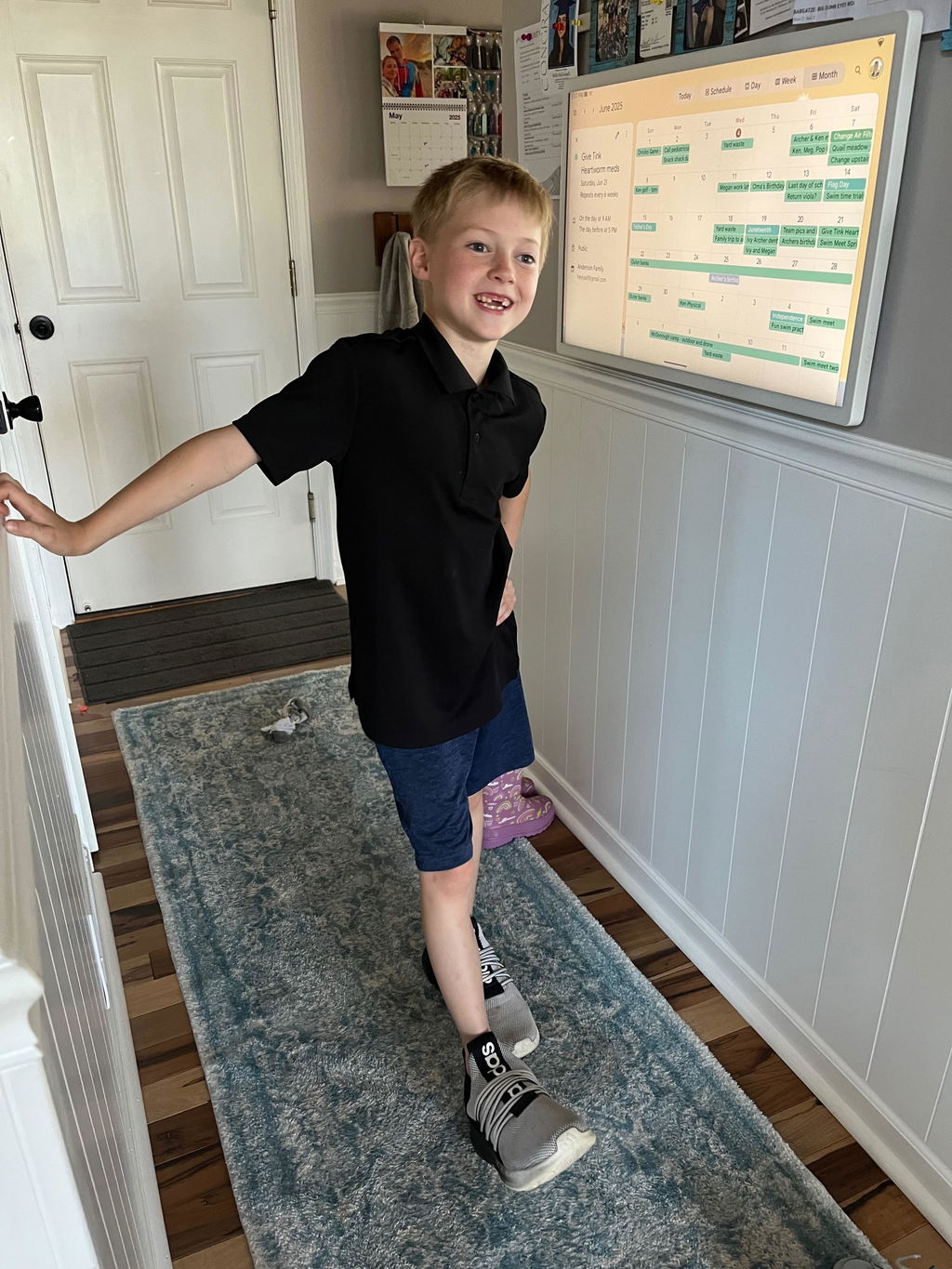
I recently had a change of heart and returned to the Cozyla family. I decided to try another device which was also very nice but after a week, I realized that Cozyla is in fact the superior device with all the app capabilities you are able to add to organize schedules, meals, lists, and so much more. In addition, the customer service is exceptional through my purchasing, return and re-purchasing.
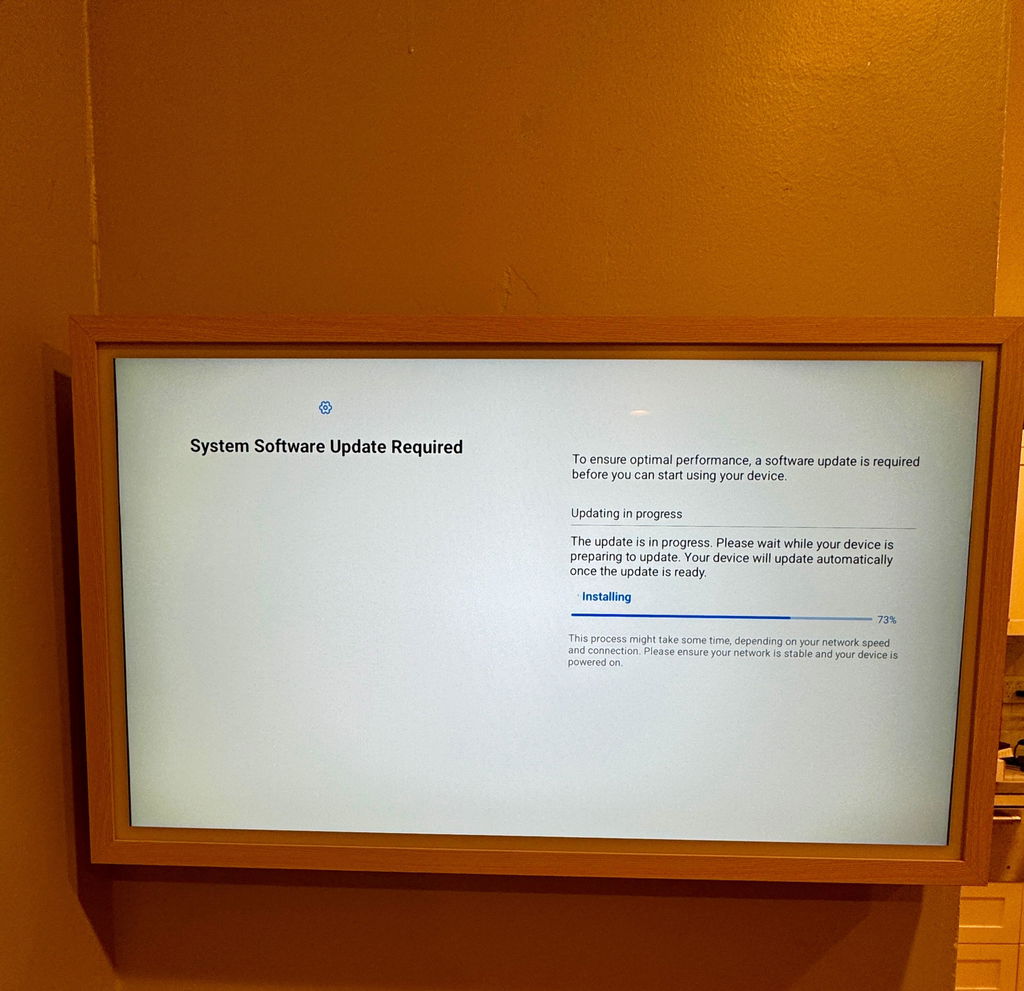
This is the coolest gadget I've ever had!!!!!!! There is no subscription!! It's got built in app/widgets for all of your organizational needs. Plus it's basically like a giant android tablet so you can add any apps you want with multiple pages / desktops. So while you're in the kitchen cooking you could be watching Netflix, disney, tick tock, recipe videos. I got the 24 inch so it can sit on my kitchen counter under my cabinets. I am an android user so I found it easy to set up. Use the Nova launcher, not the basic /default launcher and join the FB group to learn how to use all of the fancy customization options . There are video tutorials on there . It syncs with most calenders and even if it doesn't sync you can just delete their calendar and down load the app for your own. I use family wall calendar. I was able to add all of the apps I use on my phone so I can access/update the lists when I'm away. It's super customizable just like your phone, so you can personalize the backgrounds and lay outs with multiple desktops.. The screen saver can act as a digital photo frame. The only thing I think could be improved is that their apps aren't available on your phone. So for me I used all of my existing apps from my phone, except the chore app they provide which I love! It would be convenient if I could access the chore app from my phone. They say they are working on that though. In case you're considering a skylight this blows a skylight out of the water ! On the Skylight you can only use their apps and you have to pay a monthly subscription. This has NO subscription and it's fully functional just like a giant Android tablet with any app that's available in the App Store. It's amazing! I'm so glad I got it! My kids love it too and it motivates them to do their routines and chores. It's great for keeping everyone in the family organized. It's huge and every time someone walks by they can see everything. My husband can't use the excuse he didn't know about a certain calendar event. We have all of our individual to do list on there to keep us on track. My children have their summer routines to keep them on track for summer, and when school comes back in it will automatically update to the school routine. We have our shopping list so everyone in the family can add to it when they use the last of something or when they realize we need something. My shopping list is a widget from the family wall calendar so I can also view it from my phone. Our ring camera notification goes off and then you can view it on there just like you do the phone. My children each have their own personalized page with pictures, goals, their chore chart. They absolutely love it! I could go on and on but if you are in the market for one of these buy this one!!! Just make sure you get the generation 2. The listing on Amazon does not say generation 2 but I purchased mine on Amazon and I received the generation 2. It's the newest version they have with all the newest updates. I'm obessed with this thing!!
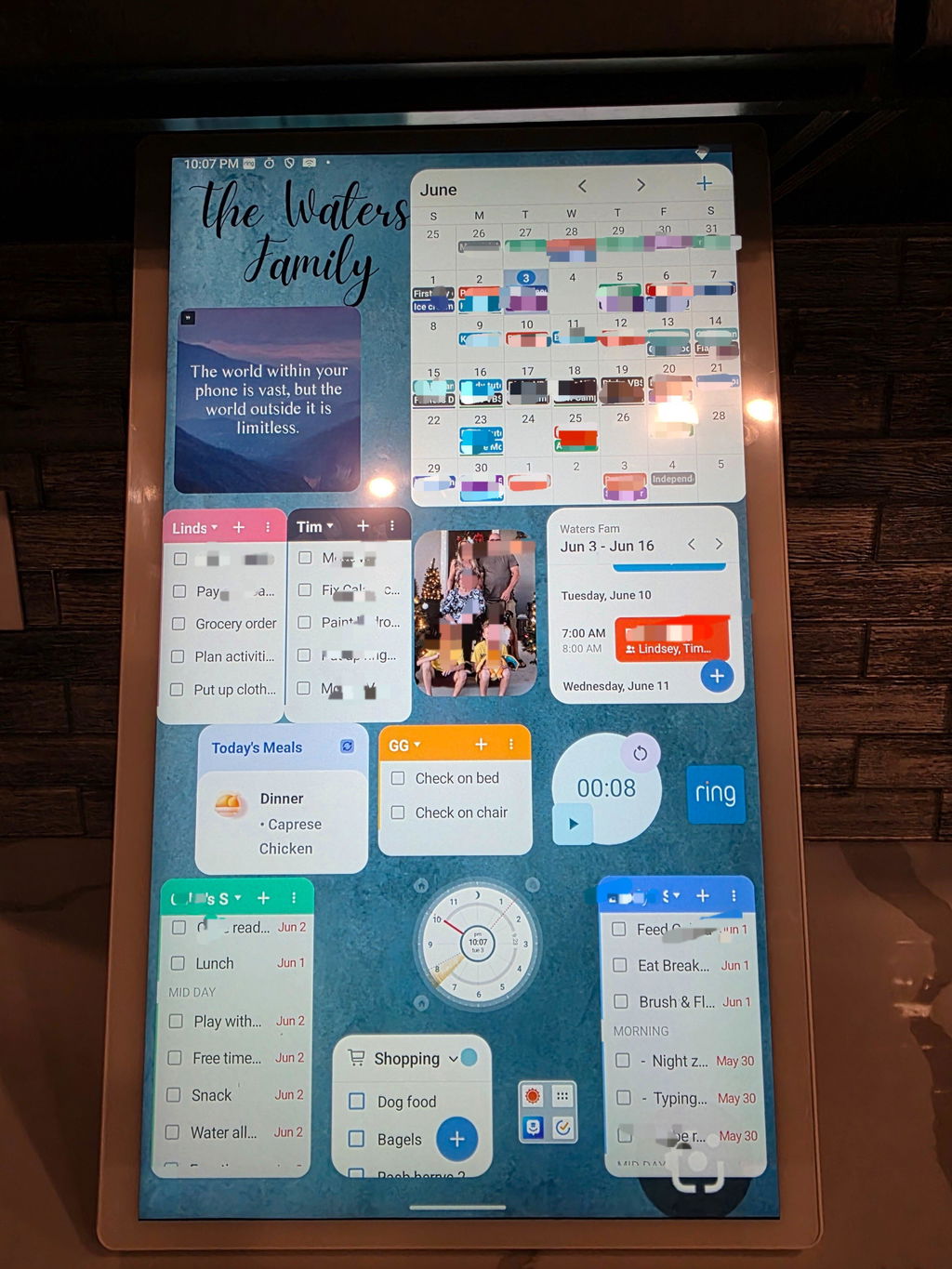
I love it! I run a small business in my home and it helps keep my business and household running smoothly. I threw away all my other calendars!
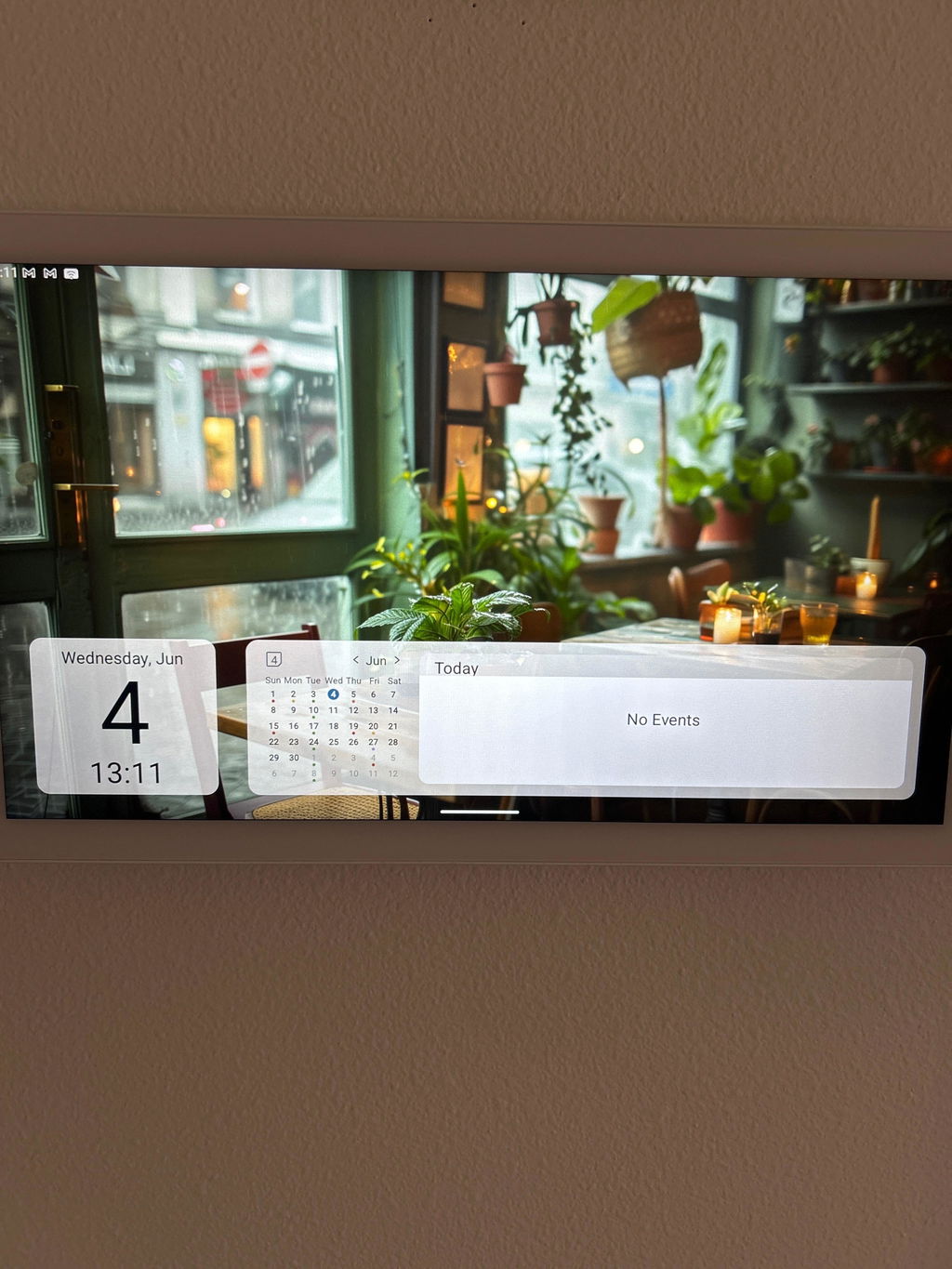
⭐️⭐️⭐️⭐️⭐️ A Game-Changer for Family Organization and Wellness
I can confidently say the Cozyla Touchscreen Family Calendar has transformed how our household operates. With its sleek design and easy-to-use interface, this device is more than just a digital calendar—it’s become our daily family hub, our personal assistant, and our stress-reducing solution all in one.
Top Features We Love:
✅ Vibrant Touchscreen Display – The high-resolution display makes it effortless to view appointments, to-dos, meal plans, and birthdays at a glance. It’s beautifully designed and looks great in our kitchen!
✅ Seamless Integration – Syncs perfectly with Google Calendar, Apple Calendar, and family members’ schedules. We each have color-coded entries, and yes—it even supports recurring events and reminders.
✅ Built for Real Families – Whether you’re juggling kids’ soccer games, doctor appointments, or work-from-home meetings, Cozyla keeps everyone on the same page—literally.
✅ Wellness Meets Technology – We’ve added mindfulness reminders, hydration alerts, and even chore rotations to help the kids stay involved. It’s tech-forward, but still centered on family wellness and routine building.
✅ Custom Widgets & Visual Timers – Especially helpful for neurodivergent individuals or families managing ADHD, autism, or executive functioning challenges. We use visual countdowns for transitions and morning routines—life changing.
Final Thoughts:
In a world filled with digital chaos, Cozyla delivers clarity, connection, and calm. It’s perfect for families who want to ditch the sticky notes and dry-erase boards and upgrade to something smarter, more inclusive, and actually enjoyable to use. We’ve even nicknamed ours “Harmony,” because that’s exactly what it brings to our home.
Whether you’re a busy parent, caregiver, educator, or just trying to keep it all together—this is the tech you didn’t know you needed.
🛒 Highly recommend making the switch. Worth every penny.

This 32-inch smart calendar is actually pretty handy, and overall, I've had a great experience with it. Here's my take'Functionality: It's packed with useful features'you can sync schedules, to-do lists, family chores, and even shopping lists. The touchscreen is super responsive, so navigating through everything feels smooth and effortless.Organization: The layout is really clear, making it easy to see your calendar, tasks, and lists all in one place. The color-coded events are a nice touch'you can glance at it and immediately know what's coming up. Perfect for families or small teams.Size: The 32-inch screen is just the right size'not too big, not too small. It's easy to read from a distance without taking up too much space, whether mounted on the wall or placed in a common area.Durability: The screen is sharp and high-quality, and the device feels sturdy. Once installed, it stays securely in place. Even after using it for a while, the touchscreen remains super responsive with no lag.Overall, it's a great tool for keeping everything organized, especially for busy families or anyone juggling a lot of tasks!


I'm really impressed with the 32-inch digital screen. This is also the reason I was attracted and would like to explore the possibilities with it. It's perfect for family use, displaying schedules, chore charts, and meal plans. The large screen is fantastic for displaying a variety of content, including chore charts, to-do lists, meal planners, and educational materials for kids. The calendar planning feature helps keep track on our family schedules.As a remote worker have to work from home for long periods, I experience back pain from sitting too much. This digital calendar's screen rotation feature has been a lifesaver. After adding PC mode (shows in the photos, and I add a USB drive and other accessories), Im able to use it for light office work, making it easier to alternate between sitting and standing. This setup has significantly improved my comfort a lot!While the price is slightly higher side, it's still very reasonable considering the large touch screen. The 32" size provides so much space for multiple apps and features, making it a smart investment. It would bebetter if the unit was a little bit lighter, as itwill be a bit bulky to move around occasionally.
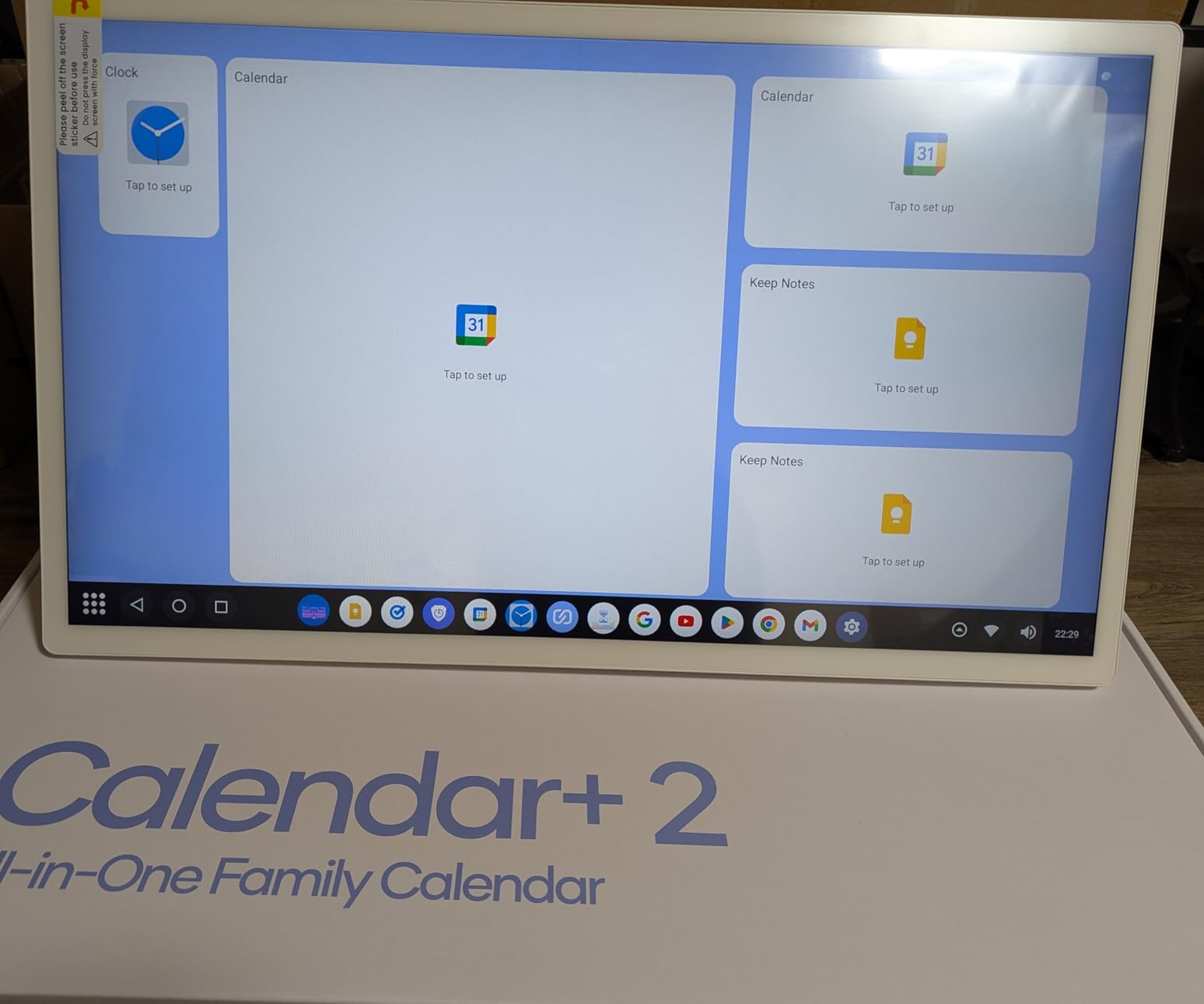
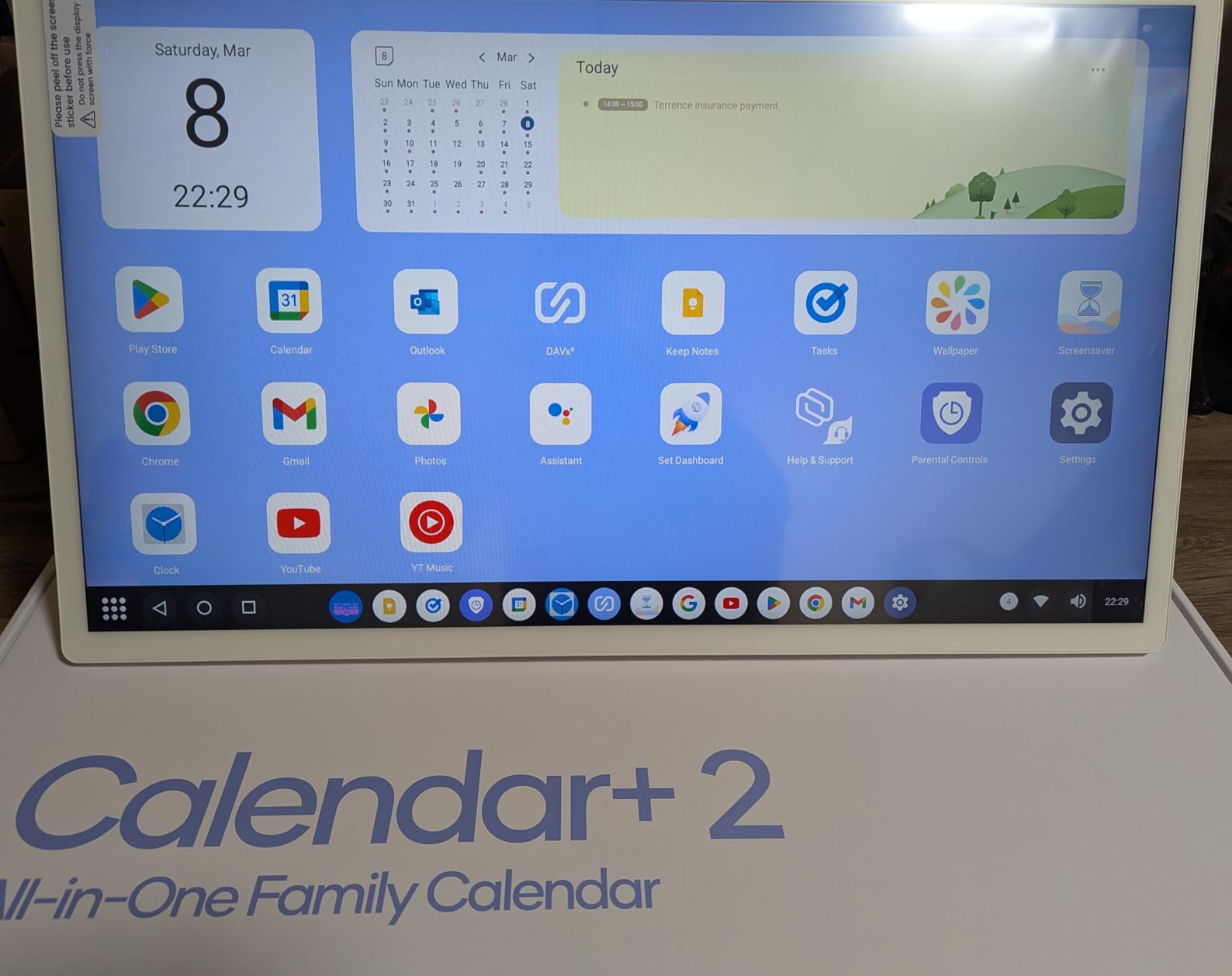
The Cozyla Calendar+ is an excellent digital calendar for the family. With its 32-inch touchscreen, it's clear and syncs with all popular calendar apps like Google Calendar, making it easy to view and update everyone's activities. You can add widgets like to-do lists, recipes, weather, and even family photos.Its sleek black design looks great on any wall, and it's pretty durable. We use it for meal planning, controlling smart devices, and checking recipes. For the price, it's definitely worth it.
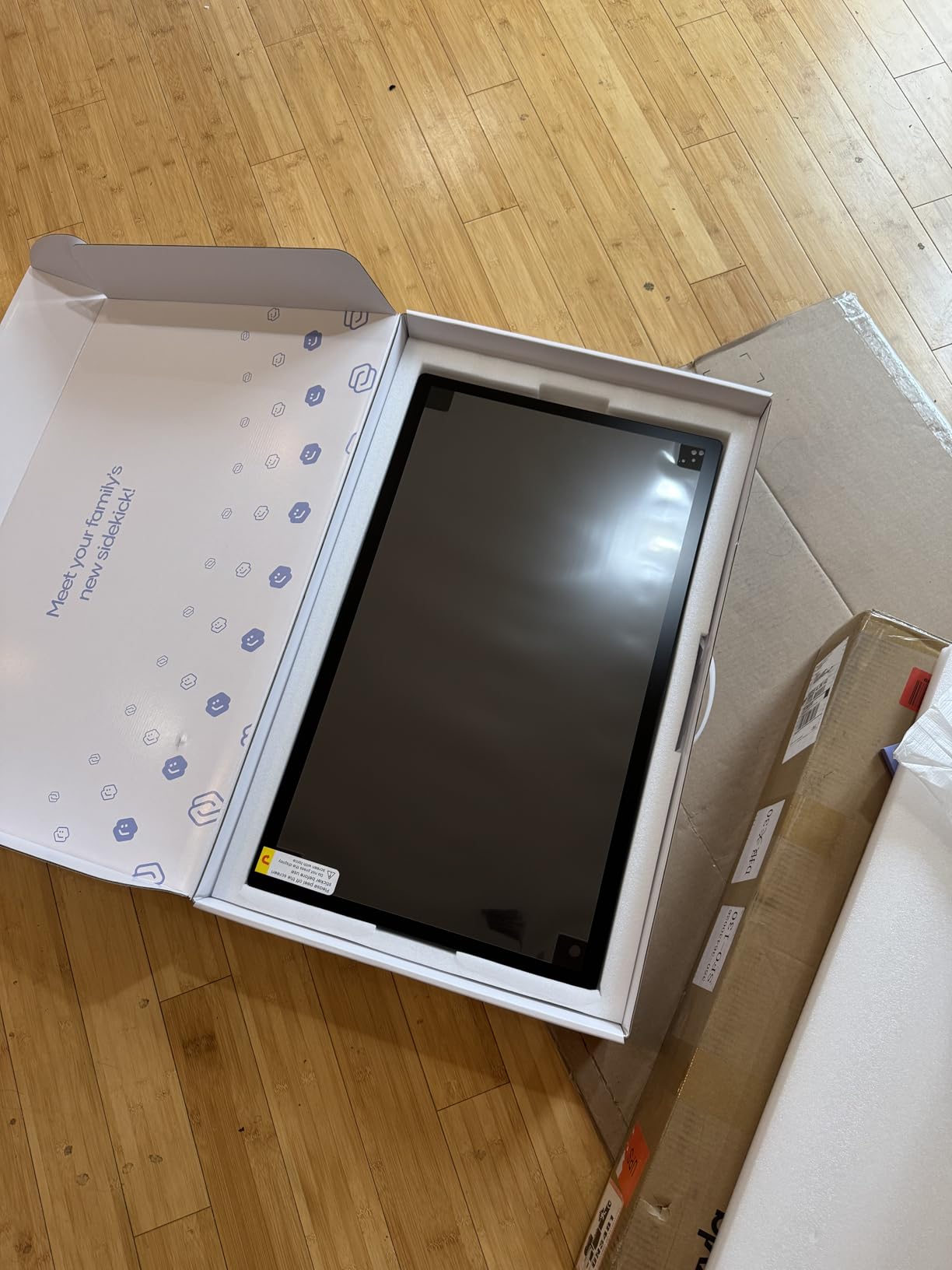
I saw it in my sister's house, and I tried it there. She highly recommends it. It's absolutely amazing to having it . It's smooth to use like ipad. I like the big touch screen. Acutually I can do much more than just a calendar.
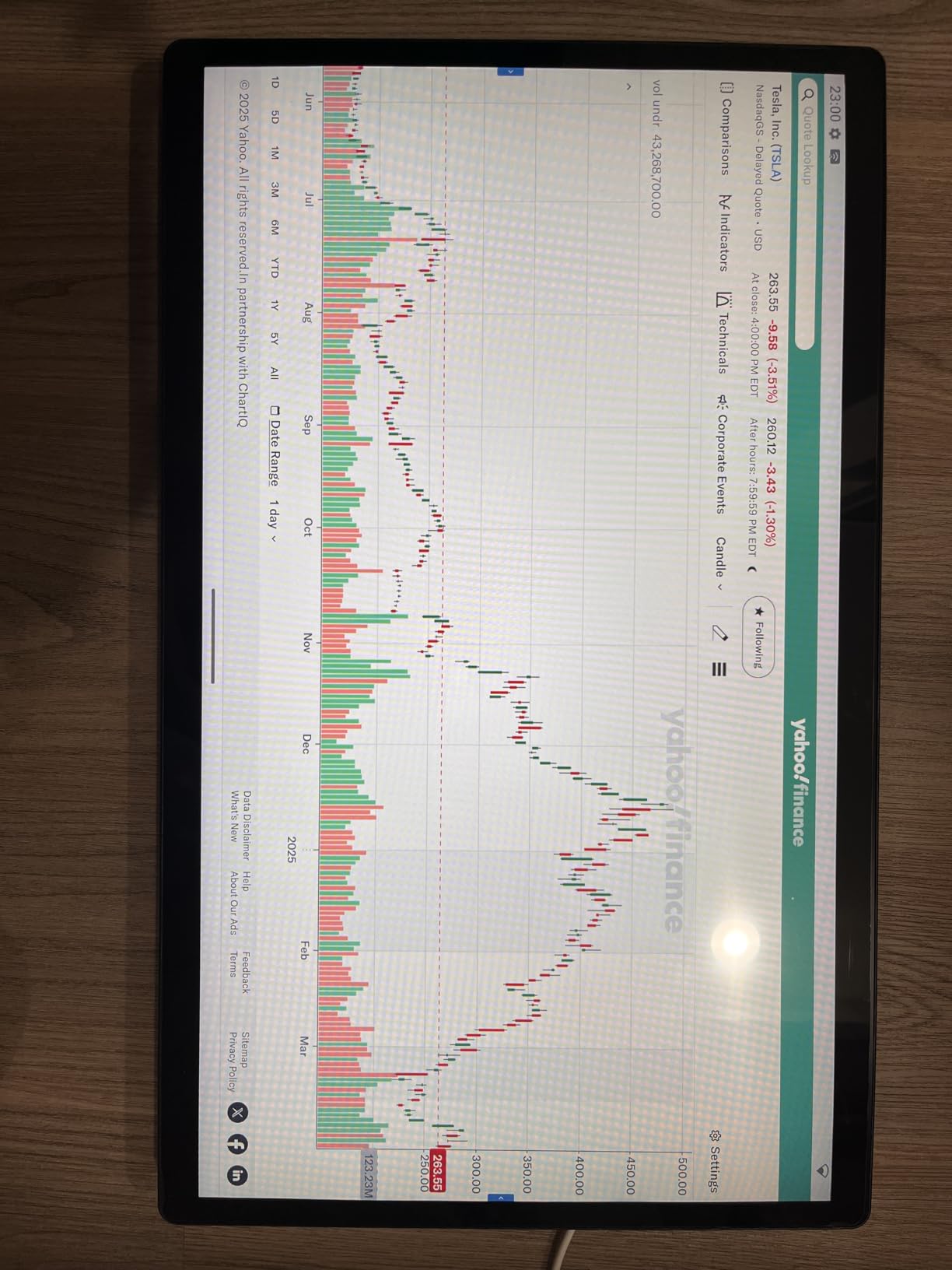
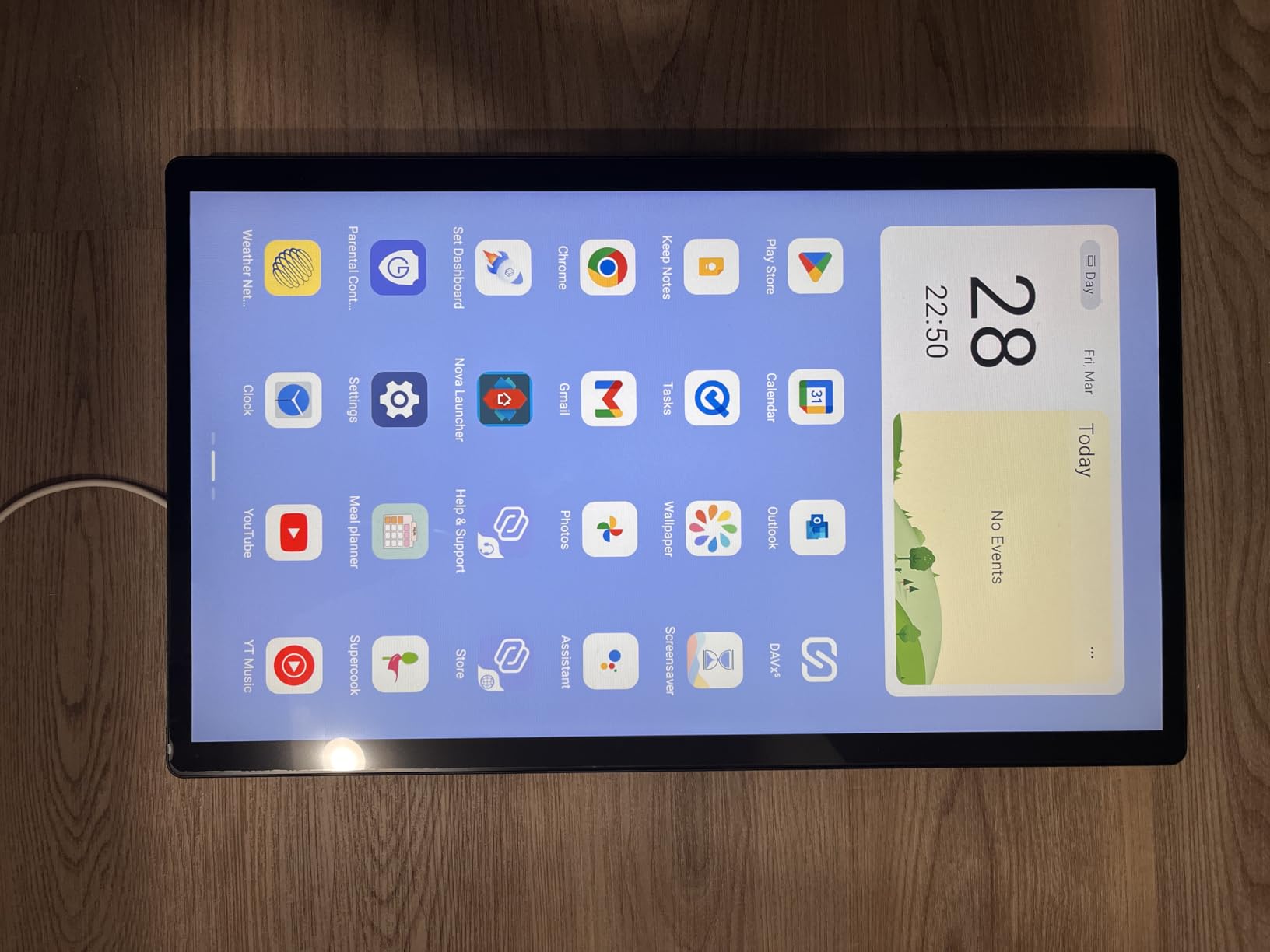
This digital calendar has transformed the way my family stays organized. This device is not just a calendar; it's a chore chart, to-do list, and notepad all in one. The 32-inch screen is the perfect size. It is bright, high-resolution, and easy to read from a distance. The touch controls are smooth, just like a tablet, allowing easy navigation between apps, notes, and calendar views. It's great for displaying schedules, to-do lists, and reminders without having to squint or get close. The touch screen is incredibly responsive, and the interface is user-friendly. Very easy to set up. I had our family's weekly schedule, chores, and reminders all neatly displayed. The ability to color-code different family members' tasks has been a lifesaver'it's so easy to see at a glance who needs to do what. It works flawlessly with Google Calendar, Apple Calendar, and Outlook. Any changes I make on my phone or computer instantly reflect on the screen. That is ensuring everyone in the household is on the same page. It auto-updates events, birthdays, appointments, and even school schedules.There's no built-in battery, so it needs to stay plugged in. It can be mounted on the wall like a traditional calendar or placed on a countertop. The mounting kits also came with the box which is a huge plasticYou can also use this as a tablet. Apps can be downloaded via playstore. I also likethe chore chart feature'it's been a great way to keep the kids on track with their responsibilities. The to-do list and notepad are also very handy for keeping track of daily tasks and reminders.