


COZYLA DIGITAL FRAME
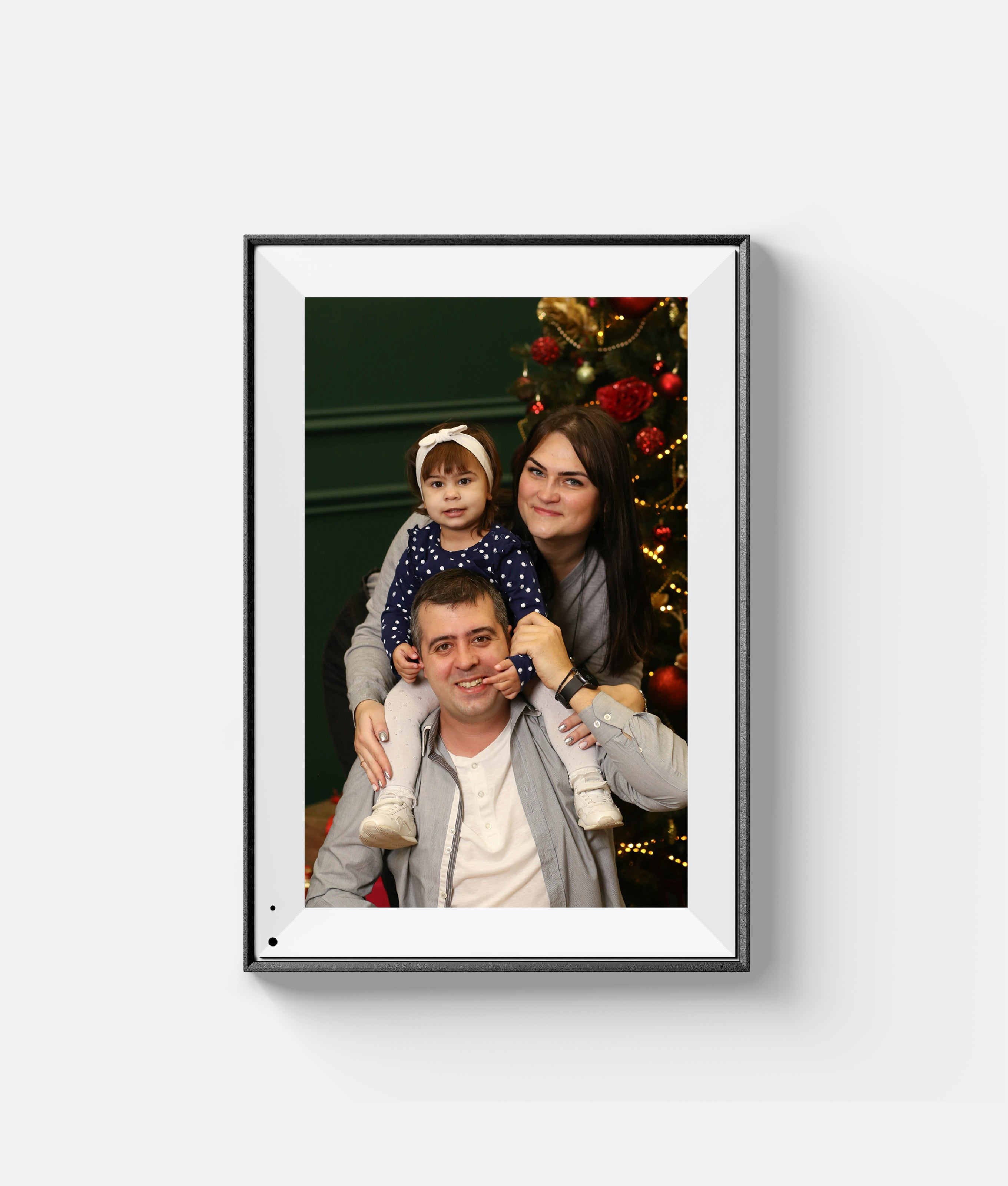
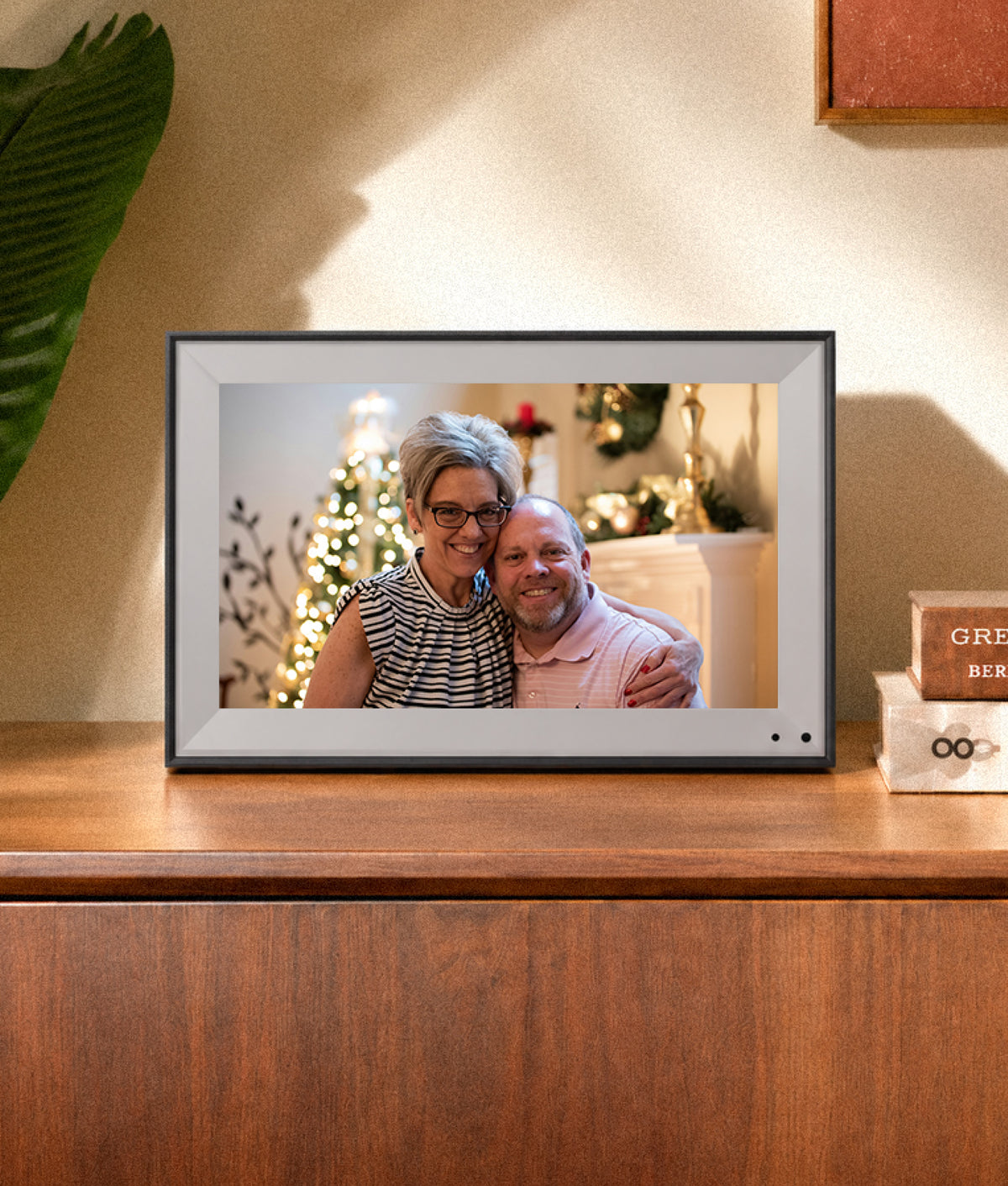
Cozyla digital picture frame is designed to bring your cherished memories to life.
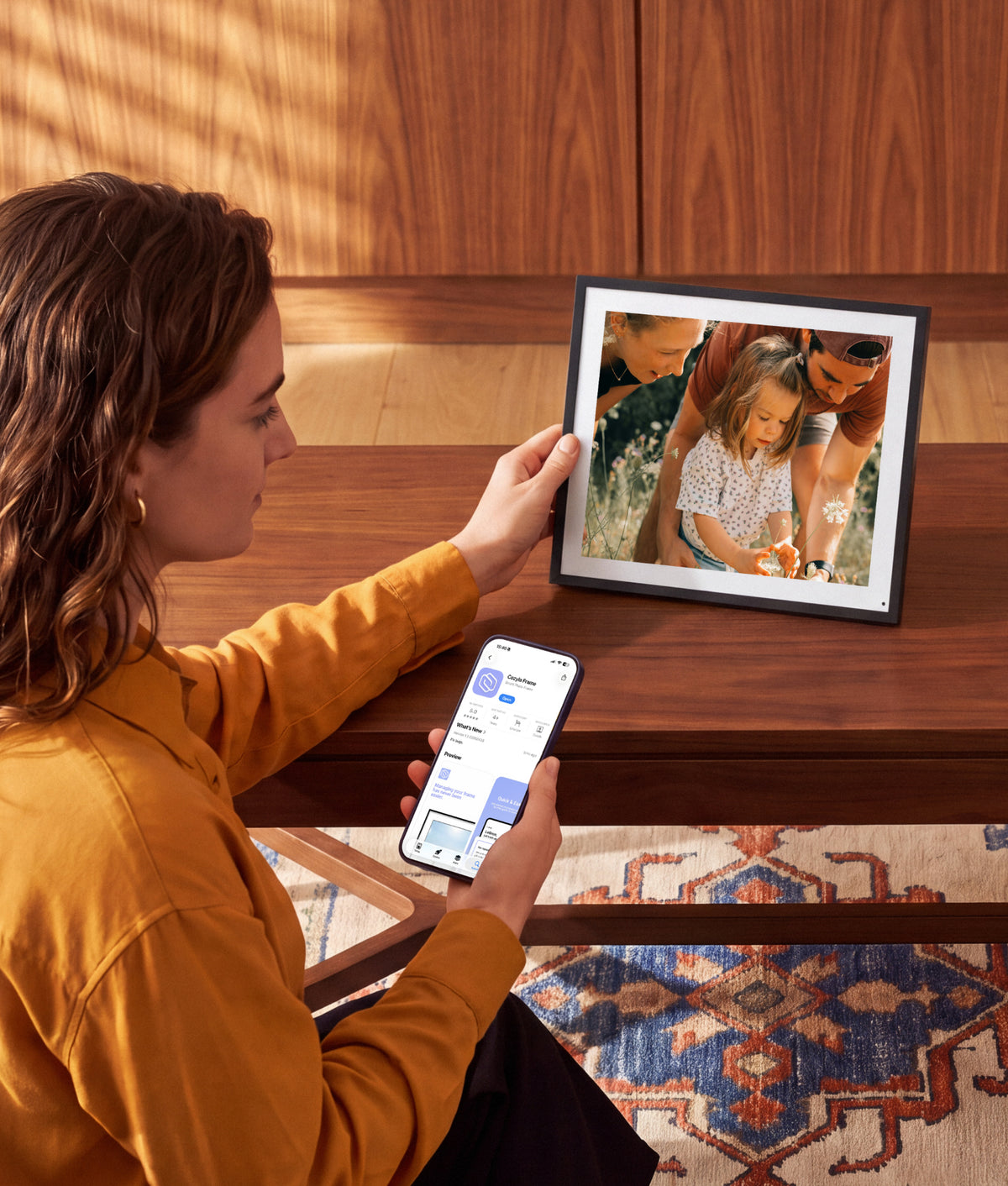
Share photos and videos directly from your phone, Google Photos, the Cozyla+ App, or web browser to the frame with just a few clicks.
No Subscription Fees. Unlimited Cloud Storage & Private Sharing. One-Minute Setup & Bulk Uploads in Multiple Ways


Filters
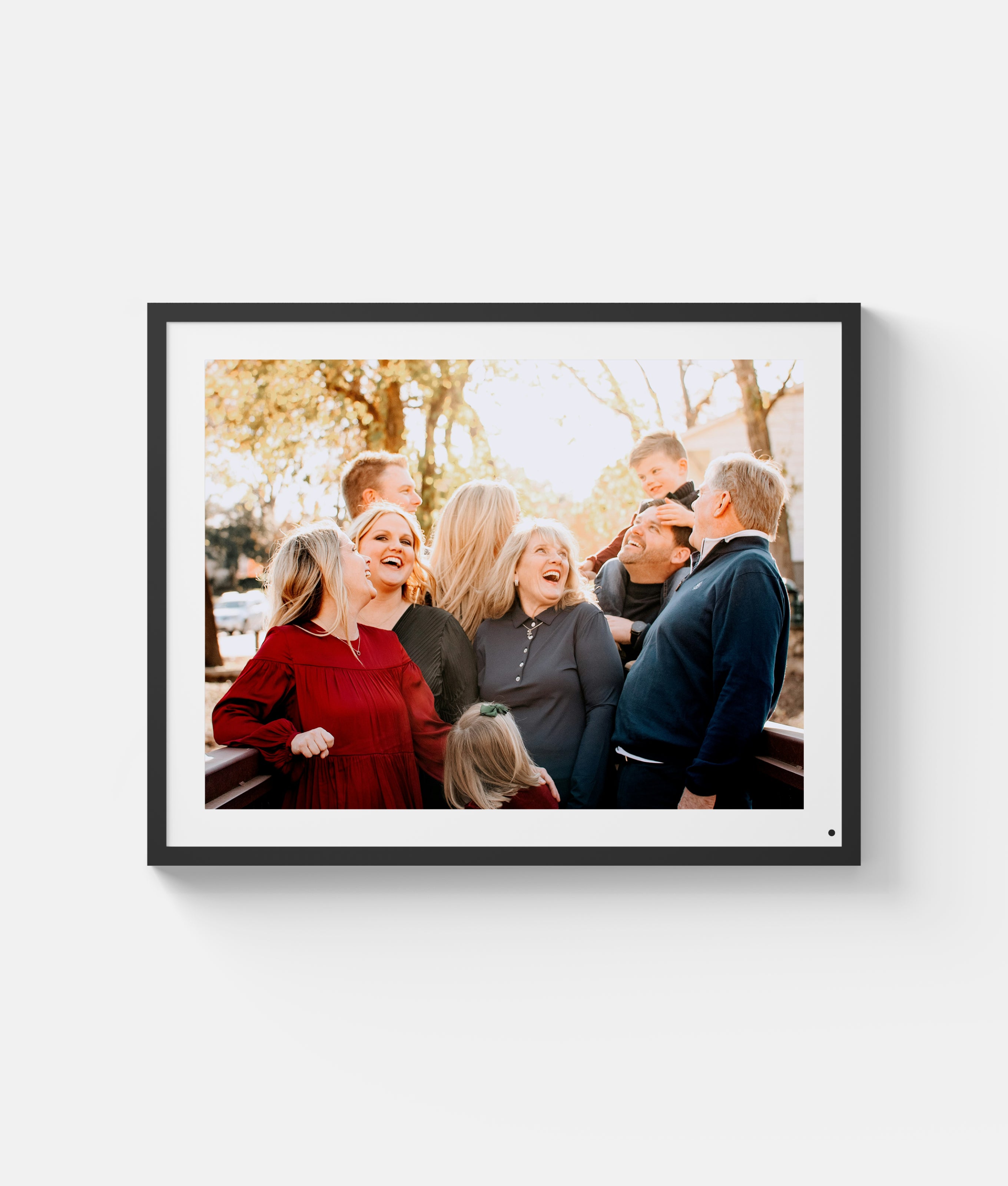
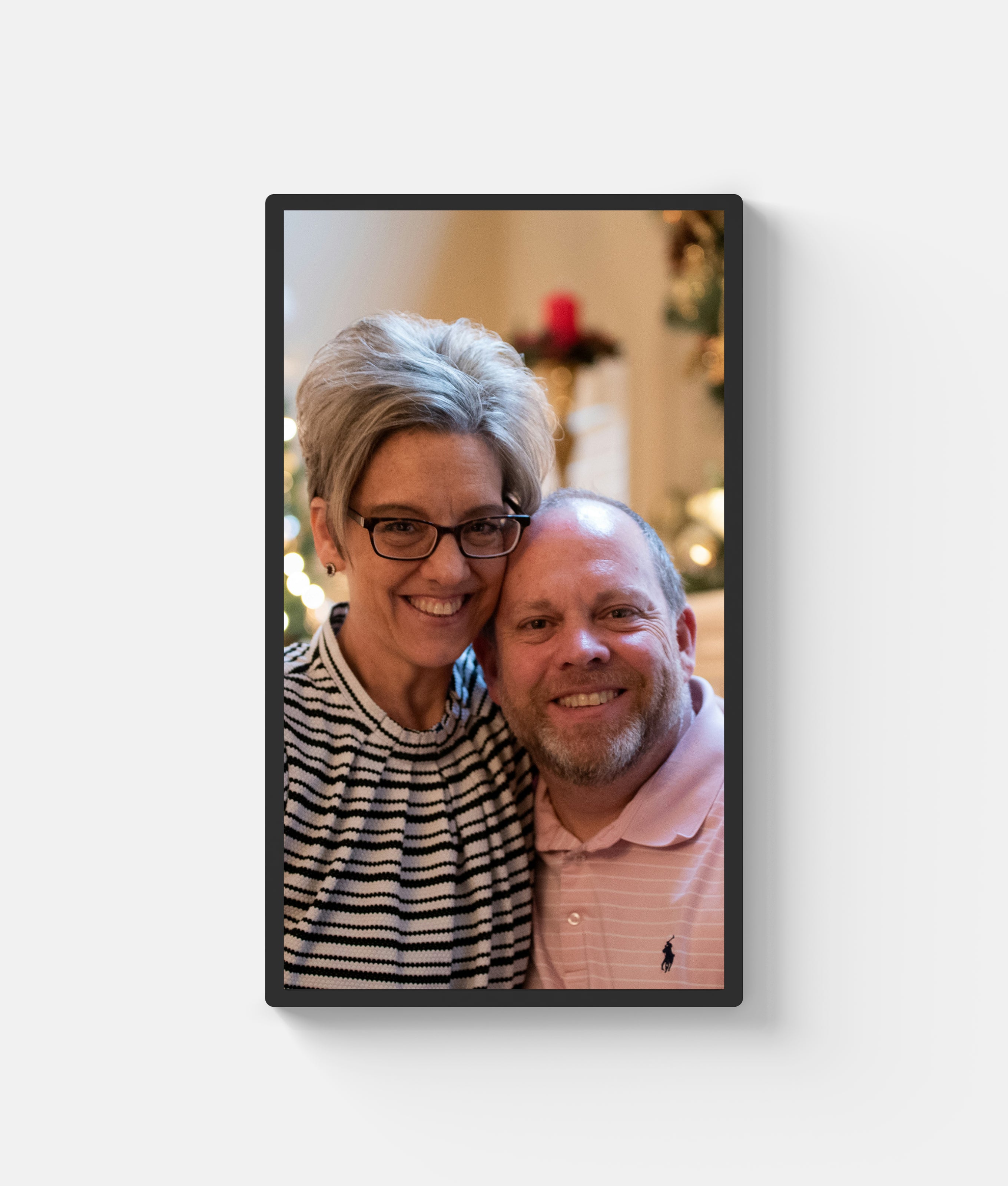
5,000+ VERIFIED FAMILY REVIEWS
Loved by Families.
Shared from the Heart.
"Amazing! My wife is using this in her restaurant. She loves to take pictures and then send them to the frame, a process that is extremely easy using the app. It’s nice to have pictures that can scroll and change with remote, and the 32in giant anti-glare screen is outstanding."
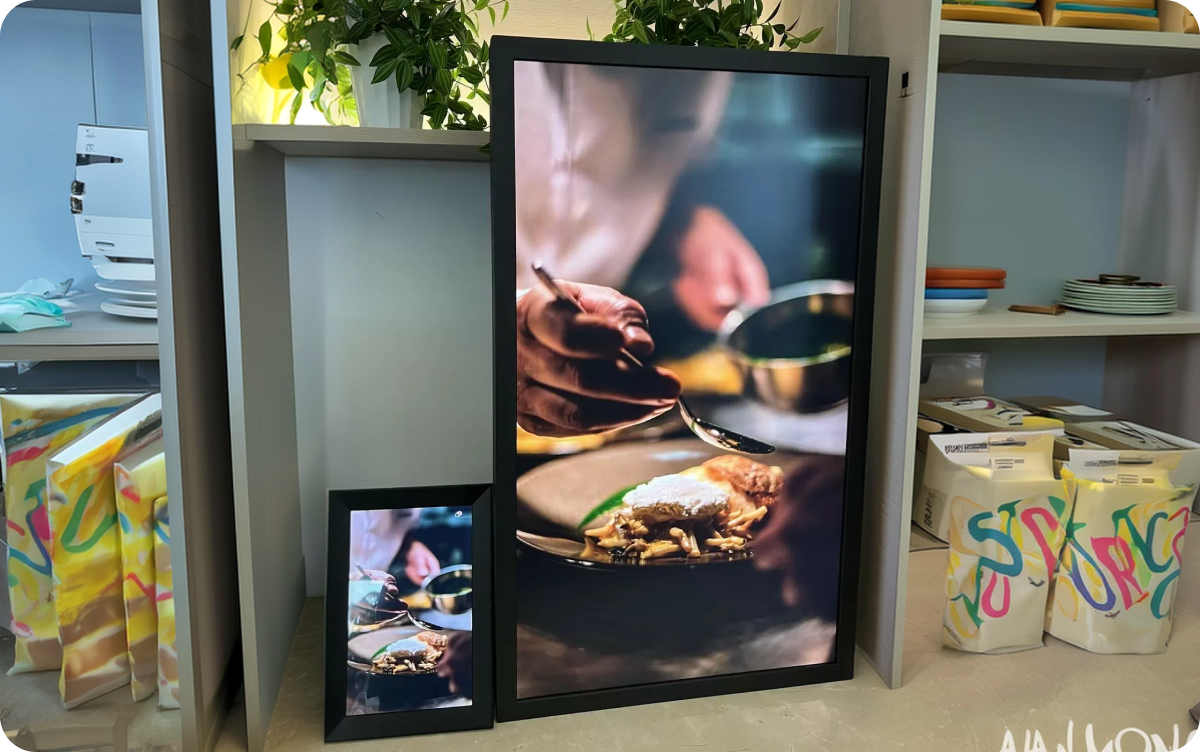
"Best digital frame! 17inch frame is the perfect size, 4 to 3 aspect ratio makes a perfect picture, the longer videos is outstanding and adding talk to the picture is unheard of. Top off with ai enhancement is the cherry on top. Great product for a great price."
"Best invention for elderly without social media! I got this for my elderly grandparents who do not own smart phones or tablets and cannot get on Facebook or Instagram. This is a great way to keep them in the loop. We set it up during Thanksgiving and got the whole family involved so now everyone sends over pictures and long video clips and it’s awesome! They love turning it on every day to see if any new photos popped up."
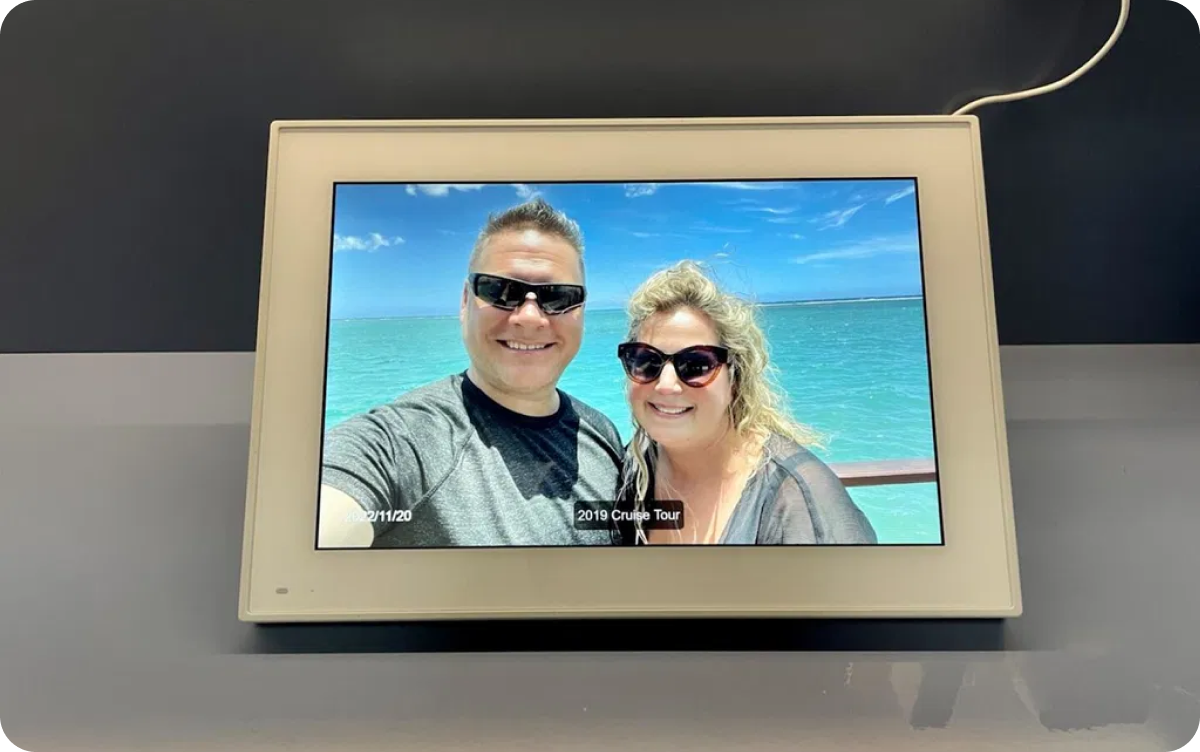
"BEST CUSTOMER SERVICE!!!!! I gifted a Cozyla Frame Pro to my elderly mother who is alert and aware and LOVES the slide show the frame provides. Certain issues have occurred, but all have been so efficiently, completely, quickly and kindly addressed by Cozyla customer reps. What a relief!"
"True unlimited free cloud storage with no hidden fees! I compared a lot of brands and finally chose Cozyla frame. I hate paying over and over, Getting everything in one payment is what i wanted. No capacity limit, free transfer of photos, I like it."
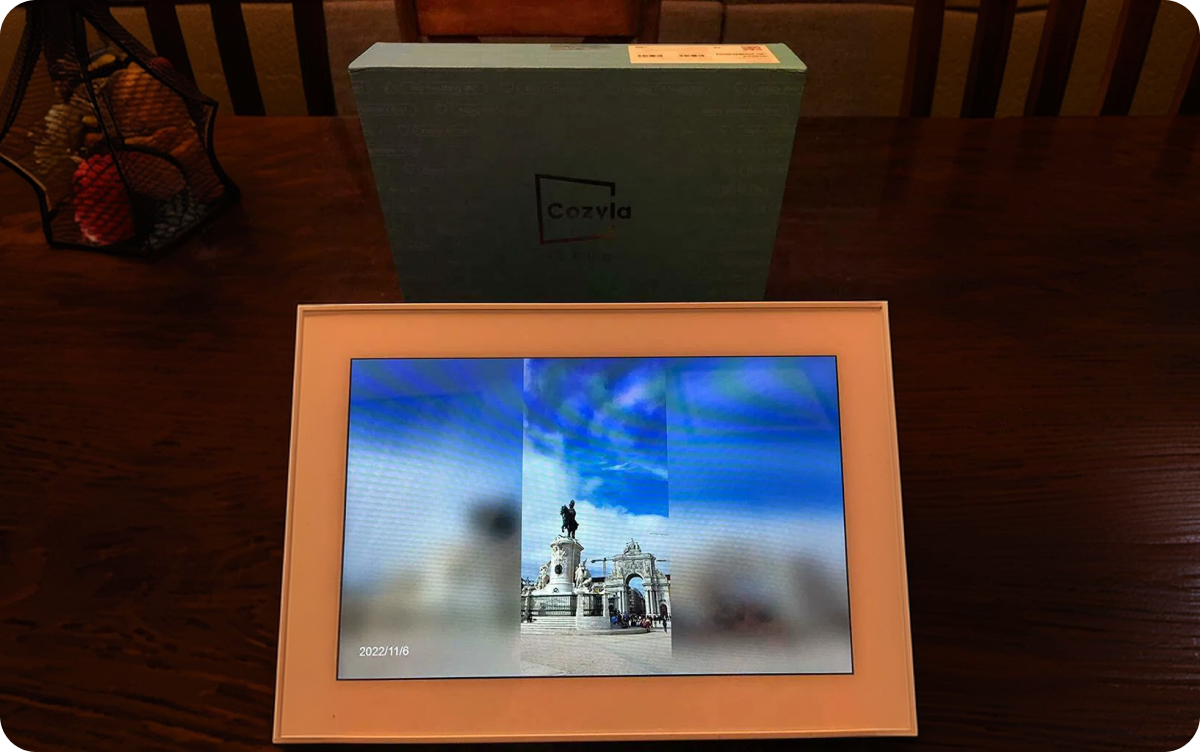
"Great quality 32” frame. The frame quality is very good. Pictures are easy to download and display very nicely. The app and software are easy to navigate and I would highly recommend this product."
"Great digital frame! I’m loving this frame so far! Beyond easy to set up and transfer pictures. Quality is awesome. The frame looks high quality and decorative and it stands very stably on the counter unlike my other digital frame that is in danger of being easily knocked over. Will be purchasing a second for another room."
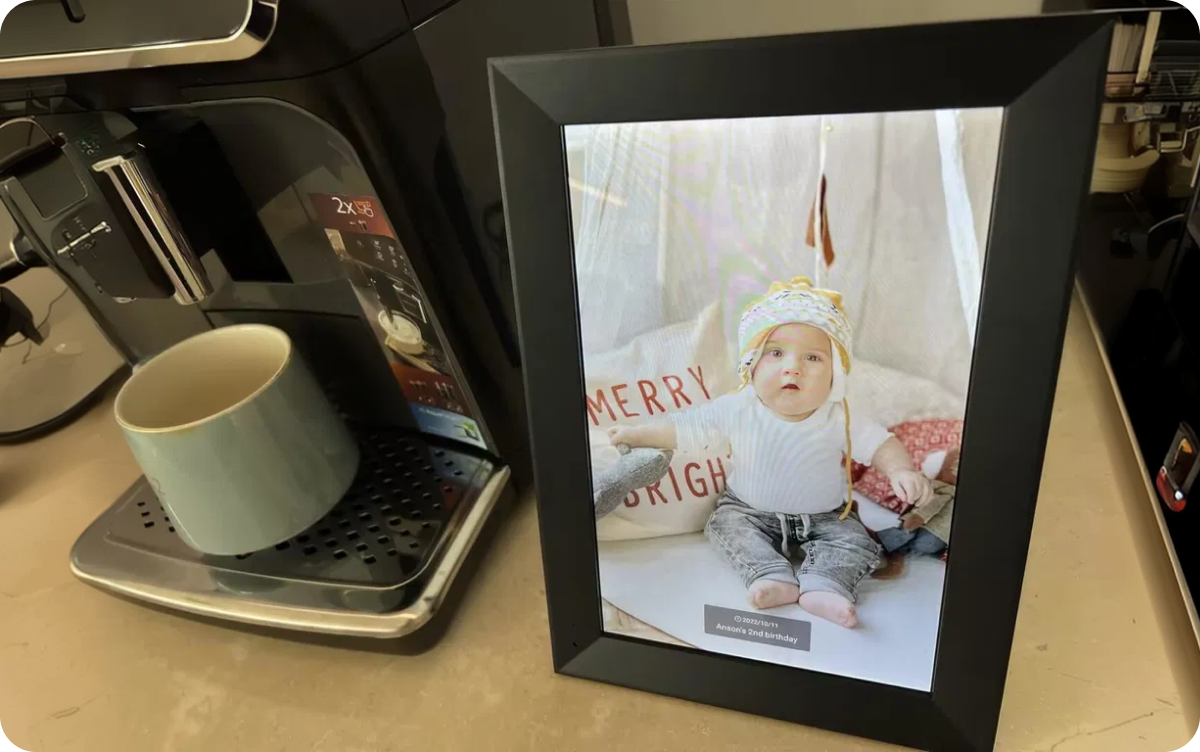
"Great digital frame. We love our Cozyla frame 17. It is very easy to set up and load photos but most of all we love the clarity, color and sharpness on the photo display."
"I opened and set up in 15 minutes. This is an amazing electronic photo frame. I am not very good setting electronic up, I usually have to ask my kids, but this frame was so easy, that I took it out of the box 15 minutes ago and now I am looking at wonderful pictures that are making me happy."
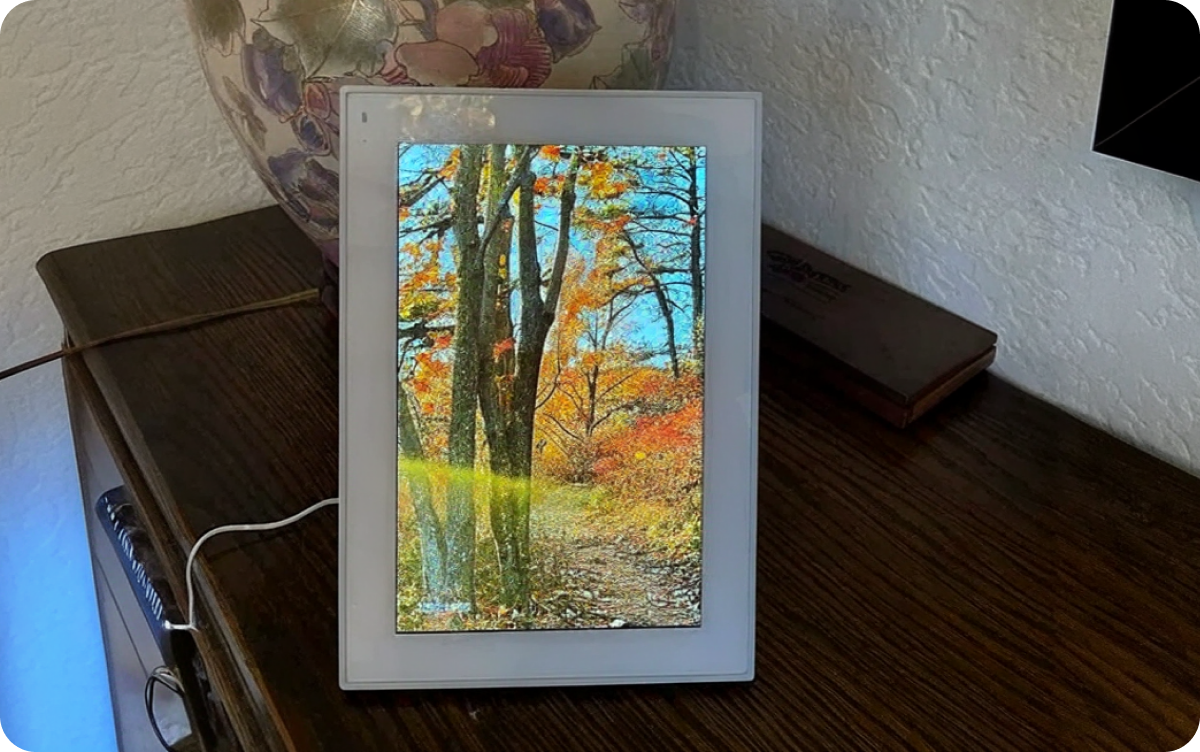
"Getting another one SOON! I gifted this to my father and step mom for Christmas this past year and they always talk about it. Me and my step sisters add photos whenever we get the chance and it’s always nice to see the photos pop up whenever I’m uploading something new. I’m gonna get one for my mom now as I’m sure with my upcoming wedding in less than a year, she will be appreciative for sure!"
Cozyla Frame FAQs
Does the Cozyla Frame have unlimited storage?
Yes. Cozyla Frame is an unlimited storage digital photo frame, so you can add as many photos and videos as you like. There are no subscription fees and no storage limits.The Cozyla+ companion app syncs with your photo library, and the frame retrieves your photos and videos from our secure, Amazon-powered cloud server to display them.
What digital photo frame sizes does Cozyla offer?
Cozyla digital photo frames come in three sizes: 10", 17", and 32". That gives you room to pick the one that suits the space you have in mind, whether it's a compact frame for a bedside table or shelf, a mid-sized display for a living room, or a large statement piece for a spacious wall. The 10" model also comes in two styles, classic Black and Black with White Mat, so you can match it to your décor. Whichever size and style you choose, there's an option to fit both your home and your taste.
Do I need to pay for a subscription to use my Cozyla frame?
No, Cozyla digital photo frames come with no monthly subscription or hidden fees, at all. Make a one-time purchase and enjoy your favorite features without recurring charges or unexpected costs.
Can I upload and play long videos on the Cozyla digital photo frame?
Absolutely! Cozyla digital photo frames are designed to let you enjoy more than just short video clips. While many digital photo frames limit video playback to around 15 seconds, Cozyla supports video uploads of up to approximately 10 minutes, giving you plenty of room to preserve longer memories and special moments.There’s also no limit on the number of videos you can upload, so you can build a collection of family moments, vacation clips, birthday videos, and other memories alongside your favorite photos.
Can I set up Cozyla Frame before gifting it to someone?
Yes! Cozyla frames make thoughtful gifts that you can personalize before they reach the recipient. After purchasing a frame, you can preload photos, invite family members to join, and even add a greeting message along with a featured photo to make the gift more personal.Once everything is ready, simply send the frame to the recipient. Every Cozyla frame comes in a beautiful, gift-ready box with no pricing information included, so it’s ready to be placed under the tree, wrapped for a birthday, or given as a surprise.
How do I send photos to a Cozyla Frame?
Getting your photos and videos onto your Cozyla Frame is quick and simple, and you have several ways to do it. You can send them by email, sync them through Google Photos, upload them with the Cozyla+ app, or add them from a web browser. Pick whichever method suits you best, whether you're sharing from your phone, your computer, or a family photo album, and your memories will show up on the frame in no time.
Can my family or friends send photos to Cozyla?
Absolutely! You can invite family members and friends to share photos and videos directly to your Cozyla Frame. Once invited, they can send their favorite memories to the frame, making it easy for everyone to stay connected and keep the display filled with new moments.
Is the Cozyla Frame battery-powered or plug-in?
Cozyla Frame does not have a built-in battery and needs to stay connected to a power source using the included power adapter. This ensures the frame can continuously display your favorite photos and videos without needing to recharge.
How to create albums and organize photos and videos?
Cozyla Frame lets you organize your photos and videos into customizable playlists, making it easy to display the memories you want. Create different playlists for different occasions, such as Christmas Party 2025 or Emma’s 3rd Birthday Party, or choose Play All to enjoy your entire collection. You can switch between playlists anytime to create the perfect slideshow for any moment.
How should I position my Cozyla digital photo frame?
For the 10-inch and 17-inch Cozyla digital frames, you can choose between a tabletop stand and wall mount based on your available space and personal preference. A detachable stand is included in the box, giving you the flexibility to set up your frame on a tabletop or mount it on the wall. For the 32" Cozyla Frame, a rotating wall mount is included by default. Due to its larger size, we recommend mounting the frame on the wall for a secure and practical setup. The rotating mount also lets you easily switch between landscape and portrait orientation to suit your space and content.
Can the Cozyla digital frame be used in both landscape and portrait mode?
Yes. The Cozyla digital frame supports both landscape and portrait modes, so you can position it to best suit your space and the orientation of your photos.
Ready to make Cozyla digital calendar your family's command center? Find the perfect model for your family and space by comparing sizes, features and capabilities.
| Screen Size (inches) | Ideal Placement | Features/Key Specs |
|---|---|---|
| 15.6" Cozyla Calendar+ 2 | Small Counters or Desks | FHD(1920x1080) |
| Bedroom | Anti‑glare | |
| Living Room | Rotating Wall Mount | |
| Kitchen | Pre‑Installed Google Play | |
| 24" Cozyla Calendar+ 2 | Good fit for medium‑size areas: | FHD(1920x1080) |
| Foyer | Anti‑glare | |
| Dining Area | Rotating Wall Mount | |
| 32" Cozyla Calendar+ 2 | Offering the best visibility shared spaces: | 1080P: FHD(1920x1080) 4K: UHD(3840x2160) |
| Foyer | Anti‑glare | |
| Hallway | Rotating Wall Mount | |
| Living Room Kitchen |
Pre‑Installed Google Play | |
| 32" Cozyla Calendar+ 2 | Anywhere in your home with a rechargeable rolling stand | 1080P: FHD(1920x1080) 4K: UHD(3840x2160) |
| Anti‑glare | ||
| Rolling Battery Stand | ||
| Webcam | ||
| Built‑in Battery + AC Power | ||
| 55" Cozyla Calendar Max Go | Larger shared spaces: | 4K: UHD(3840x2160) |
| Living Room | Anti‑glare | |
| Study | Webcam | |
| Backyard | Parental Lock | |
| Cozyla Calendar Neo | ... | ... |
| Cozyla Calendar Plus 3 | ... | ... |
1. What is a digital photo frame?
A digital photo frame is a display that shows your photos and videos in a rotating slideshow, so your favorite memories stay on view instead of buried in your phone. Most modern frames connect to Wi-Fi, so you can send new photos from anywhere without cables or memory cards.
Cozyla digital photo frames make this even easier. Send photos and videos from your phone, email, Google Photos, the Cozyla+ app, or a web browser, and they show up on the frame automatically, which is a simple way to share moments with family near and far.
2. What does a digital photo frame do?
A digital photo frame displays your photos and videos on a screen, cycling through them in a slideshow so your favorite moments are always on show. Instead of printing pictures or scrolling through your phone, you can enjoy your whole collection in one place, with new images appearing throughout the day.
3. Digital photo frame vs. traditional photo frame: what is the difference?
A traditional photo frame holds a single printed photo, so showing something new means printing it and swapping it in by hand. A digital photo frame displays many photos and videos on a screen, cycling through them in a slideshow, so one frame can show your whole collection and be updated in seconds without printing anything.
A Cozyla digital photo frame adds even more convenience. You can send new photos and videos by email, Google Photos, the Cozyla+ app, or a web browser, and they appear on the frame automatically. That makes it easy to keep your display fresh and to share moments with family and friends, no matter how far away they are.
4. Who is a digital photo frame for?
A digital photo frame is for anyone who wants to enjoy their photos and videos every day, not just when they scroll through their phone. It's especially popular with families, grandparents who love seeing new pictures of the grandkids, and people who live far from loved ones and want to share moments as they happen. It also makes a thoughtful gift for birthdays, holidays, weddings, or new babies.
5. What should you look for in a digital photo frame?
Start with the basics: screen size and display quality, since these decide how good your photos and videos look and how well the frame fits your space. Next, check how easy it is to add photos. Wi-Fi connectivity and an app or email option make it simple to send new pictures from anywhere. Also look at storage and cost, because some frames limit how many photos you can keep or charge a monthly subscription. Finally, consider the setup and style, including whether it can be wall-mounted and whether it switches between landscape and portrait.
Cozyla digital photo frames are designed with these needs in mind. They come in 10", 17", and 32" sizes, offer unlimited storage with no subscription fees, and let you send photos and videos by email, Google Photos, the Cozyla+ app, or a web browser. The 32" frame also includes a rotating wall mount for easy landscape or portrait display.
6. What makes Cozyla different from other digital photo frames?
Cozyla frames are built to remove the limits that come with many other digital photo frames. You get unlimited storage with no subscription fees, so you can keep adding photos and videos without worrying about space or monthly costs. Cozyla also supports long video playback of up to 10 minutes, while many other frames cap videos at around 15 seconds. Setup takes about a minute, and you can upload photos in bulk in multiple ways.
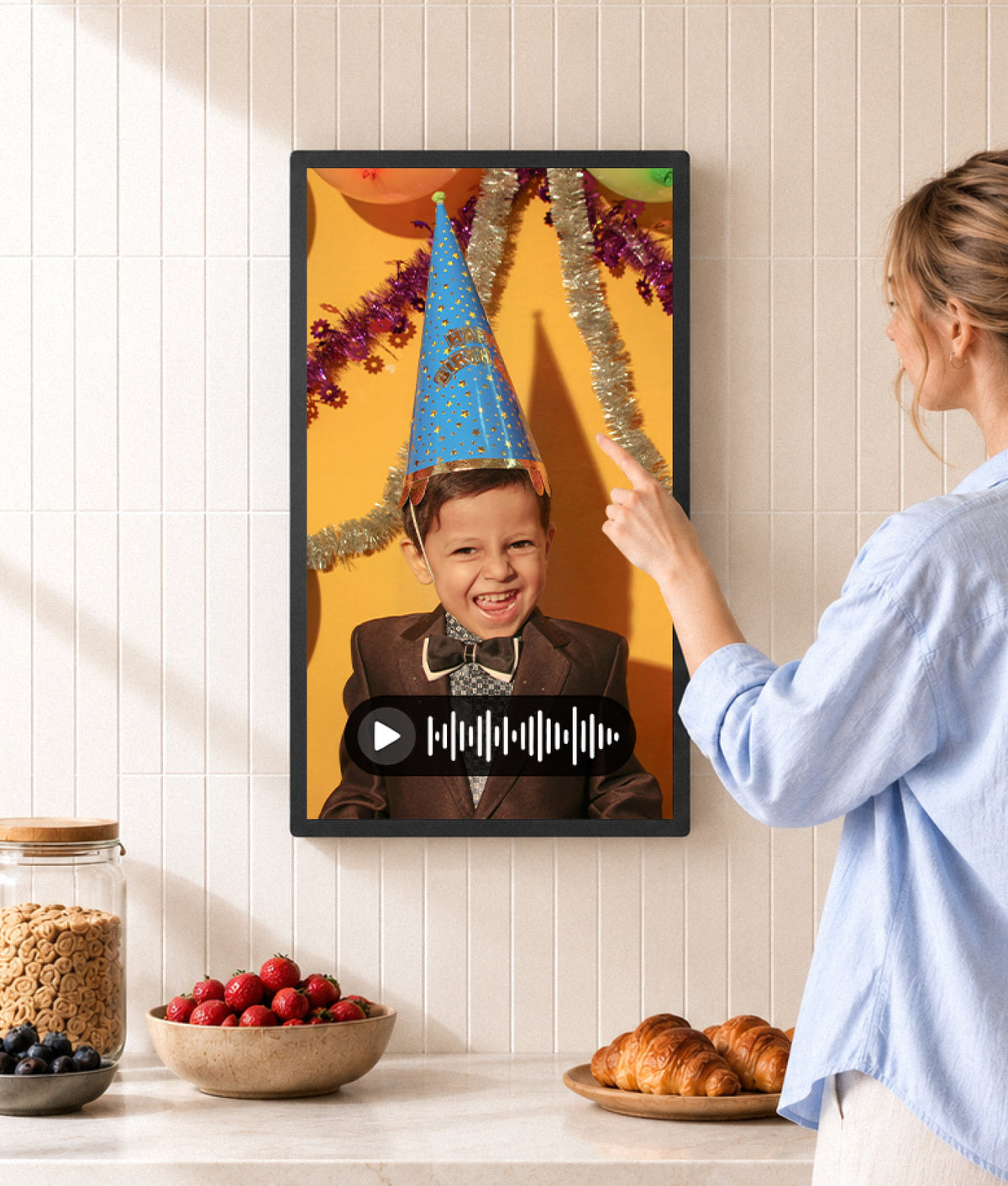
Cozyla also goes beyond simple display. AI-powered image enhancement helps your photos look their best, and you can add voice messages and text to photos to make each memory more personal. It's a frame that stores more, plays more, and lets you share more, without the extra fees.