


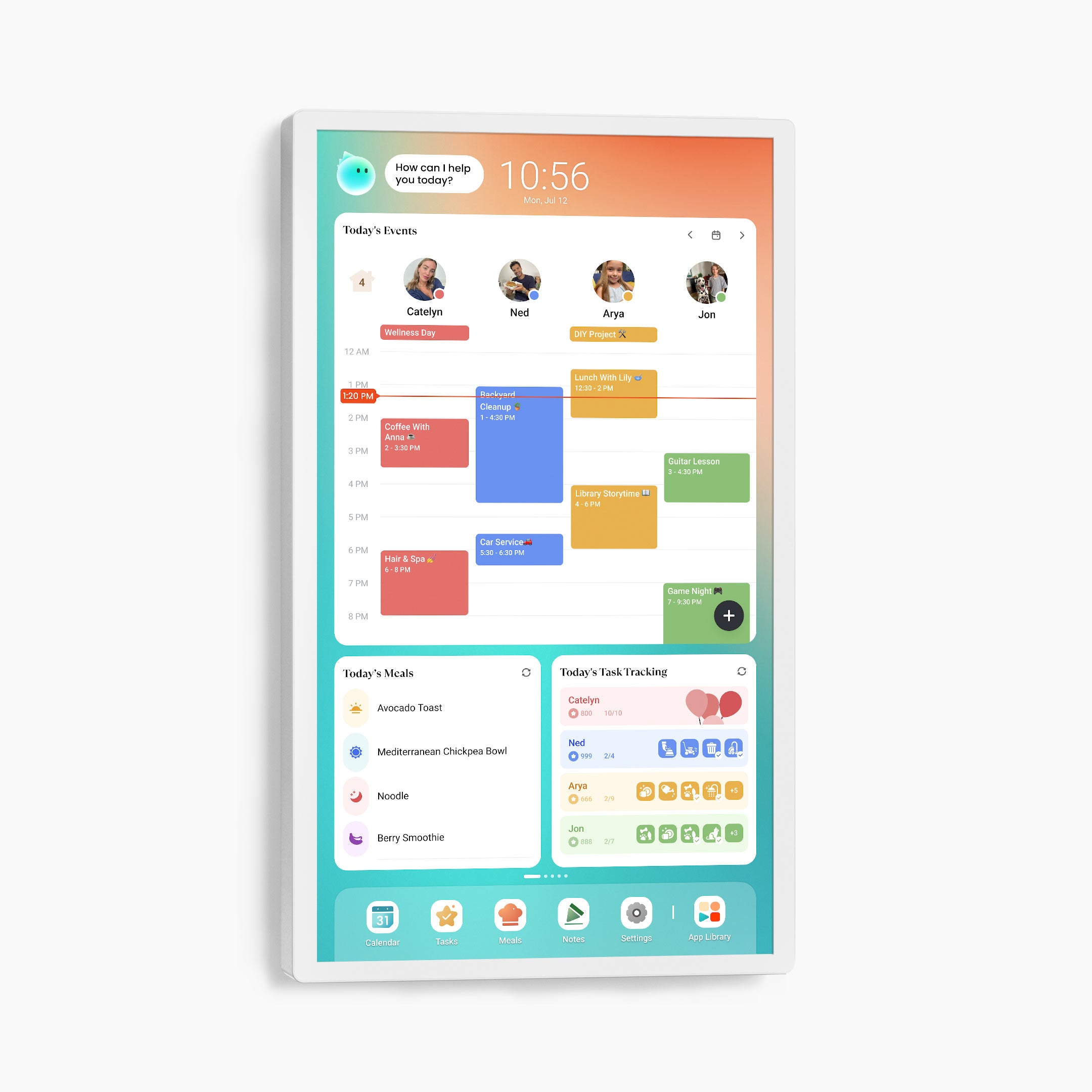
32" Cozyla Calendar Plus 2
★★★★★ Chose by 47,000+ Families
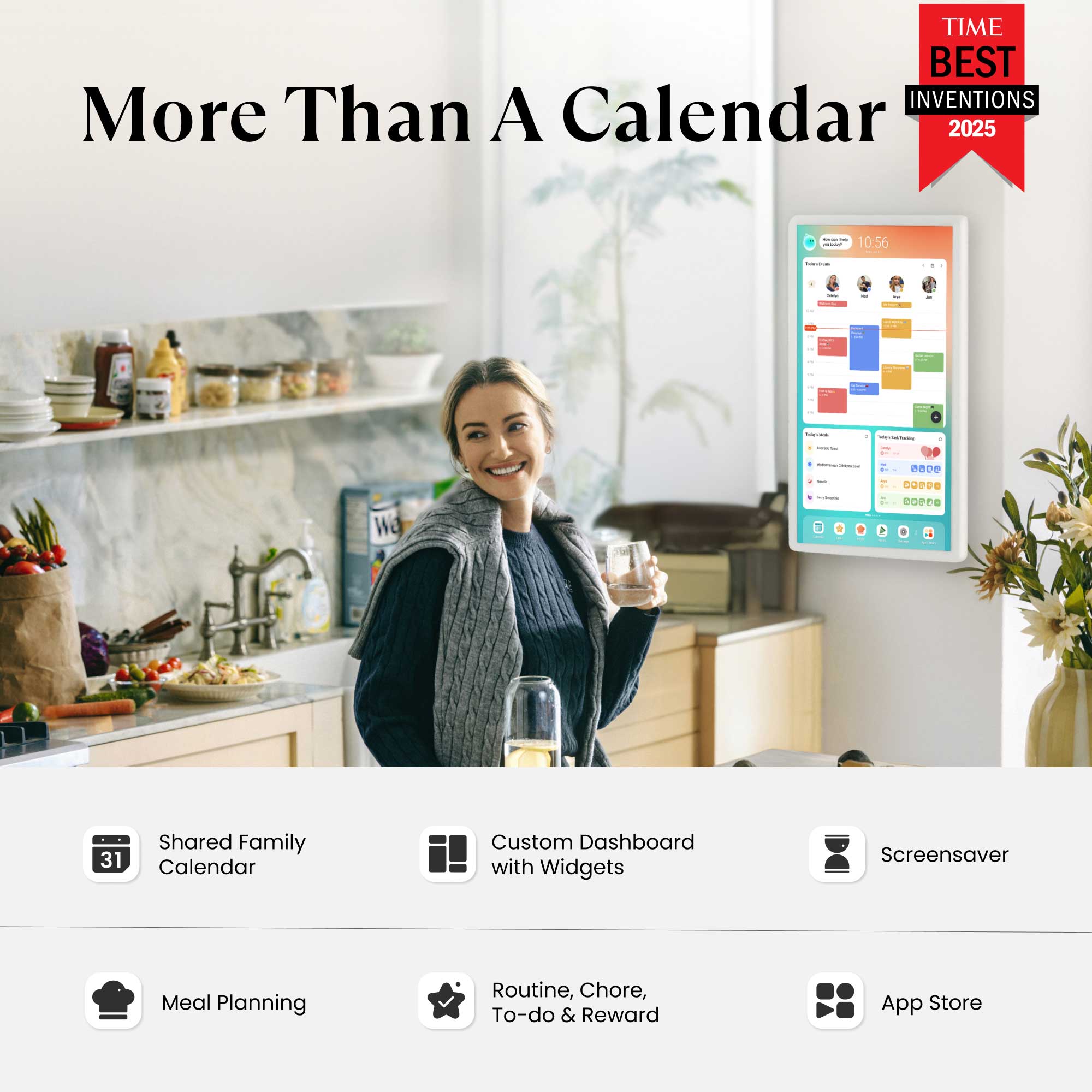
4-in-1 Family Calendar
Combine Digital Calendar + Tablet + Smart Home Hub + Digital Frame
Cozyla Assistant
App Store Included
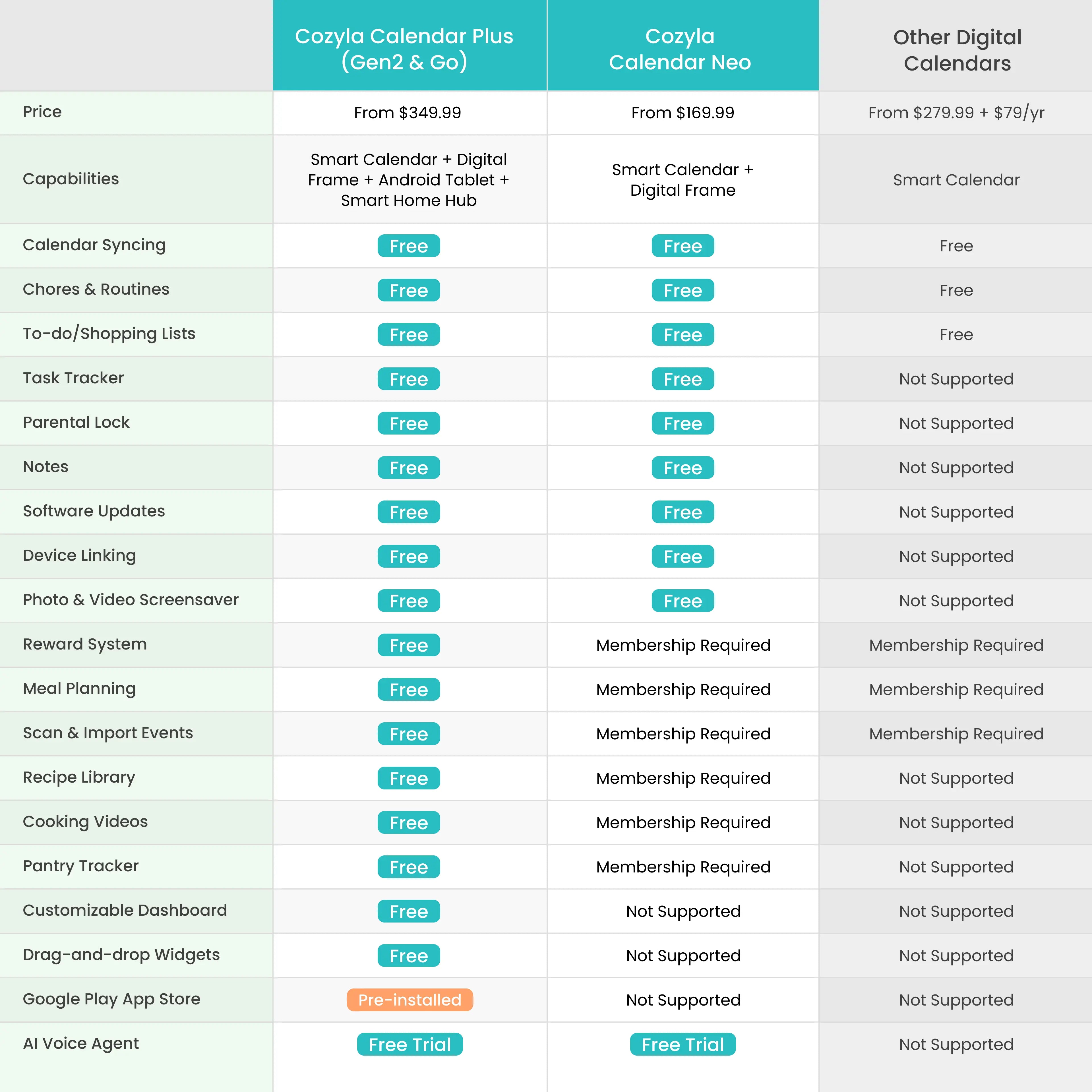
No Subscription Fees
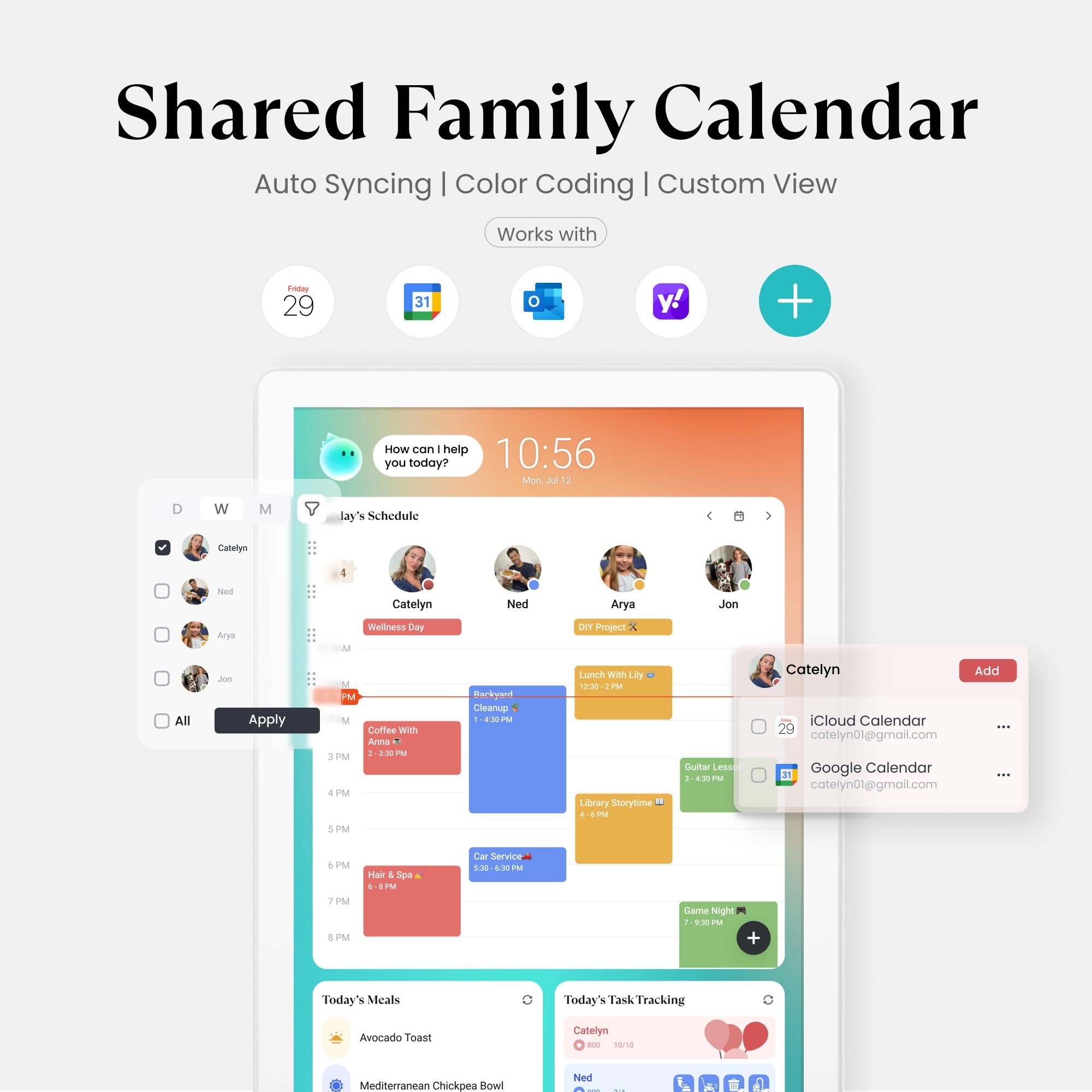
Seamlessly auto-syncs with:


Why Cozyla is the
No.1 Choice
No.1 Choice
Effortless Daily Rhythm for Families
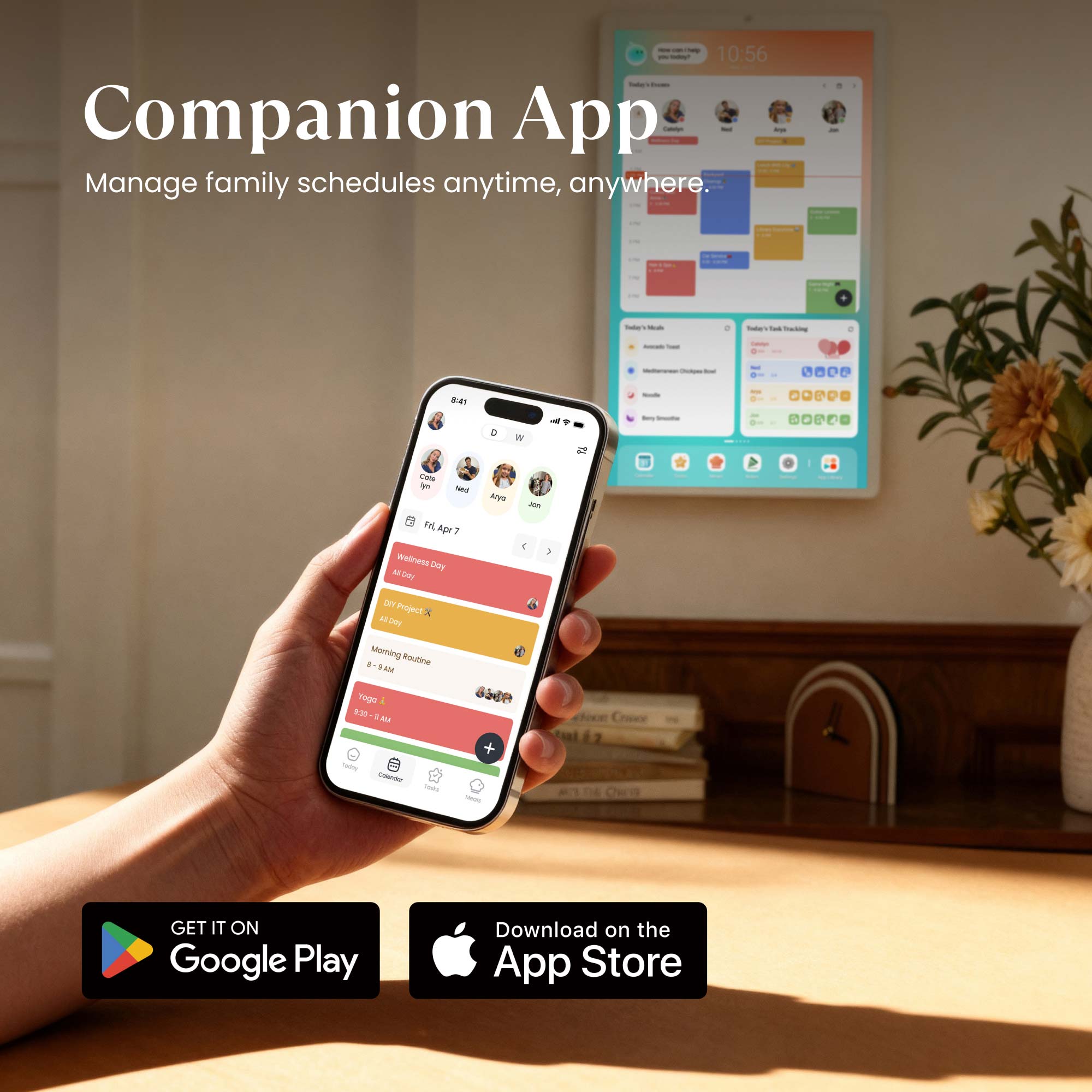
Powered by CalendarOS, it keeps schedules and tasks organized, help families stay connected and in control.

Calendar
Automatically sync your family life across Google, iCloud, Outlook, Yahoo, and more!

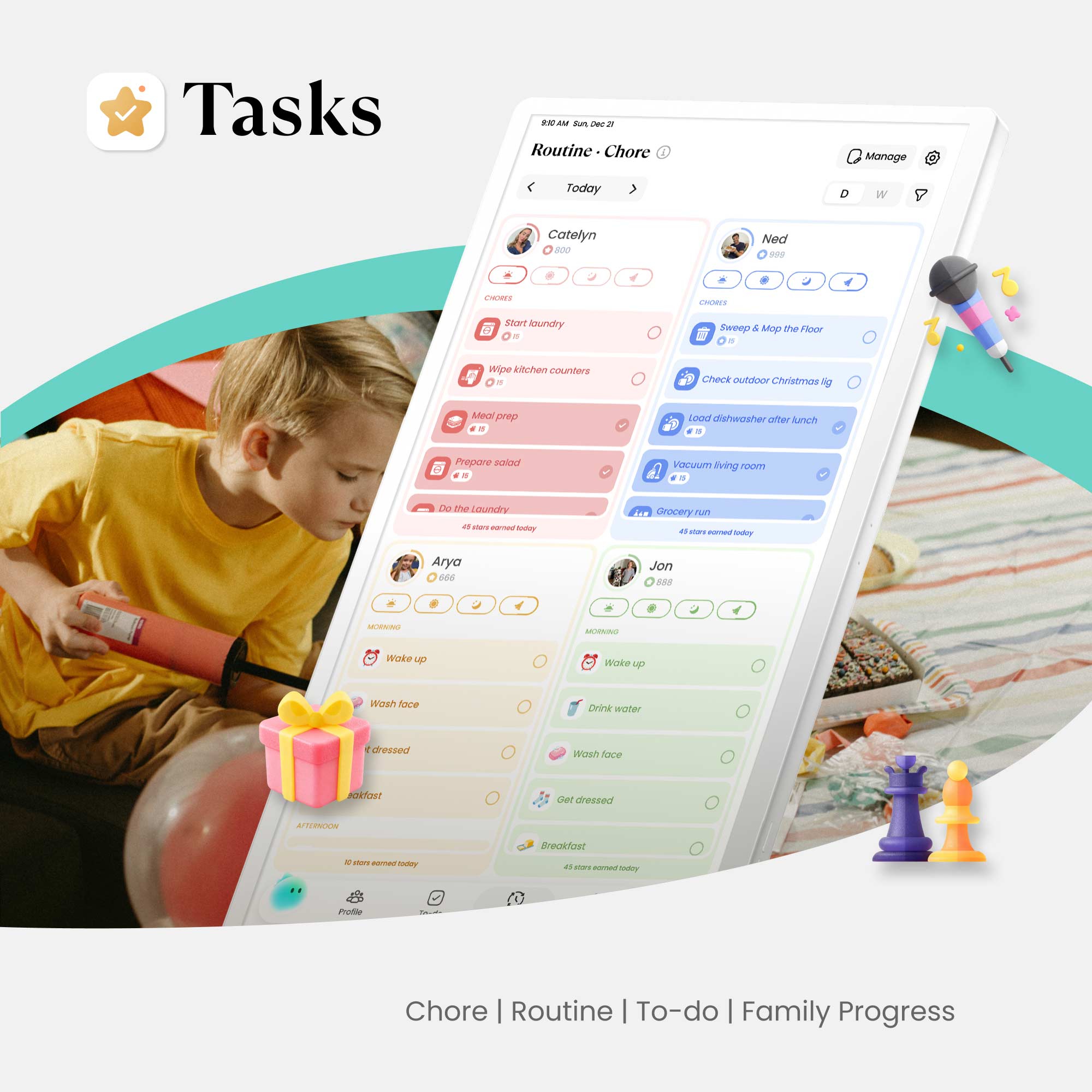
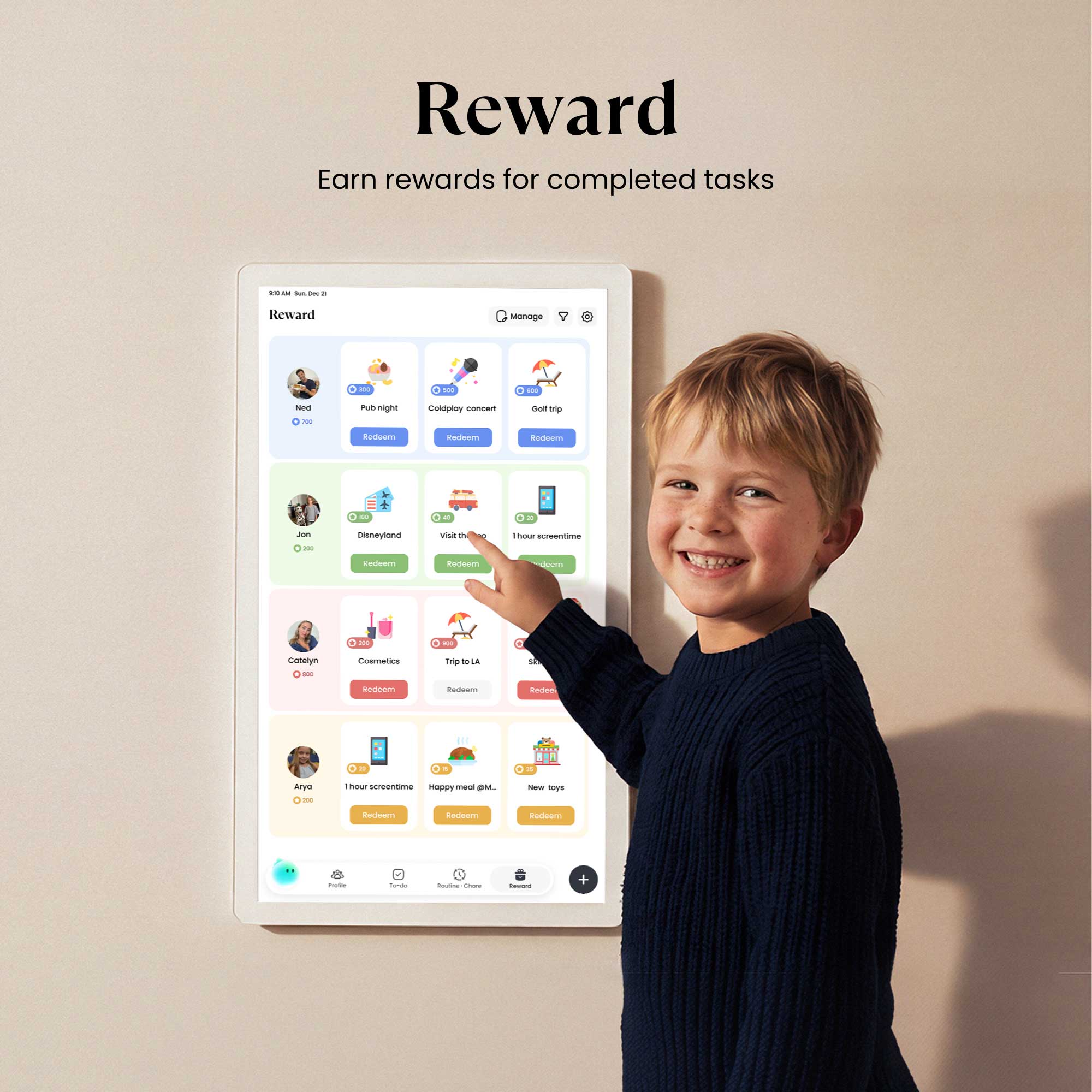
Tasks
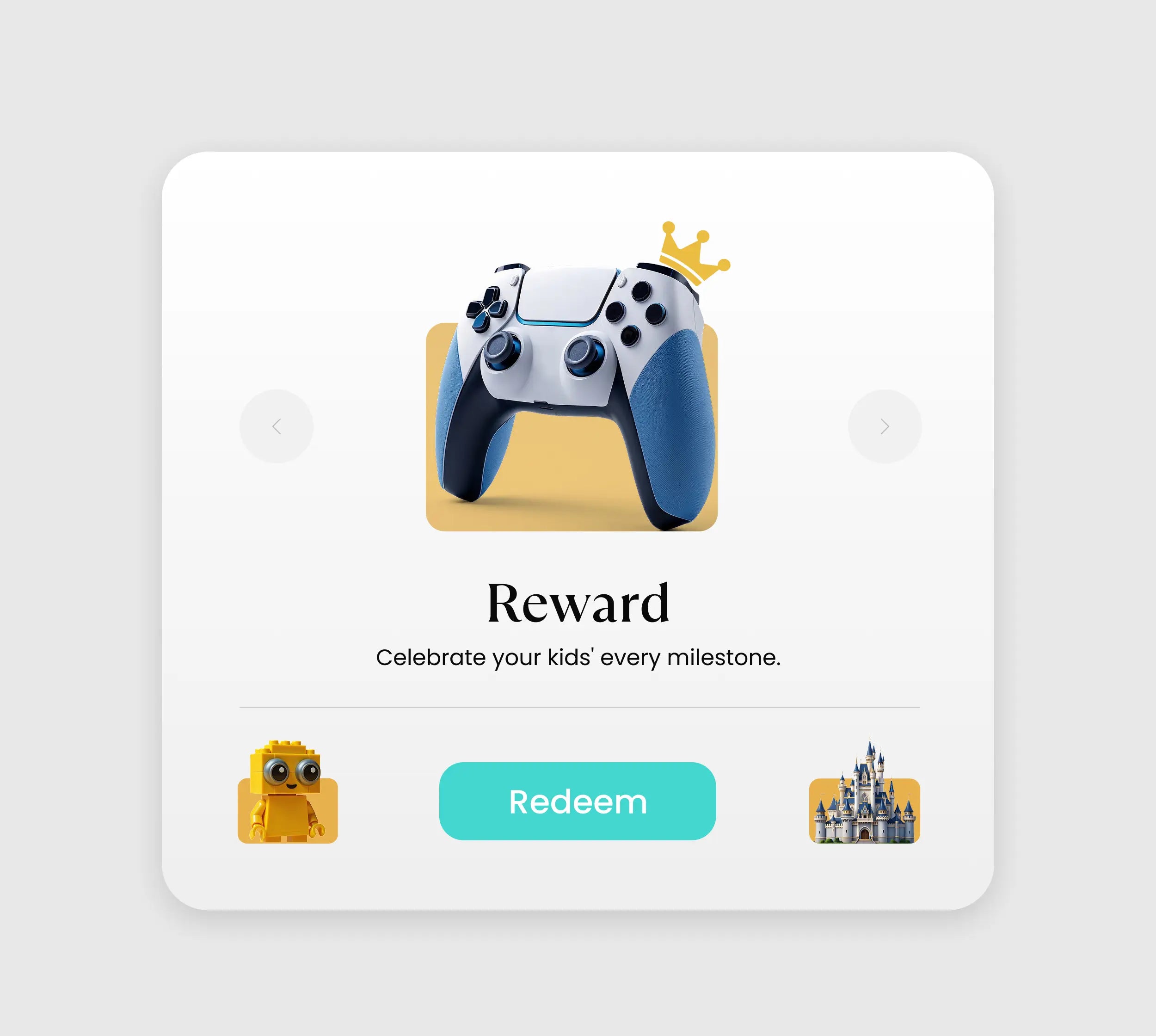
Chores for kids, peace for parents, turning "should do" into "want to."

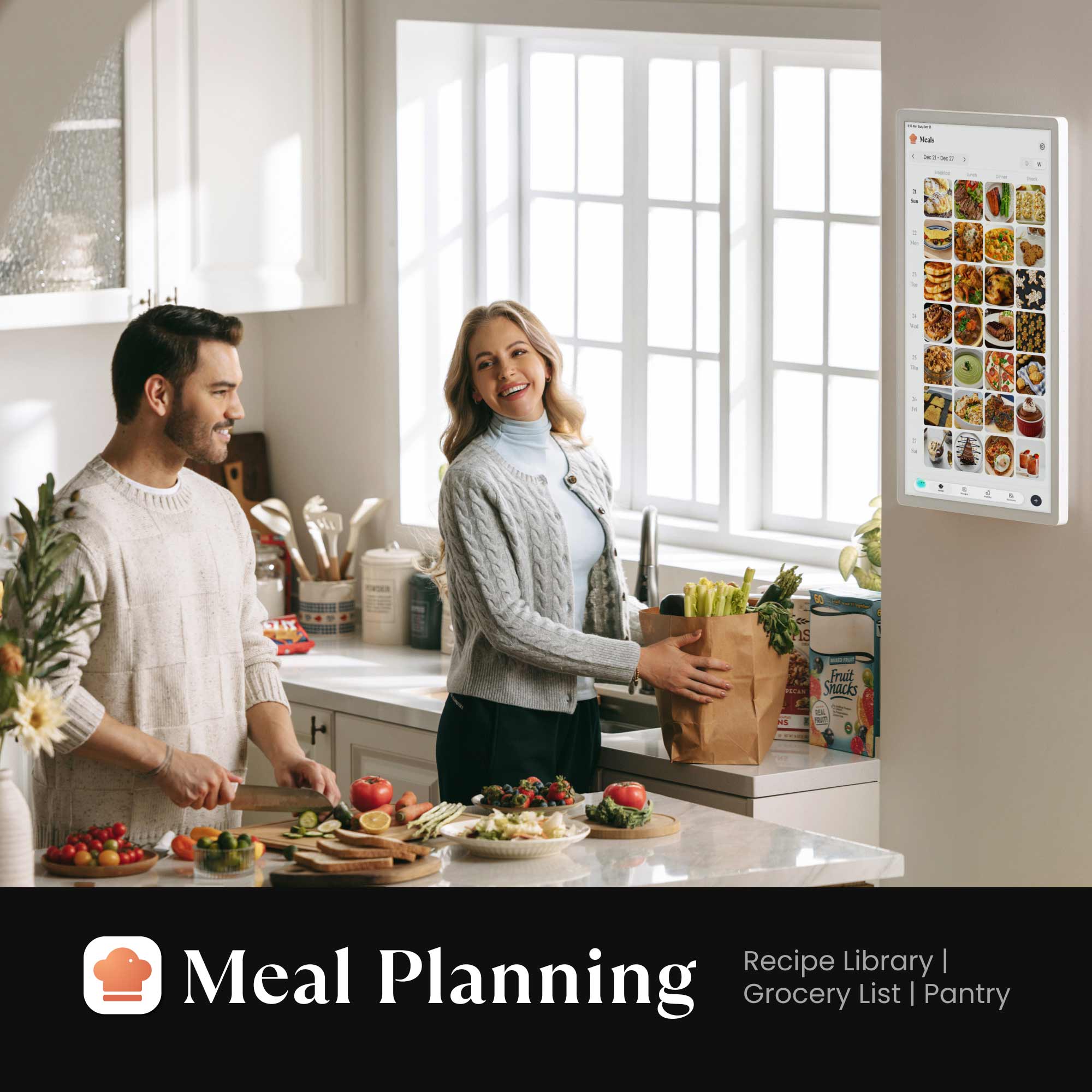
Meals
Elevate your culinary inspirations through step-by-step recipe tutorials!

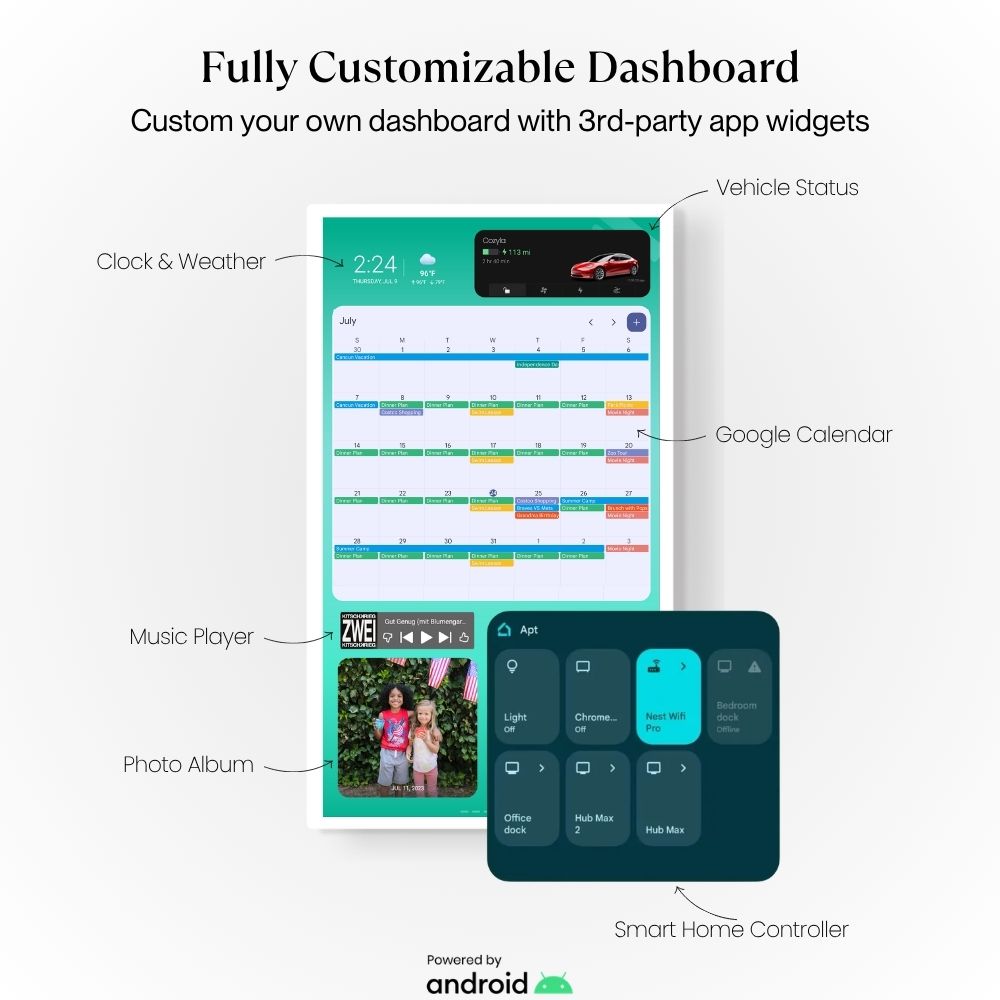
Dashboard
Your hub, your way. Personalize your Family Hub by adding the information that matters most to every member of the household.

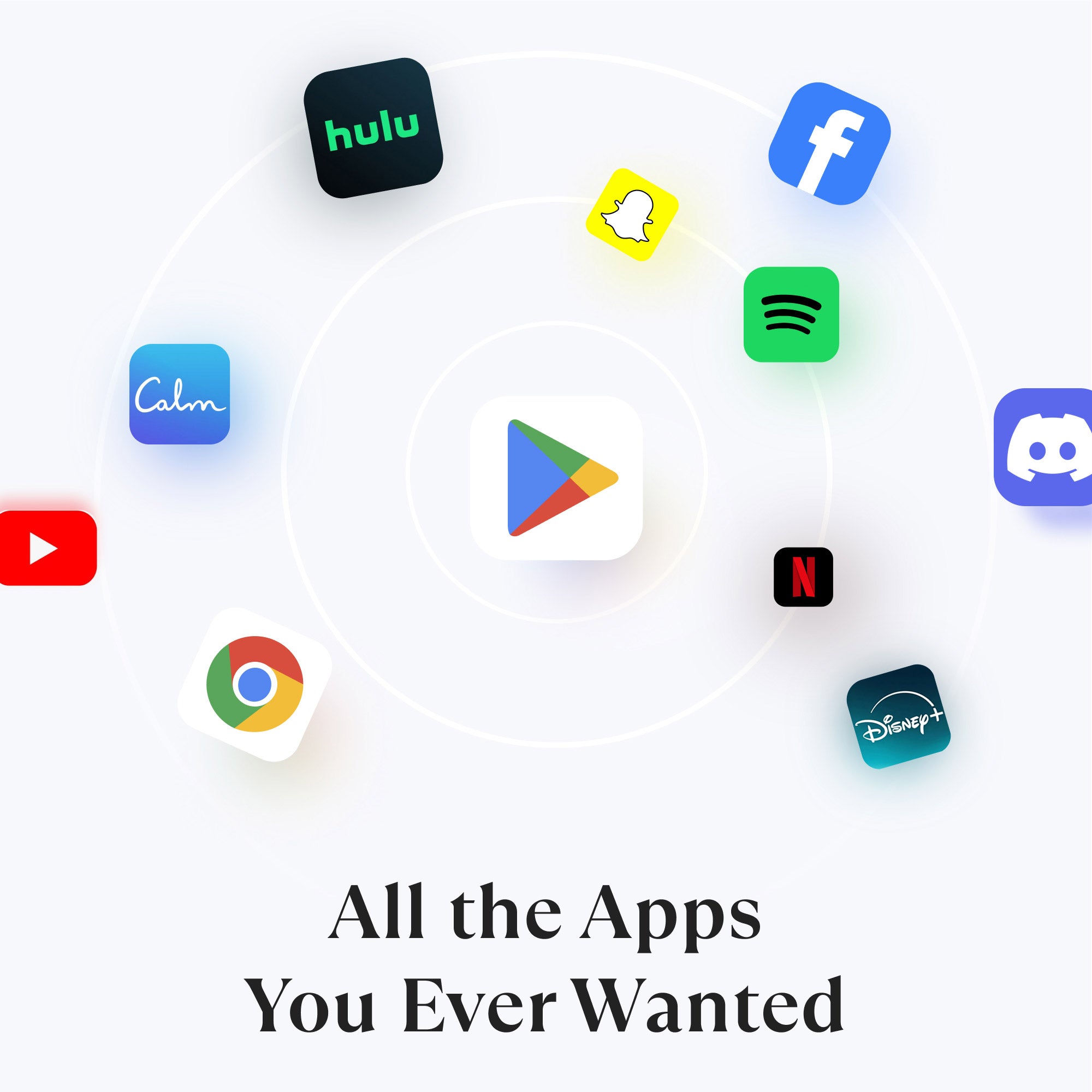
App Store
Curate your own family hub with millions of apps from the Google Play Store.

And More to Explore
All the extra perks that come along with your Cozyla Calendar+ 2!




See Real Families
in Action


FAQs
Why choose Cozyla over other smart calendars?
The Cozyla Calendar Plus 2 goes far beyond basic scheduling. Powered by CalendarOS and featuring a crisp, smudge-proof display (1080p FHD or 4K UHD), it acts as your ultimate family home hub. Sync effortlessly with Google and Apple, and keep your schedules, memos, and photos beautifully organized.
How easy is the setup for non-tech-savvy users?
Designed for busy parents, Cozyla Calendar Plus 2 is plug & play. You can sync your first calendar via our mobile app in under 5 minutes. As the choice of 47,000+ families, we've optimized the process to be as simple as hanging a traditional calendar.
Can I sync multiple third-party calendars?
Absolutely. Whether your partner uses Outlook for work and you use Google for personal schedules, Cozyla Plus merges them into one beautiful, color-coded view automatically.
How many family members are supported?
Cozyla supports up to 8 user profiles. Within each profile, there’s no limit to the number of calendar accounts you can sync.
Can I send photos and updates to someone else's Cozyla?
Yes, we offer a Remote Gift Mode. If you've gifted a Cozyla to a parent, grandparent, or someone who lives far away, you can send photos, messages, and updates directly to their display. They see your life. You stay close.
Does it support streaming apps?
Yes. The device supports a wide range of popular streaming apps, including video and music services. You can easily install them from the Google Play Store and enjoy the same entertainment your family already loves.
What makes this different from my other calendars (Google & Apple)?
Calendars live in your pocket or individual screens, competing with everything else on your phone and computer. Your Cozyla Calendar Plus 2 lives on your wall, always visible, color-coded by person, and shared with everyone in the house at a glance. No app-switching. No "did you see my text?" It becomes your family hub and support system.
Will my whole family actually use it?
That's a great question and yes, your family will use it! CalendarOS is designed so every family member, including your kids, can see and contribute to their own schedule. Parents manage the setup; everyone benefits from the result. Most families tell us their kids start checking it on their own within the first week. Plus, kids and teens love to use it for drawing, writing messages, listening to music, playing games or watching videos!
What if I decide it isn't working for me?
No need to stress, we offer you 30 days to return the product for a full refund. If it's not for you, return your product, no questions asked. We also back every device with a 1-year manufacturer's warranty. You can read more about returns on our return policy page. International return orders may be subject to return shipping fees. To initiate a return, please visit here or contact us.