



32" Cozyla Calendar+ 2
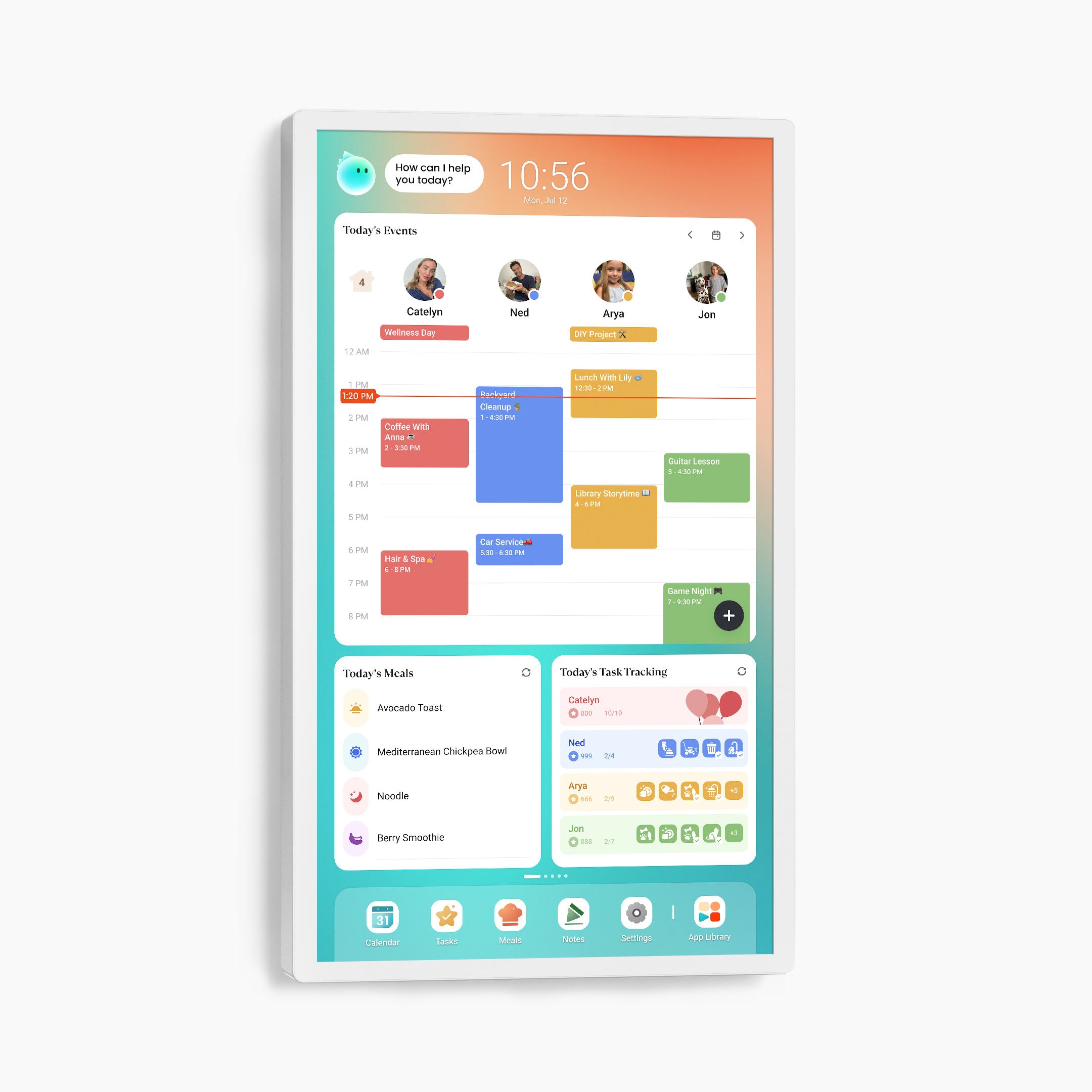
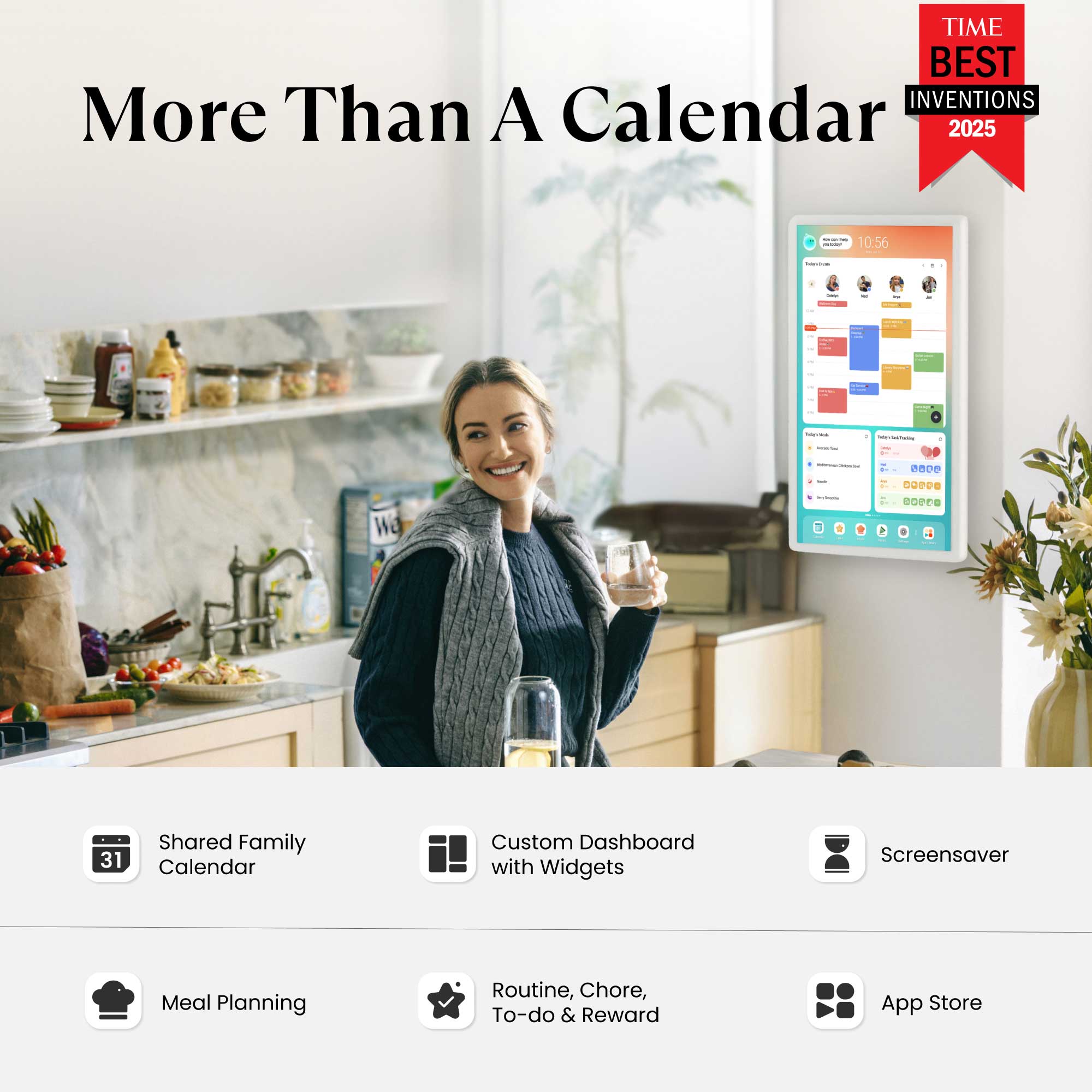
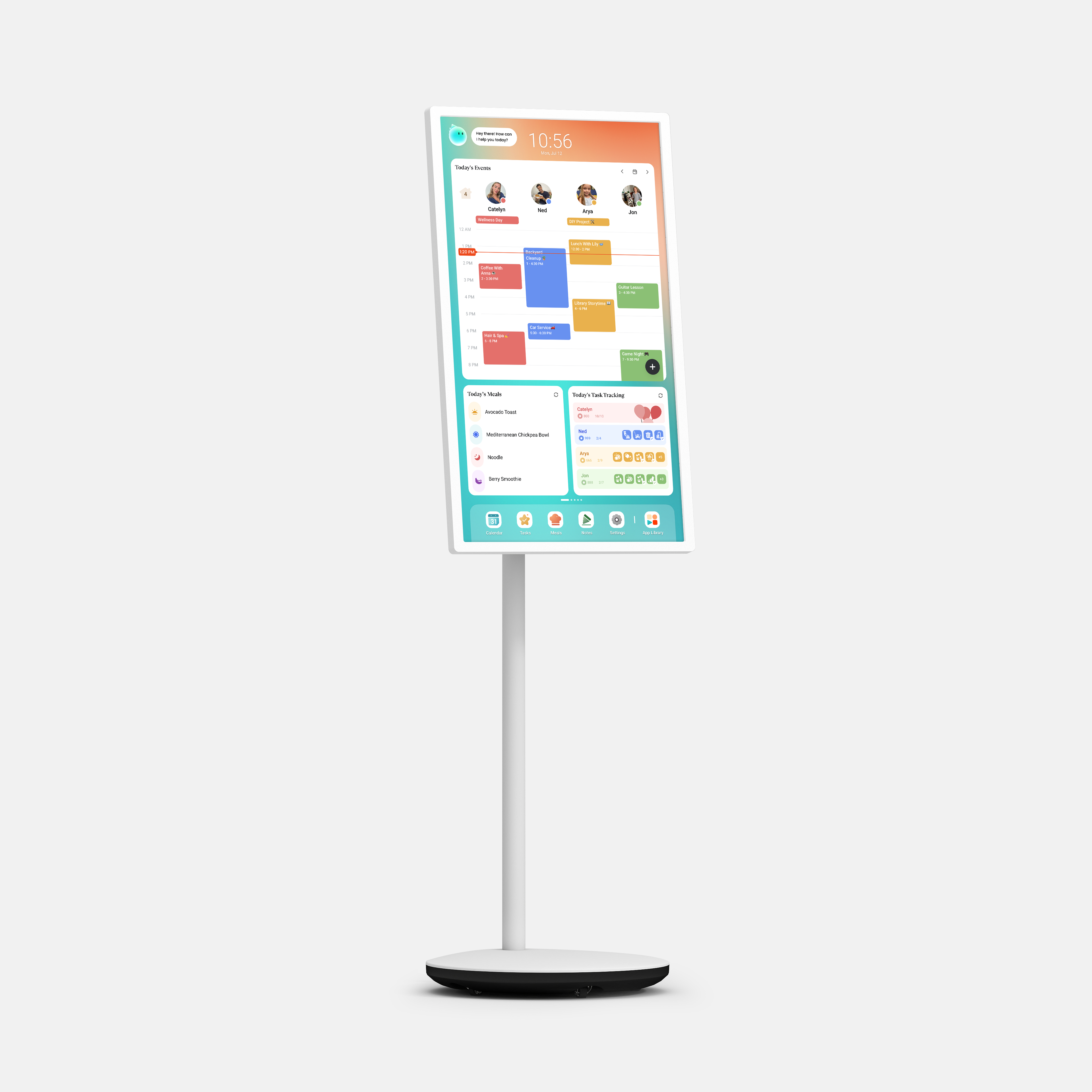
The Calendar+ 2 brings together every family member’s schedules, to-dos, routines, chores, and meal plans into one smart display powered by CalendarOS, now with Cozyla AI! Paired with a wall-mounted rotating bracket, it’s ideal for kitchens, dining areas, or shared family spaces.
Pairs well with
Watch Product Demo
Watch the Calendar+ 2 demo video here. Need more tutorials? Please visit our YouTube channel.
What's in the box?
- Cozyla Calendar+ 2
- Power Adapter
- Rotating Wall Mount
- User Manuals
*International users: Outlet adapter not included. Cozyla devices come with a US-style 2-flat-pin plug by default.
Ships within 1-2 business days.
30-day risk-free trial
1-Year Warranty
32" Cozyla Calendar+ 2


Shared Calendar
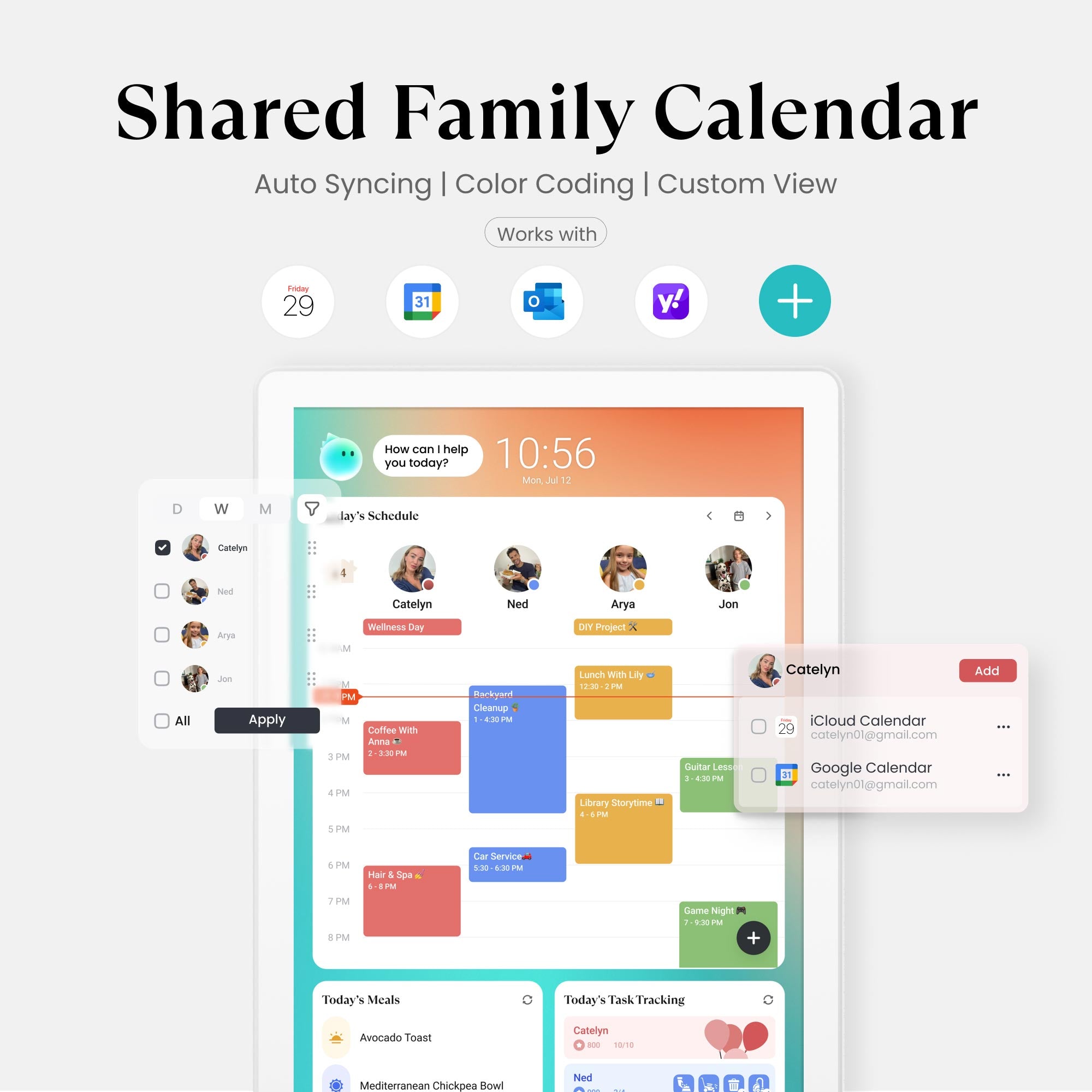
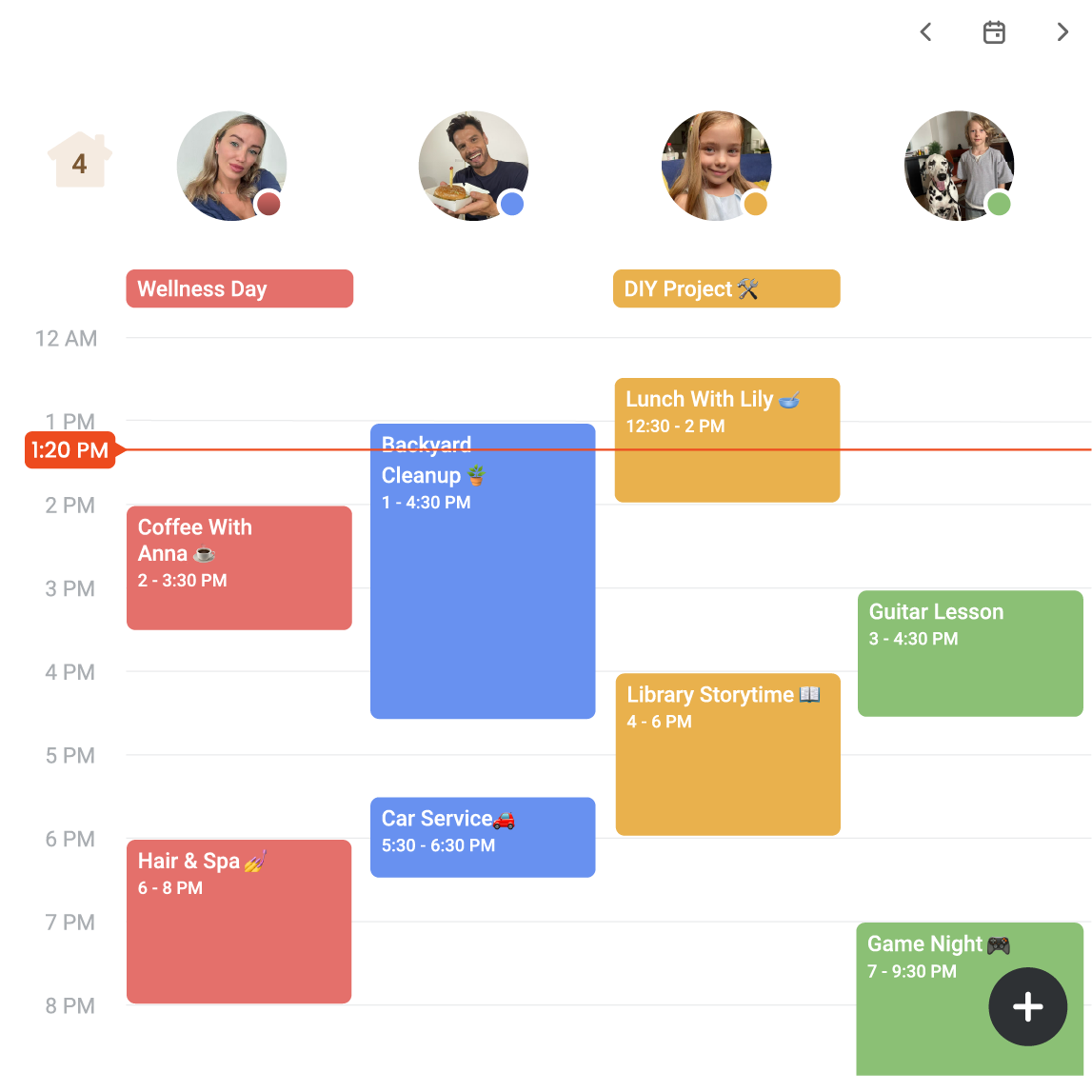
Your calendar is always perfect. Every change syncs instantly across all your platforms (iCloud, Google, and more). Stay organized and never double-book again!

Day/Week/Month View
Flexibility to plan your way. Quickly switch between Day, Week, or Month views. Instantly toggle between your personal schedule and the full group view.

Visual Color Tags
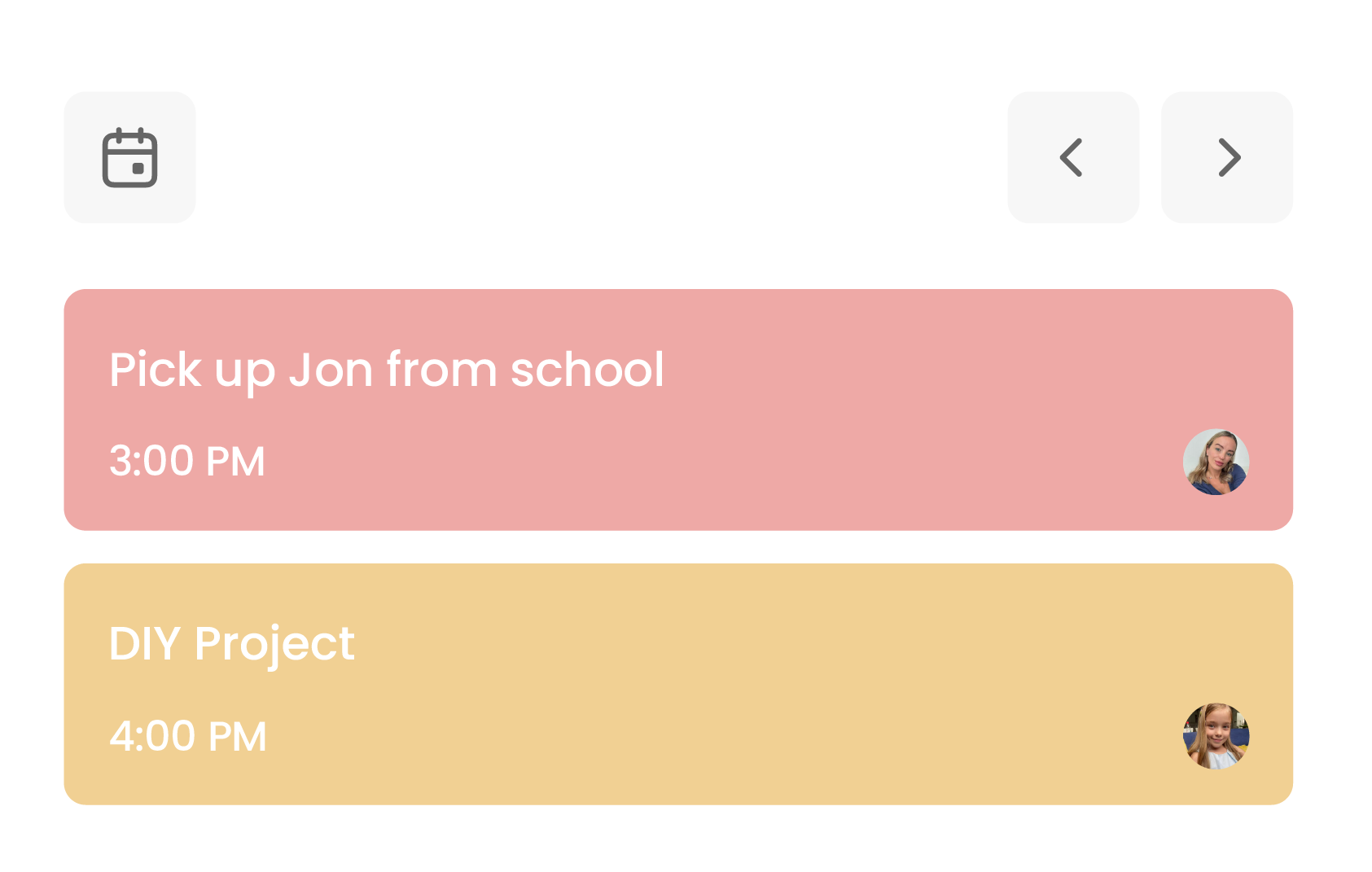
Organize the chaos. With one unique color for every family member, your schedule instantly transforms into an easy-to-read chart. Know who is busy and where they are with zero effort.

Family Profiles
One calendar, up to 8 profiles. See everyone's schedule at once. Easily know who's busy or available for instant family planning.


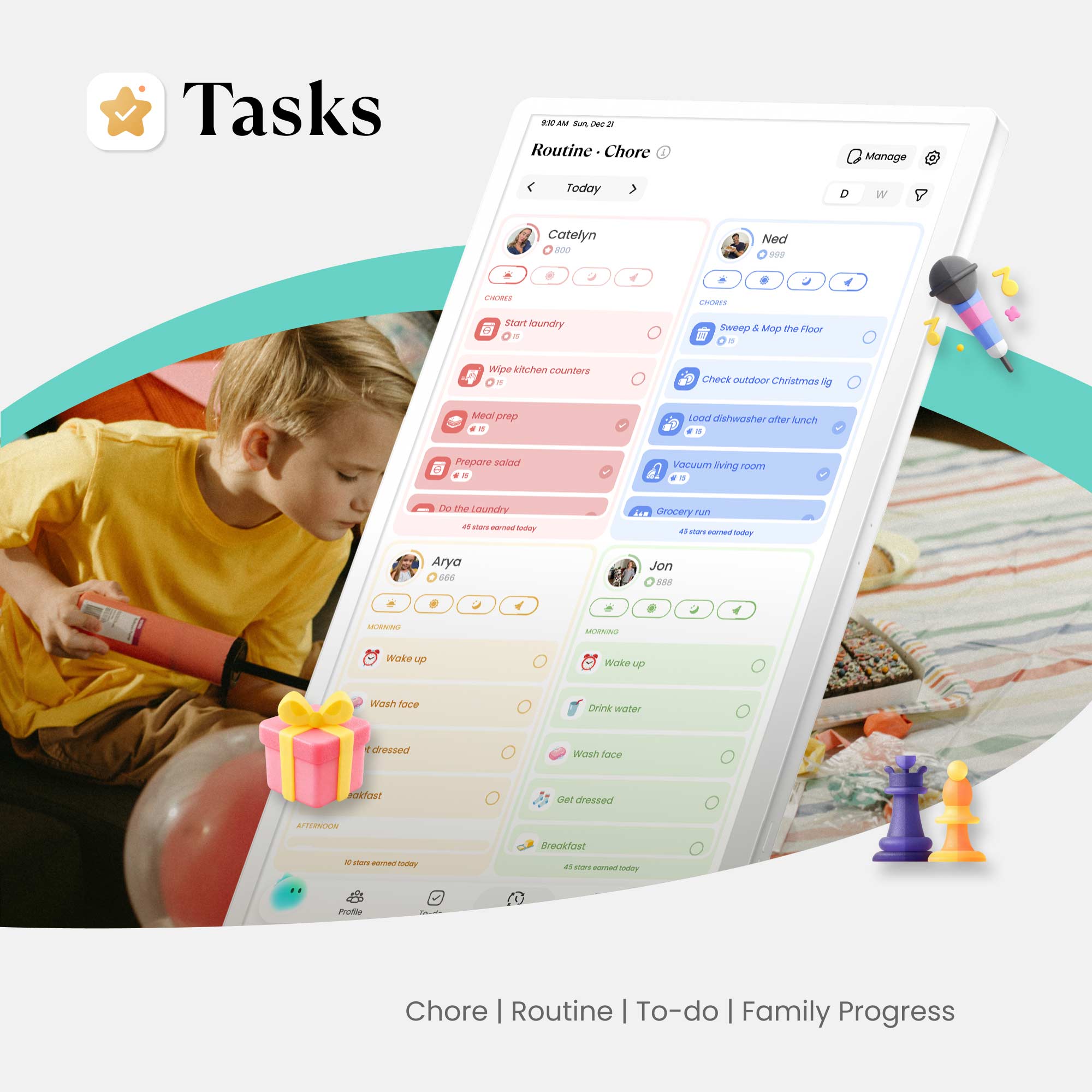
Chore·Routine
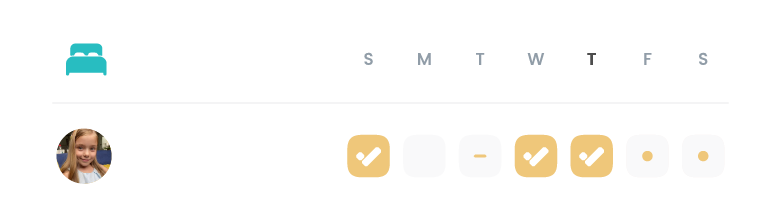
Build better daily habits with recurring tasks. Make chores fun. Assign family members tasks and motivate them with points.

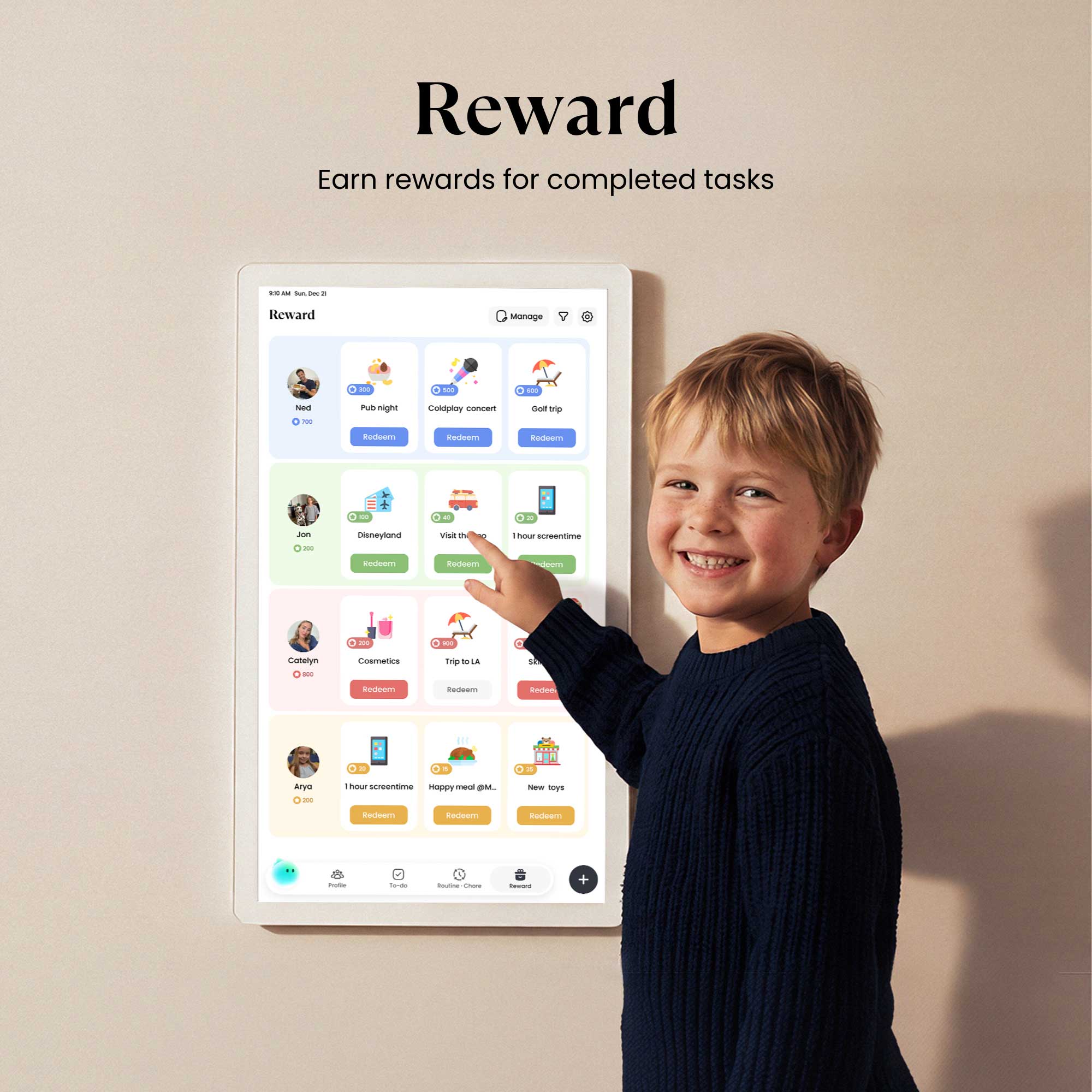
Reward
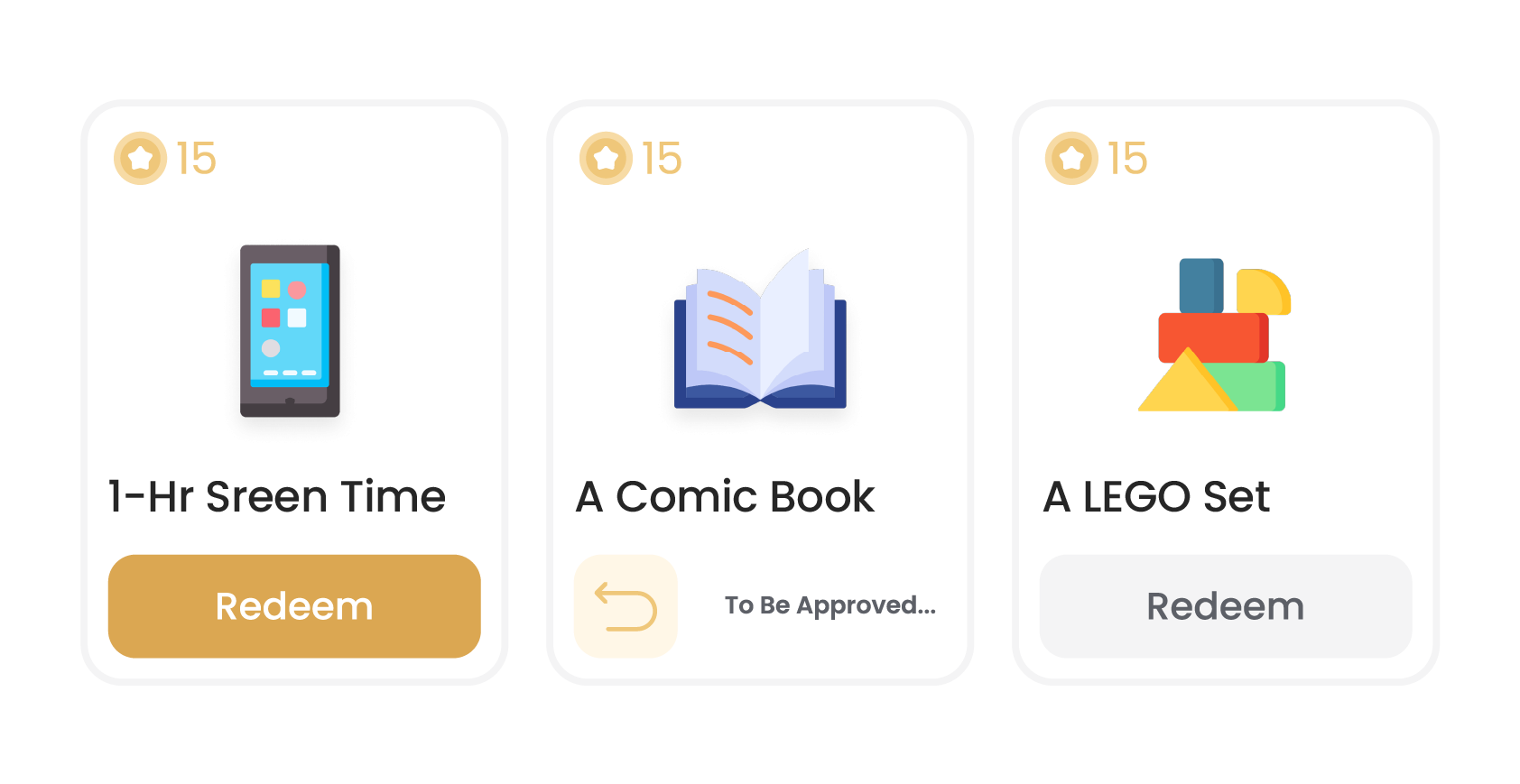
Gamify your day! Completing tasks earns stars and fun emojis. Let your family save them to unlock exciting, custom rewards you define together.

To-do
Easily organize one-time tasks! Keep your day flexible while maintaining clarity on what needs to be done—so nothing slips through the cracks.

Family Progress
Celebrate progress together. A Family Progress Widget displays each member's stars, visualizing how far everyone has come.


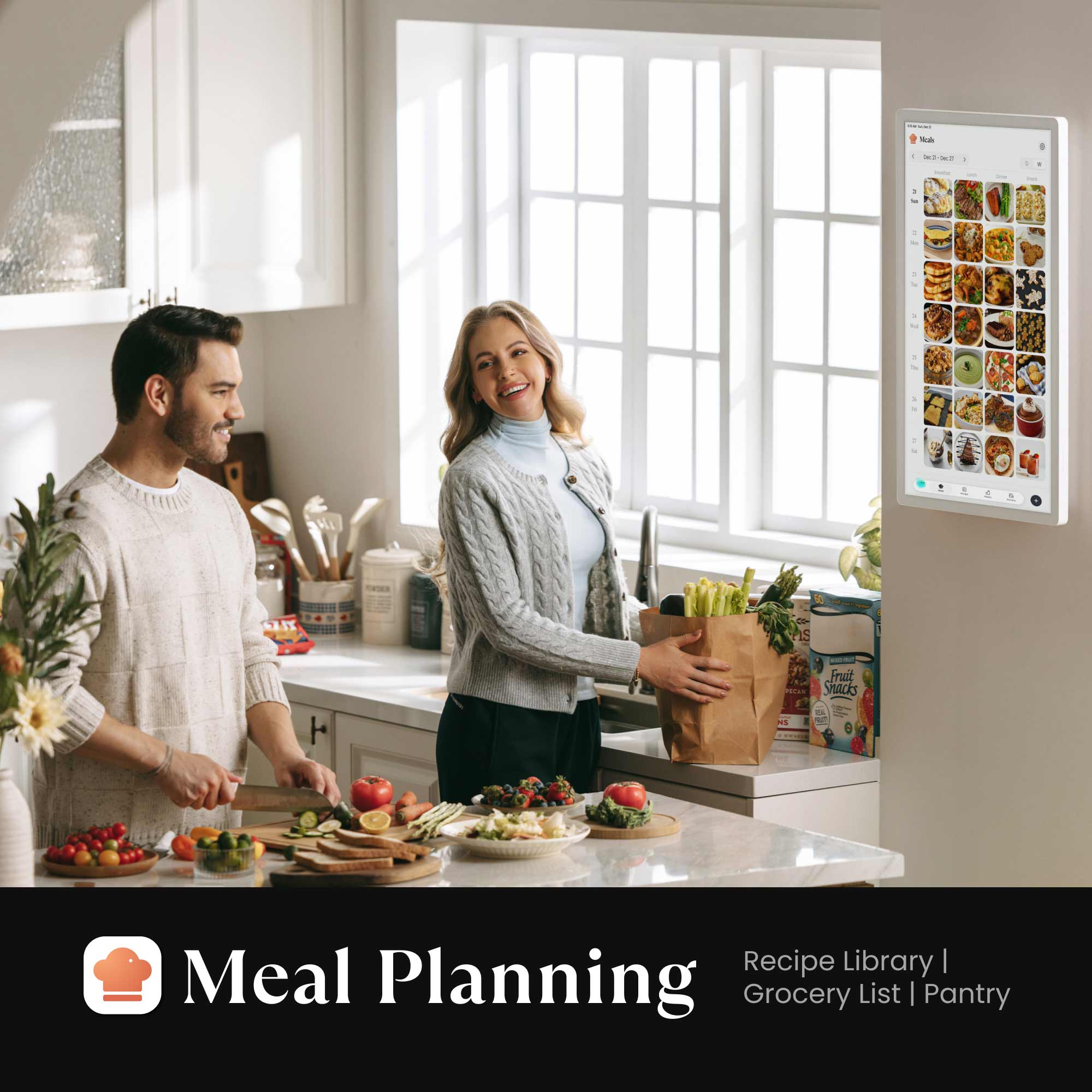
Meal Planning
Organize meals with ease and take the stress out of “what’s for today.” Save time, reduce waste, and keep your family’s nutrition balanced with thoughtful planning.

Grocery Lists
Simplify every grocery trip. Turn any recipe into a shopping list with just one tap. Check off items as you go for a smarter way to shop.

Recipe Library
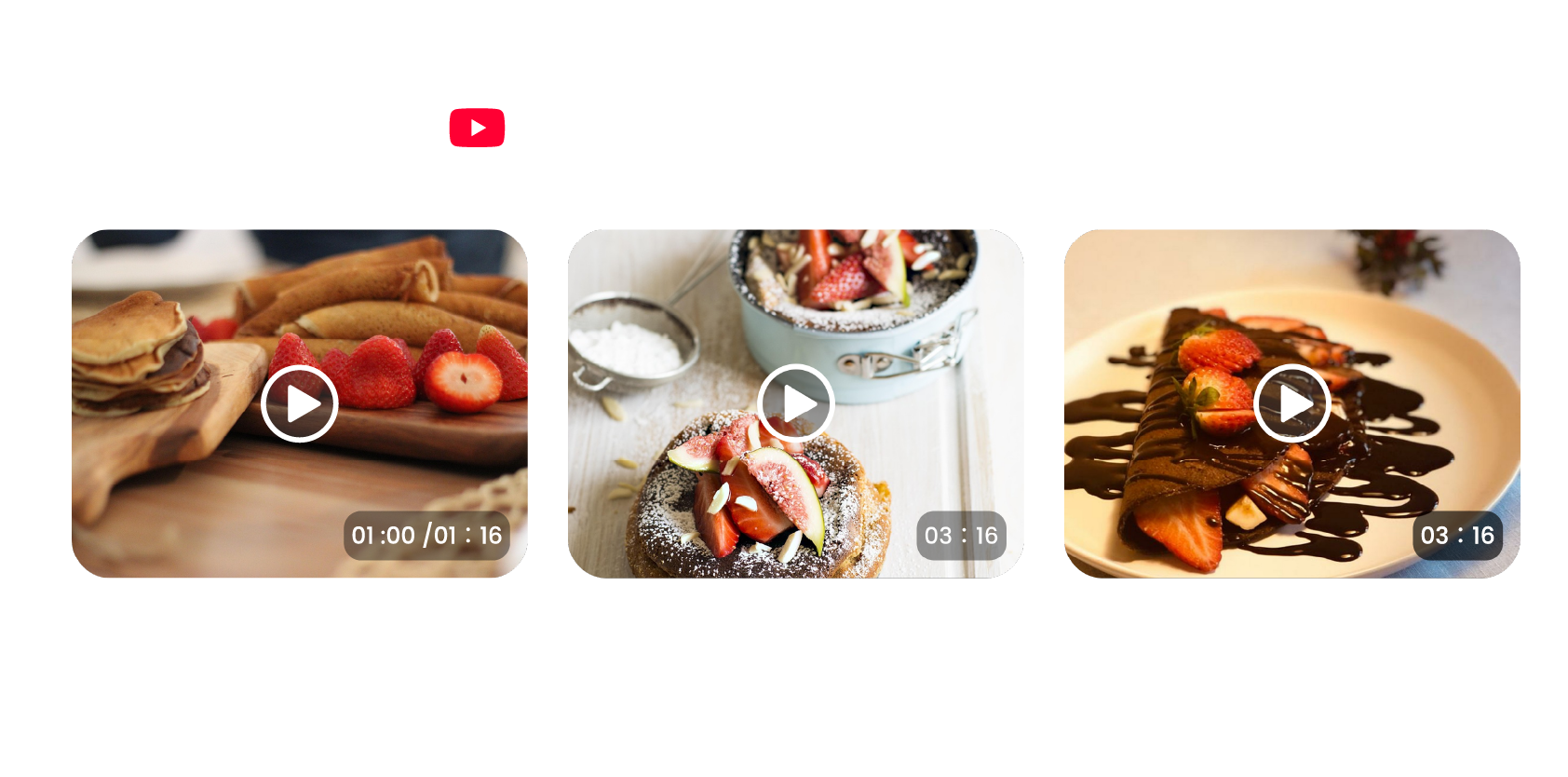
Never run out of dinner ideas. Browse featured dishes, or easily save your own family favorites. Follow simple step-by-step instructions and YouTube videos for effortless cooking inspiration.

Pantry Management
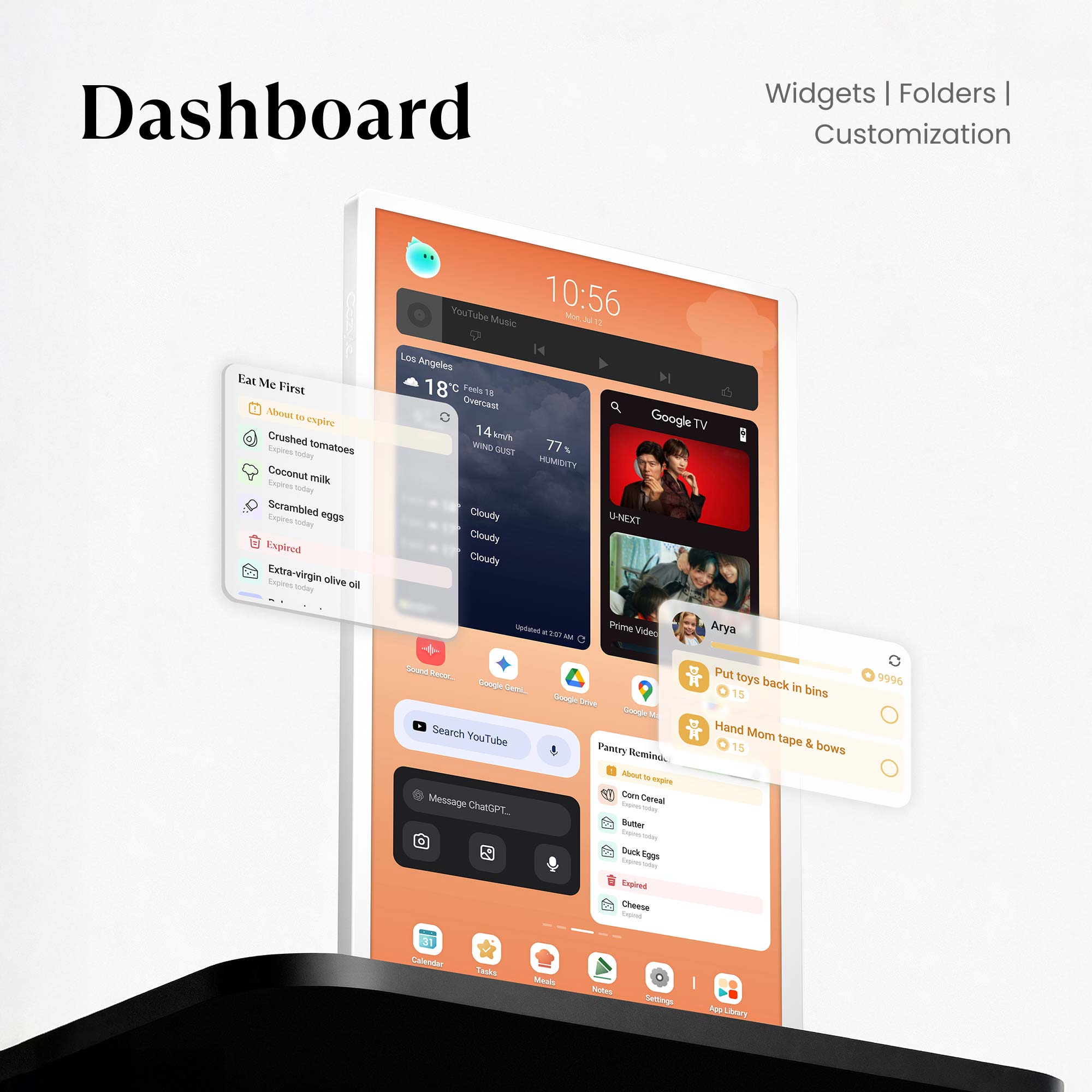
Organize your kitchen. Easily track what ingredients are running low and get reminders for upcoming expiration dates. This ensures you never buy what you already have or waste food again.


Custom Widgets
Custom widgets build your perfect family command center. Place, resize, and arrange all core features freely to create a layout that fits your daily use.

Enhanced Notification
Reminders that ensure every task, event, and responsibility reaches the right person at the right time—so everyone stays informed and on track.

App Folder
Keep your essentials one tap away. Add shortcuts for the apps you use most. Group them into simple folders for fast, clutter-free access to everything your family needs.

Layout Customization
Take full control over your Calendar+ 2. Create or reorder multiple pages for various needs. On each page, intuitively add and edit widgets to build your perfect view.

Page Templates
Start fast with ready-made templates. Quickly create, edit, or delete your own templates to match your family's unique routines or goals.


Endless Choices
Get everything your family needs in our pre-installed app store. Explore the app store with limitless possibilities—from learning tools to entertainment.

Smart Home Hub
Works with both the Amazon Alexa and Google Home ecosystem, along with any other platforms that are compatible with CalendarOS.

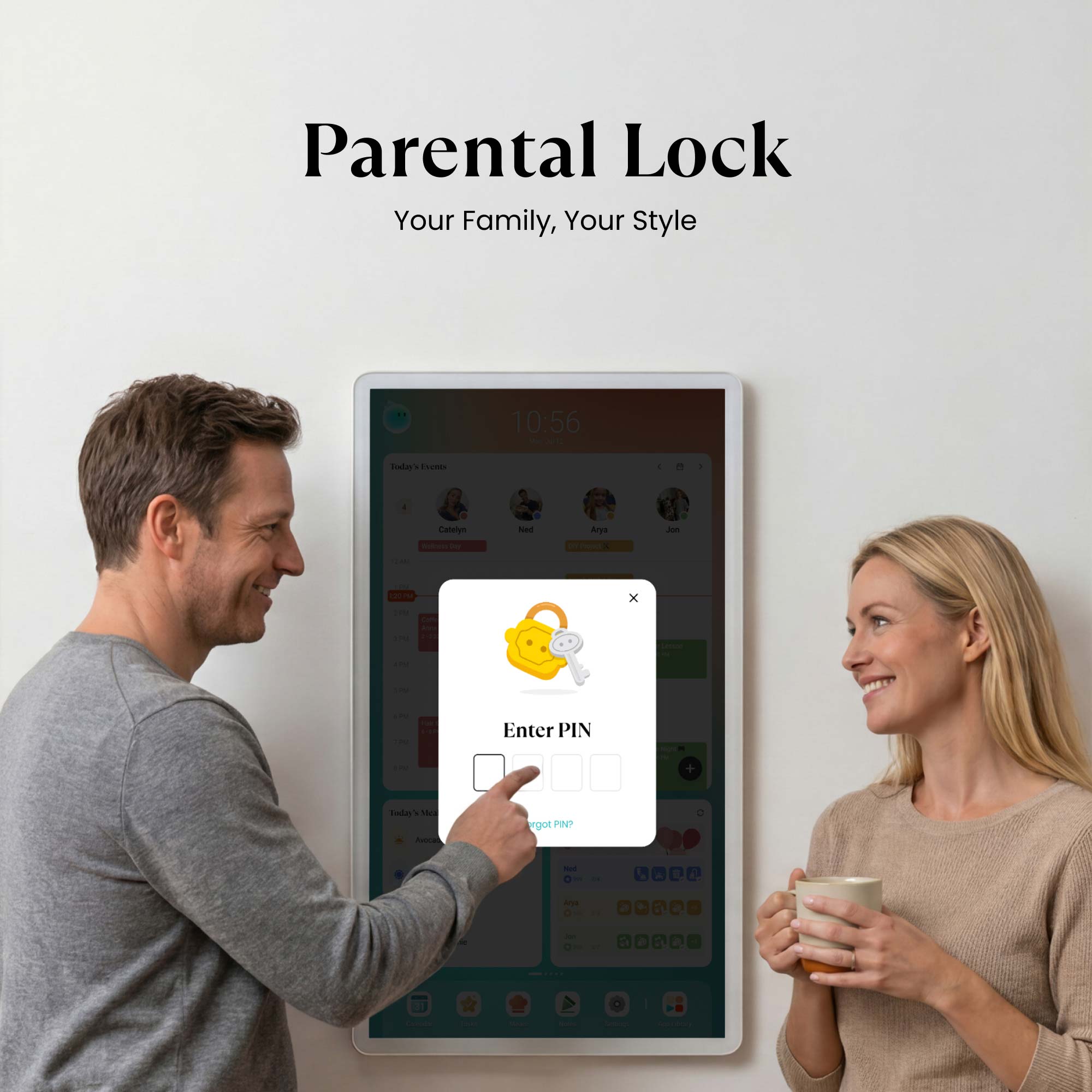
Parental Lock
Keep screen time balanced. Easily set limits and screentime for app usage. Access outside these hours requires your permission, protecting focused family time.


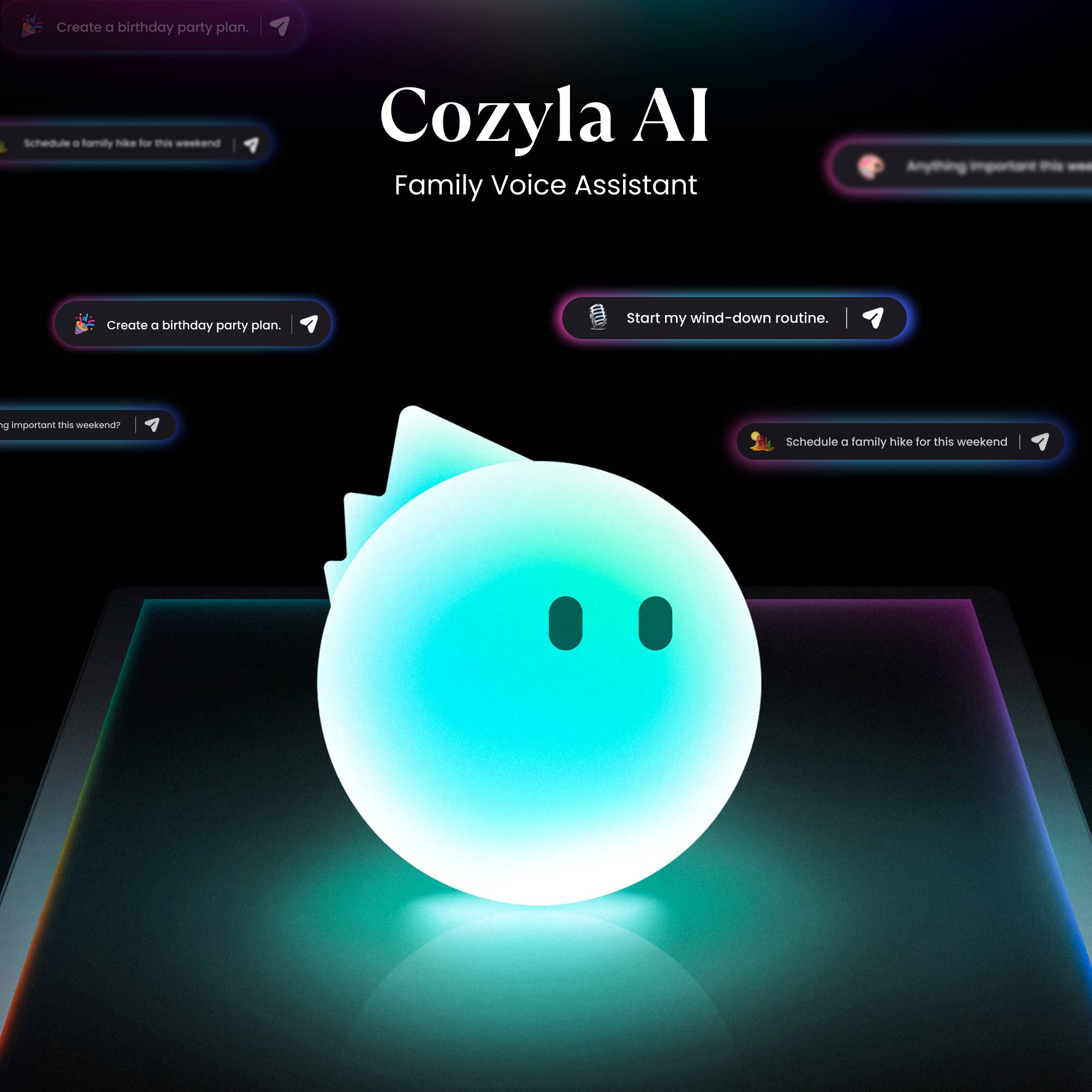
Cozyla AI
Your family voice assistant that plans everything with only a sentence, edits your requests on the fly, and creates personalized recommendations just for your family.

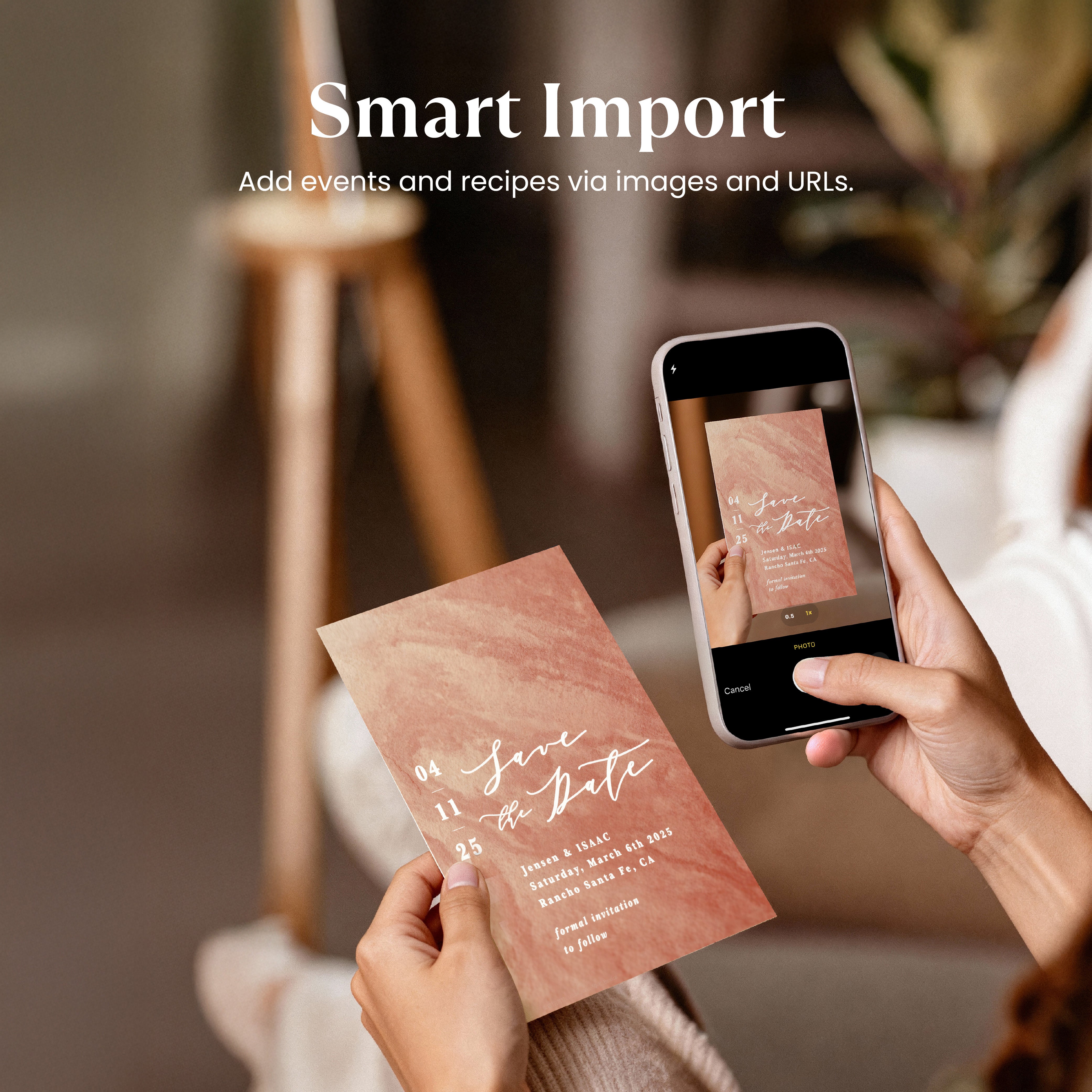
Smart Import
Instantly capture anything in seconds. Just paste a single URL or snap a photo—recipes, calendar events and more! Go from exploring ideas to organizing your day in one tap.

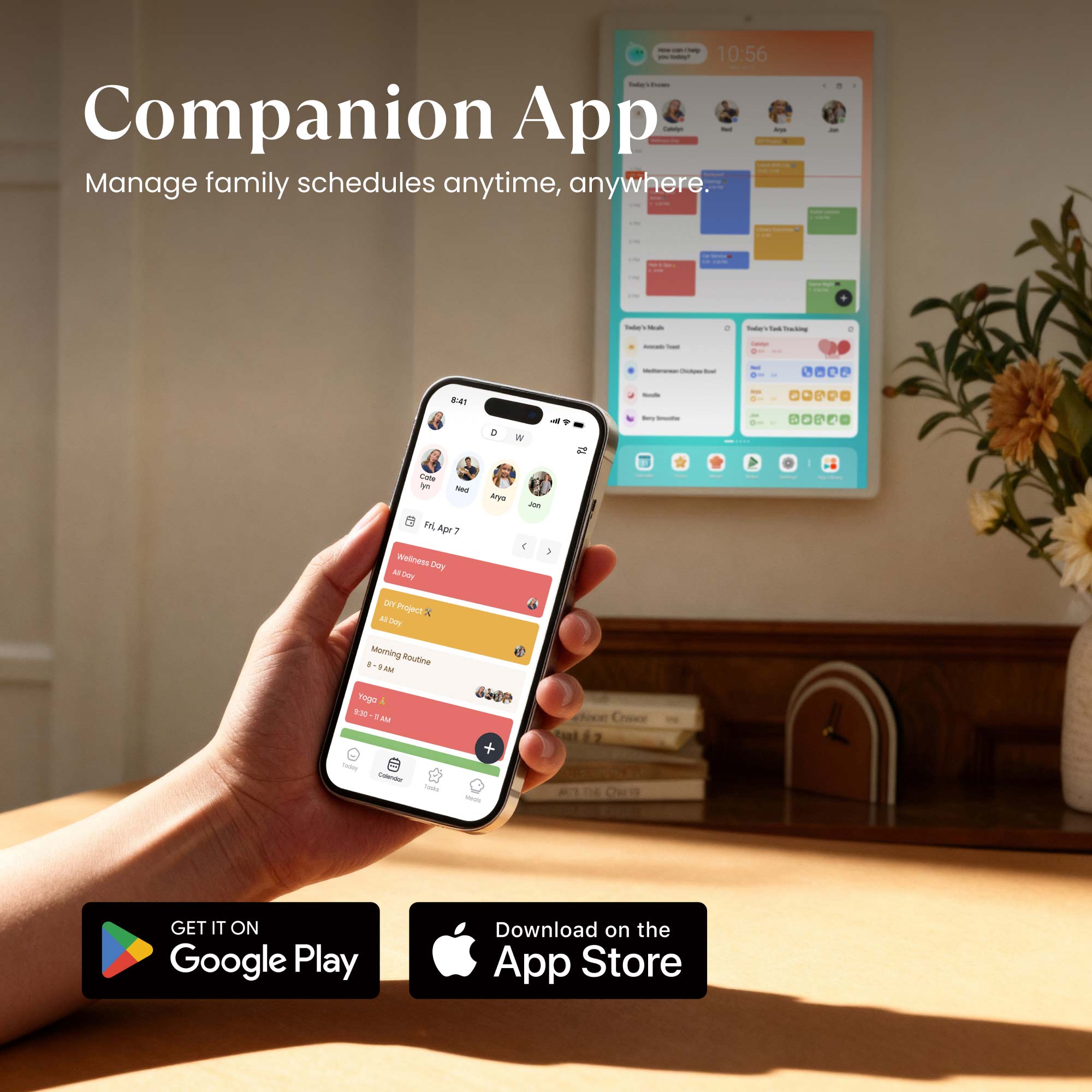
Companion App
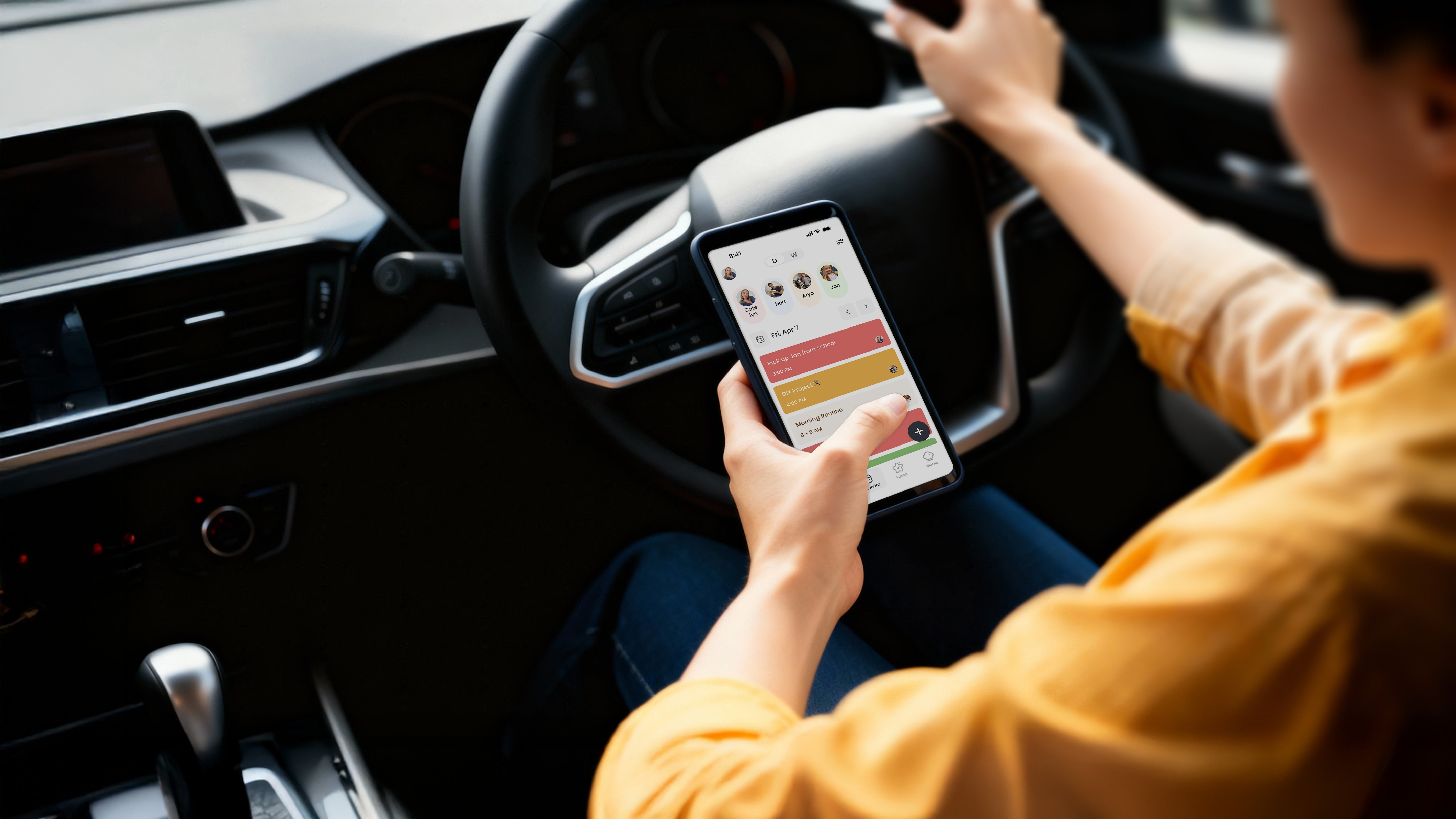
Stay connected, even on the go. Manage every aspect of your family life—calendars, tasks, and meals. Anytime, anywhere right from your phone with Cozyla+.

Notes
Your canvas for creativity and productivity. Insert photos, stickers, or sketches into your notes. Then, instantly share your ideas by exporting them as images.

Sleep Mode
Set it and lay back. Schedule exactly when the screen powers down for the night and wakes up in the morning. Rest easy knowing your screen time is controlled.

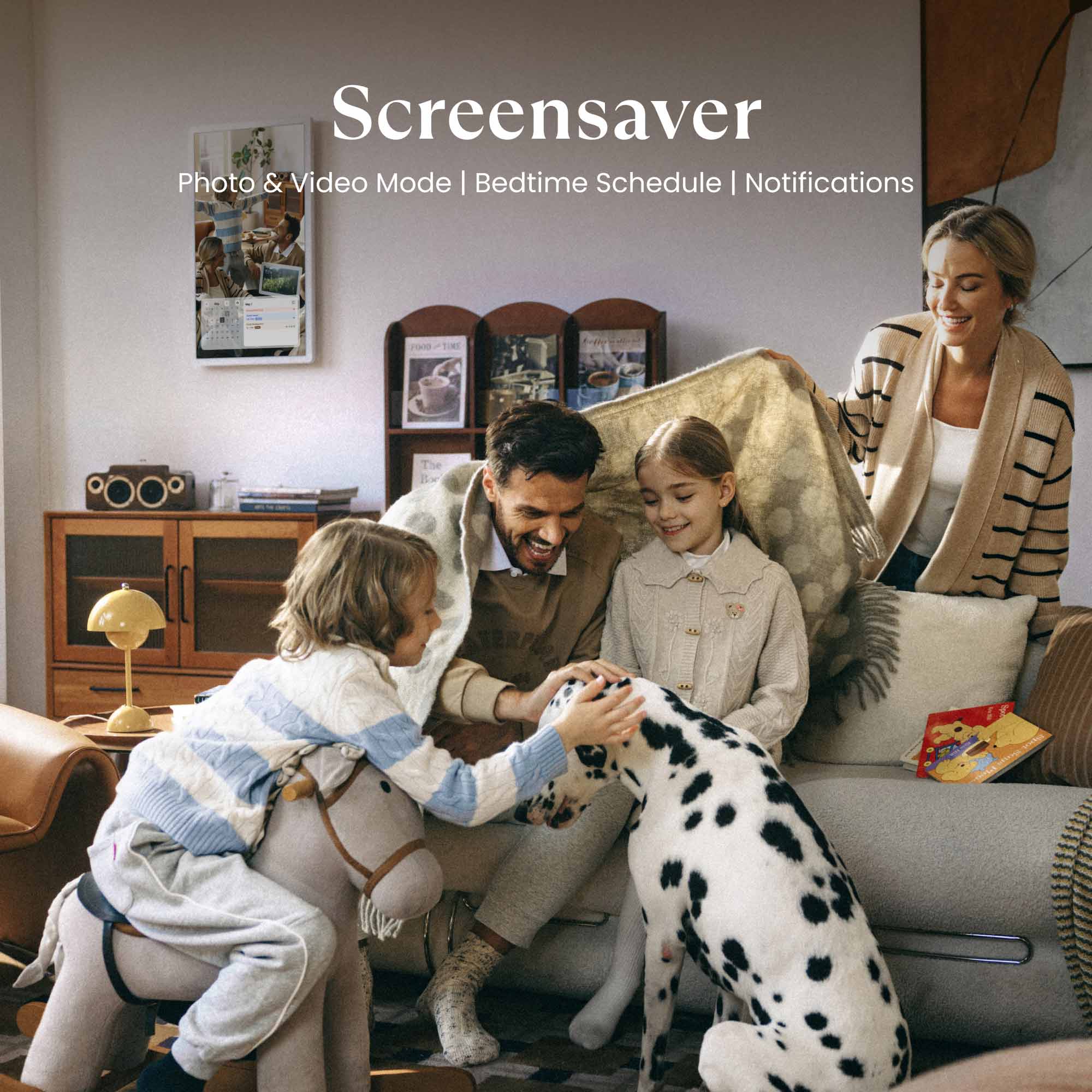
Screensaver
- Turn idle time into a slideshow of your favorite family moments, from both photos and videos.

"Display all the details day by day, color-coded by household member."

"Feels like a Swiss army knife of digital calendars."

"Cozyla can be whatever you make of it."

"With calendar, task, meal planning, shopping, streaming ... it's a useful tool to help you get organized."



Find your Calendar+

Dimensions
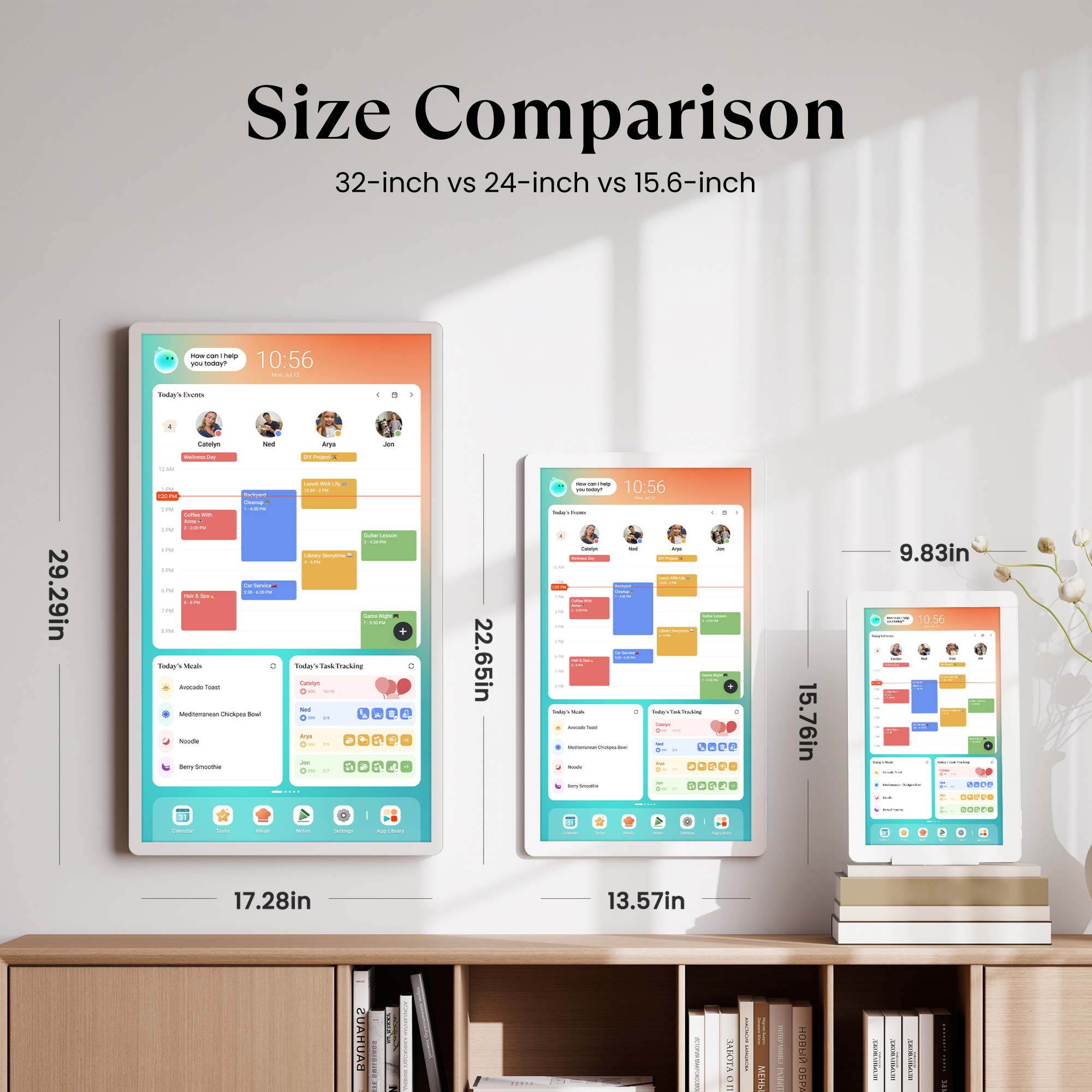
29.29"x17.28"x1.4"
Dimensions
22.65"x13.57"x1.26"
Dimensions
28.13"x46.38"x16.14"
Resolution
1080P: FHD(1920x1080)
4K: UHD(3840x2160)
Resolution
FHD(1920x1080)
Resolution
1080P FHD (1920x1080)
4K UHD (3840x2160)
Anti Glare
✔️
Anti Glare
✔️
Anti Glare
✔️
CalendarOS
Pre-Installed
CalendarOS
Pre-Installed
CalendarOS
Pre-Installed
Google Play App Store
Pre-Installed
Google Play App Store
Pre-Installed
Google Play App Store
Pre-Installed
Placement
Foyer, Hallway, Living Room
Placement
Foyer, Dining Area
Placement
Anywhere in your home
Rotating Wall Mount
Included
Rotating Wall Mount
Included
Rotating Wall Mount
Supported
Tabletop Stand
Supported
Tabletop Stand
Supported
Tabletop Stand
Not Supported
Rolling Battery Stand
Not Supported
Rolling Battery Stand
Not Supported
Rolling Battery Stand
Included
Webcam
Not Supported
Webcam
Not Supported
Webcam
1080P: Not Supported
4K: Included
Power
AC Power Only
Power
AC Power Only
Power
Built-in Battery + AC Power
Bluetooth
5.0
Bluetooth
5.0
Bluetooth
1080P: 5.0
4K: 5.3
Wifi
Wi-Fi 6
Wifi
Wi-Fi 5
Wifi
Wi-Fi 6
Families In Action


FAQs
How do I choose the right Cozyla model and screen size for my family and space?
The 32-inch model is our most popular choice, offering the best visibility in kitchens and shared spaces; if you need mobility, the 32-inch Calendar+ Go provides the same experience with a rechargeable rolling stand. The 24-inch version is a good fit for medium-size areas and can also be wall-mounted for a cleaner setup. The 15.6-inch model is best for small counters or desks, making it a compact option for tighter spaces.
Does Cozyla require a subscription?
No. We don't have any subscription fees.
What’s the difference between the Tablet TV and Calendar+ Go?
Both are 32-inch Android touchscreens with a rolling stand. The difference is that Calendar+ Go pre-installed with our CalendarOS as an extra, which includes advanced features like Dashboard, Calendar, Tasks, and Meals, etc. — making it a true family hub.
Can I sync my existing calendars and the family's with Cozyla?
Yes! Cozyla supports auto-syncing with Apple, Google, Outlook, CalDAV, and URL-based calendars. We also support true two-way sync, so any edits you make on our device will automatically sync back to your phone.
How many family member's profiles are supported?
Cozyla supports up to 8 user profiles. Within each profile, there’s no limit to the number of calendar accounts you can sync.
Can it be used as a photo frame?
Yes. Kindly use the screensaver feature on your Cozyla to display photos.
Can Cozyla function as a smart home hub?
Yes. Cozyla can control smart devices through apps like Google Home & Amazon Alexa — simply download the app and manage your lights, cameras, and more directly from the display.
Are there any voice command capabilities, such as Google Assistant or Alexa?
Yes. We support both Google Assistant and Alexa.
Does it support streaming media apps?
Yes. The device supports a wide range of popular streaming apps, including video and music services. You can easily install them from the built-in app library and enjoy the same entertainment your family already loves.
How does Cozyla protect my privacy and data?
At Cozyla, safeguarding your privacy is our highest priority. All services are hosted on Amazon Web Services (AWS) in the United States, where your data is securely stored and protected by industry-leading standards. Your personal information is never sold to third parties, and every feature of Cozyla is designed with transparency and security at its core.
