
8 Fun Ways to Use the Screensaver on Your Cozyla Digital Calendar
- by Cozyla Team
- by Cozyla Team

 United States
You may also like
When no one is looking at the family calendar, the screen doesn't have to go to waste.
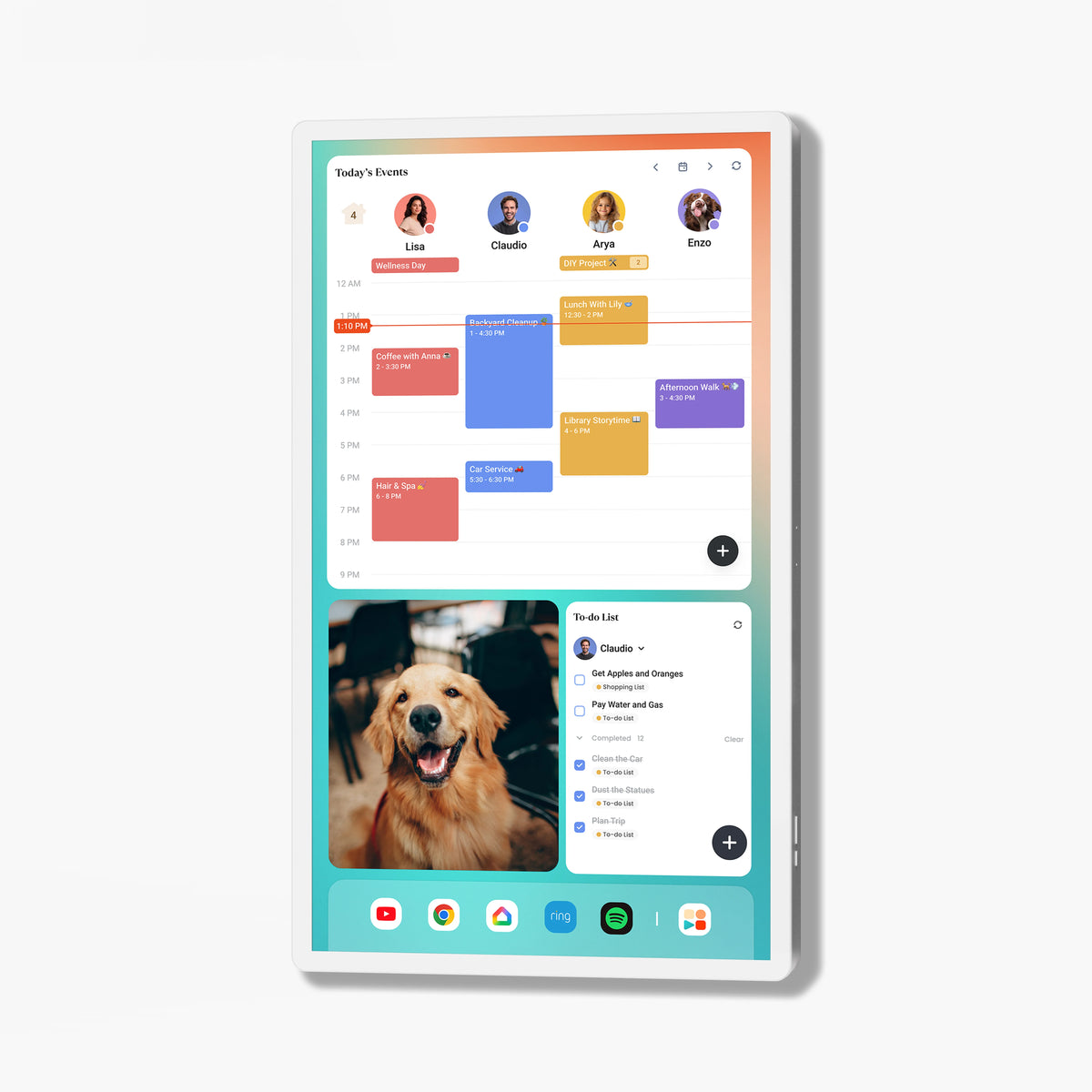
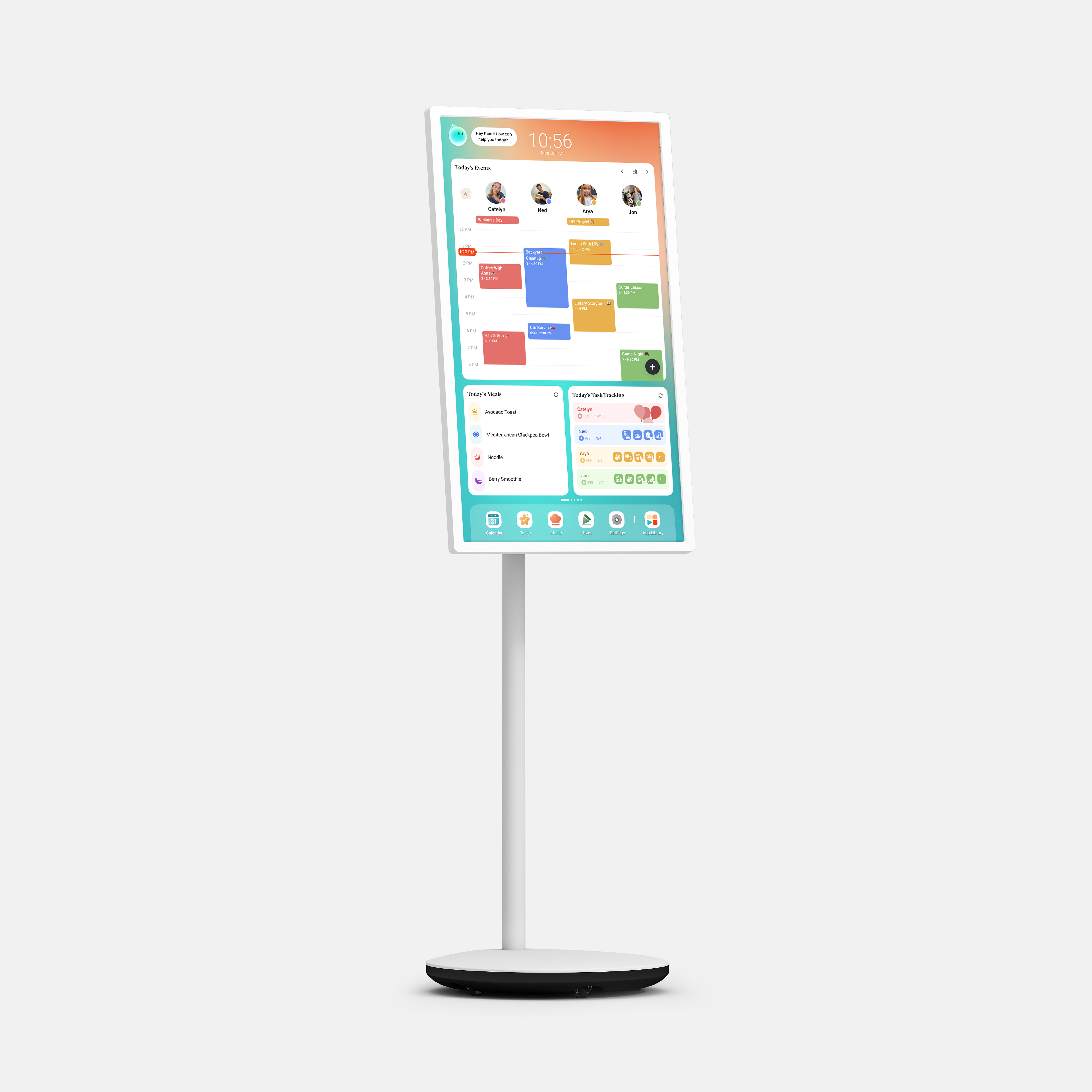
With the right Screensaver, your digital calendar can transform into a rotating photo wall, a travel memory gallery, a showcase for your kids' artwork, or a seasonal display that changes with the time of year. And when you still want the calendar information close at hand, a widget keeps it visible in the background.
Cozyla comes with several built-in Screensaver options that let you change the look and feel of your screen whenever the mood strikes.
Choose from Scene, Clock, Local Album, Photos, and Art Gallery. Scene adds a decorative touch, Clock keeps things clean and practical, and your own photos bring familiar faces into the room. Art Gallery — available with a Super membership — brings famous artworks and curated visuals to your screen, while all other built-in options come at no additional cost.
Connect your Google Photos account to turn your existing library into a constantly refreshing display at home. You can also connect Google Calendar as a third-party source, bringing everyday information directly onto the screen. And as your family's photo collection keeps growing, adding new memories to the rotation is just as easy.
Calendar Widget Mode lets you keep key calendar information visible while your photos or other Screensaver content play in the background. A family vacation photo can share the screen with a quick look at the week ahead — useful information and a meaningful memory, side by side.

Cozyla provides multiple ways to upload photos from the devices and services you already use to keep your Screensaver fresh:
Your Screensaver can be as personal or as creative as you want it to be. Here are eight ideas to get you started. Use it as a calendar when you need to know what's next. Let it become something more — a photo wall, a memory gallery, a piece of art — when you don't. That's what it means to make the most of the screen that's already in your home.
Kids produce a new masterpiece almost every week — and most of them deserve better than the recycling bin. Photograph their drawings, paintings, and school projects and add them to the Screensaver rotation. Watch their face light up when they spot their own artwork on the family screen. As their style evolves, so does the gallery.
Birthdays, graduations, anniversaries, a new baby — some moments are too big to scroll past once and forget. Build a dedicated photo collection around the occasion and pair it with a Calendar Widget Mode so the countdown and the memories appear on screen together. A simple way to make the big days feel even bigger.

Give your screen a fresh look with every season. Swap in your own Christmas morning photos, Halloween costume shots, or Thanksgiving table pictures — or mix them with built-in Scenes and artwork for a display that feels festive without any extra decorating. When the season turns, so does your Screensaver.
First steps, first bike ride, first lost tooth, first day of school, first family trip. These moments feel enormous when they happen — and then life moves on faster than you'd like. A dedicated Firsts collection keeps them visible and close, turning your screen into a quiet reminder of just how far the little ones have come.
Place a parent's childhood photo next to a picture of their kids at the same age. Put the first family home side by side with the one you live in now. The Screensaver becomes more than a photo display — it becomes a timeline. A simple, visual record of everything the family has lived through, grown into, and left behind.

Every family has a folder full of photos that will never make the frame — the blurry ones, the funny faces, the accidental selfies, the moments that were absolutely not supposed to be photographed. Those are often the ones that get the loudest laughs. Give them their own collection and let them take over the screen. Serious memories are great. These are better.
Vacation photos have a way of disappearing the moment everyone gets home — buried in a camera roll, never looked at again. Pull the favorites out and give them a permanent place on the screen. Scenic landscapes, candid family moments, short clips from the road — let the Screensaver keep the trip alive long after the luggage is unpacked. A reminder that the next adventure is always worth looking forward to.
December is the perfect time to look back. Gather the photos that captured the year — the big celebrations, the quiet Sunday mornings, the school events, the silly moments in between — and build a collection that tells the whole story. Mix in a few short videos to bring it to life. Then let the Screensaver run in the background while the family moves into the new year, carrying everything the last one gave them.
A family calendar doesn't have to stop being useful when no one is checking the schedule. Use it as a calendar when you need to know what's next. Let it become something more — a photo wall, a memory gallery, a piece of art — when you don't. That's what it means to make the most of the screen that's already in your home.
Discover Cozyla's full calendar collections that are loved by thousands of families.
More ways to simplify family life.