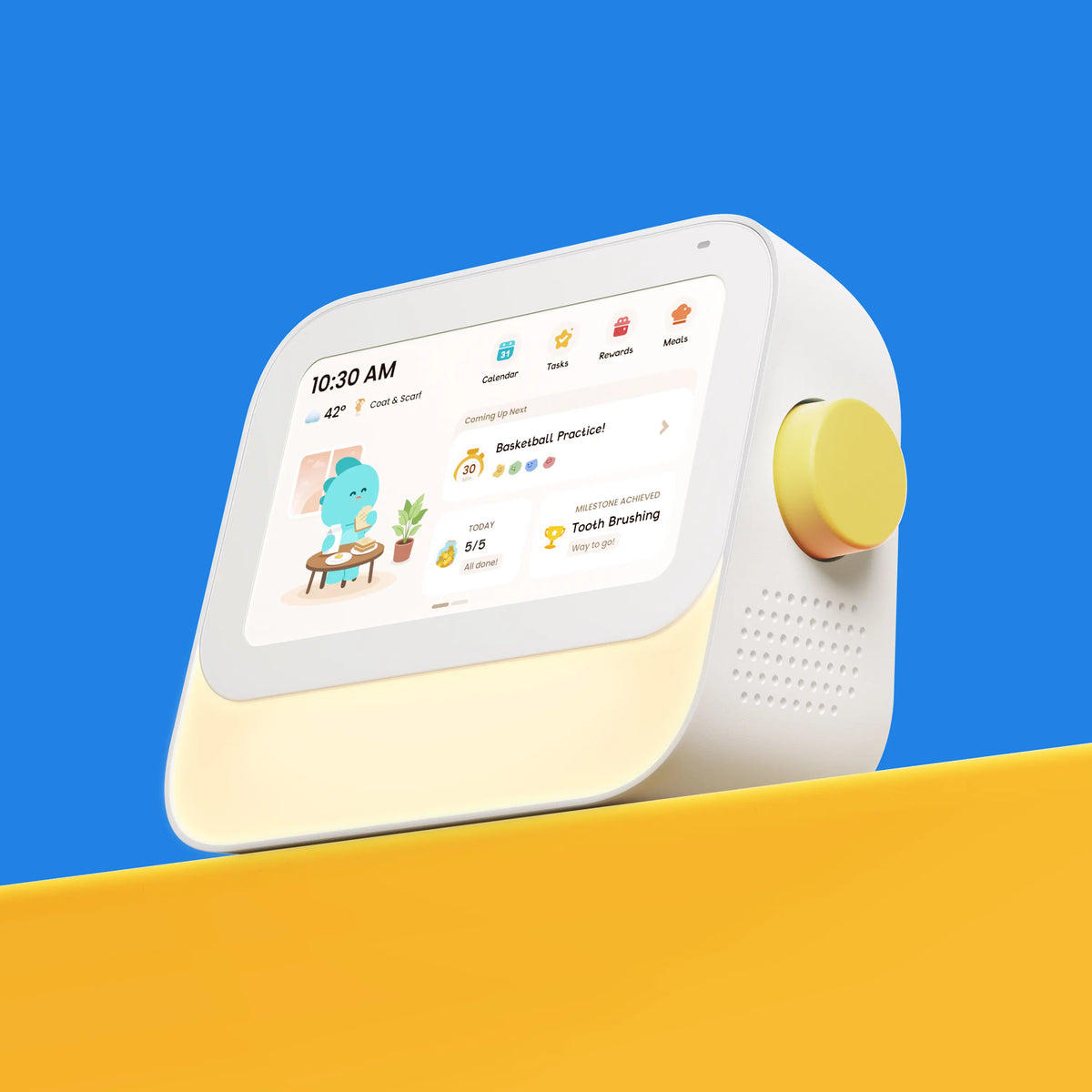
Cozyla vs. Apolosign: Which Family Digital Calendar Fits Your Home?
- by Cozyla Team
- by Cozyla Team

 United States
You may also like
When you first set up a digital family calendar, what really matters isn’t just how many features it offers, but how well everything works together in everyday life. That’s where Cozyla and Apolosign take noticeably different approaches.
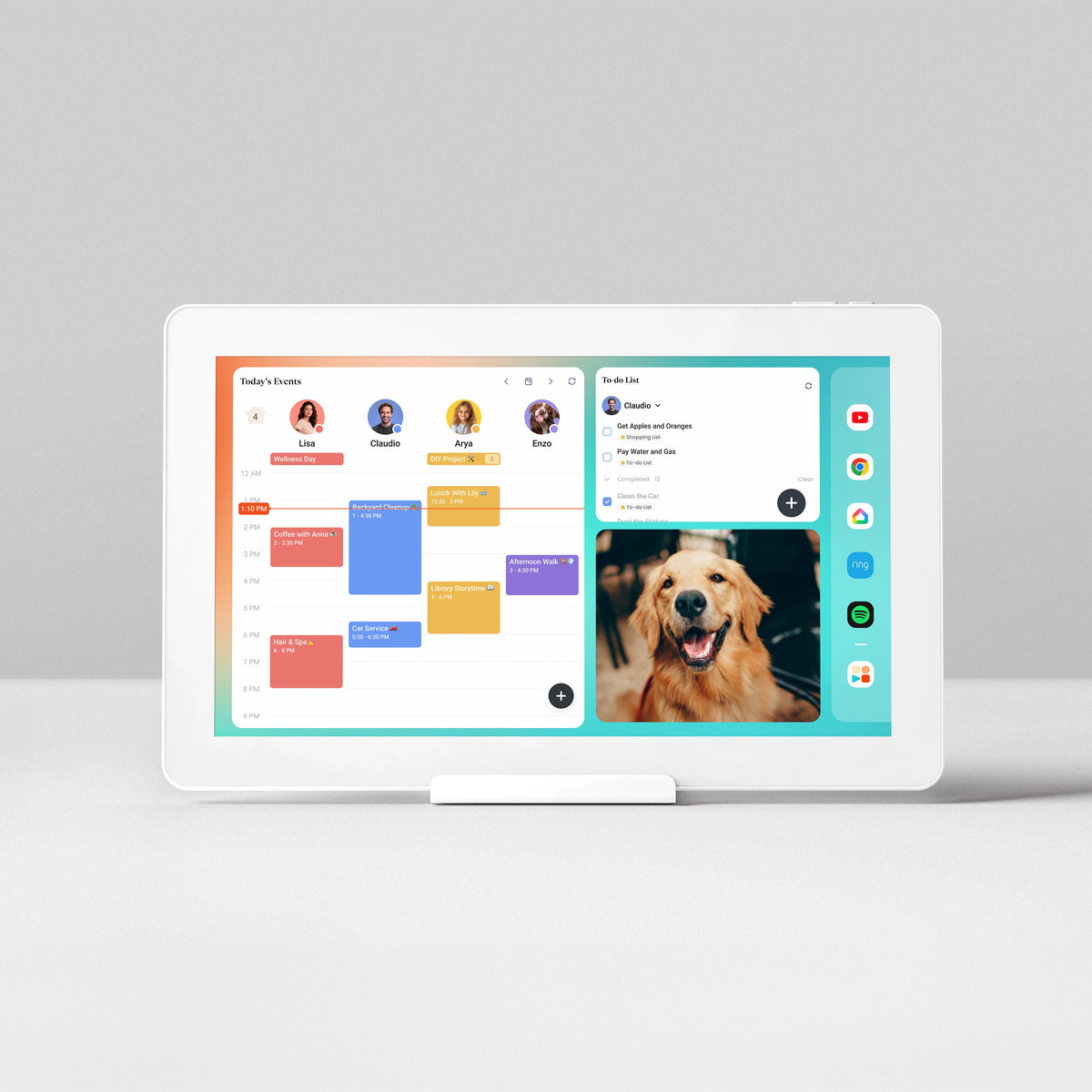
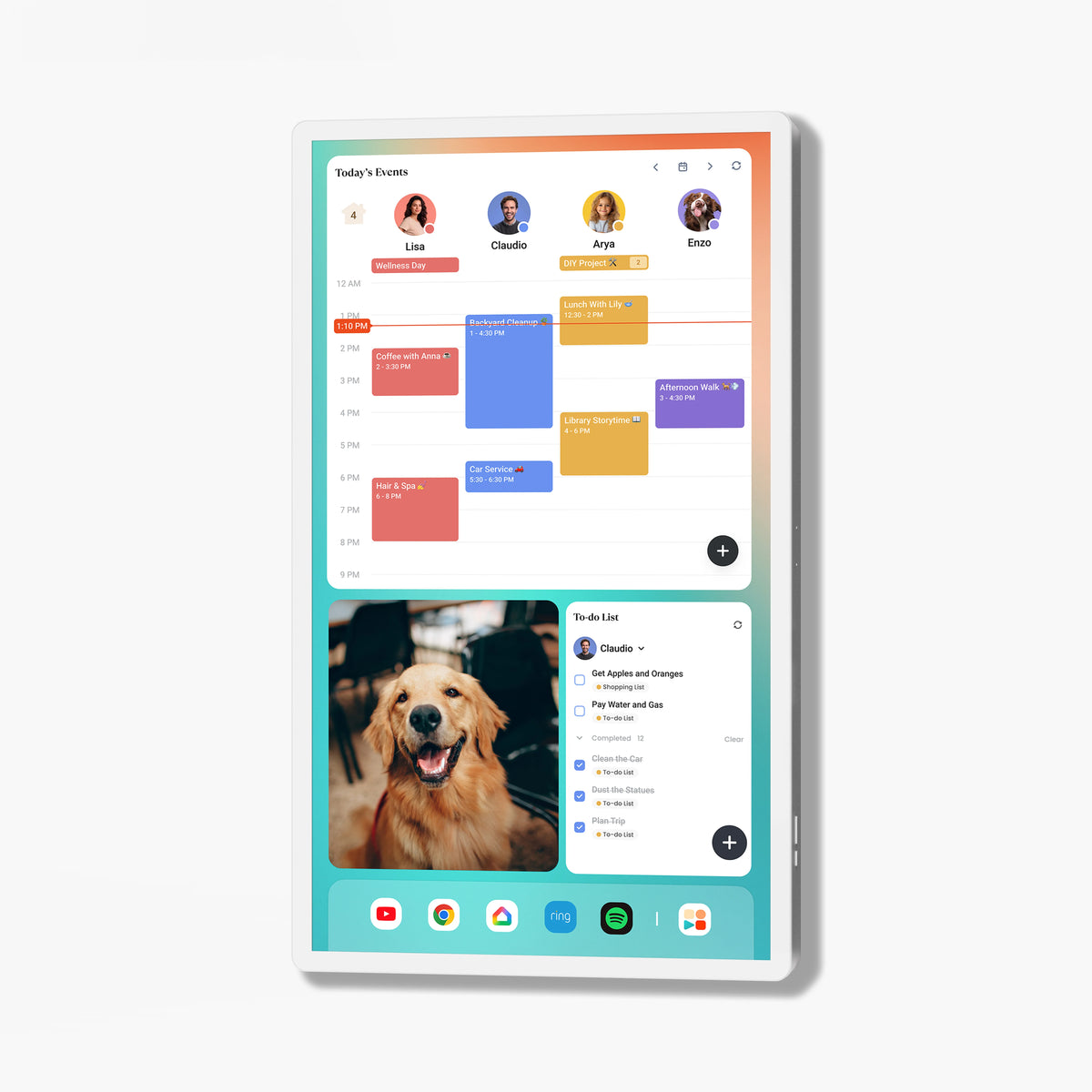
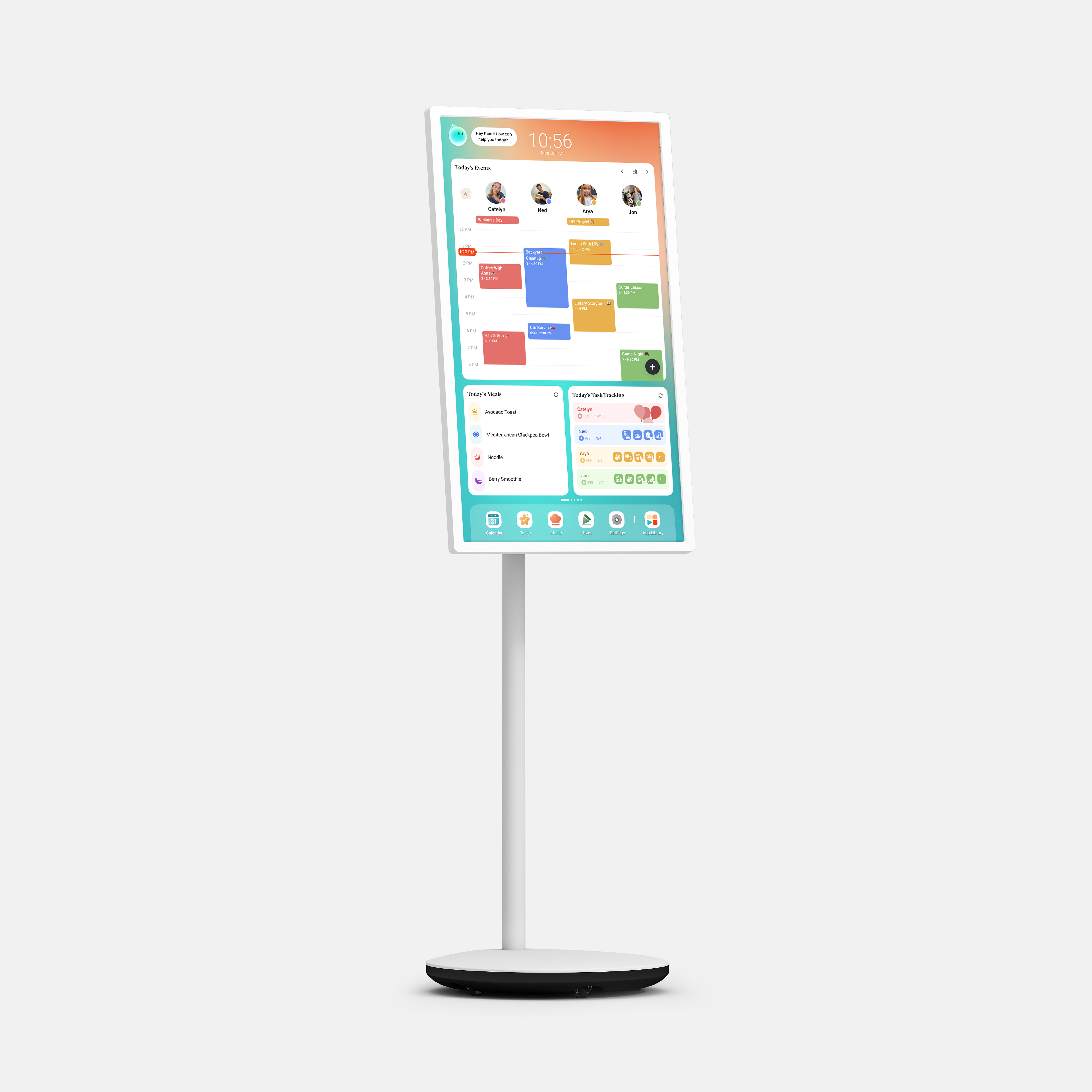
With Cozyla CalendarOS, the family organization experience is built directly into the operating system. Calendar syncing, routines, chores, rewards, meal planning, and more are designed to work together in one unified experience, so you don’t have to switch between different modes to manage your family’s day. At the same time, Cozyla keeps the experience open: Google Play Store comes pre-installed, so you can download the apps you want and customize your family dashboard just like you would on other Android devices.
Apolosign’s Dual-Mode takes a different approach by separating the experience into two modes. The Calendar Mode focuses on family organization features such as calendar sync, chore planning, and rewards, while the Android Mode gives you the flexibility to download apps and customize the dashboard. This gives users a clear choice between a dedicated calendar experience and a more open Android experience, but the two sides remain distinct.
The key difference is that Cozyla brings both experiences together. You get a purpose-built family organization system with deeply integrated calendar and routine features, while still having the openness of Android and the Google Play Store. Instead of choosing between a family calendar and a customizable Android device, Cozyla is designed to give you both in one connected experience.

✅️ Ease of use for the whole family
✅️ Performance and long-term stability
| Dimension | Cozyla | Apolosign |
| Operating system | ⭐⭐⭐⭐⭐ Integrated CalendarOS + Android openness |
⭐⭐⭐⭐ Dual-Mode: Calendar Mode + Android Mode |
| Customization | ⭐⭐⭐⭐⭐ Google Play + deep customization |
⭐⭐⭐⭐⭐ Google Play + deep customization |
| Portability |
⭐⭐⭐⭐⭐ Plug-in or battery use |
⭐⭐⭐ Plug-in use |
| Voice experience |
⭐⭐⭐⭐⭐ · Cozyla AI Voice Agent · Mainstream Voice Assistants |
⭐⭐⭐ Mainstream Voice Assistants |
| Hardware choice | ⭐⭐⭐⭐⭐ 9 options: 15.6", 24", 32", 55" |
⭐⭐⭐ 4 options: 15.6", 21.5", 27" |

Cozyla is best suited for families who are looking for an all-in-one home organization hub. This includes busy working parents, families with multiple children, households with special needs, and families who prioritize simplicity, visual clarity, and shared coordination.
For most families, Cozyla is easier for children because it emphasizes visual organization and a clean interface. Younger kids can quickly recognize color-coded schedules, chores, and routines without navigating multiple apps.
Cozyla Agent is Cozyla's built-in AI voice assistant. It lets you manage your calendar hands-free — adding, editing, or removing events, chores, and to-dos simply by speaking, no typing required.
Yes. Whether you're managing two children or four, Cozyla is designed to keep everyone's schedules, chores, and activities organized in one shared place, reducing confusion and scheduling conflicts.
Discover thoughtful picks that help families stay on track.
More ways to make family life feel easier
Apple HomeView vs Google Nest Hub vs Amazon Echo Show: Which Smart Display Is Best for Your Family?
How to Use a Digital Calendar to Manage Kids' Extracurricular Activities This Fall
Read moreabout How to Use a Digital Calendar to Manage Kids' Extracurricular Activities This Fall

How to Keep Fall Activities Organized with a Family Digital Calendar
Read moreabout How to Keep Fall Activities Organized with a Family Digital Calendar