Apple HomeView vs Google Nest Hub vs Amazon Echo Show: Which Smart Display Is Best for Your Family?
- by Cozyla Team
- by Cozyla Team
 United States
You may also like
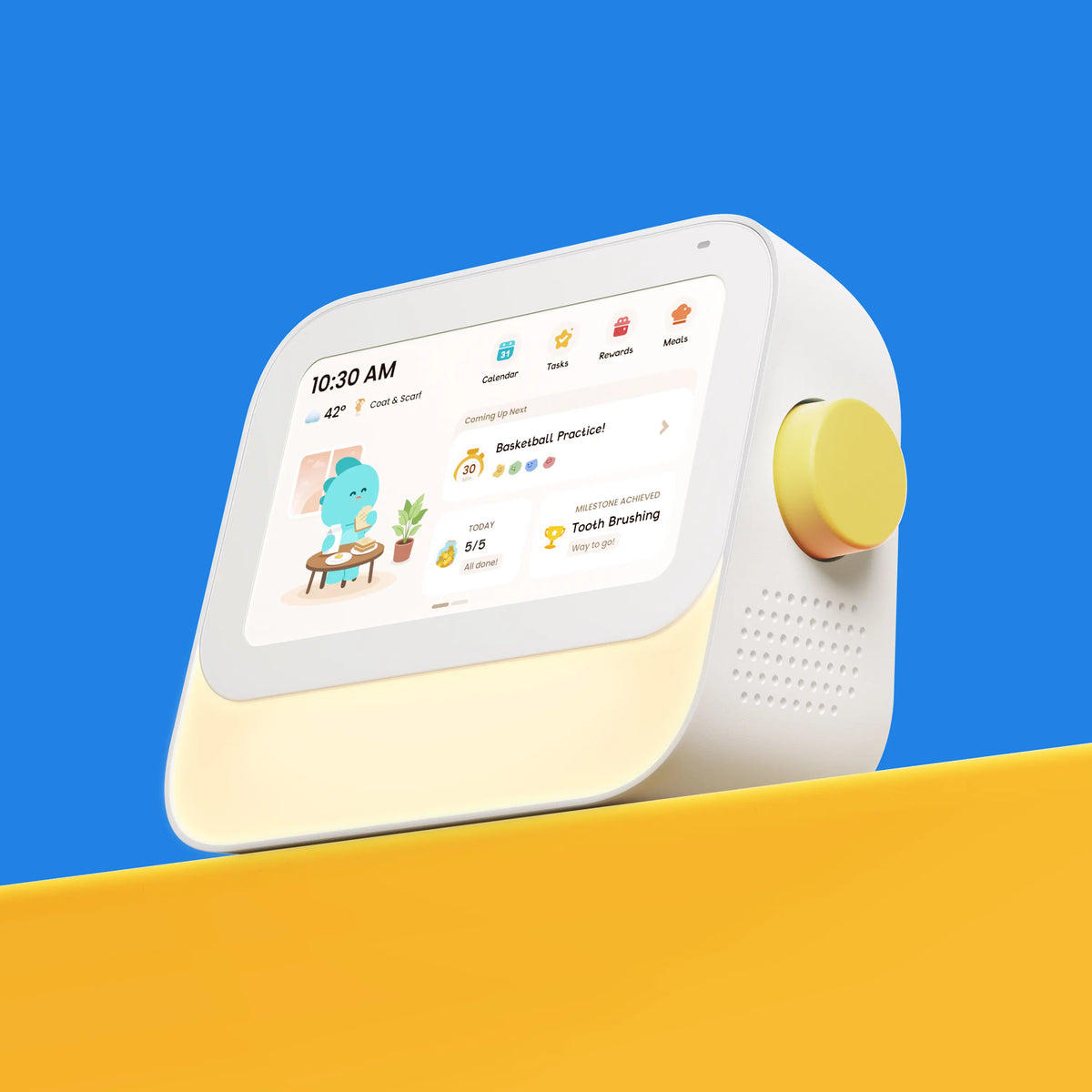
Choosing a smart display means deciding what you want it to do: control your smart home, provide entertainment, or help your family stay organized. Apple HomeView, Google Nest Hub, and Amazon Echo Show offer different approaches. If managing the family schedule is your main priority, Cozyla Calendar is another option worth considering.
Apple HomeView: If your family already uses iPhones and other Apple devices, HomeView brings many familiar features into one convenient place. You can check your calendar, make FaceTime calls, control smart home devices, or follow a recipe while cooking. Its 7-inch display and built-in camera also make it a handy addition to a kitchen or shared living space.
Google Nest Hub: For families who rely on Google services, Nest Hub offers a simple way to check the day's plans, play music, watch videos, and control compatible smart home devices. Its compact 7-inch screen fits easily on a kitchen counter or bedside table, and its camera-free design may appeal to those who prefer a display without a built-in camera.
Amazon Echo Show: The Echo Show is a good fit for households that use Alexa to manage everyday tasks. Depending on the model, you can ask Alexa questions, check reminders, play your favorite shows, make calls, and control connected devices. With different screen sizes and features available, there's an option for different rooms and household needs.
|
Feature
|
|||
|
Core positioning
|
Personalized Apple smart home display
|
Google-powered
everyday assistant
|
Alexa-powered smart home and entertainment
|
|
Price (USD)
|
$299 (No wall mount included)
|
$99.99
|
Varies by model:
Echo Show 8 starts at $179.99, and Echo Show 11 at $219.99
|
|
Display
|
7-inch Liquid Retina
|
7-inch touchscreen
|
Varies by model
|
|
Camera
|
12MP Center Stage
|
No built-in camera
|
Available on selected models
|
|
Microphones
|
Four-microphone array
|
Three far-field microphones
|
Varies by model
|
|
Power
|
Wired only, no battery
|
Wired only, no battery
|
Wired only, no battery
|
|
Placement
|
|
Tabletop
|
*Depending on model
|
|
Voice assistant
|
Siri AI
|
|
Alexa
|
|
Smart home control
|
Apple Home
|
Google Home
|
Alexa-compatible devices
|
|
Calendar & scheduling
|
|
|
*Available capabilities vary by model and Alexa version
|
|
Best for
|
Apple households
|
Google-centered homes
|
Alexa-centered homes
|
Apple HomeView is designed to be shared by everyone in the home yet feel completely personal to each user. [Apple Newsroom]. Apple HomeView brings several Apple experiences into one screen. Up to six users can access personalized calendar information, reminders, Messages, FaceTime, music, photos, and smart home controls. It also supports recipe instructions, multiple cooking timers, and camera feeds from compatible smart home systems.
🔳 What it actually is: A personalized Siri AI display designed primarily for iPhone users. Those who aren't recognized can still access basic features, including photos, music, timers, weather, and smart home controls.
👤 Made for: People already invested in Apple's ecosystem. Setup and personalized features require an iPhone or iPad.
Both devices can help families manage everyday life, but their primary strengths differ.
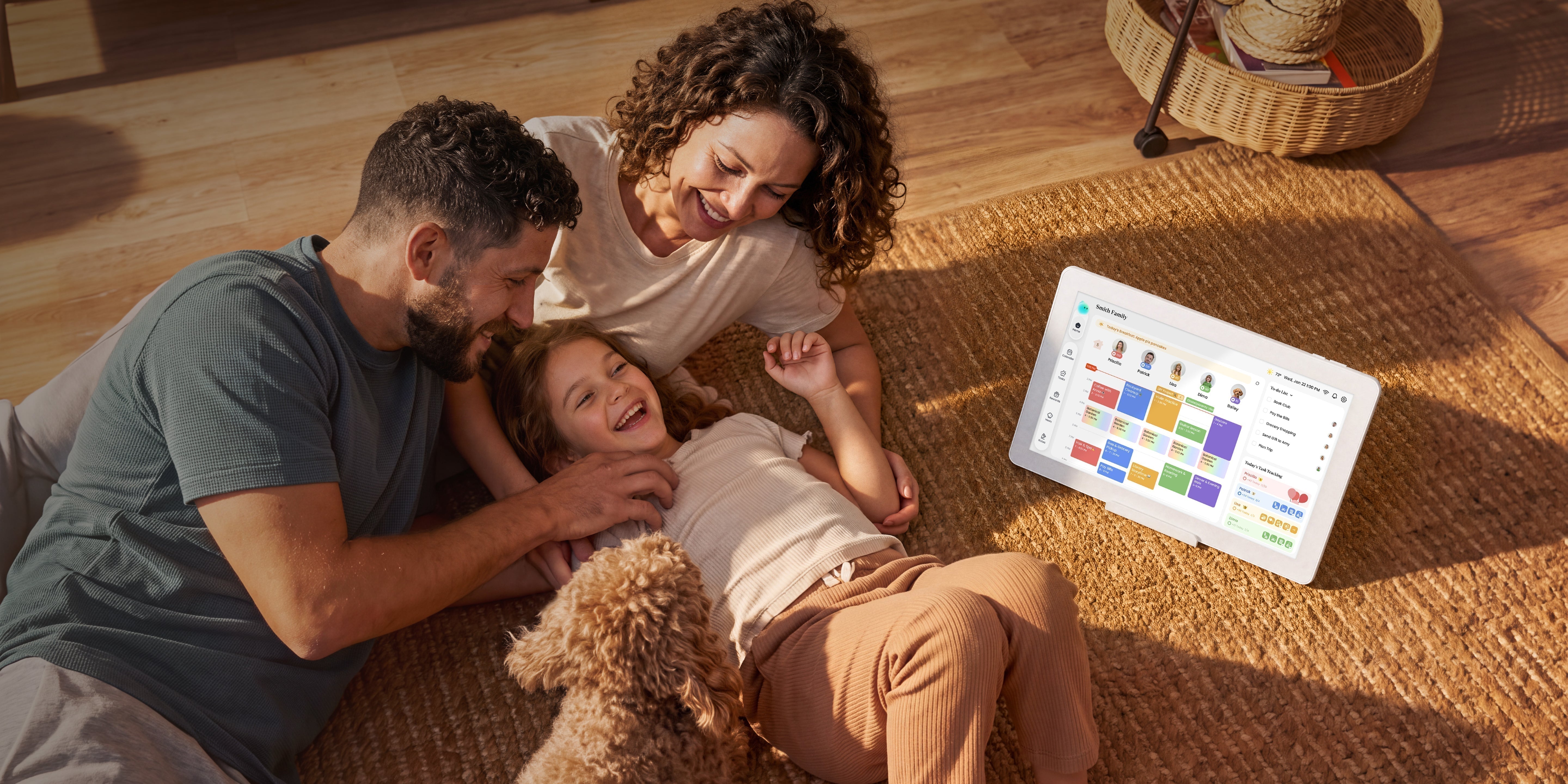
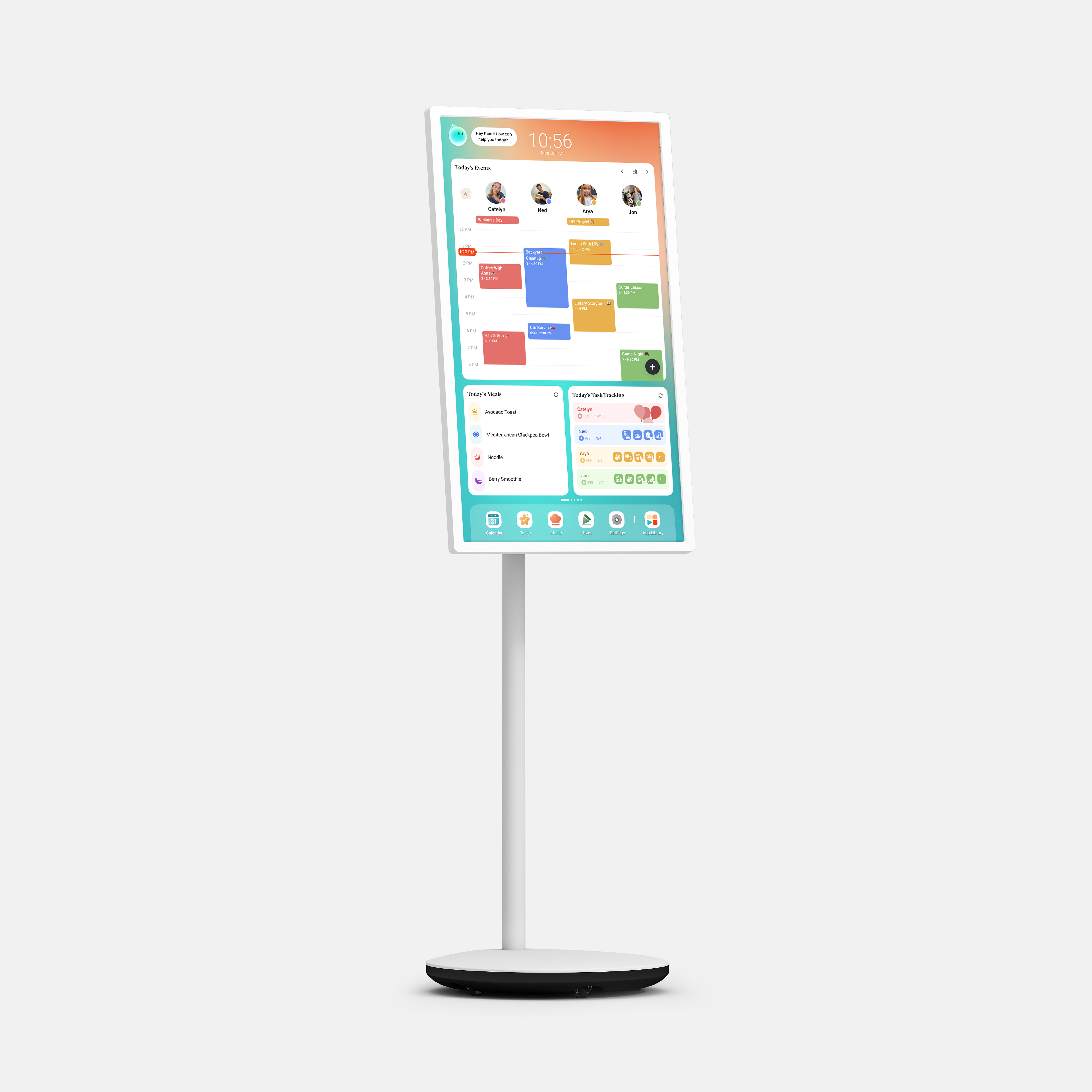
Its larger displays, starting at 15.6 inches, also provide more room to view multiple schedules and tasks at once. Cozyla supports calendars from Apple, Google, Outlook, and other services, making it useful for households with different devices and calendar preferences. Apple has not announced whether HomeView will support dedicated children's profiles for chores, routines, or rewards.
|
|
Apple HomeView
|
Cozyla Calendar
|
Cozyla Routie
|
|
Price
|
$299
(Wall model needs a mount)
|
from $199.99
|
$199.99
|
|
Screen Size
|
7"
|
15.6"/24"/32"/55"
|
7"
|
|
Phone Needed
|
iPhone/iPad required, no Android
|
No phone required
(Optional Cozyla+ app control)
|
No phone needed
|
|
Who can view the content
|
Only recognized users can see their own content
|
Everyone sees the whole family's plan, all the time
|
|
|
Kids feature
|
No kid features announced
|
|
Built for kids' morning and bedtime routines with a reward system
|
|
Family features
|
|
|
Work with Cozyla Calendars
|
|
Smart-home control
|
Strong (Apple Home hub)
|
Supported on Calendar Plus series through the third-party smart home apps
|
-
|
Choose Apple HomeView if you value Apple's ecosystem, personalized information, FaceTime, and smart home control. Choose Google Nest Hub for Google services and everyday assistance, or Amazon Echo Show for Alexa, entertainment, and compatible smart home devices.
If your biggest challenge is coordinating schedules, chores, routines, and meals across the entire household, Cozyla Calendar may be the better fit. The right choice depends on whether you need a versatile smart display or a dedicated way to keep family life organized.
Explore thoughtful choices that help your family manage busy days with confidence.
More ideas to make family life easier.