How to Use a Digital Calendar to Manage Kids' Extracurricular Activities This Fall
- by Cozyla Team
- by Cozyla Team
 United States
You may also like
A soccer bag left by the door, a music lesson across town, and a permission slip that needs signing before tomorrow. For many families, extracurricular activities involve much more than showing up on time. Each one comes with small details that can easily slip through the cracks.
How can a digital family calendar help you stay on top of your kids’ extracurricular activities this fall?
Adding a class or practice to the calendar is a good start, but the event itself is only part of the picture.
Take soccer practice at 4 p.m. The actual plan might also include changing into a uniform, packing shin guards and a water bottle, leaving enough time to drive to the field, and picking up your child afterward.
Add these steps to your digital calendar when they need dedicated time or a reminder. You might schedule a short preparation task the night before and a departure reminder before practice. This helps account for the time activities take beyond their official start and end times.
Once these details are visible, it becomes easier to spot potential conflicts before they turn into last-minute scrambles.
When siblings have different activities, a shared calendar can quickly become difficult to scan if every event looks the same.
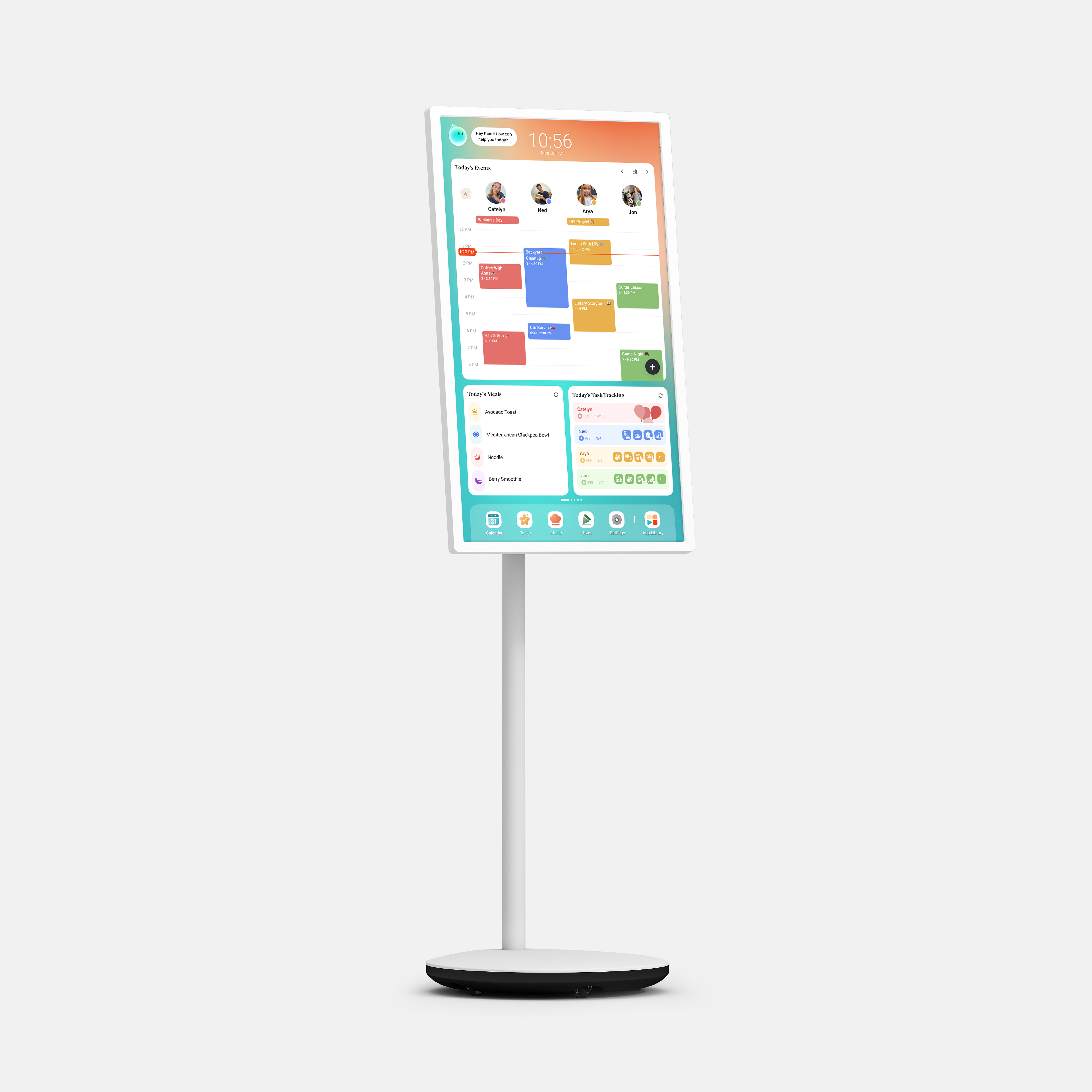
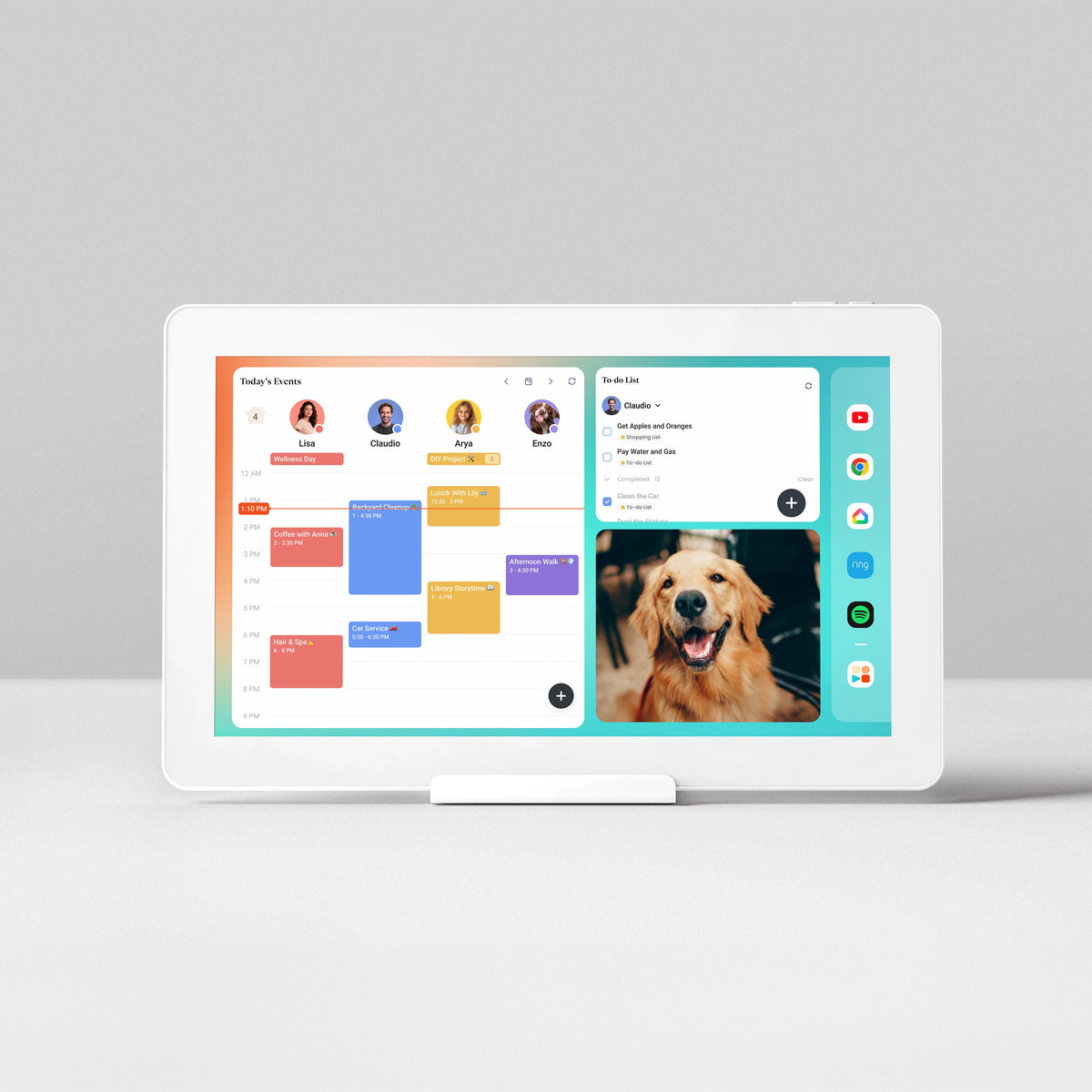
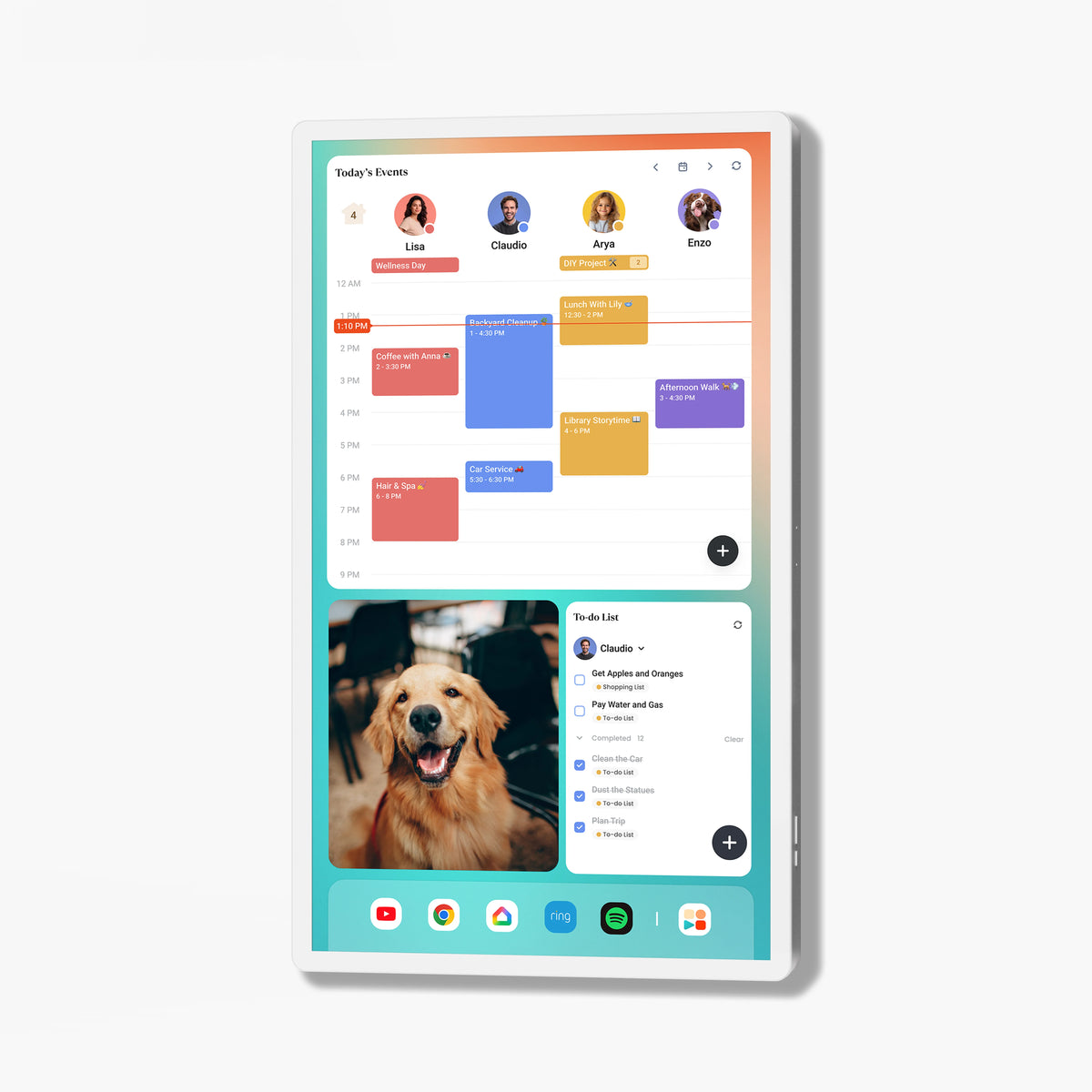
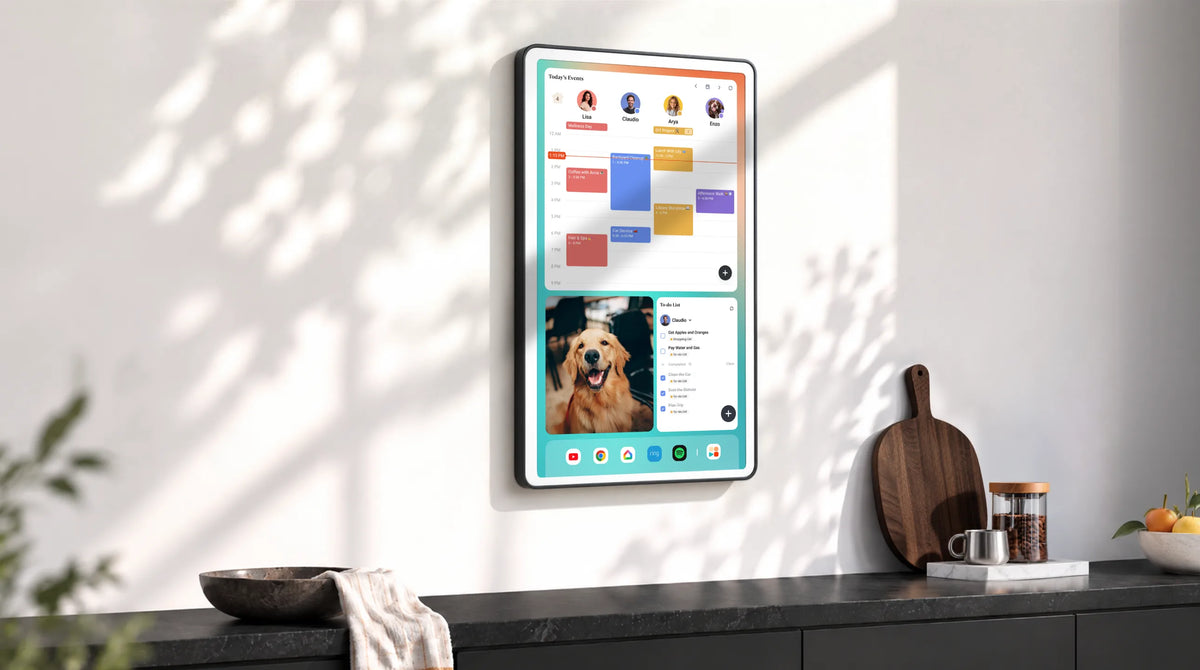
Use color coding or separate family member views, with the Cozyla customizable dashboard, to distinguish each child's schedule. A quick glance should make it easy to see who has dance class, who has basketball practice, and when the family needs to be in two places at once.
Keep event names simple and specific. “Emma – Dance Class” is easier to understand than “Class,” especially when everyone is checking the schedule in a hurry.

A family digital calendar like Cozyla can make the week's plans visible in a shared space at home. Children can check what's coming up instead of relying on parents to repeat every detail. As they get older, encourage them to check their own schedules and take more responsibility for getting ready.
The trickiest part of an extracurricular schedule often isn't the activity itself. It's everything happening between activities.
Imagine one child finishing soccer practice at 5 p.m. while another needs to be picked up from music class at 5:15. Or consider a day when a late afternoon lesson leaves little time to prepare dinner.
Review the full week in your digital calendar and look for tight transitions, overlapping commitments, and days with very little downtime. When possible, arrange carpooling, prepare an easy meal in advance, or leave a buffer between activities.
Not every conflict can be avoided, but seeing the whole schedule makes it easier to make decisions early. It can also help families recognize when a week is simply too full and one commitment needs to be reconsidered.
A calendar tells everyone when an activity happens. A task list helps everyone know what needs to be done before it begins.
For example, a Thursday basketball practice might come with a few simple tasks: pack the sports bag on Wednesday night, fill the water bottle before leaving, and put the uniform in the laundry afterward.
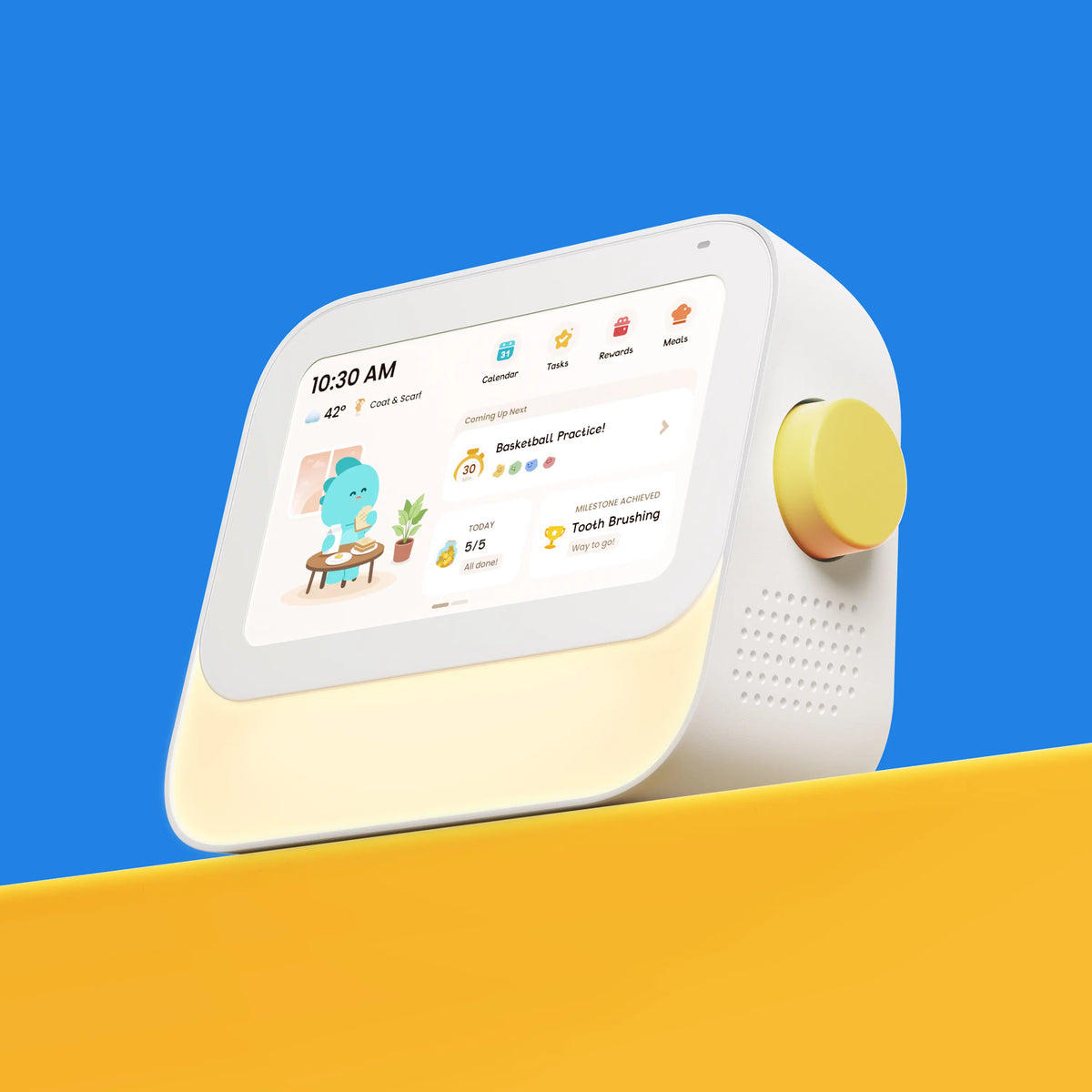
Attach preparation reminders to relevant days or use a routine or task feature if your digital calendar supports it. Keep the tasks practical and age-appropriate. Younger children might need a visual checklist, while older kids can take charge of packing their own gear.
This small distinction makes a difference. Instead of reminding children about every step, parents can help them follow a consistent process and gradually build independence.

Set aside about 10 minutes each weekend to review the upcoming week together. Check activity times, confirm who is handling drop-offs and pickups, and identify anything that needs to be prepared ahead of time.
Invite your children to participate. Ask them what they need for each activity and whether they see any changes to their plans. This gives everyone a chance to catch mistakes before Monday arrives. With a shared digital calendar, the family can refer to the same plan throughout the week. There's no need to rely entirely on scattered messages, memory, or repeated reminders.
Extracurricular activities give kids opportunities to learn, explore interests, and spend time with friends. But a well-planned schedule should leave room for dinner together, free play, rest, and the occasional change of plans. Cozyla digital calendar helps your family see how activities fit into everyday life, not just where each event belongs. With preparation tasks, clear schedules, and a short weekly check-in, you can spend less time sorting out logistics and more time enjoying the season together.
Discover thoughtful picks that help families stay on track.
More ways to make family life feel easier

What Is a Kids' Routine Device — And Does Your Family Need One?
Read moreabout What Is a Kids' Routine Device — And Does Your Family Need One?

8 Fun Ways to Use the Screensaver on Your Cozyla Digital Calendar
Read moreabout 8 Fun Ways to Use the Screensaver on Your Cozyla Digital Calendar

The Right Cozyla in the Right Room: A Simple Size Guide for Families
Read moreabout The Right Cozyla in the Right Room: A Simple Size Guide for Families