



15.6" Cozyla Calendar Plus 2 SE
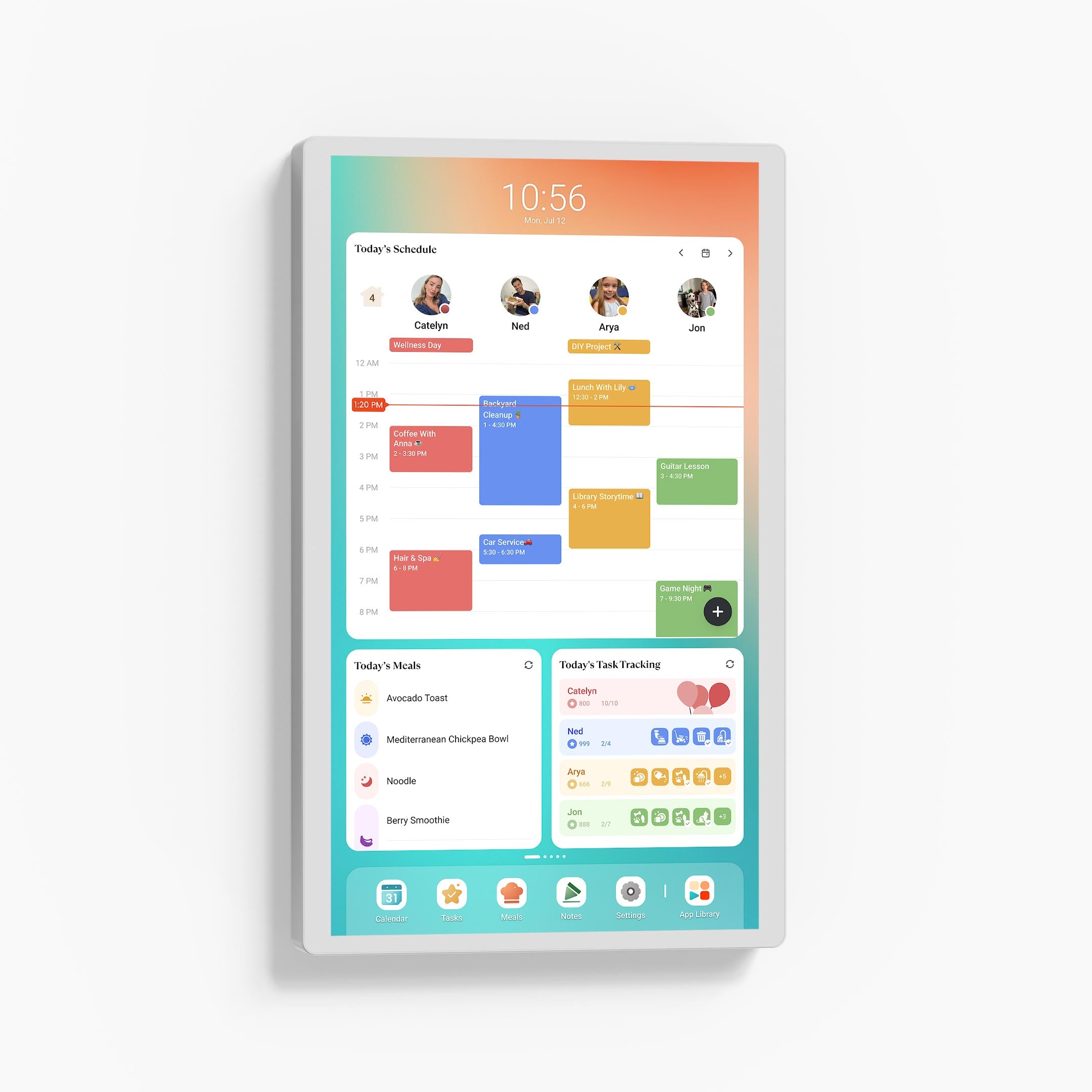
Cozyla Calendar Plus 2 SE is an all-in-one smart family hub that brings schedules, chores, routines, and meal planning together in one display. It syncs calendars, supports personalized profiles, and simplifies daily organization with smart tools like tasks and grocery lists. Stay connected, organized, and effortlessly in sync as a family.
Pairs well with
- Color:
- White
- Resolution:
- 1080P FHD
Why Calendar+ 2 SE?
Calendar+ 2 SE (Special Edition) is designed to:
Simplify setup and navigation, especially for families who find Android complex.
Reduce unnecessary clutter, focusing on everyday essentials.
Provide smoother performance by removing some Google limitations.
Please check the FAQs below for more information.
Note: If you accidentally downloaded the Google apps, it may cause errors. Please uninstall it manually.
Features
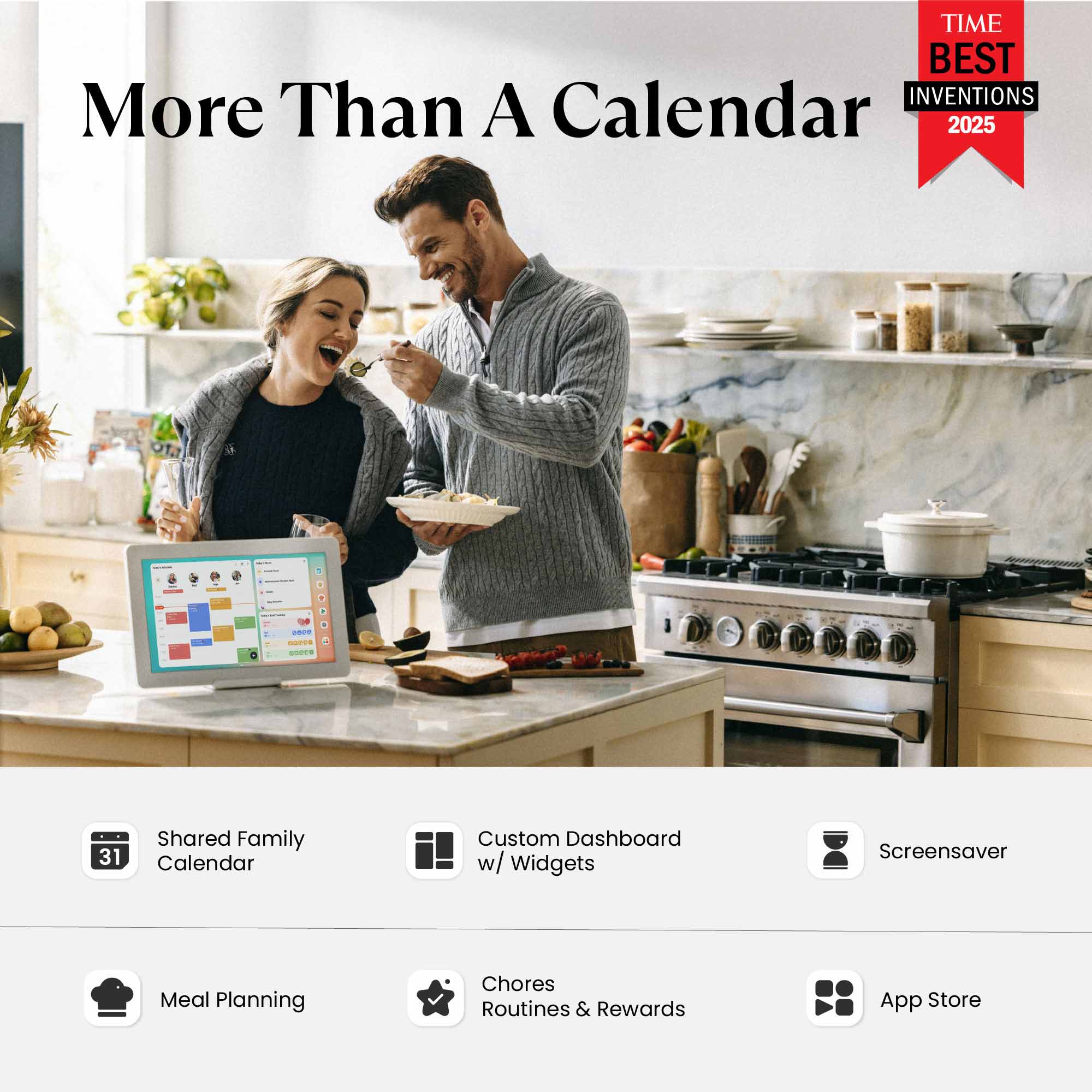
Cozyla Calendar+ 2 SE brings together every family member's schedules, routines, chores, and meal plans into one smart display with CalendarOS.
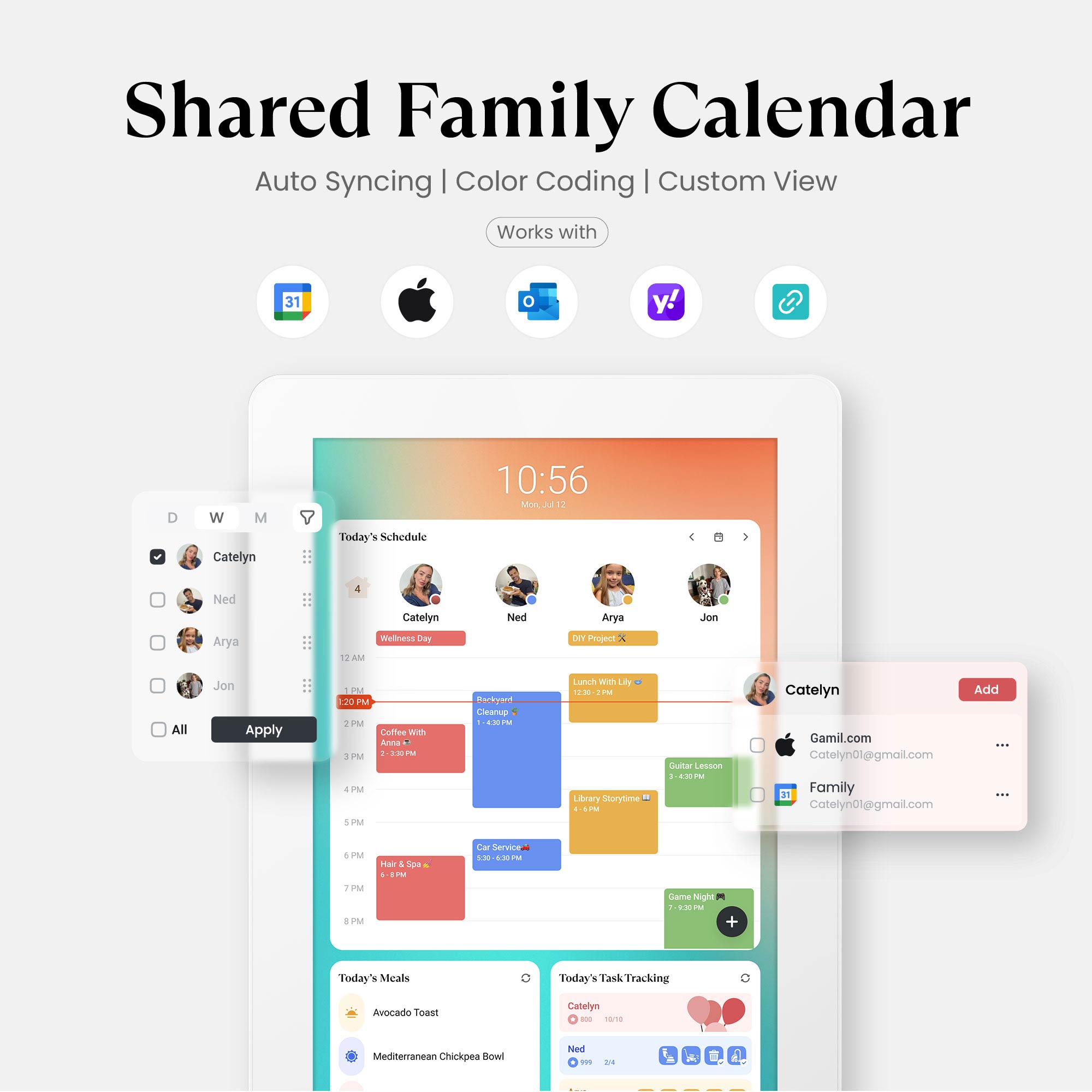
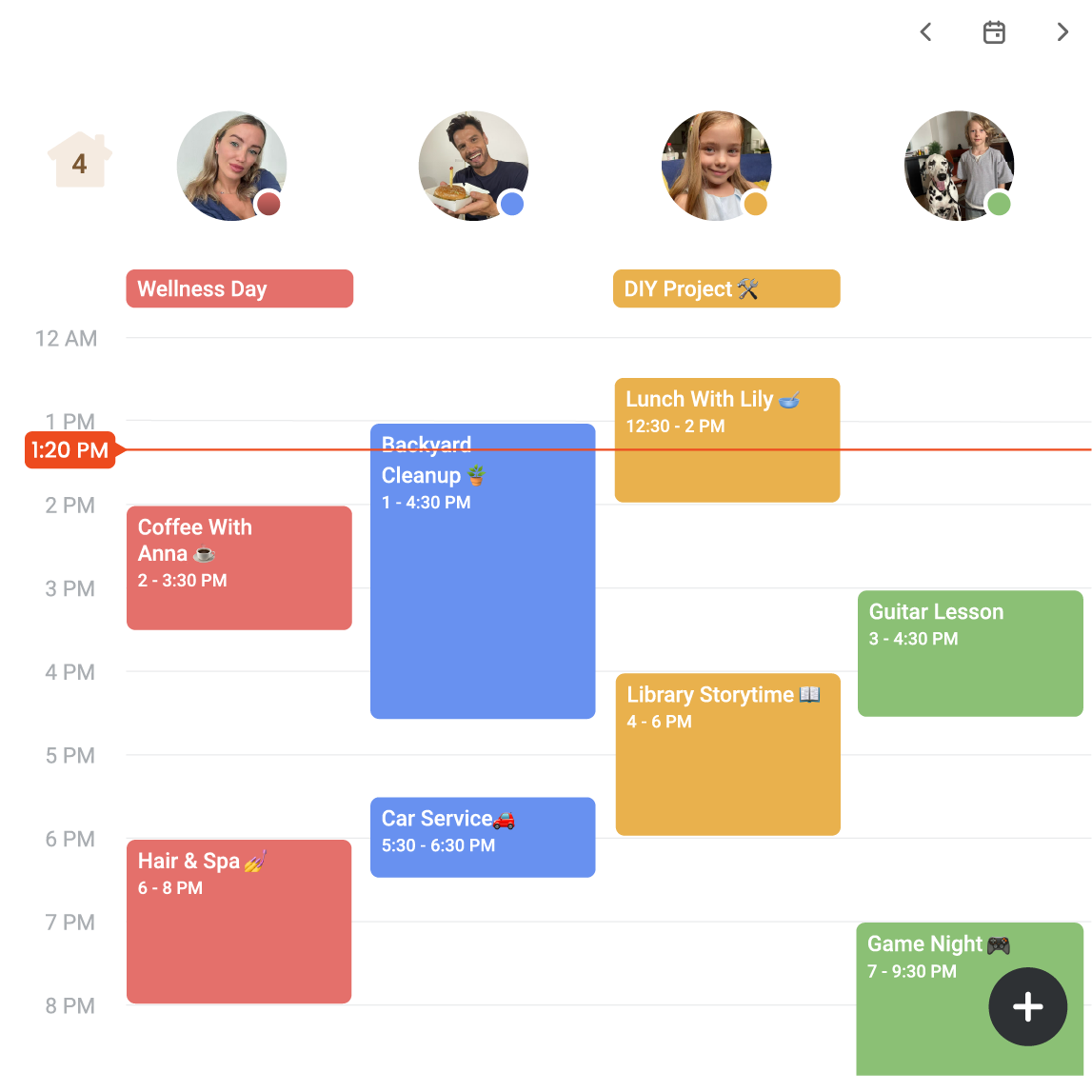
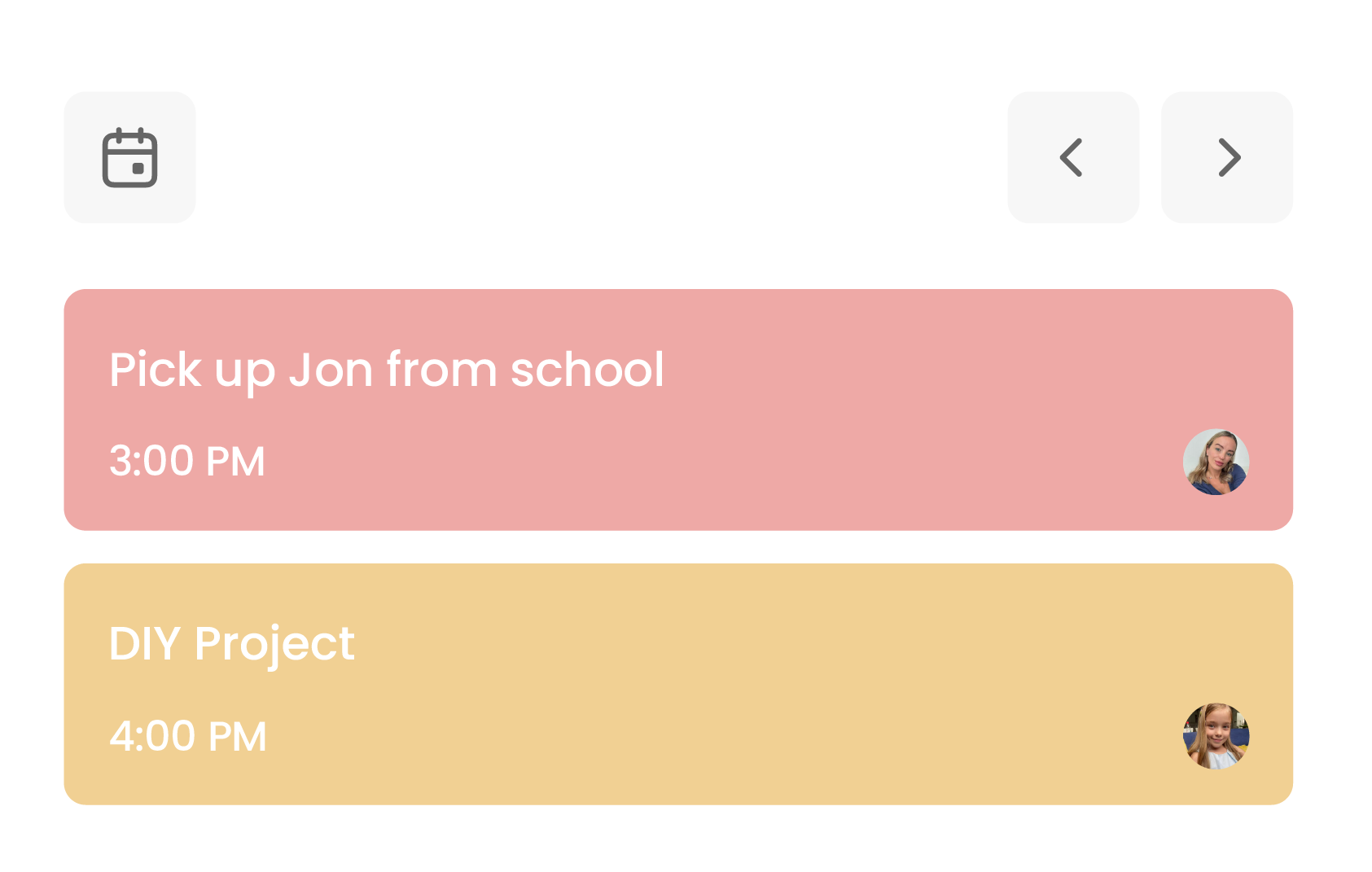
Shared Calendar - Auto sync each member's Apple, Google, Outlook and other calendars into one unified family view.
Family Profiles - Create up to 8 profiles, each with personalized color coding and individual settings.
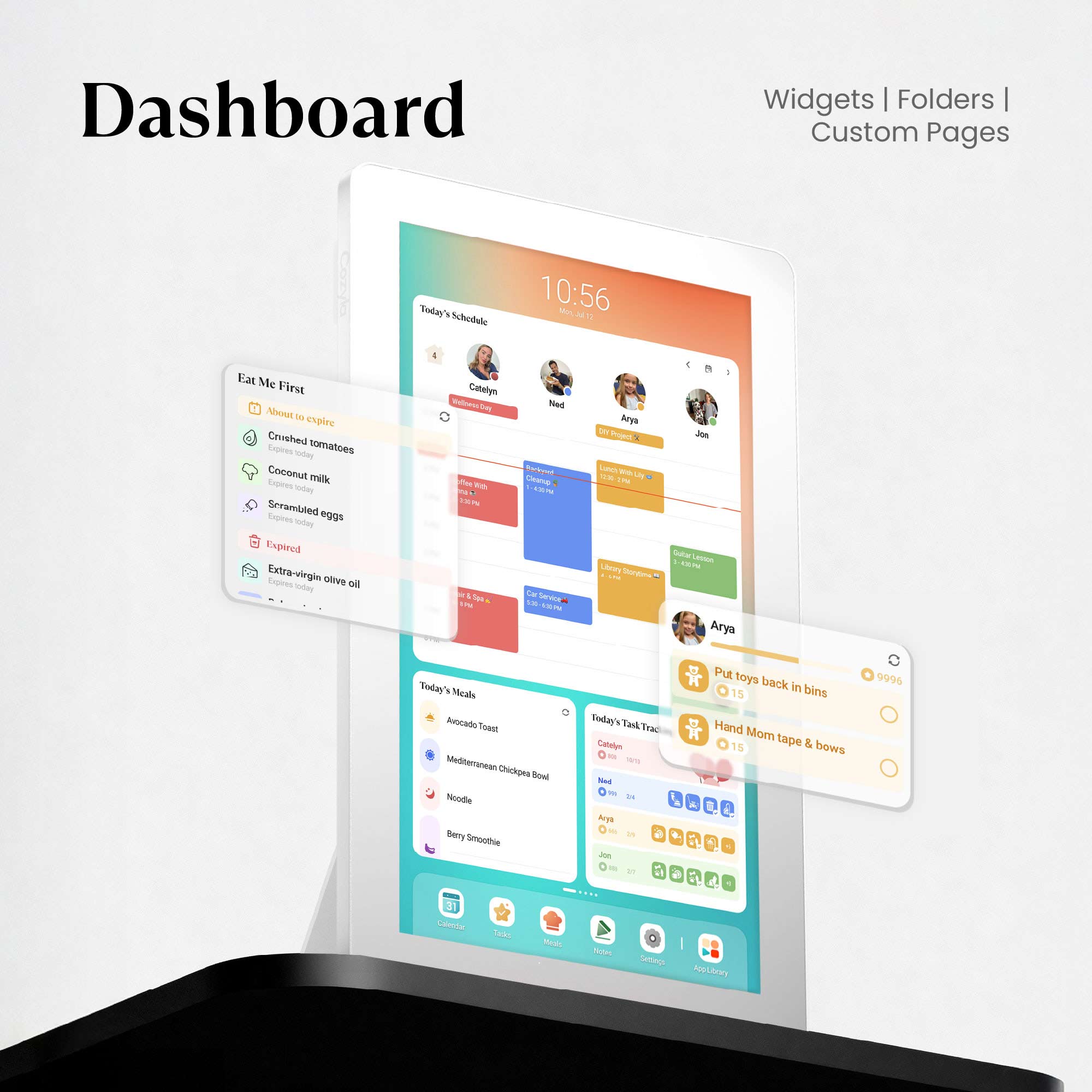
Customizable Dashboard - Personalize your Cozyla's home screen with widgets, calendars, shortcuts, lists, and integrated time and weather displays.
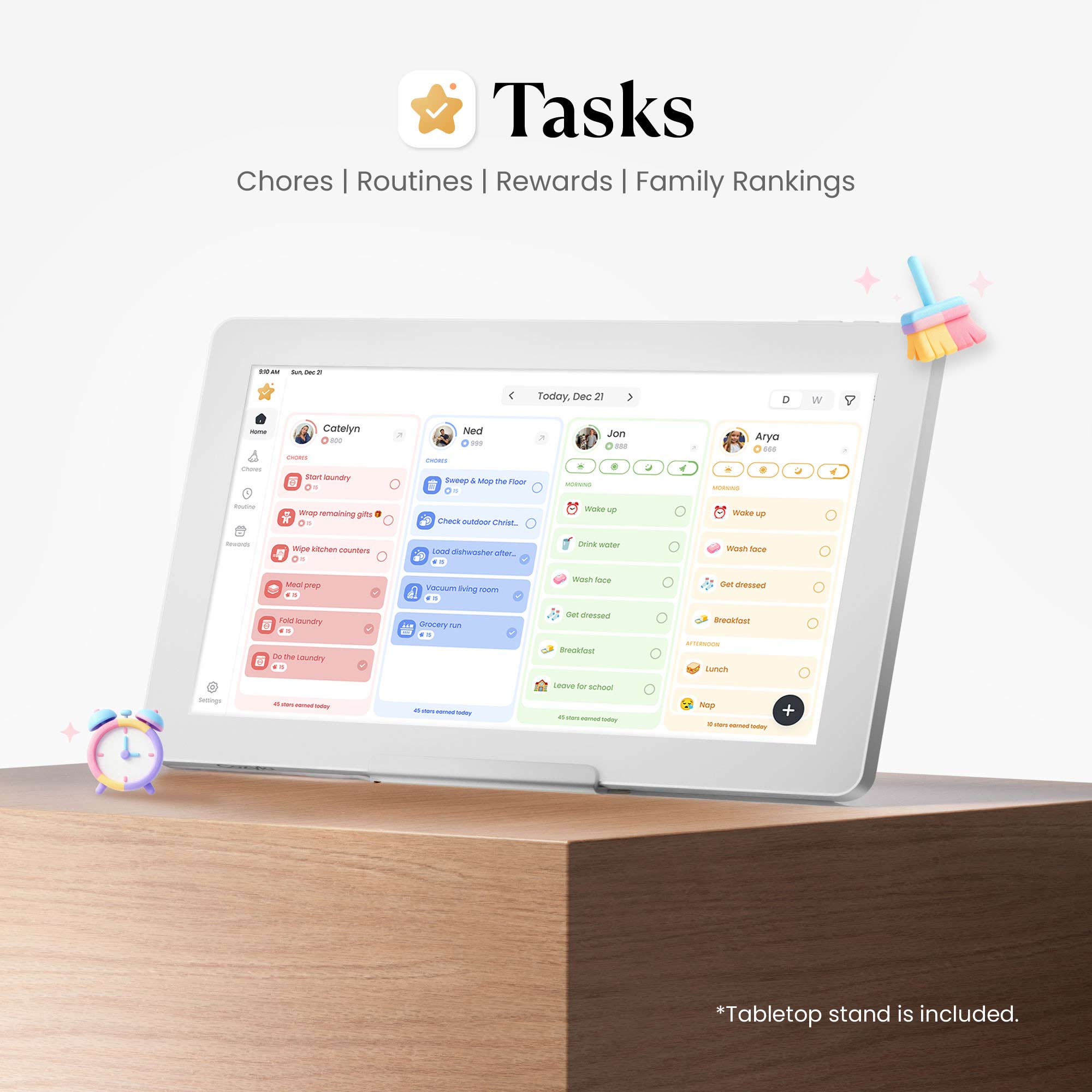
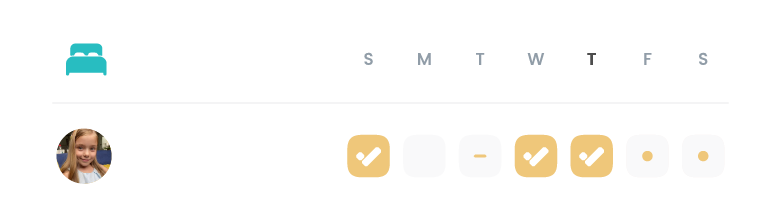
Chores & Routines - Create routines and chores with points, reminders, and repeat rules.
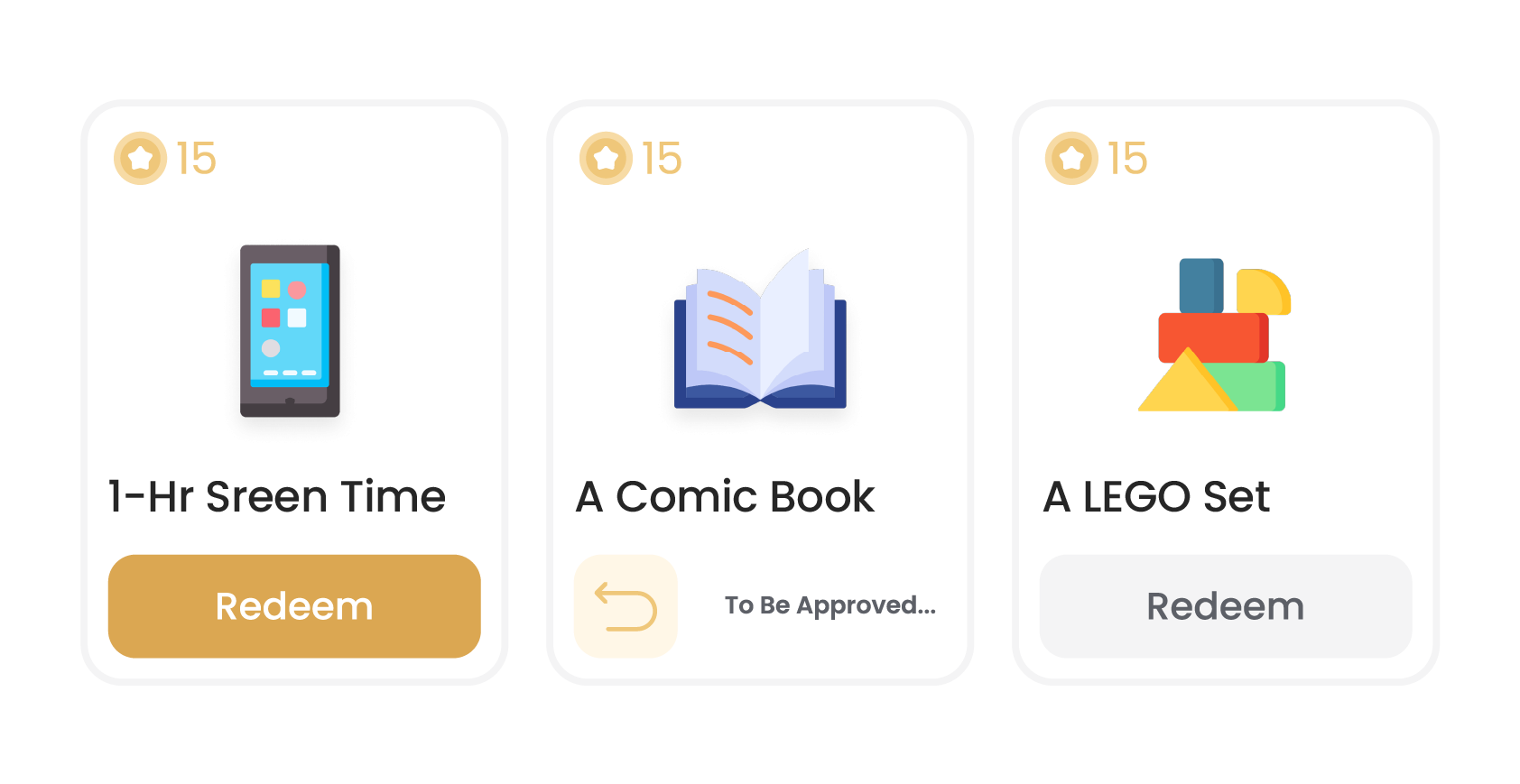
Rewards - Configure custom rewards and manage point redemptions.
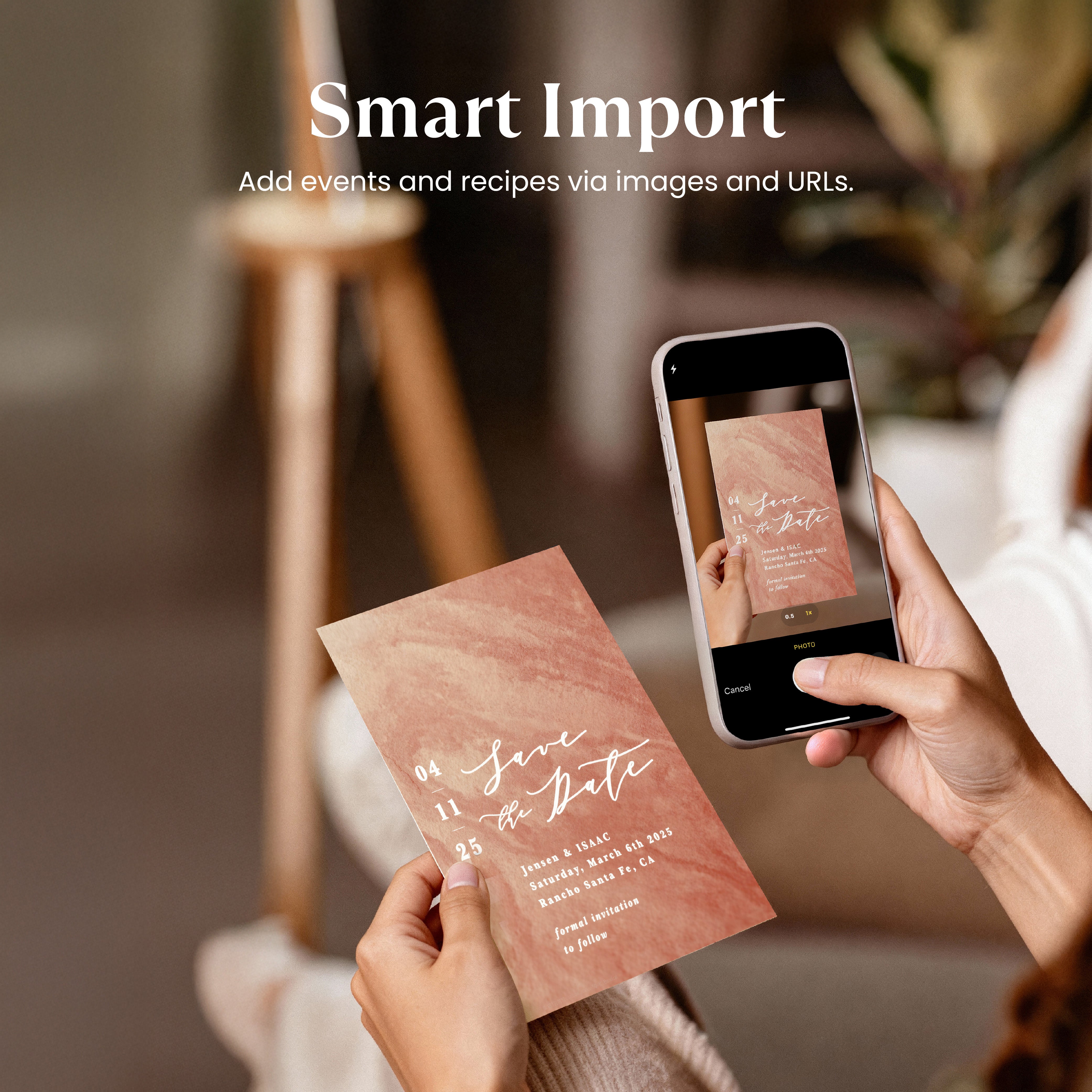
Smart Import - Convert uploaded photos or URLs into calendar events or recipe entries.
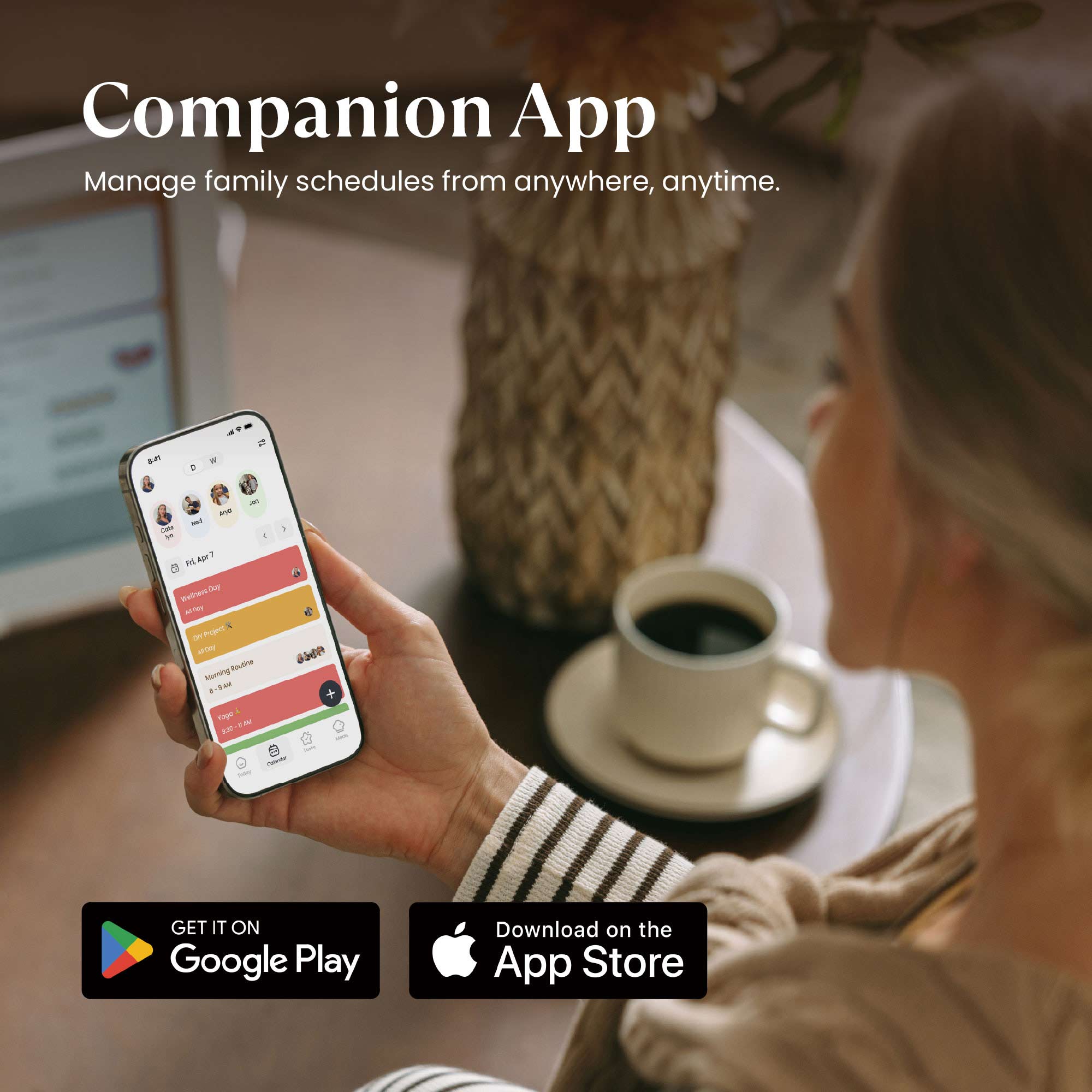
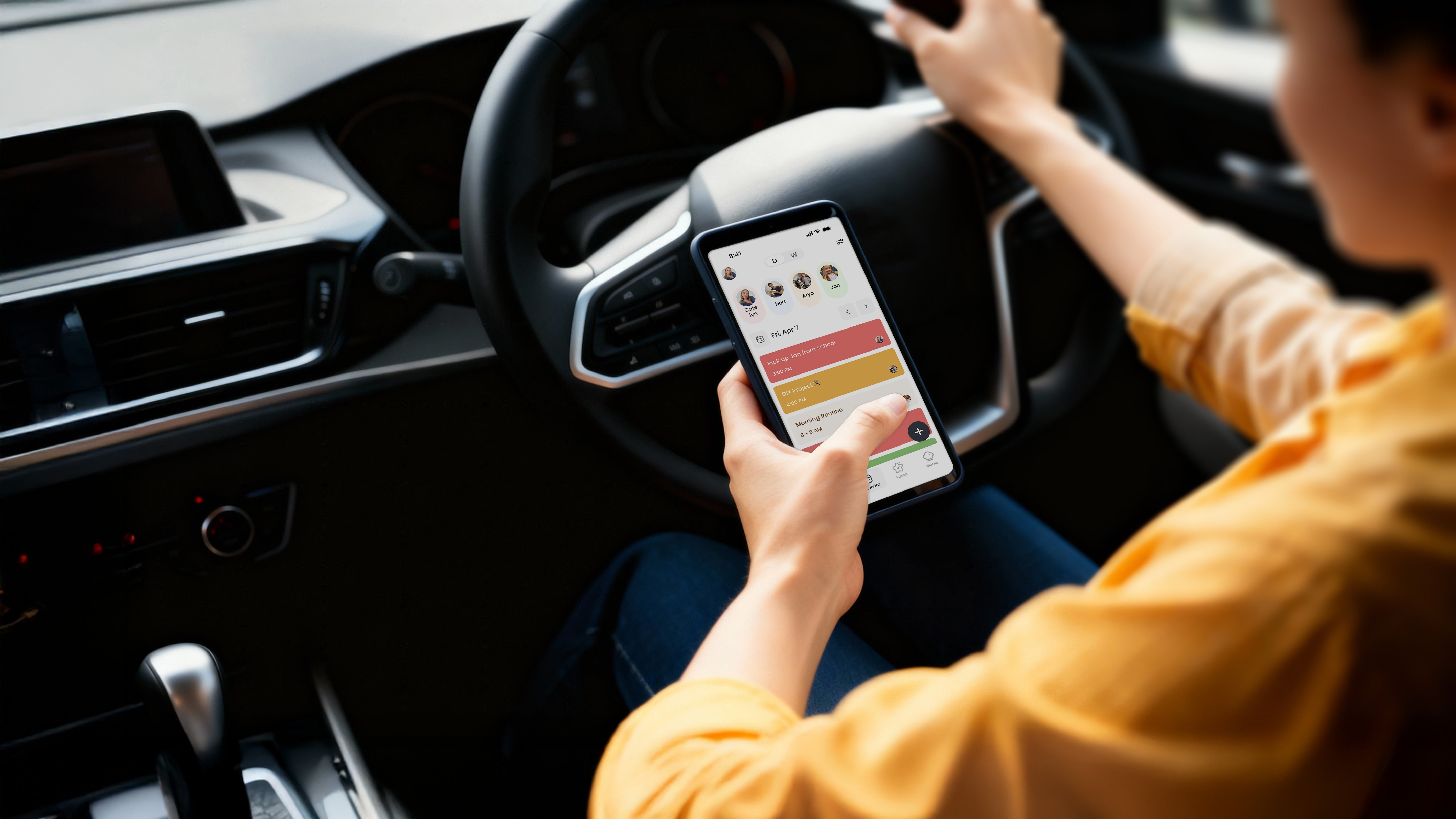
Companion App - Manage Cozyla devices, schedules, tasks and meals from your phone.
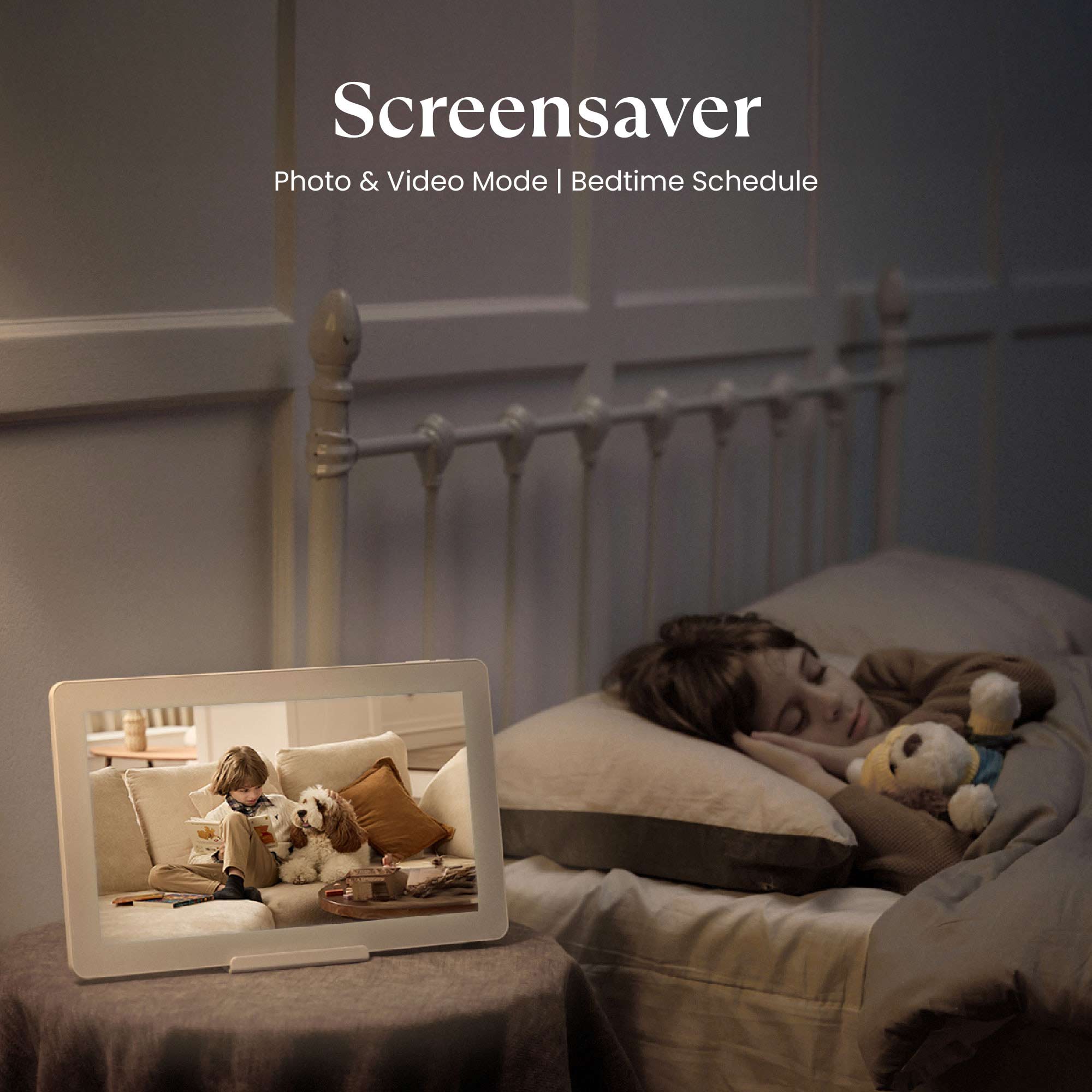
Screensaver & Sleep Mode - Customize screensavers and set automatic sleep schedules to reduce nighttime glow and save energy.
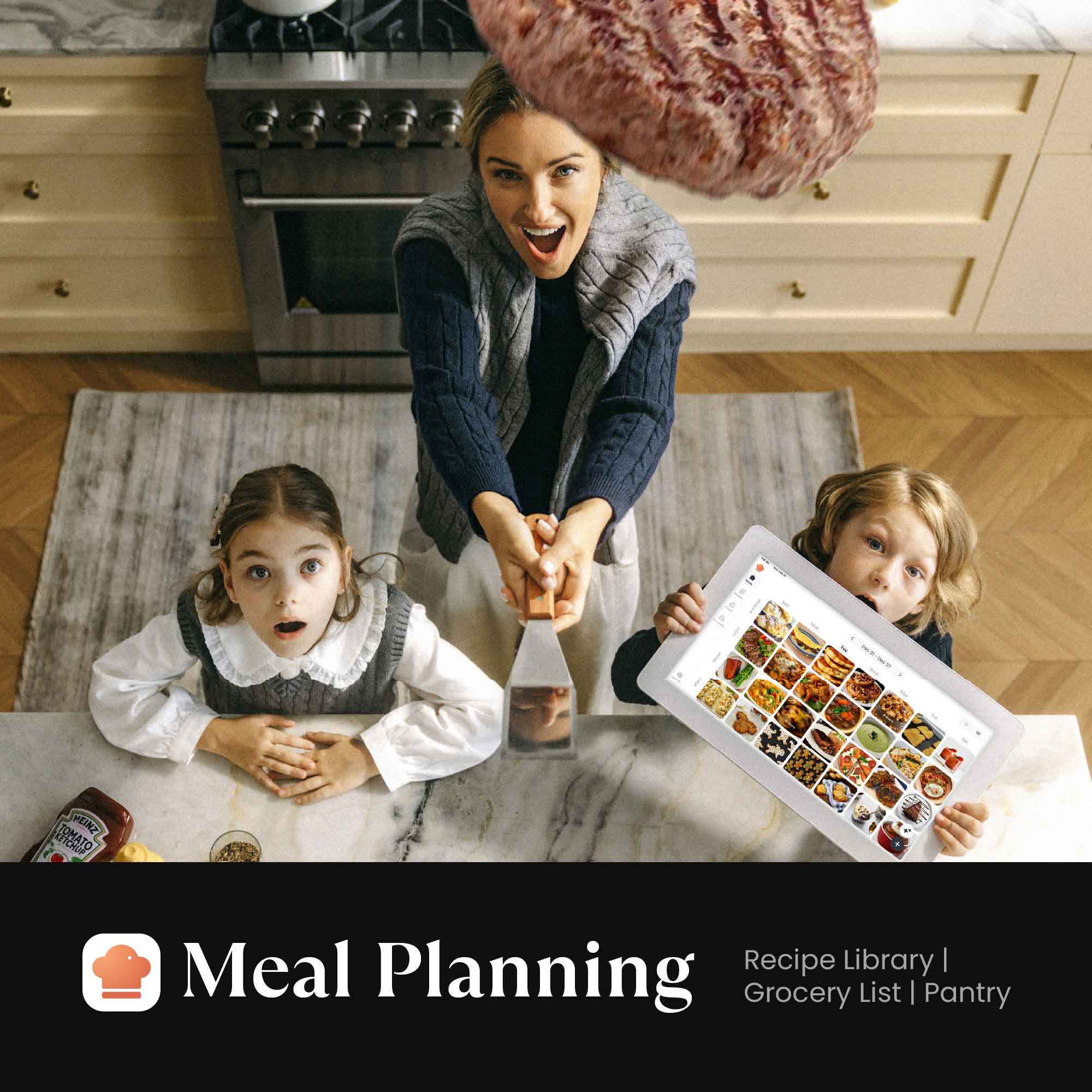
Meal Planning - Plan daily meals and simplify family cooking with our recipe library and step-by-step instructions.
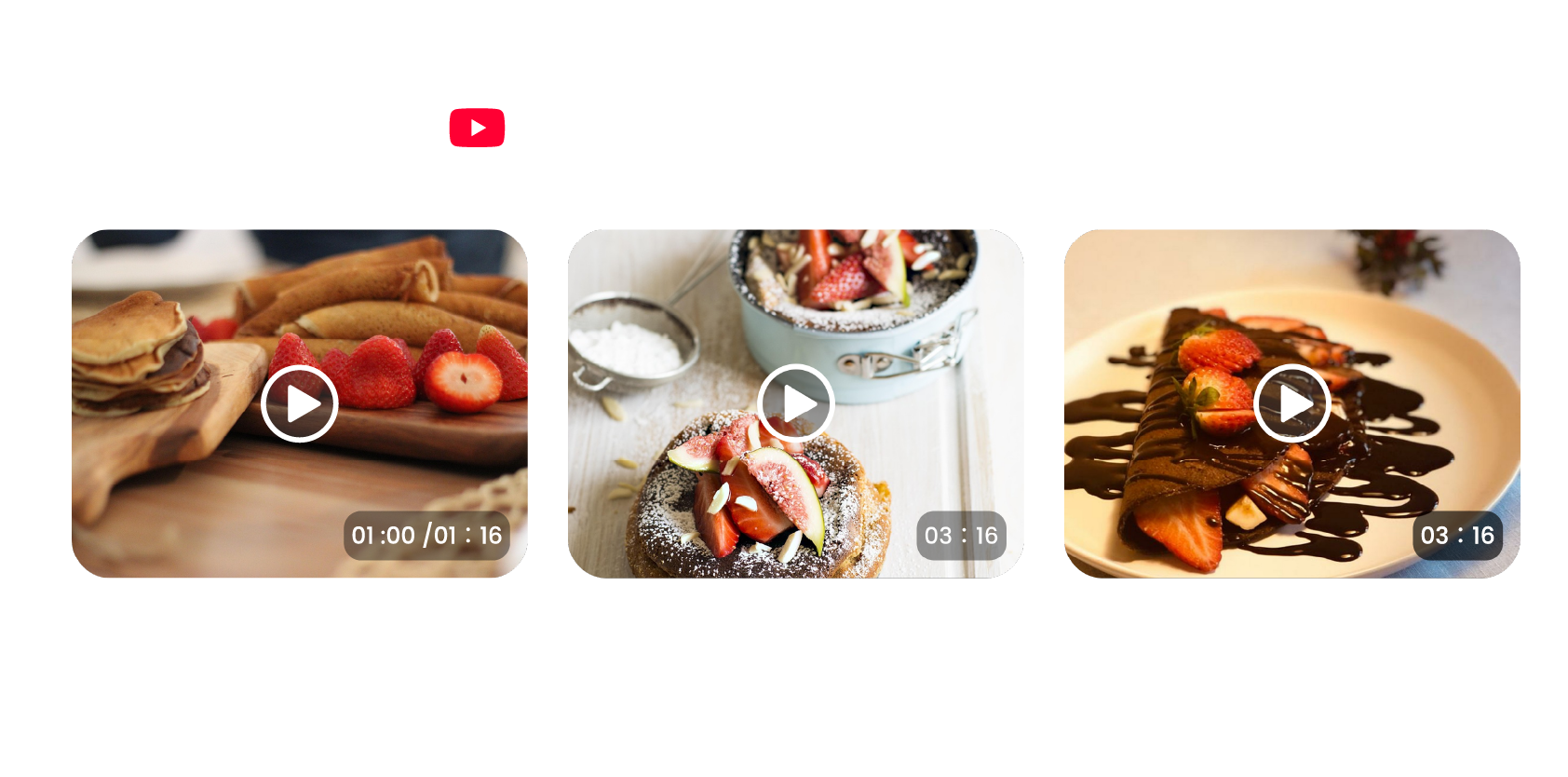
Cooking Videos - Access embedded YouTube instructional videos when conducting recipe searches.
Grocery List - Auto-generate shopping lists based on your meal plan.
Pantry Tracker - Tracks existing ingredients, quantities, and expiration dates.
App Store - Download apps that expand your device’s capabilities.
Specifications
- Screen size: 15.6-inch
- Resolution: 1920x1080 IPS display
- Dimensions: 15.8" x 9.9"
- Network: WiFi 6, Bluetooth 5.0
- USB Port: USB-C
- Speaker: Dual
- Built-In Microphone: Yes
- Google Services: Not included (Non-GMS Edition)
What's in the box?
- 15.6" Cozyla Calendar+ 2 SE
- Power Adapter
- Tabletop Stand & Wall Mounting Kit
- User Manual
Ships within 1-2 business days.
30-day risk-free trial
1-Year Warranty

"Display all the details day by day, color-coded by household member."

"Feels like a Swiss army knife of digital calendars."

"Cozyla can be whatever you make of it."

"With calendar, task, meal planning, shopping, streaming ... it's a useful tool to help you get organized."



See Real Families
in Action


FAQs
What’s the main difference between Calendar Plus 2 SE and Calendar Plus 2?
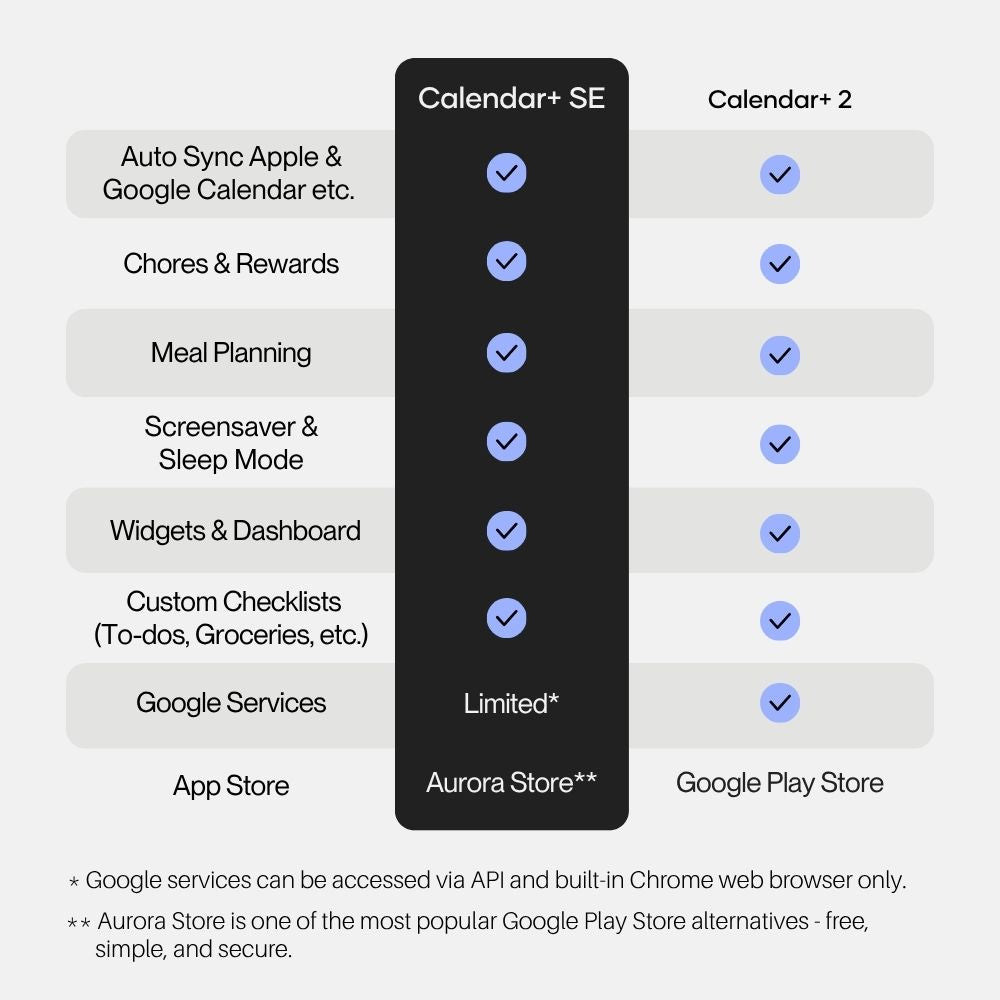
Calendar Plus 2 SE removes Google Play services to streamline the initial setup and enhance overall performance — especially for families unfamiliar with Android. You can jump straight into the Cozyla apps without going through the standard Android onboarding process. Other than that, all features remain the same.
How should I decide between Calendar Plus 2 SE and Calendar Plus 2?
If you’re a heavy user of Google products, we recommend choosing Calendar+ Plus 2. If you’re an Apple user and don’t rely much on Google services, Calendar+ SE will be the better fit.
What if I want to access Google products on Calendar Plus 2 SE?
While Google apps can be downloaded from the Aurora App Store, they may require Google Play services which is not available. To use Google products such as Google Calendar app, Google Keep, Gmail, or YouTube, simply access them through the pre-installed Chrome browser.
Note: If you accidentally downloaded the Google apps, it may cause errors. Please uninstall it manually.
Does Calendar Plus 2 SE still support the Google or Apple Calendar?
Yes. You can synchronize up to 8 members Apple and Google Calendar automatically with our custom calendar app.
Can I still access third-party apps like I used on my phone or tablet?
Yes. You can download and use third-party apps directly from the built-in Aurora App Store.
How is Cozyla Calendar Plus different from other competitors?
Cozyla Calendar Plus is designed specifically for family use. You can create color‑coded profiles, set up group events, and upload each member’s portrait to easily distinguish between personal and group activities. It’s built to simplify managing multiple schedules in one place, making coordination effortless for busy families. We’re continuously improving the experience to make it even more intuitive and family‑friendly. In addition, we offer access to a built-in app store where you can download a wide range of apps for productivity and entertainment.
Get support
Contact our Support Team here.