


COZYLA DIGITAL CALENDAR
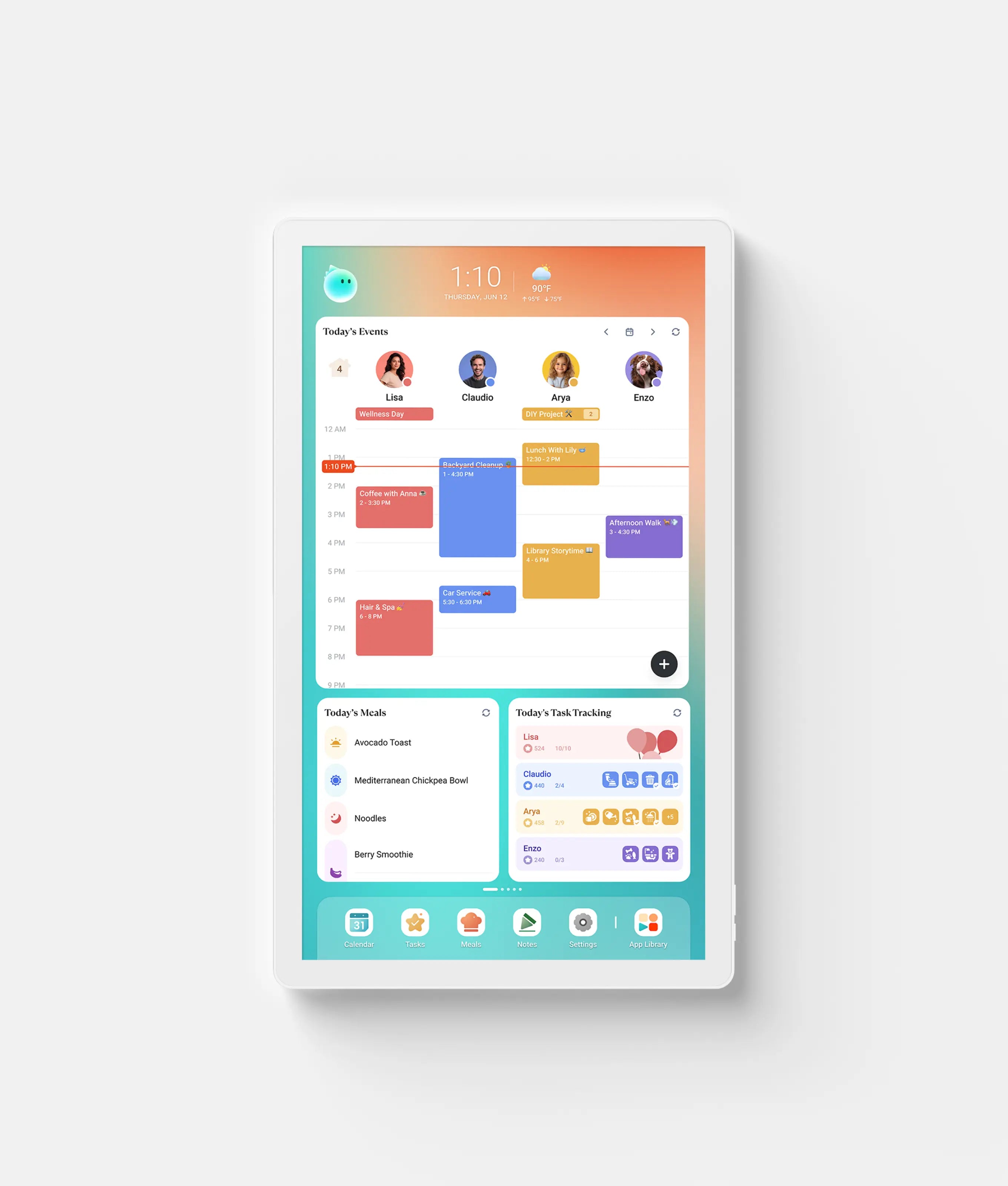
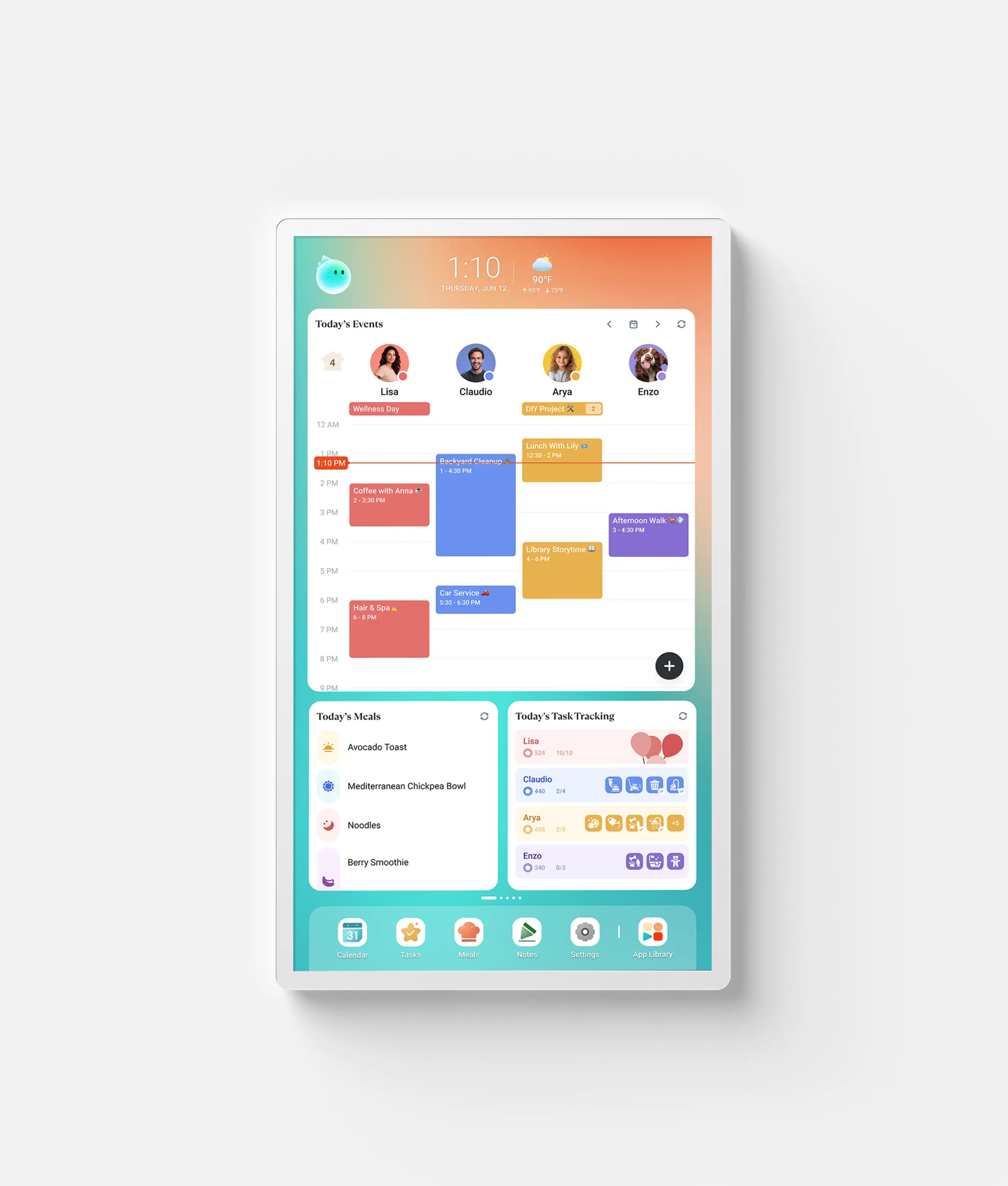
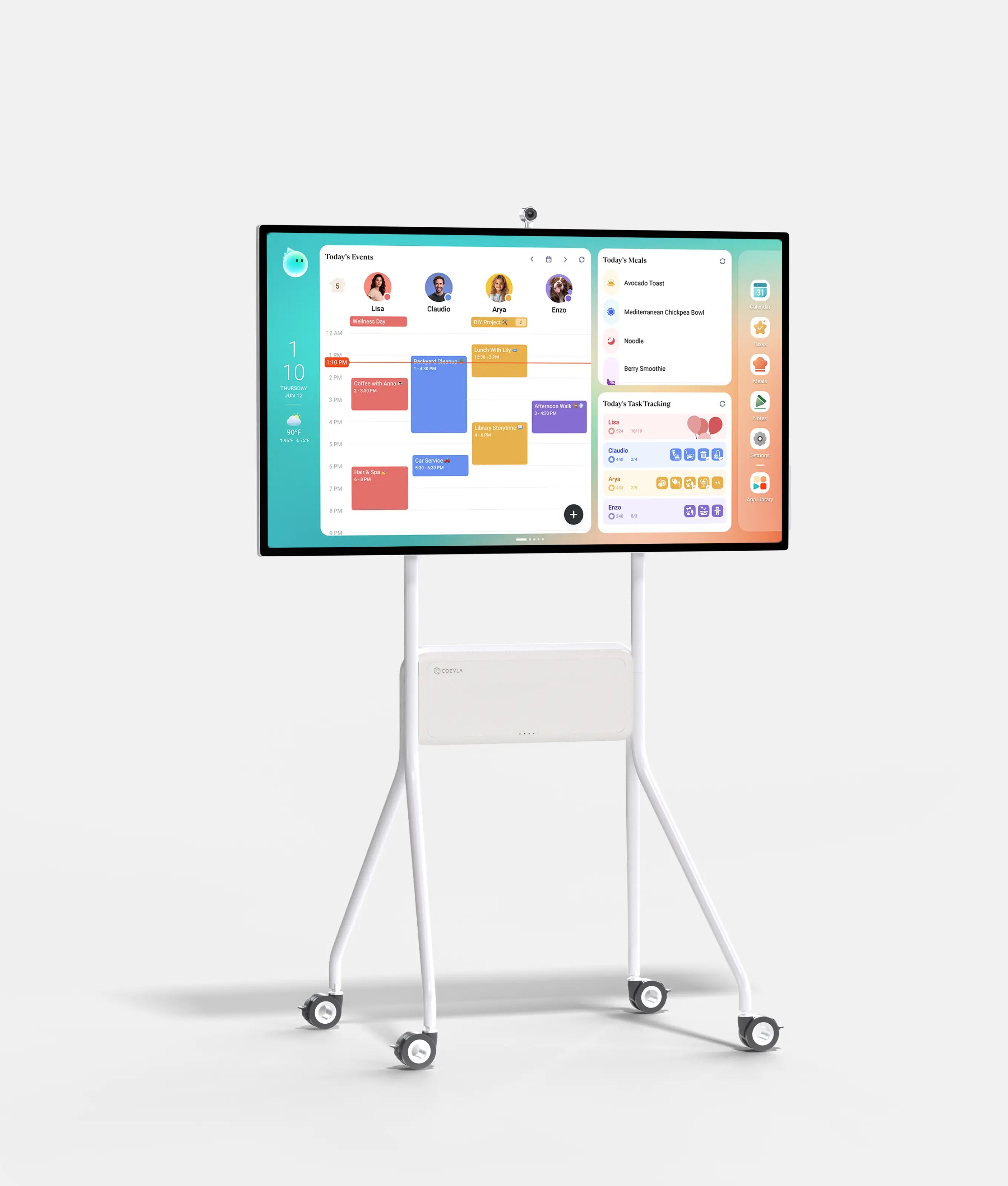
A smart digital calendar built around the way your family actually lives. Loved by thousands of families, Cozyla brings schedules, routines · chores & rewards, meals, AI voice agent, and more together in an all-in-one family hub.


Filters
5,000+ VERIFIED FAMILY REVIEWS
Loved by Families.
Shared from the Heart.
"So convenient! Love having everything in one place with this digital calendar. It's so convenient to have our schedules, to-do lists, and meal plans all in one spot."
"Since my wife and I are quick to fill up our calendars, it's great to have a consolidated view on a big ol display in the kitchen, where we typically go over our day/plans while we meal prep. This fits into our routine perfectly."
"This device has changed the game. No more 'mom, dad..what are we doing today? What chores need to be done?'Now it’s "I'm 20 stars away from redeeming a prize!'"
"Mental Load Lifesaver! It just syncs with my calendar. I also love the meal planning option. It helps a lot being able to add all our favorite recipes and easily pick things for dinners for the week... It has been a super great tool for our family and has taken a lot of mental load off my plate."
"This calendar has been a great addition to our family. I like that everyone's calendar is in one place, I can set chores/routines/to-do lists for family members, and the meal planning."
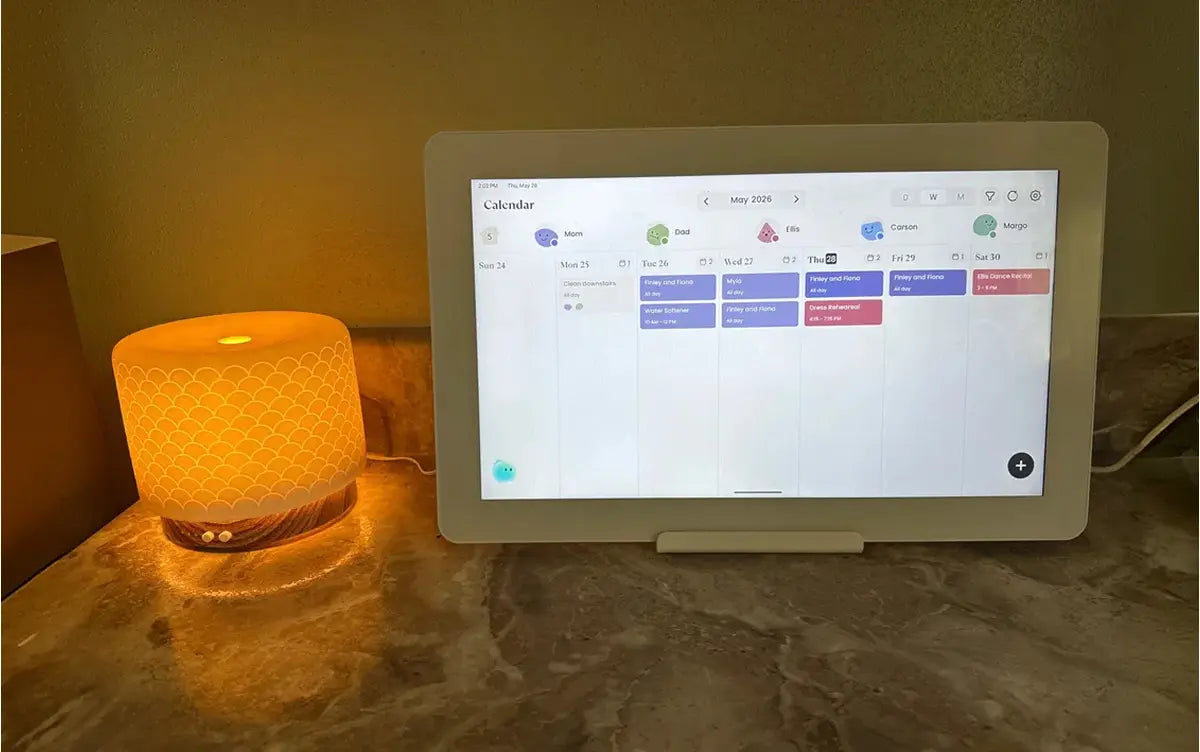
"Love the simplicity. I love how easy to set up my cozyla neo and sync every family calendar into one shared display! I can even keep track of everything from my phone!"
"A Game-Changer for Family Organization – Sleek, Smart, and Easy to Use. If you have a busy family or just love staying on top of your schedule, I highly recommend giving it a try!"
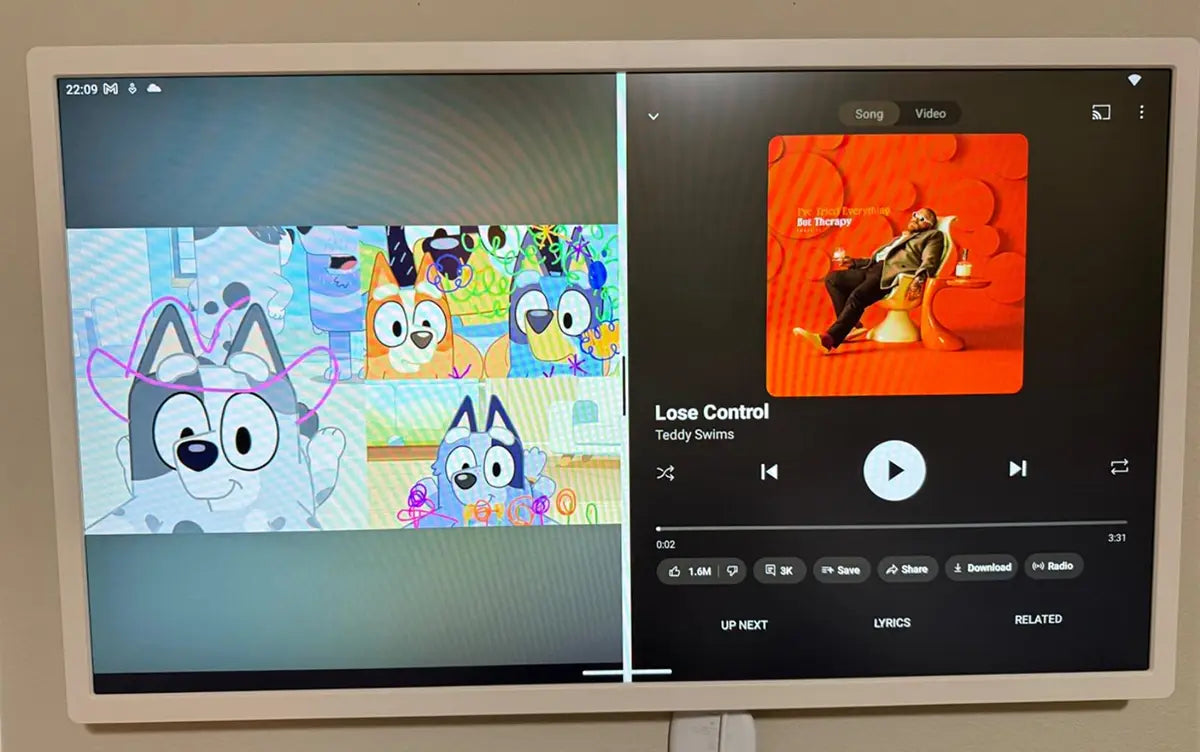
"We have one kid with autism/ADHD and another with ADHD. The chore section with rewards has been a lifesaver! They love to check things off and pick out their custom rewards. It has made busy mornings so run so much more smoothly!"
Digital Calendar FAQs
What is the Cozyla calendar?
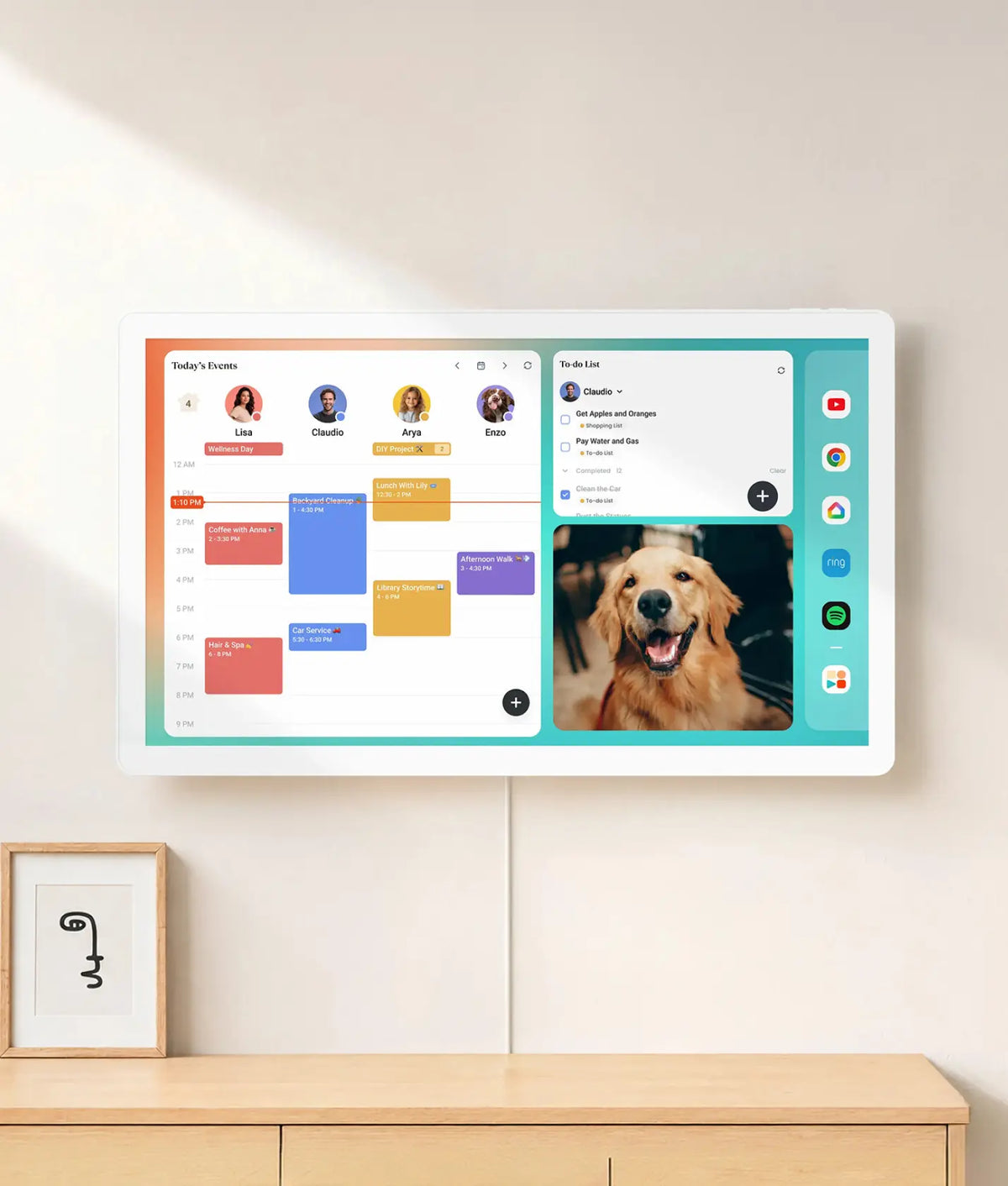
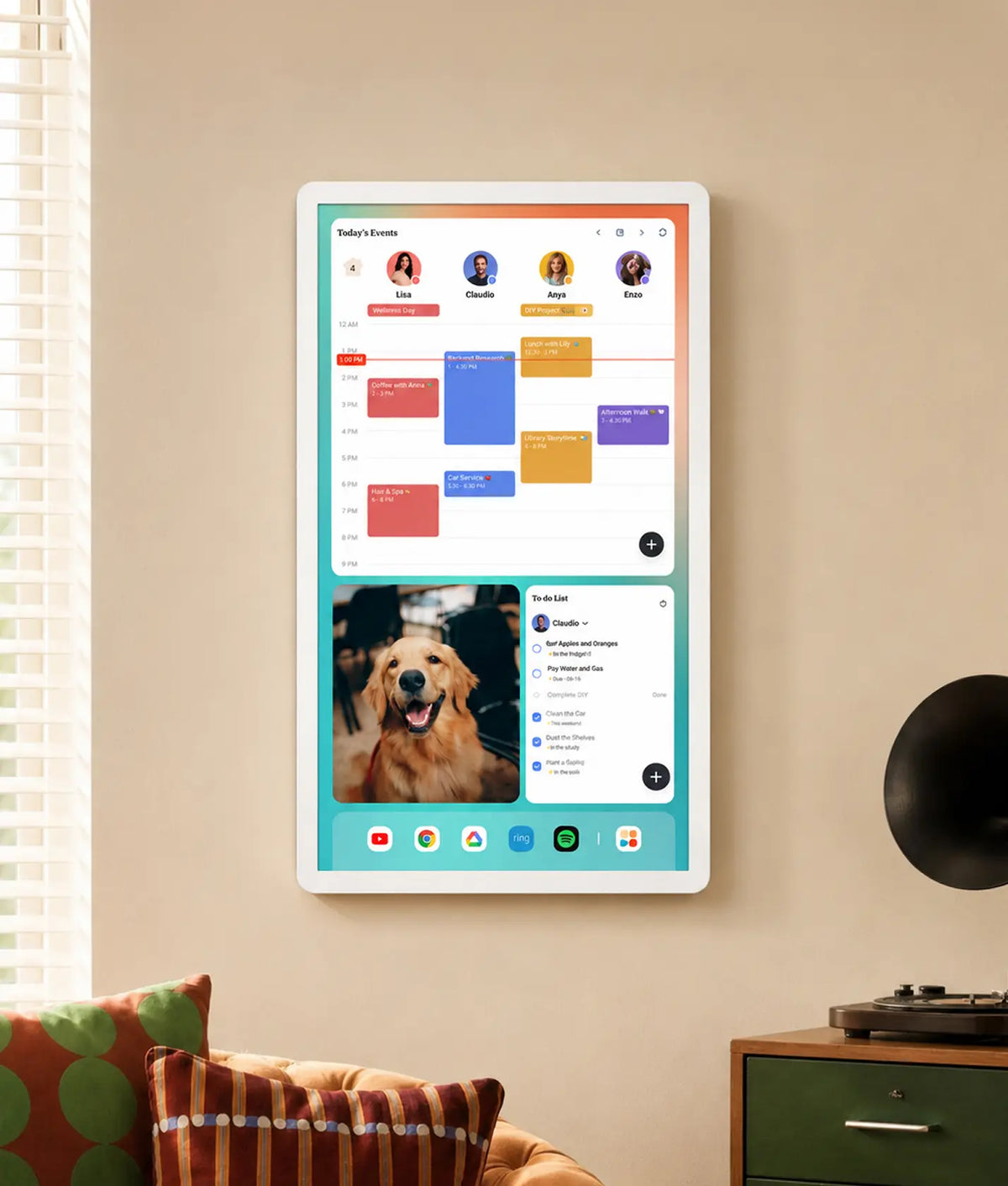
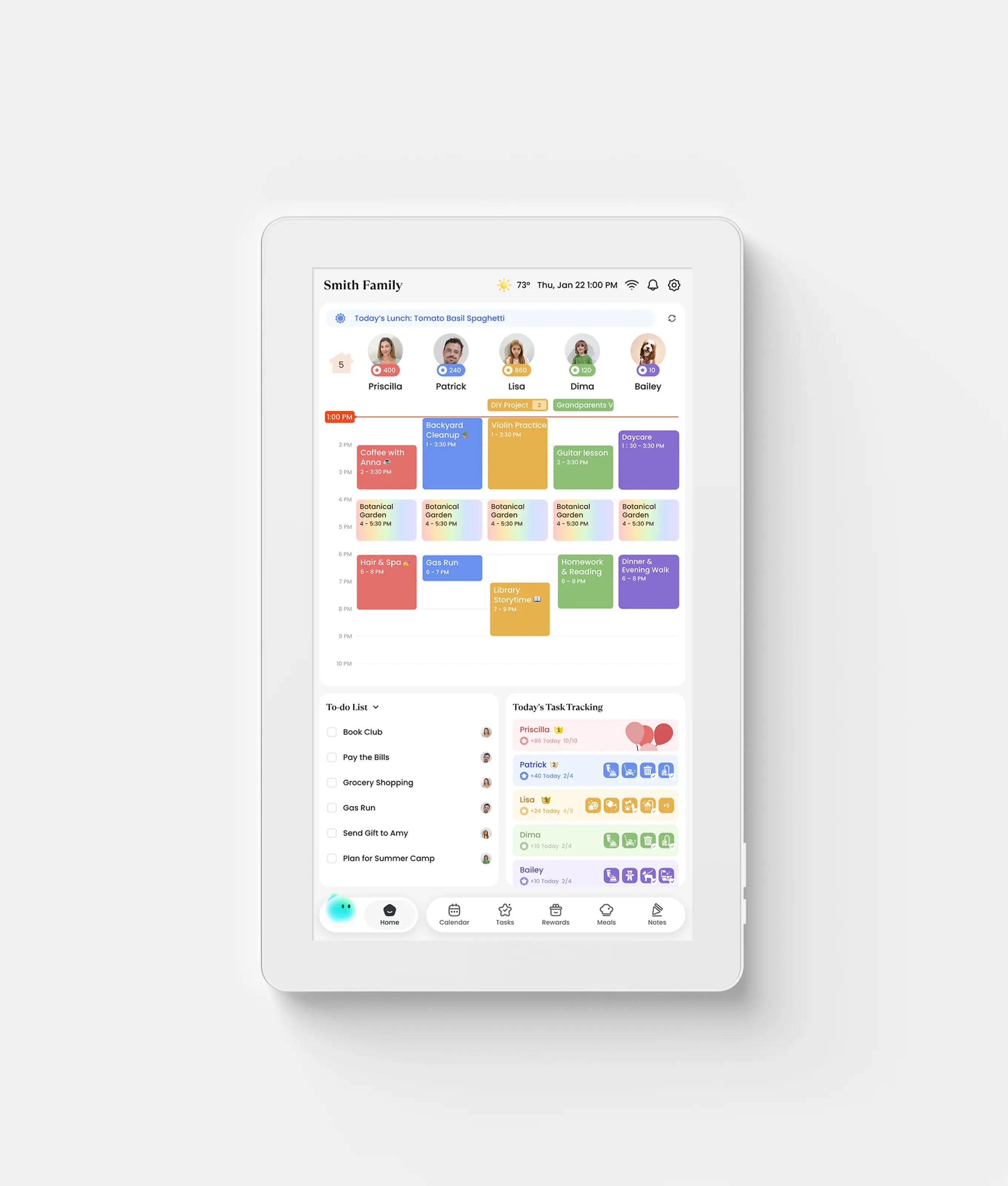
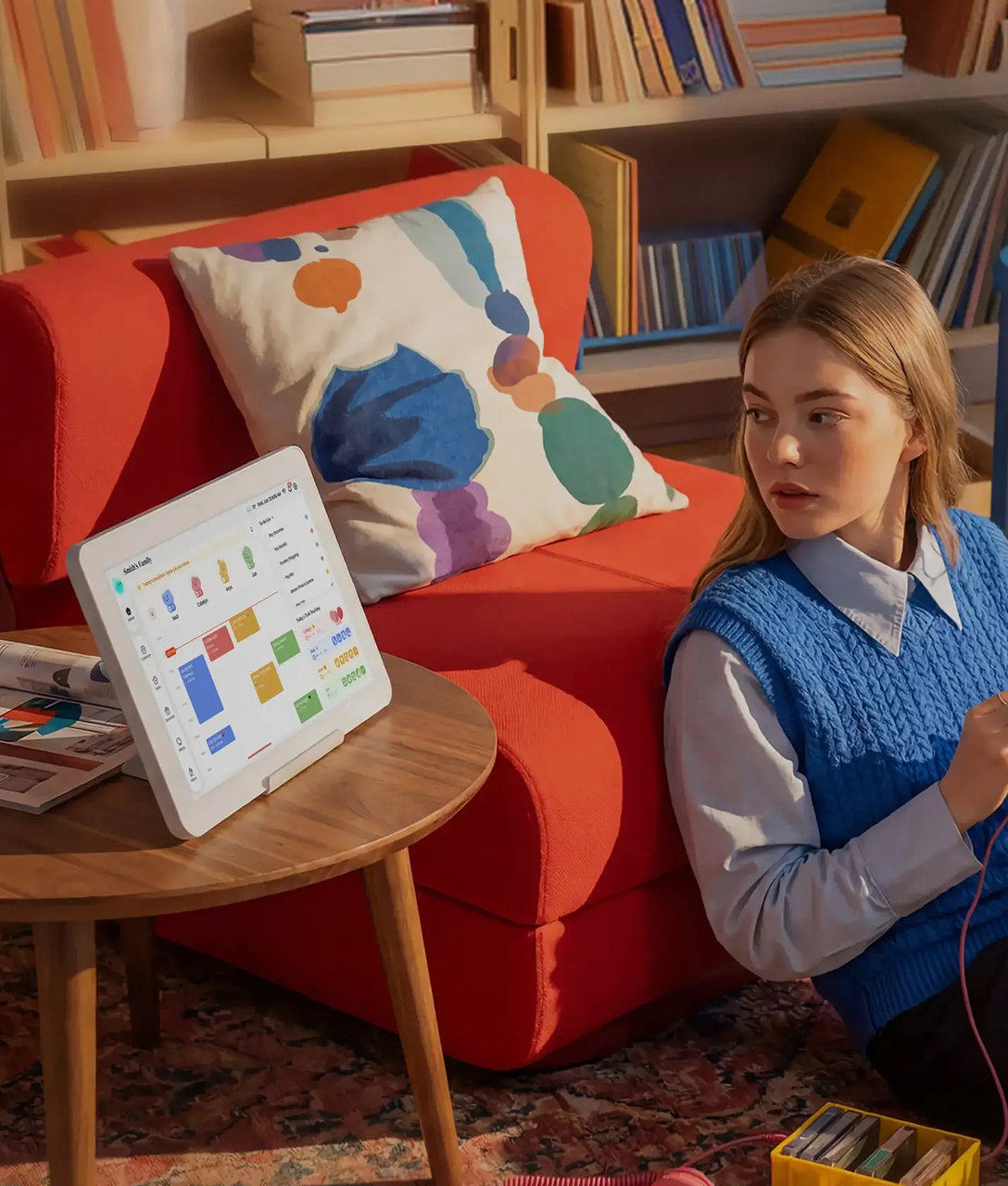
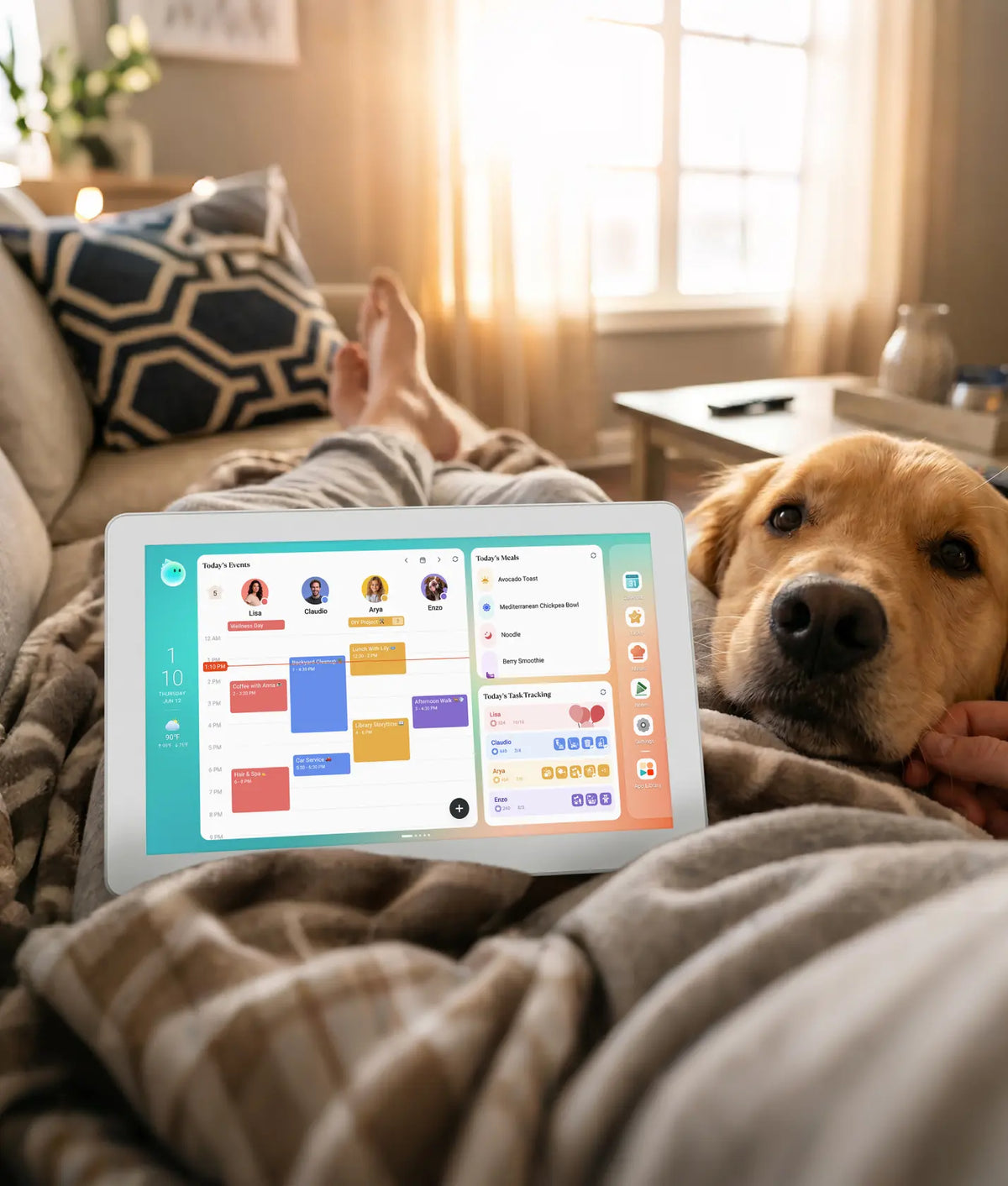
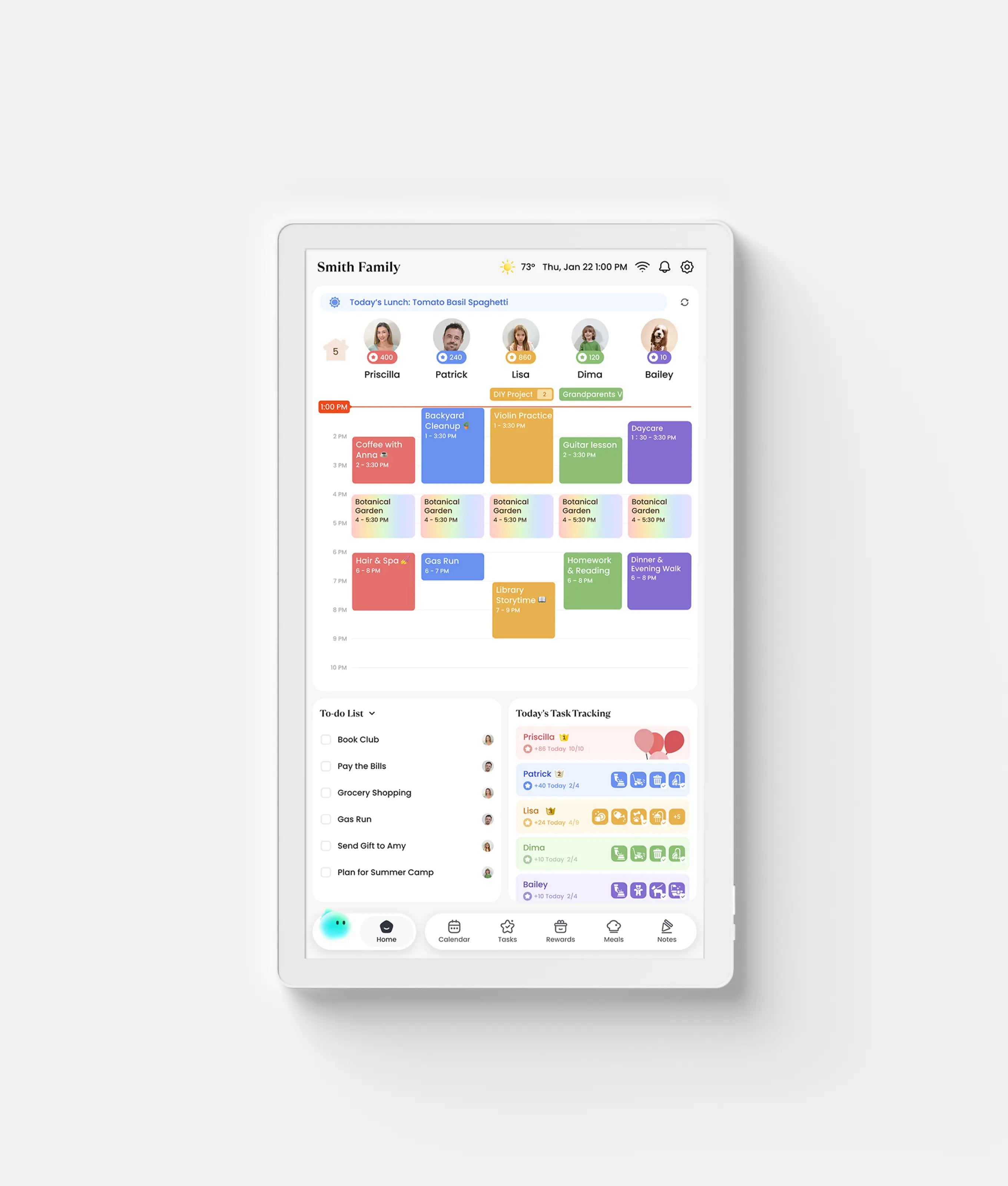
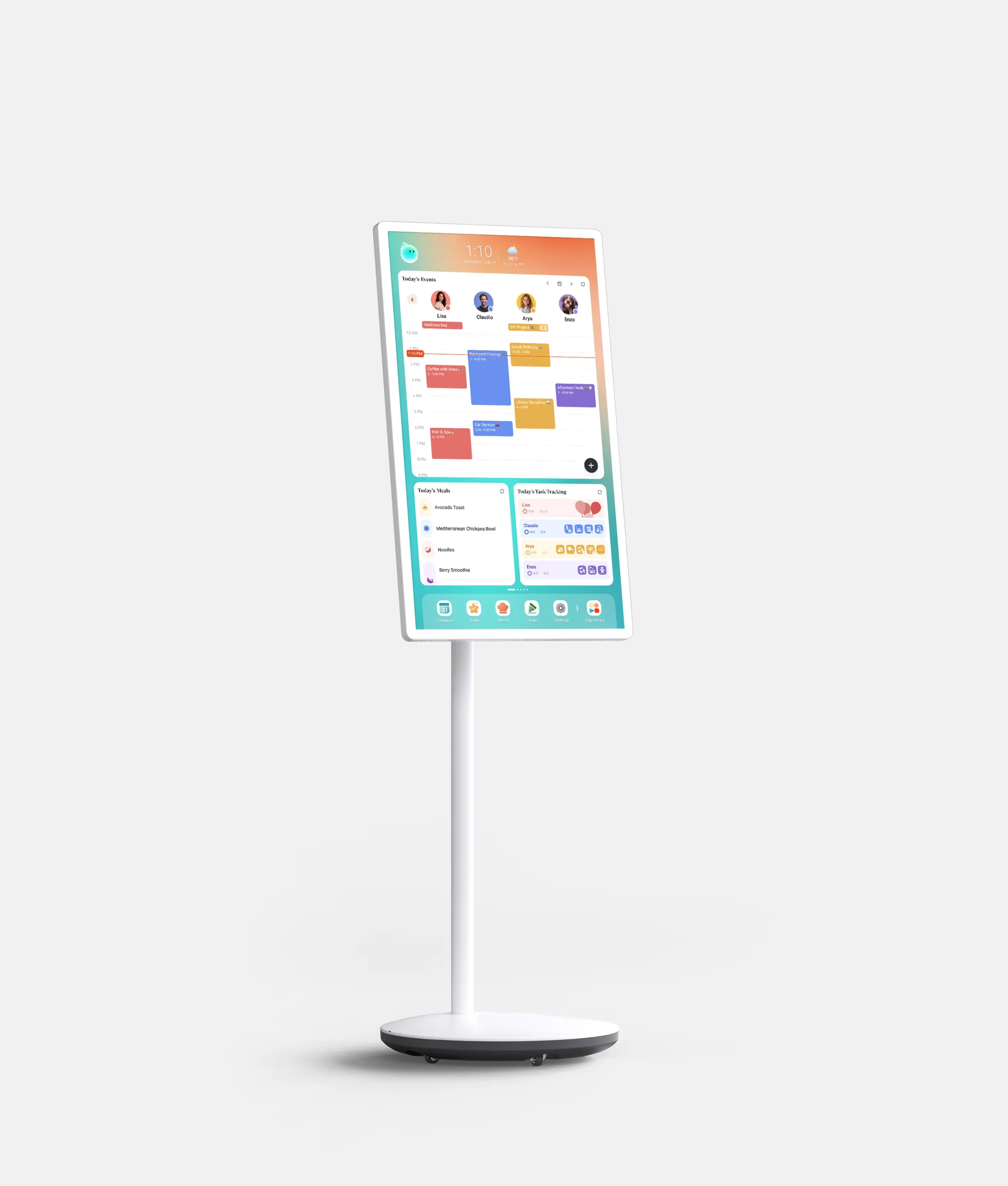
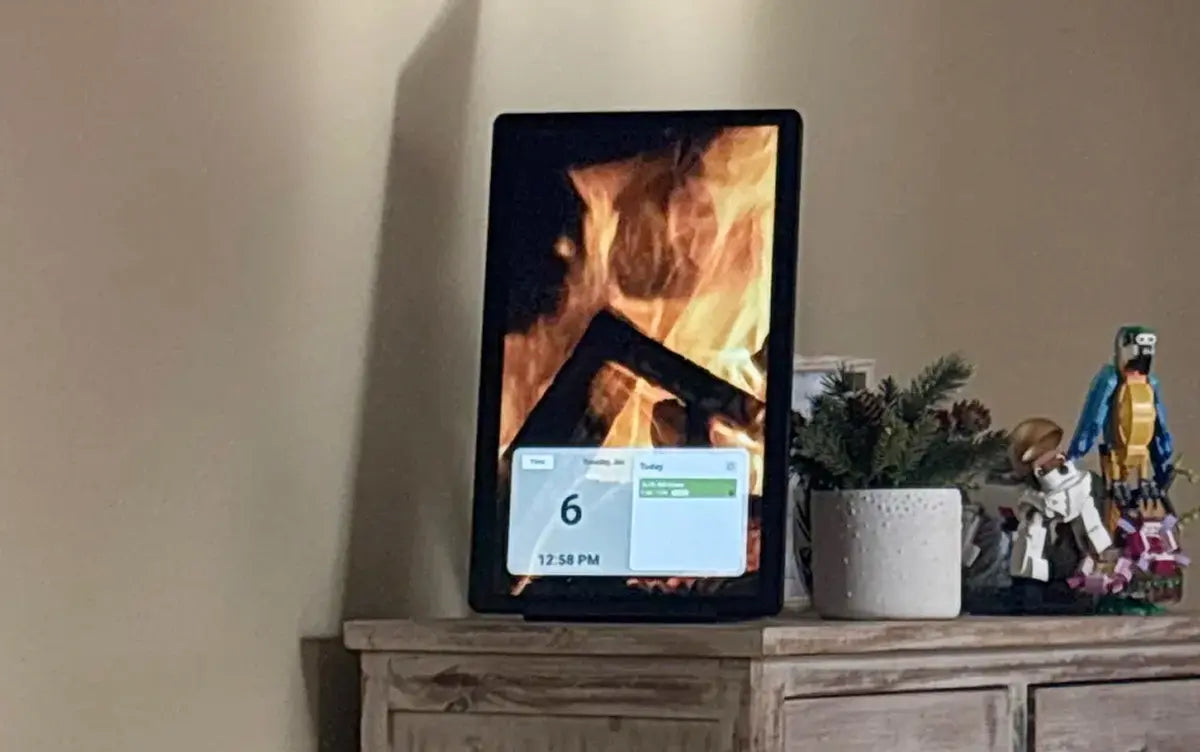
Cozyla calendar is a smart digital family calendar and home display that keeps the whole family organized in one place. It displays schedules, to-dos, routines, chores, rewards, meal plans, grocery lists, and an AI voice agent on a shared screen — and syncs with Google, Apple, Outlook, and more calendars. Available in sizes from 15.6", 24", 32", and 55", it can be placed on a desk, mounted on a wall, or used with a rolling battery stand. Think of it as a central command center for family life — one screen where everyone can see what's happening and what needs to get done.
Is the Cozyla calendar worth buying?
For families looking for more than a basic calendar display, Cozyla calendar is worth serious consideration. It goes well beyond scheduling — combining shared family calendars with chores, routines, rewards, meal planning, and a full suite of household organization tools, all on one screen. The customizable dashboard, open Android platform with Google Play & third-party APP access (for Calendar Plus series), and built-in AI voice assistant give families a level of flexibility that most closed calendar systems simply can't match. It's particularly well suited to busy households that want a shared command center the whole family can see and actively use — not just a calendar one parent updates and everyone else ignores. If flexibility, customization, and whole-family organization are what you're looking for, Cozyla delivers on all three.
What makes Cozyla different from other digital family calendars?
Cozyla (Calendar Plus series) sets itself apart in three meaningful ways:
- A fully customizable dashboard
- An open Android platform
- A built-in AI voice assistant designed specifically for family life.
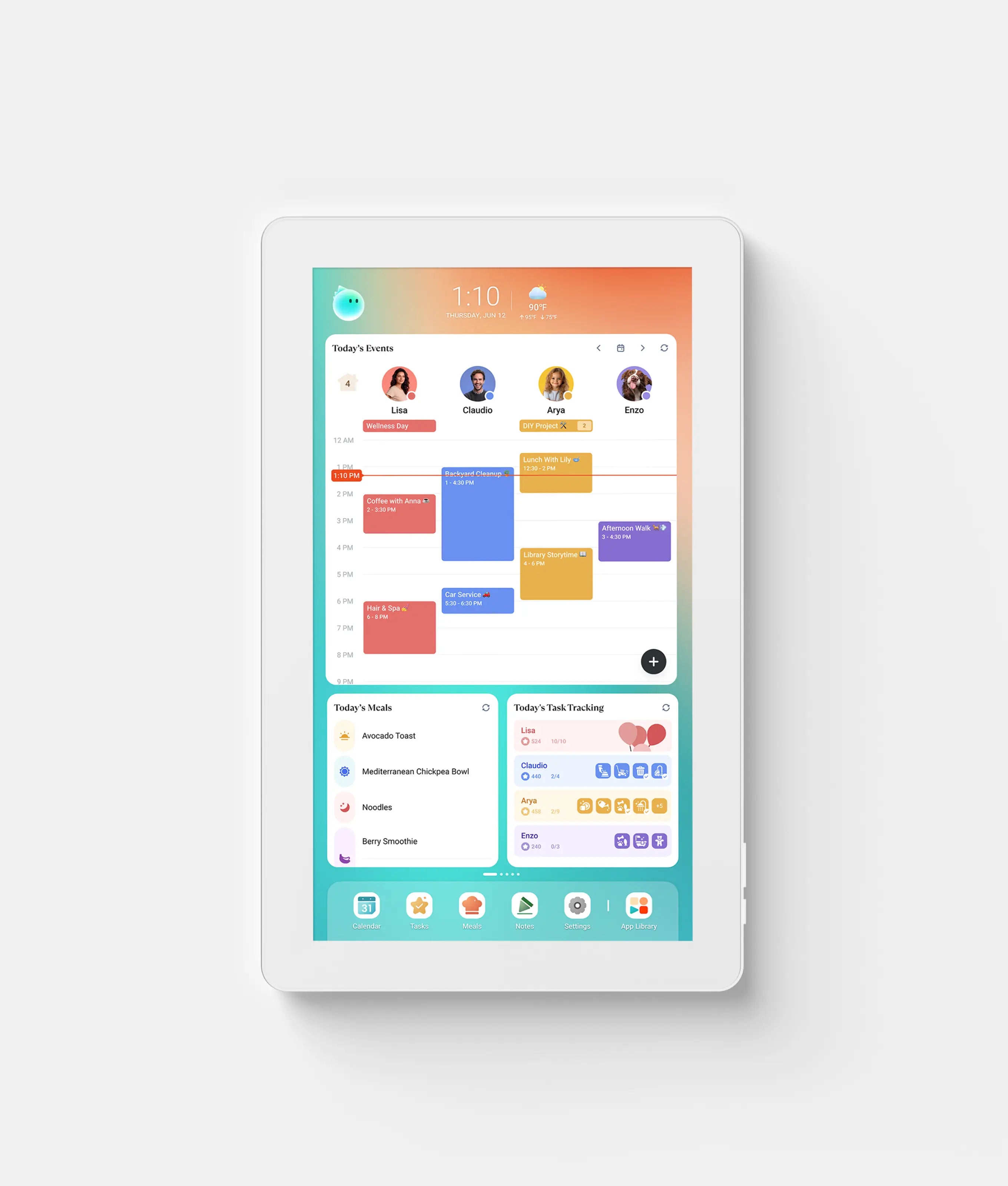
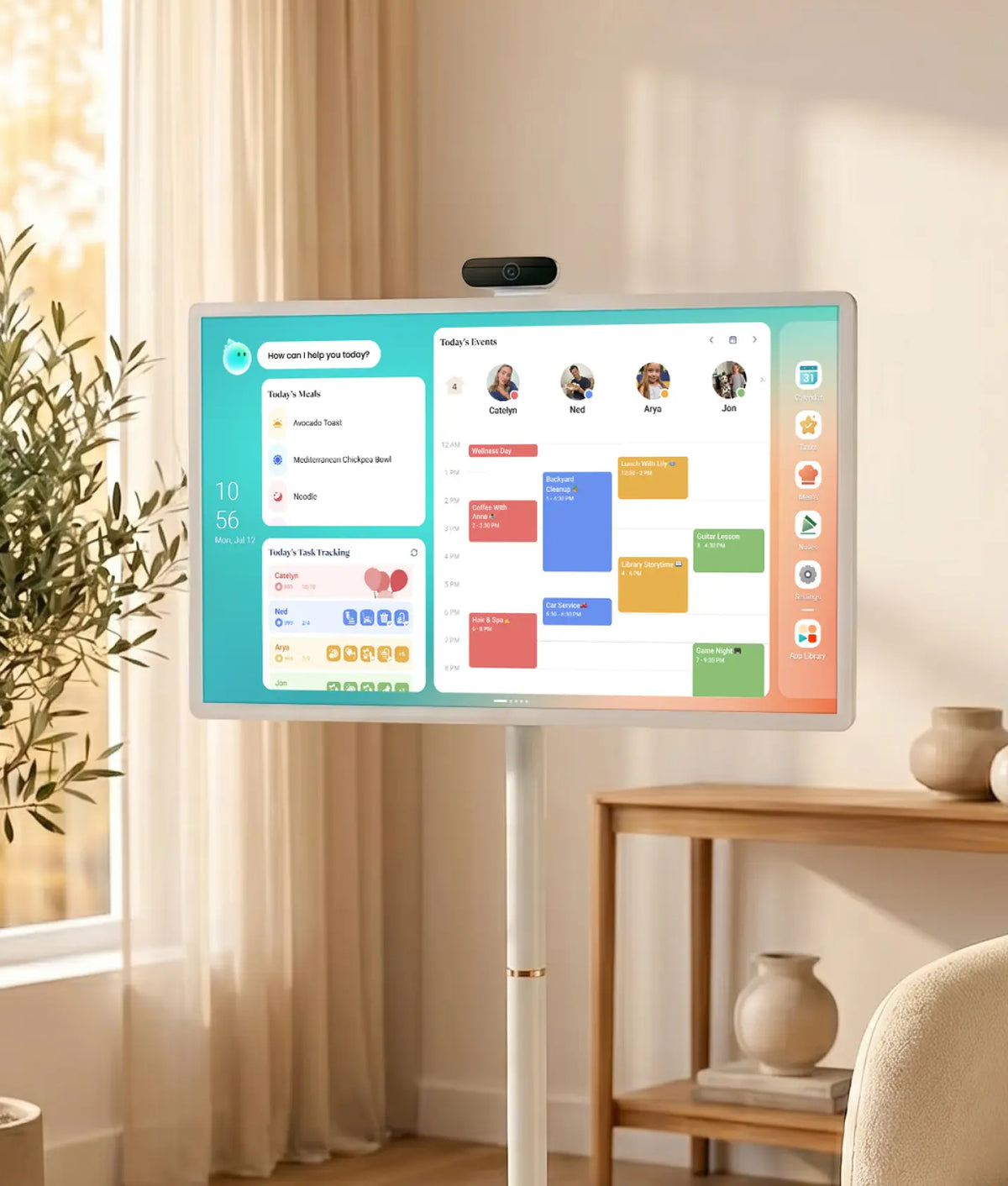
The customizable dashboard lets families arrange their home screen exactly the way they want it — dragging, dropping, and resizing widgets to match how their household actually works.
The open Android platform gives access to the Google Play Store and your favorite third-party apps, turning the device into far more than a family calendar.
And the proprietary AI voice assistant is built around family organization — letting anyone in the household add events, manage chores, update to-do lists, and handle everyday tasks completely hands-free. Find more differences between Cozyla and other digital family calendars here.
Beyond the device itself, Cozyla is part of a connected family ecosystem that brings together Cozyla Calendar, the Cozyla+ mobile app, and Routie — a dedicated routine device designed for kids. Rather than a standalone calendar display, it's a flexible family command center that adapts and grows alongside the way each household lives and organizes its day.
Can I use Cozyla without paying for a membership?
Yes — Cozyla Calendar is fully usable without a membership.
For the Cozyla Calendar Plus series, the vast majority of features are free — no subscription required. This includes:
- Customizable Dashboard
- Third-party app support
- Calendar syncing
- Routines·Chores·To-Do Lists&Rewards
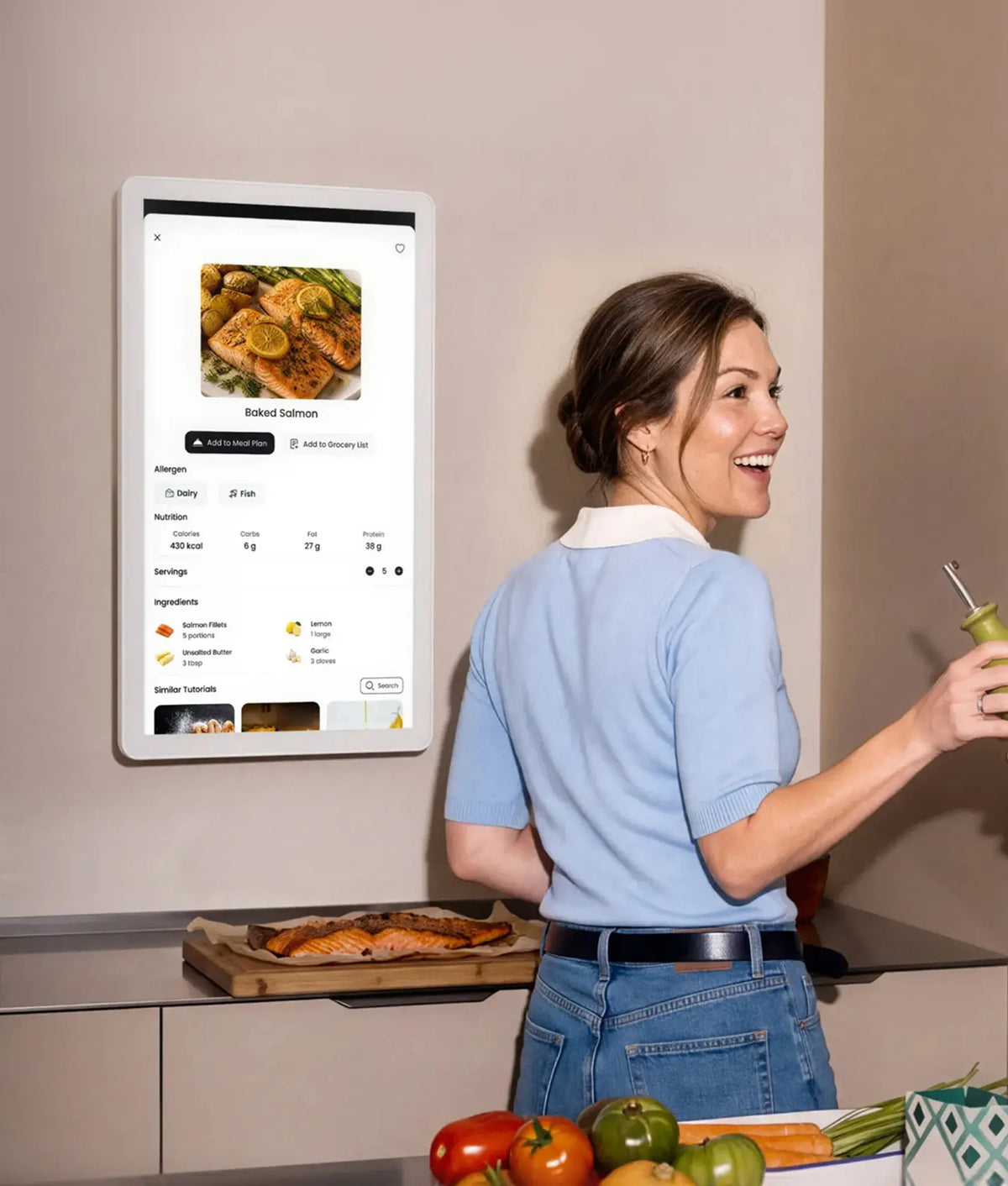
- Meal Planning (with Recipe Library, Grocery List, and Pantry Tracking)
- Photo Screensaver
- Smart Import
- Cozyla Agent (with standard usage)
The optional membership ($69.99/yr) unlocks three premium extras:
- Unlimited Cozyla Agent conversations
- Art Gallery Screensaver
- Weekly Recap feature
These are thoughtful additions for families who want a little more — but never something you need to pay for just to get started. In short: the features that keep your family organized every day are free. The membership is there when you want to go further.
What size Cozyla digital calendar should I choose for my home?
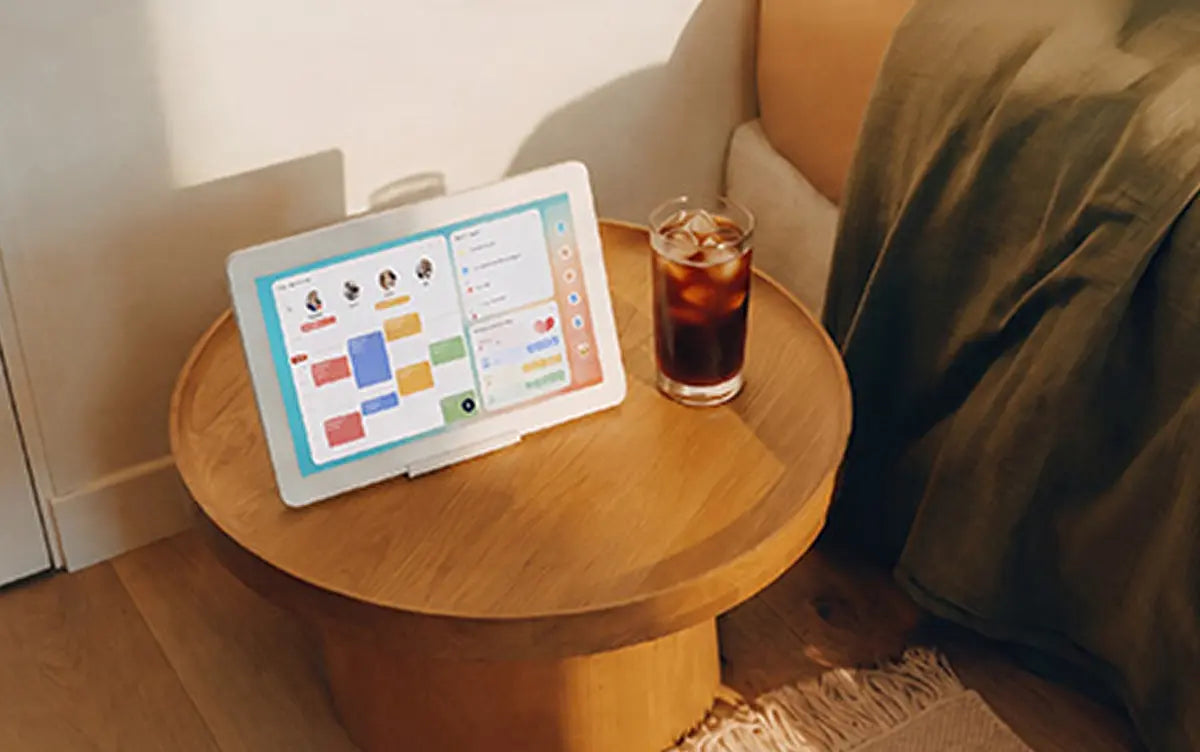
The 32-inch Cozyla calendar is our most popular choice, offering the best visibility in kitchens and shared spaces; if you need mobility, the 32-inch Calendar Plus Go provides the same experience with a rechargeable rolling stand. The 24-inch Cozyla Calendars are a good fit for medium-size areas and can also be wall-mounted for a cleaner setup. The 15.6-inch models are best for small counters or desks, making it a compact option for tighter spaces. Still not sure which Cozyla size to choose? Check out our Size Guide.
What is Cozyla Agent?
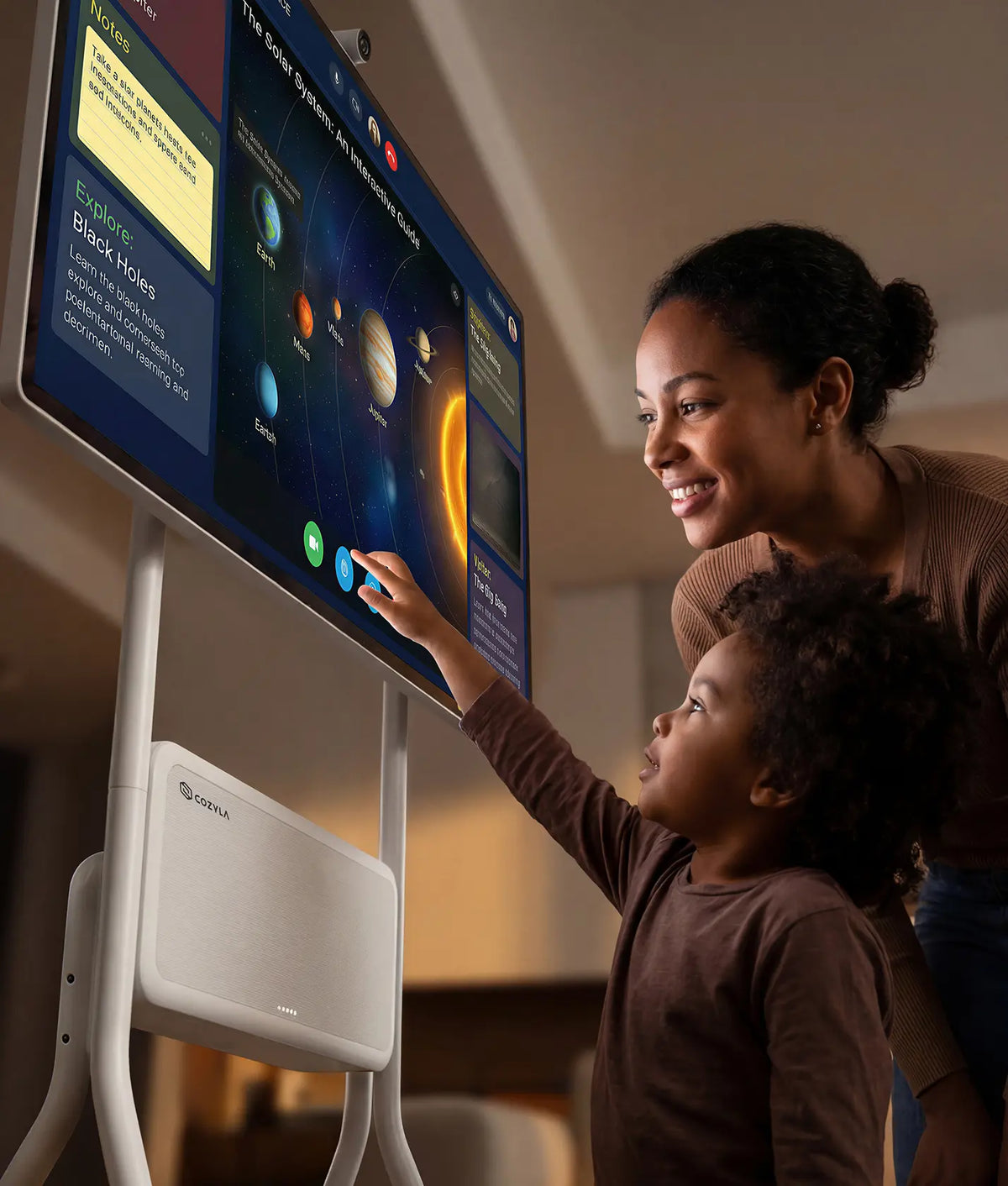
Cozyla Agent is your built-in family assistant designed to make planning and organization effortless. With natural language and voice commands, you can quickly create schedules, manage tasks, and coordinate family activities, helping you save time and simplify everyday routines.
Can I sync my existing calendars and the family's with Cozyla?
Yes! Cozyla works with Apple, Google, Outlook, CalDAV, and URL-based calendars, with automatic syncing enabled. It also supports true two-way sync, so any updates you make on the device will automatically appear on your phone and other connected calendars.
How does a digital calendar work for multiple family members?
Cozyla is designed for the whole family to share and stay connected in one place. Cozyla supports up to 8 user profiles, and each profile can sync an unlimited number of calendar accounts. Each family member can have their own profile and view shared schedules, routines, chores, and more, while the Cozyla mobile app lets parents check or update plans on the go.
1. What is a digital calendar?
A digital calendar serves as an electronic calendar solution that simplifies how you organize, check, and oversee your daily, weekly, and monthly schedules on all kinds of digital devices, doing away with paper planners and hanging wall calendars that are limited by physical space. You can use a digital calendar as a lightweight mobile app for on-the-go schedule checks, install desktop software for stable office use, log into a cloud web service to access your timetables remotely, or purchase a dedicated smart display device that shows your agenda at a glance in your workspace.
2. What is the difference between a digital calendar and a family digital calendar?
Many people rely on a mix of physical planners, built-in phone calendars, fridge sticky notes, and countless text alerts to keep track of their daily plans. Yet there’s one major downside: none of these separate tools are created to keep every family member’s schedules aligned with one another.
This is exactly what family digital calendars are made for. A family digital calendar, like Cozyla, is a shared digital calendar built to help families stay organized. In addition to scheduling, it often includes features such as shared family schedules, color-coded calendars for each family member, and chore and task management.
3. How can a digital calendar make family life more organized?
A digital calendar gives families one shared place to see and manage what matters each day. By bringing schedules, tasks, routines, meal plans, shopping lists, and notes together, it makes family life easier to see, plan, and follow. With calendar syncing, existing schedules from apps such as Google Calendar, Apple Calendar, Outlook, and others can appear on the same screen. Color-coded calendars make it easy to see who has what planned, while shared tasks and routines help everyone stay on track. For kids, interactive chores and routines can make everyday responsibilities more engaging. With a reward system, completed chores can turn into stars that kids can work toward and redeem for custom rewards, making it easier to build positive habits along the way. Meal planning can take the guesswork out of family dinners, too. Plan breakfast, lunch, dinner, and snacks, save favorite recipes, and keep your Grocery List and Pantry organized in one place. Instead of keeping every appointment, chore, meal, and shopping need in your head, a digital family calendar gives everyone a clearer picture of the day and makes it easier to work together.
4. Cozyla vs Skylight: what features do you get?
Membership is about more than the subscription price. Both Cozyla and Skylight offer membership plans, but the features you get without a subscription are quite different.
Cozyla Calendar Plus 2 vs. Skylight Calendar 2:
✔ Free features available on both devices
• Calendar syncing
• Routines & chores
• Grocery lists
✔ Features only Cozyla Calendar Plus 2 offers
• Stars & Rewards
• Meal planning
• Screensaver
• Smart import
• Customizable dashboard
• Pantry Tracking
If you're looking for a Skylight alternative in 2026, Cozyla offers more of what families actually need — a customizable dashboard, open Android platform, built-in AI voice assistance, and more features available without a membership. See how Cozyla and Skylight compare by exploring more details here.