What to Look for When Buying a Digital Family Calendar?
- by Cozyla Team
- by Cozyla Team

 United States
You may also like
You've decided a digital family calendar might be exactly what your household needs. Smart move. But then you open up a browser, start comparing options, and suddenly you're drowning in specs, subscription tiers, and features you're not sure you'll ever use. This guide cuts through the noise. Here's exactly what to look for — and what to watch out for — before you buy.
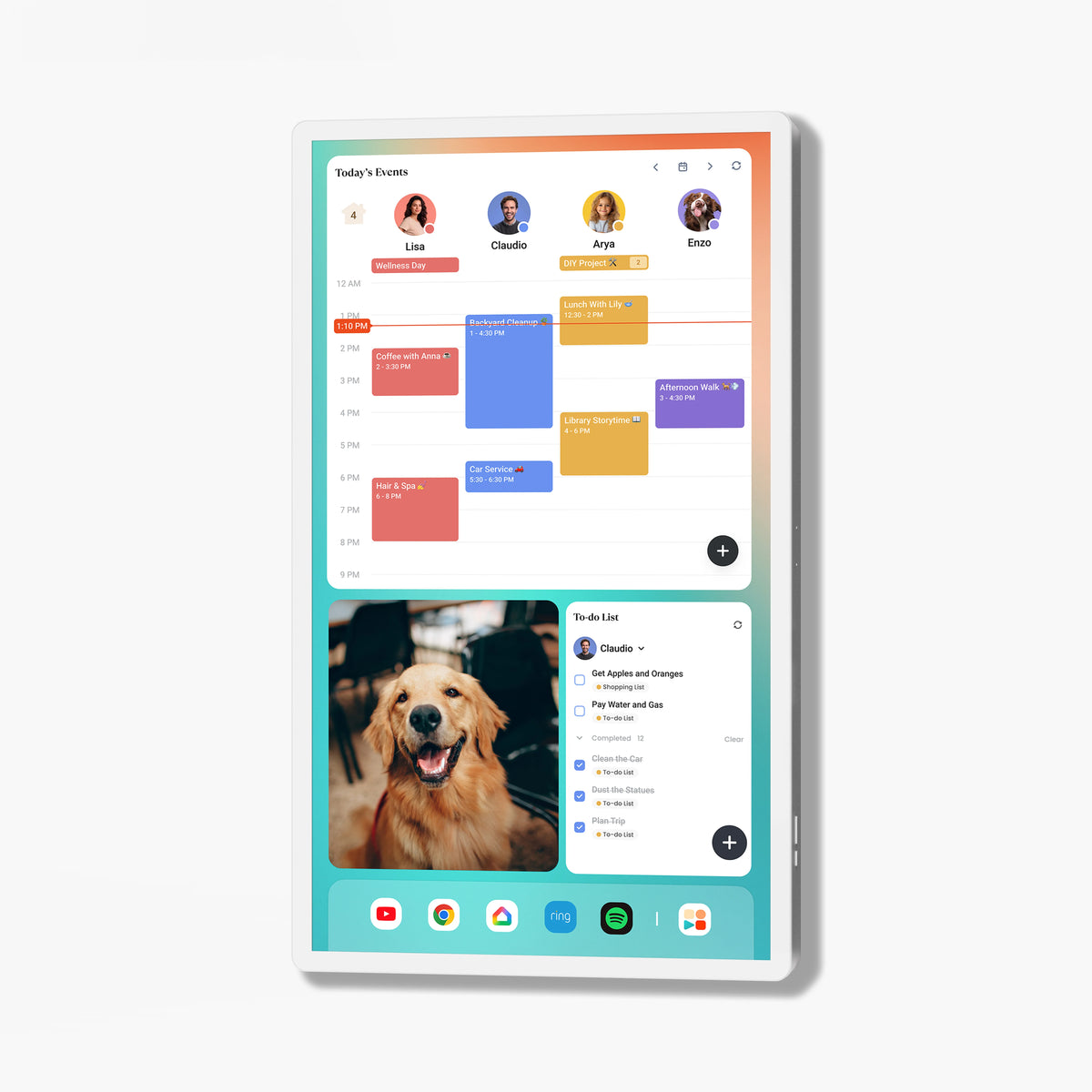
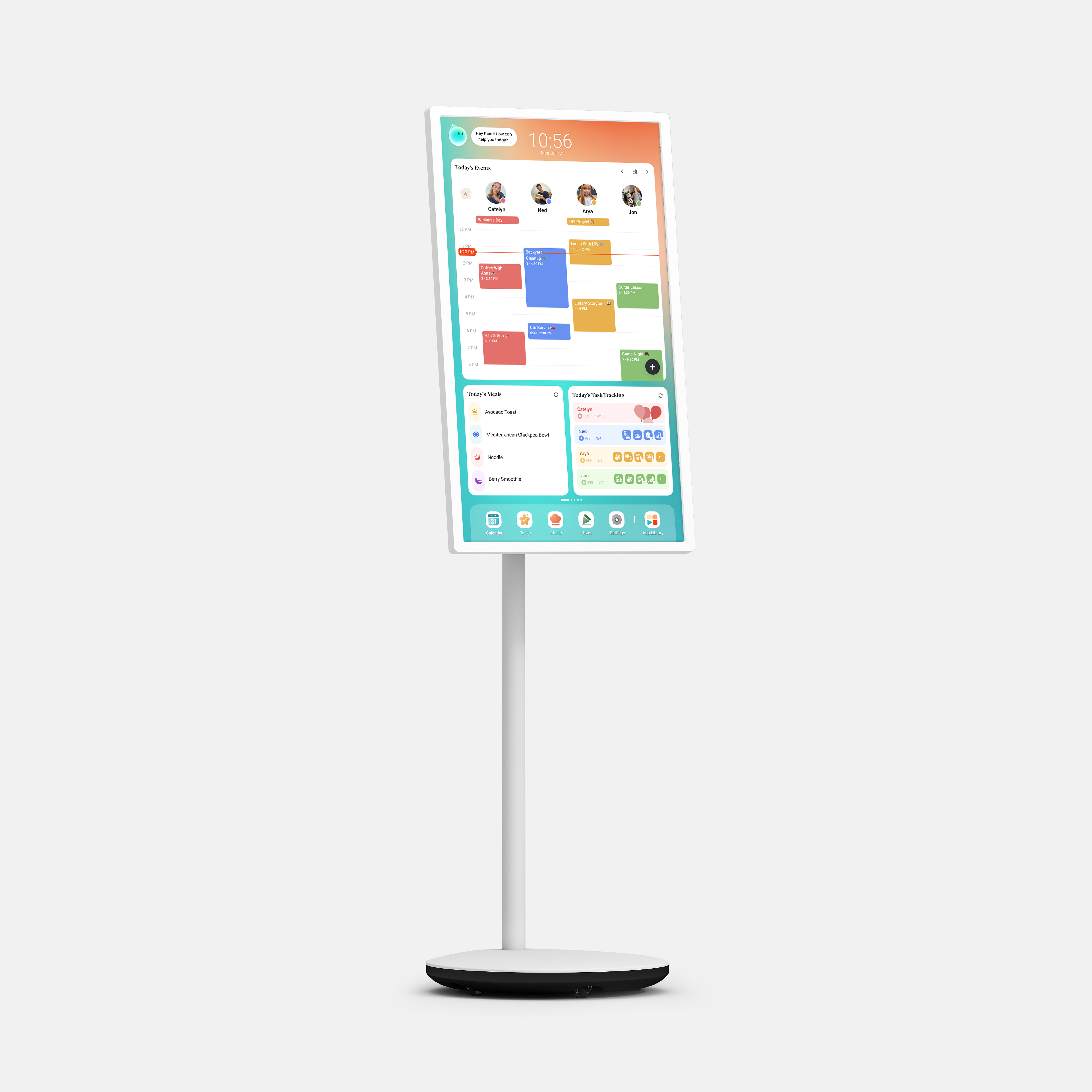
A screen that's too small gets ignored — especially by kids. A screen that's too large can feel out of place in a cozy kitchen or narrow hallway. As a general rule:
Display quality matters too. If your calendar lives in a bright, sunny room, look for a high-brightness screen that stays readable in natural light. For larger models, 4K resolution makes a noticeable difference in clarity — especially when displaying detailed schedules or photos.
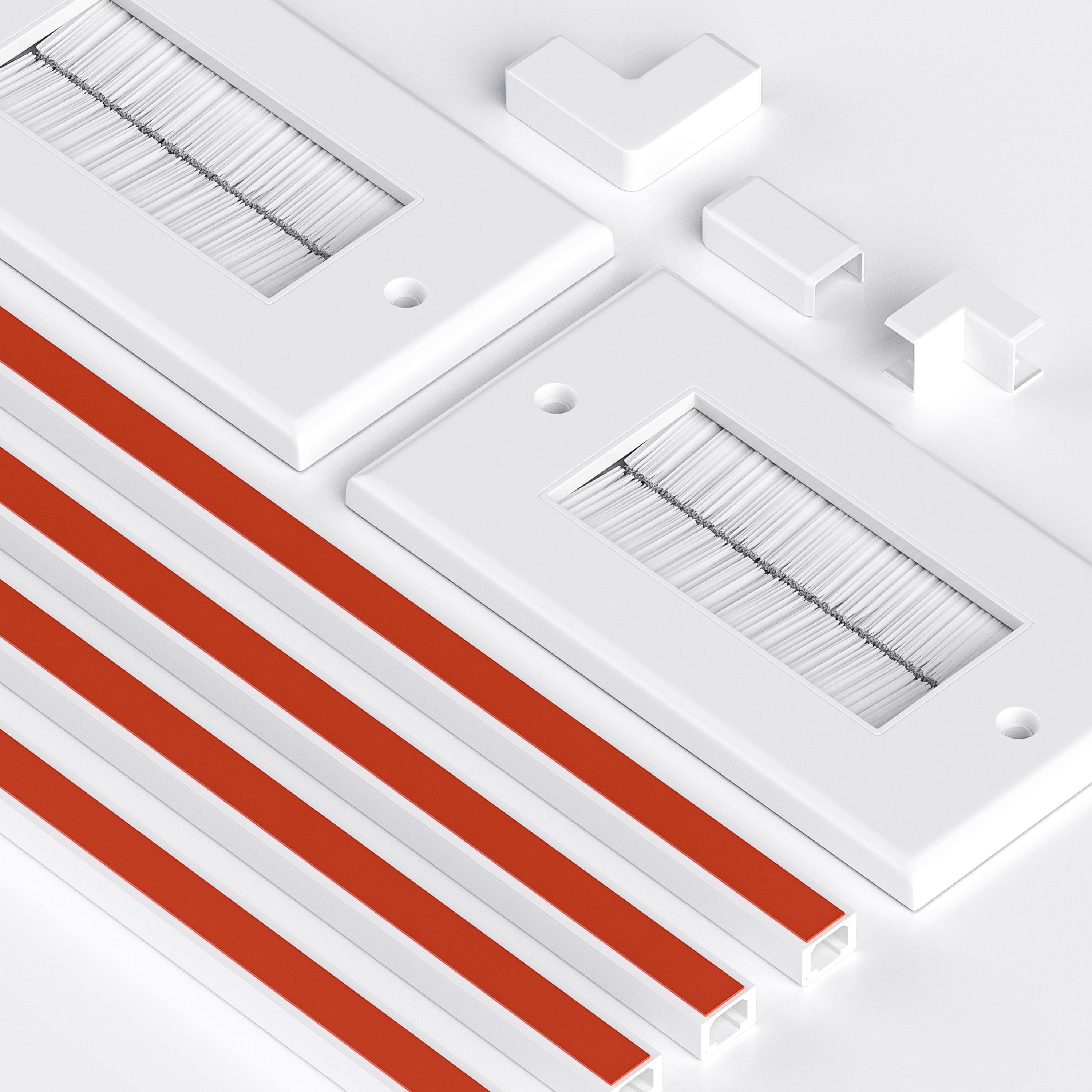
The right digital calendar should fit your space, not the other way around. Before buying, check:
Hardware flexibility is often overlooked during the buying process and deeply regretted afterward.
A calendar the whole family won't use is worthless. If adding an event feels like filing a tax return, it won't last a week. Look for:

This last point is bigger than it sounds. A built-in voice assistant removes the single biggest barrier to keeping a family calendar current: the friction of stopping what you're doing to type something in.
Your family probably already uses Google Calendar, Apple Calendar, Outlook, or some combination of all three. A digital family calendar that doesn't sync seamlessly with what you already have will create more work, not less.
Before buying, confirm it supports:
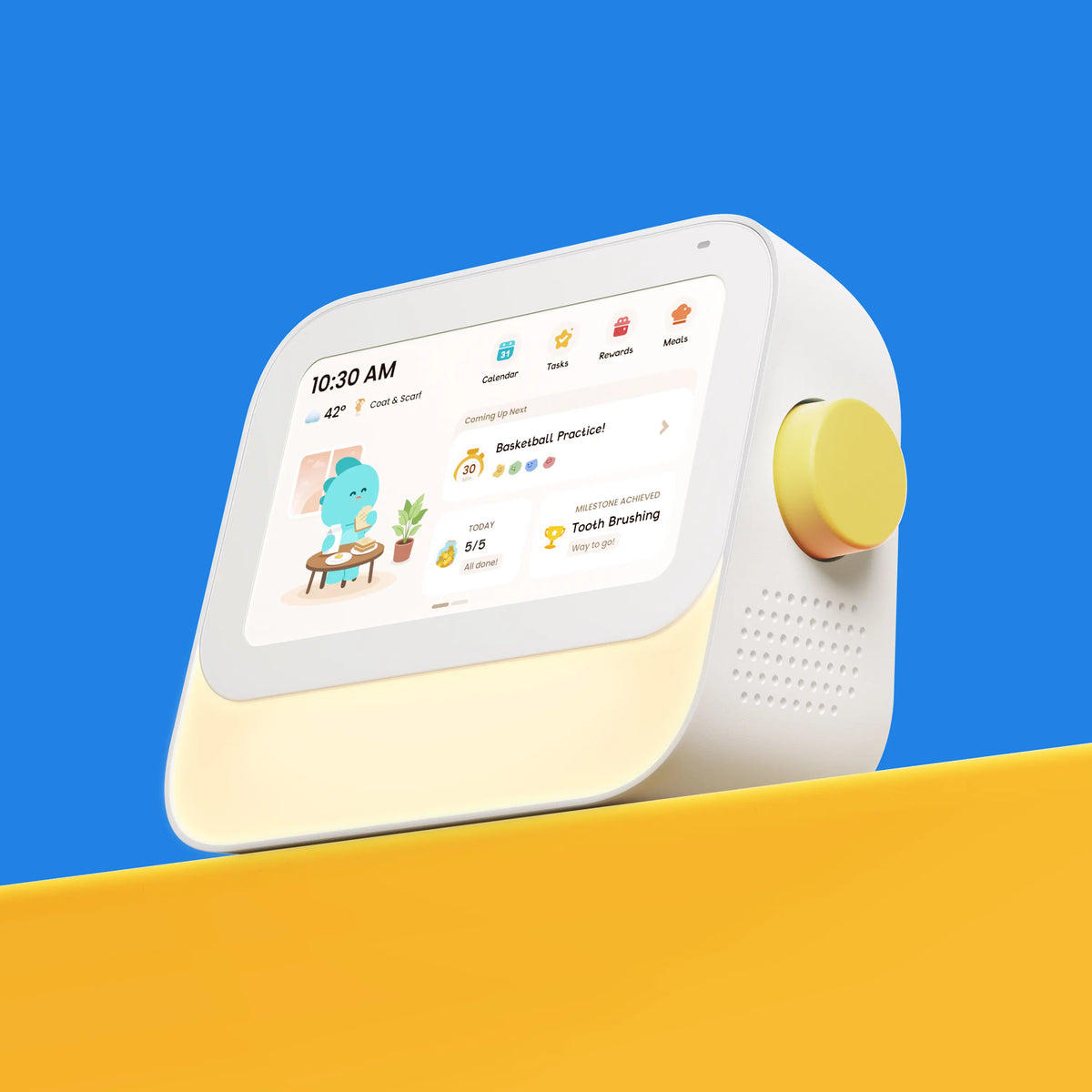
This is where digital family calendars separate themselves from generic calendar apps on a tablet. The best ones are built around how families actually live — not just how they schedule.
Look for features like:

Before you commit, it's worth understanding exactly what you're paying for — upfront and ongoing. Always ask:
A good digital family calendar should be upfront about what's included. Look for one where the core features your family will use every day — routines, chores, rewards, meal planning — come ready to use out of the box, without an extra subscription just to unlock the basics.
☐ Screen size suits my space and is visible from across the room
☐ Display quality is clear in my room's lighting conditions
☐ Multiple size options and mounting flexibility available
☐ Battery-powered model available if needed
☐ Setup is straightforward and daily use is intuitive for the whole family
☐ Syncs with Google, Apple, and/or Outlook calendars
☐ Includes chore management and task assignment
☐ Has a built-in reward system for kids
☐ Supports recurring daily routines
☐ Includes meal planning tools
☐ Offers an AI voice assistant for hands-free updates
☐ Pricing is transparent with no surprise subscription fees
| Feature | Cozyla Calendar | Skylight Calendar |
| Hardware | ||
| Device sizes | 15.6", 24", 32", 55" | 10", 15", 27" |
| Display quality | 4K on 32" and above | HD |
| Setup type | Desk / wall-mount / Mobile stand | Desk / wall-mount |
| Power options | Plug-in or battery | Plug-in only |
| Platform & Integration | ||
| Calendar sync | Google, Apple, Outlook | Google, Apple, Outlook |
| Third-party apps | ✅ Android / Google Play | ❌ Closed system |
| Customizable dashboard | ✅ | ❌ |
| Features don't require a subscription (For Cozyla Calendar Plus 2 & Go) | ||
| Multi-user profiles | ✅ | ✅ |
| Scheduling & routines | ✅ | ✅ |
| Chore management | ✅ | ✅ |
| Reward system | ✅ | ❌ |
| Meal planning | ✅ | ❌ |
| Recipes | ✅ | ❌ |
| Screensaver | ✅ | ❌ |
| Smart Import | ✅ | ❌ |
| AI & Smart Features | ||
| AI voice assistant |
✅ Built-in Cozyla Agent Mainstreamed Voice Assistants |
❌ |
| Pricing | ||
| Membership Plan |
Essential: $79.99/yr Key features included |
Plus: $79/yr Key features locked |
Discover Cozyla's full calendar collections that are loved by thousands of families.
More ways to simplify family life.
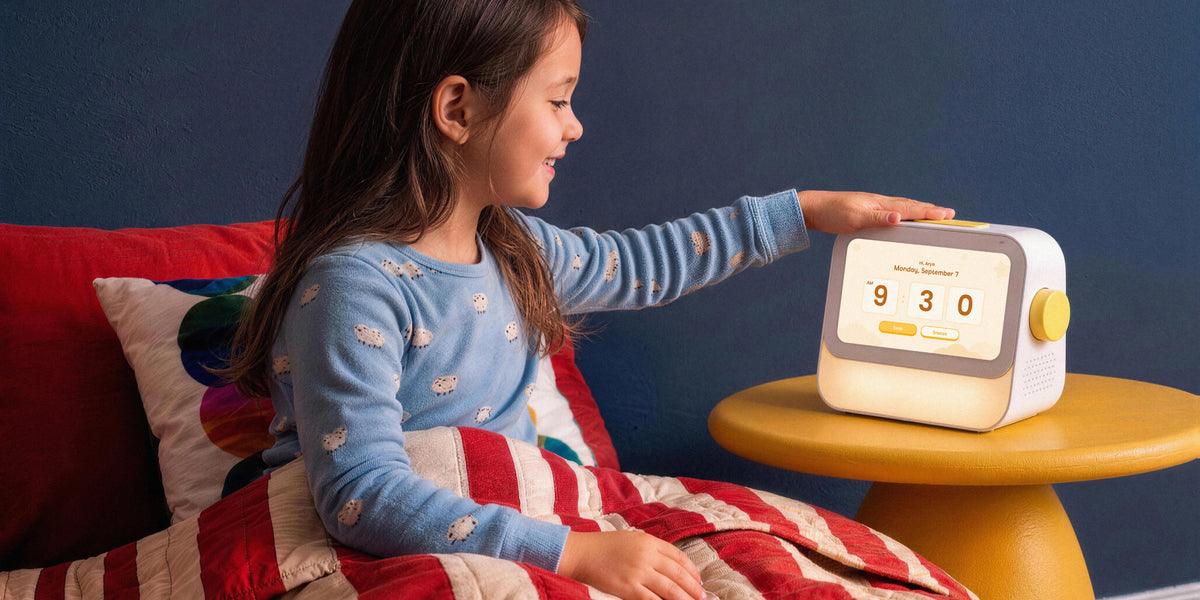
Skylight Buddy Alternative: Discover Cozyla Routie for Kids' Routines
Read moreabout Skylight Buddy Alternative: Discover Cozyla Routie for Kids' Routines
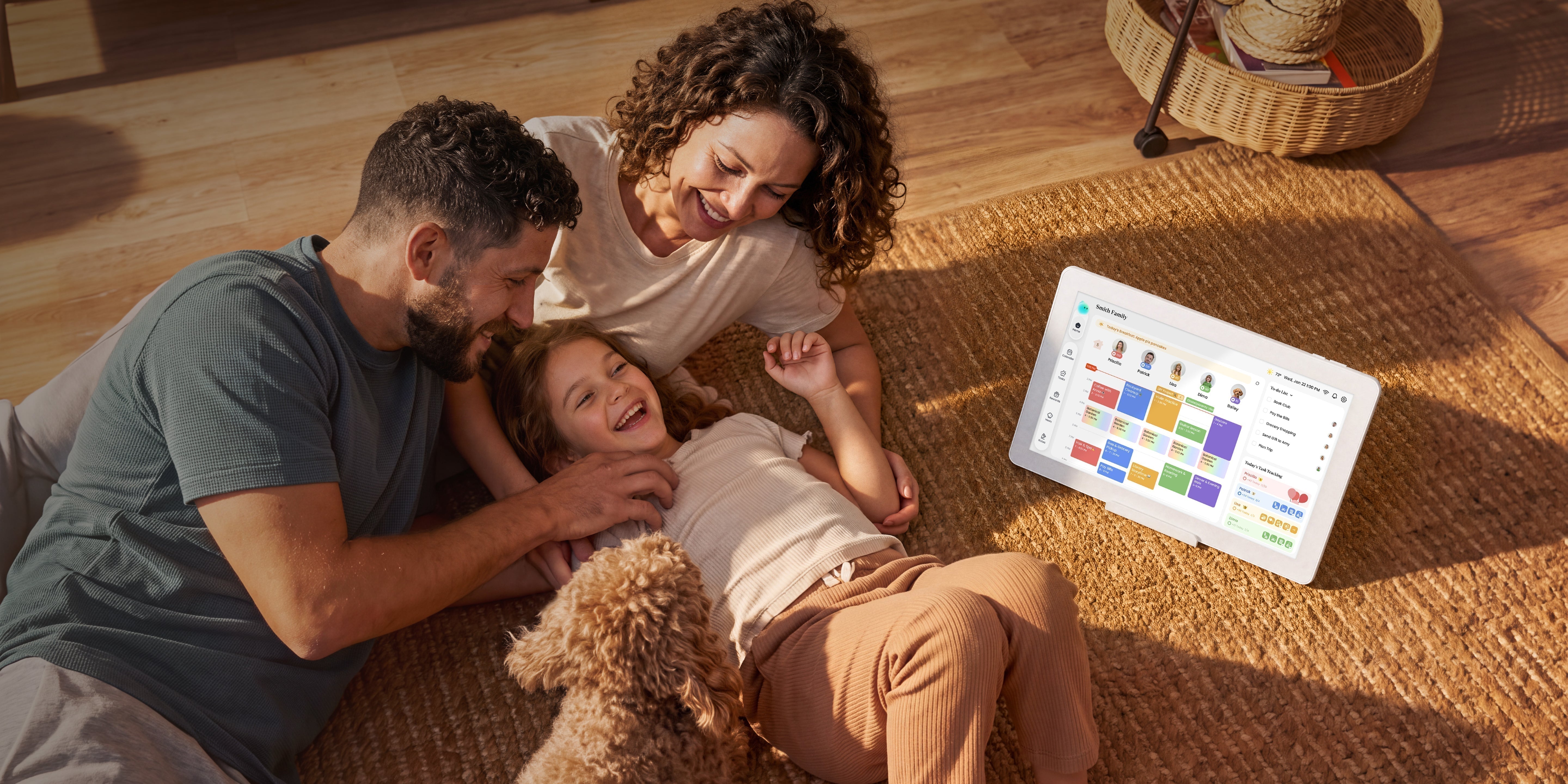
Skylight Alternative in 2026: When You Want More From Your Family Digital Calendar
Read moreabout Skylight Alternative in 2026: When You Want More From Your Family Digital Calendar

Cozyla vs. Apolosign: Which Family Digital Calendar Fits Your Home?
Read moreabout Cozyla vs. Apolosign: Which Family Digital Calendar Fits Your Home?