Trick-or-Treat Without the Last-Minute Scramble: A Smarter Halloween with a Digital Calendar
- by Cozyla Team
- by Cozyla Team

 United States
You may also like
Halloween has exactly one job: to be fun. And yet somehow, every October 31st, it moonlights as the most logistically complicated evening of the year. Costumes, dinner, candy bags, flashlights, school parties, pickup times, neighborhood meet-ups — all of it converging on a single Tuesday evening when everyone is already a little too excited and a little too tired.
Here’s how a digital family calendar can take the scramble out of Halloween — so the only thing your family has to worry about is which house has the full-size candy bars.
The easiest way to prevent Halloween evening chaos is to map out the night before it begins. Open your family calendar and block out the key moments — after-school pickup, getting into costumes, dinner, the start of trick-or-treating, and a rough wind-down time for when everyone heads home.
Things worth keeping in mind:
Costumes get ordered, then altered. Candy runs out and gets restocked. The fog machine battery needs replacing. Halloween preparation rarely happens in one sitting, and keeping all of this in your head is a recipe for something being forgotten on the night itself.
Use a digital family calendar’s task list to capture everything that needs to happen before Halloween arrives:
Assign tasks to different family members and set reminders a day or two before Halloween so nothing gets left to the last minute. When older kids can see their own tasks on the shared screen, they’re more likely to take ownership — without a parent having to chase them.
Halloween week tends to come with more than just trick-or-treating. There are school costume parades, class parties, after-school activity changes, neighborhood events, and the logistical puzzle of who is going with whom and at what time.
A centrally displayed family calendar keeps all of it in one visible place. School party times, pickup schedule changes, and neighborhood meet-up times can all live on the same screen — so everyone in the family can check what’s happening without asking a parent to relay the information.

Color-coded family profiles make a busy Halloween week scannable at a glance. Each family member’s commitments appear in their own color, so a week that looks overwhelming on paper becomes easy to read on screen.
Halloween is exciting — and excitement, for young children, can quickly tip into overwhelm if the day’s usual anchors disappear entirely. A good Halloween plan makes room for the fun without abandoning the structure that keeps kids regulated.
A few ways to use your digital calendar to balance both:
Plan dinner early. A proper meal before trick-or-treating prevents sugar-fueled chaos later in the evening. Schedule it earlier than usual to leave plenty of time for costumes and getting out the door. Build in getting-ready time. Face paint, accessories, and costume adjustments take time. Add a “getting ready” block to the calendar so it doesn’t get swallowed by everything else.
Keep bedtime visible. It doesn’t have to be exactly on time — but having a bedtime reminder on the calendar helps everyone wind down with less resistance when the night is over.
The best Halloween nights aren’t the ones where everything went perfectly to plan. They’re the ones where nobody spent the evening stressed, scrambling, or trying to remember what time the neighborhood kids were meeting up.
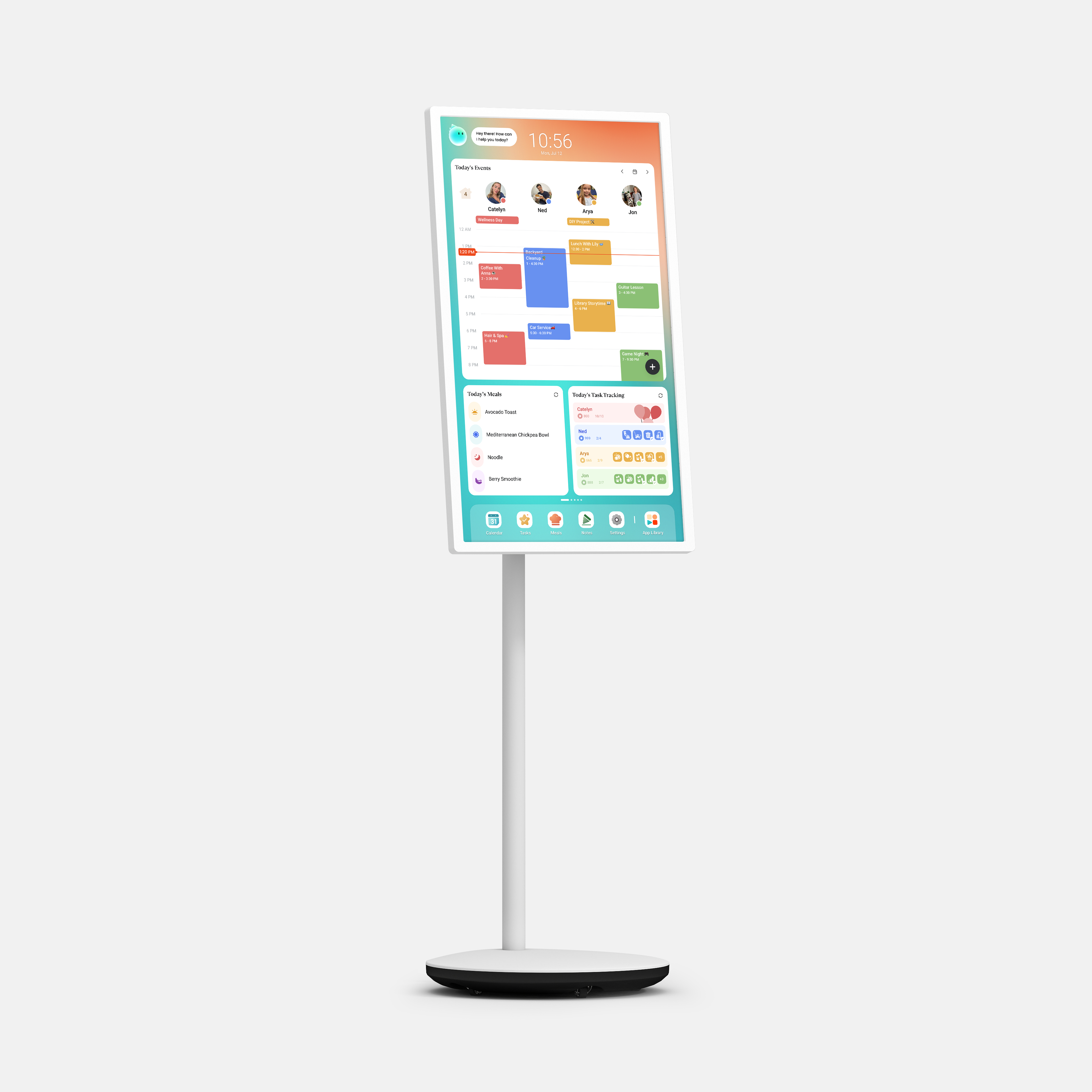
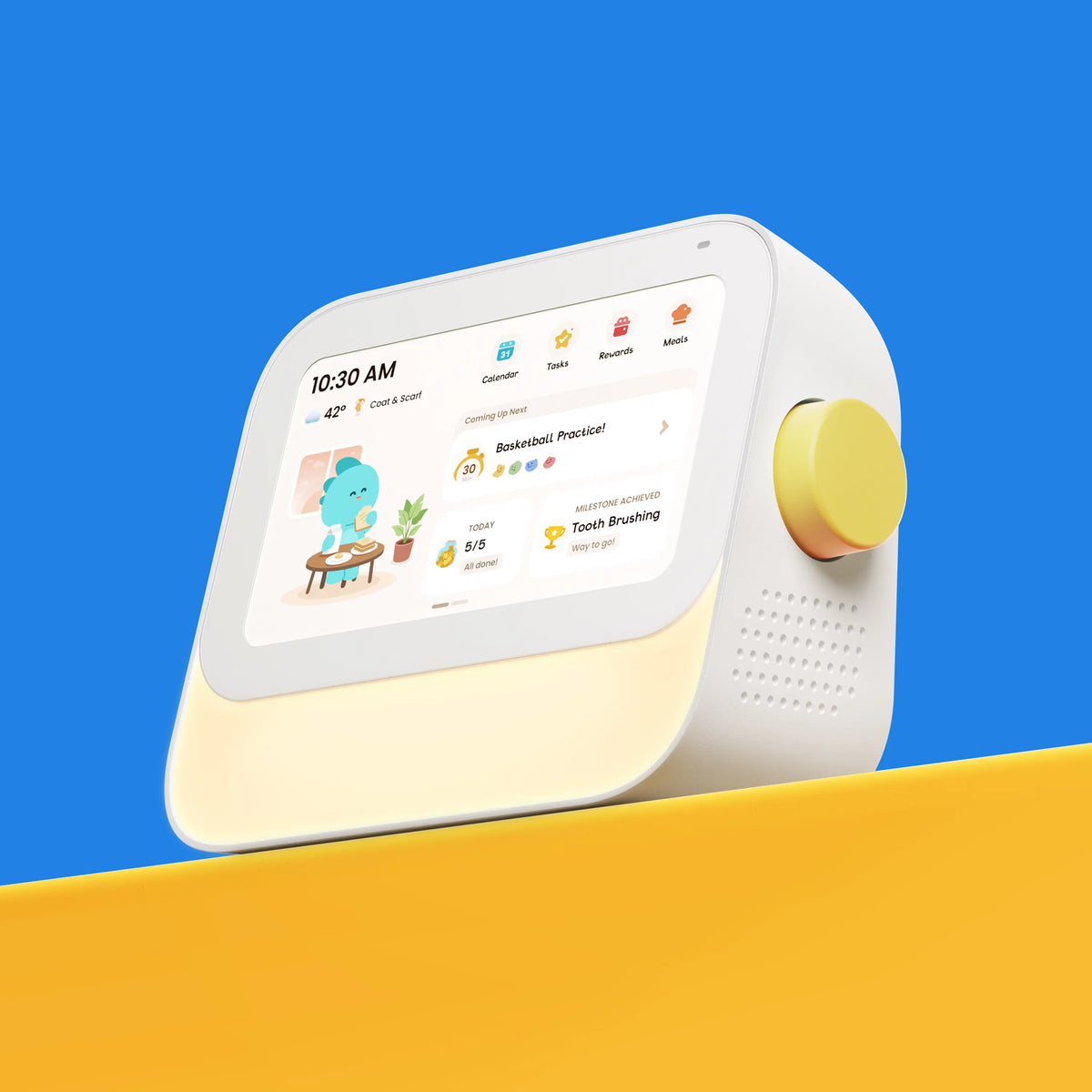
Cozyla’s digital family calendar is built for exactly this kind of night. Available in sizes from 15.6, 24", 32" to 55 inches and designed to sit on a counter or mount on the wall, it keeps the whole family’s plans visible in one shared place. Color-coded profiles make a busy Halloween week scannable at a glance. Task lists and reminders handle the prep — costumes, candy, flashlights — so nothing gets forgotten in the excitement. And when the kids come home sugar-fueled and exhausted, the familiar bedtime routine is already on the screen, ready to bring the evening in for a landing. When your hands are full, Cozyla Agent — the built-in AI voice assistant — keeps the calendar updated hands-free. Just say the word to add a reminder, update a task, or check the evening’s schedule.
Explore Cozyla digital calendar and make this Halloween the most organized — and most enjoyable — one yet.
Explore thoughtful choices that help your family manage busy days with confidence.
More ideas to make family life easier.