Buying a digital calendar for the family is just the beginning. The real magic happens when it becomes part of your family's everyday life. Before long, it's more than just a screen for keeping track of schedules. It becomes the place everyone glances at before heading out the door, where you check who's picking up the kids, plan a weekend adventure, or count down to a birthday or family vacation. Little by little, it finds its place in the moments that keep family life running smoothly.
Of course, every family uses the digital calendar a little differently. A few simple habits and thoughtful setup choices can make it easier to use and encourage everyone to join in. Here are some of our favorite tips to help your digital wall calendar become a natural part of your daily routine, not just another screen on the wall.
1. Place it where everyone will see it
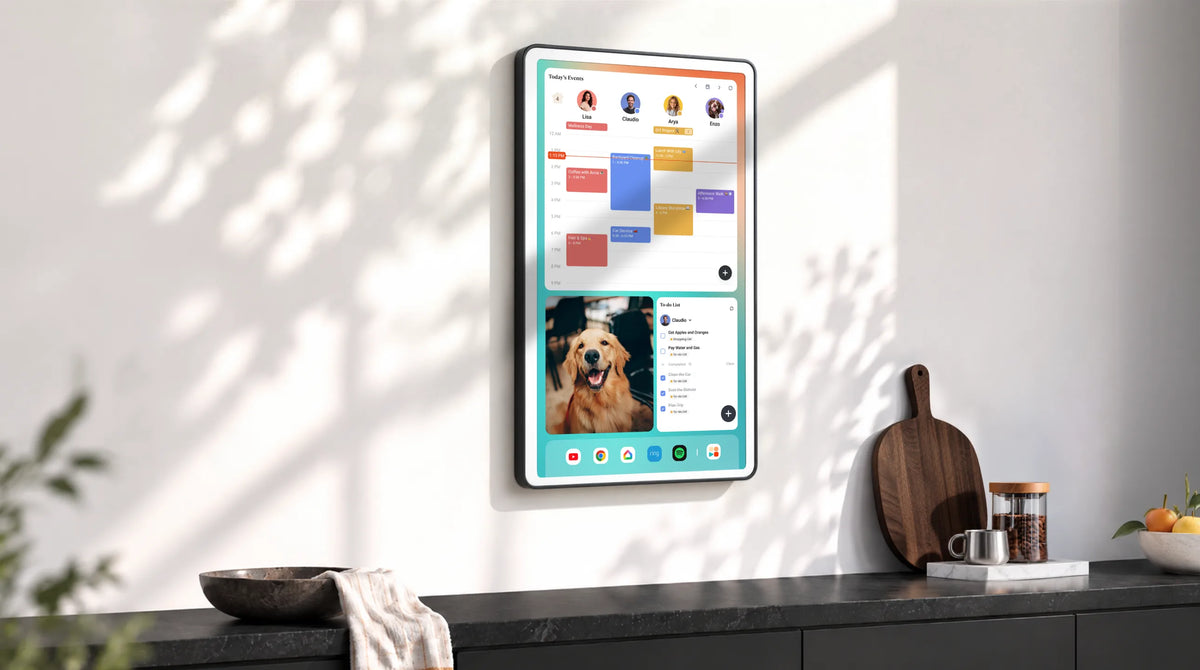
Visual clarity matters. Most families find the sweet spot in shared, high-traffic areas. The kitchen is a classic choice, especially for morning routines and meal planning. The entryway works well too, since it’s often the last stop before everyone heads out. Some prefer the living room or a main hallway, where the digital wall calendar can be seen casually throughout the day without feeling intrusive.
The goal isn’t to make it “the center of attention” but more like a quiet presence that’s hard to miss. Something you naturally glance at while grabbing coffee, putting on shoes, or walking past on the way to another room.
2. Sync it with your Google/Apple calendar
Most of your family’s schedules already live in Google Calendar, Apple Calendar, or Outlook. Sync them to your digital family calendar so everything appears in one shared view.
This helps you avoid double entry and keeps updates consistent. When someone adds an event on their phone—whether it’s a work meeting, school activity, or appointment—it automatically shows up on your wall calendar as well. By connecting your existing calendars, your phone becomes the tool for quick updates, while your wall calendar becomes the central place where the whole family sees what’s coming next. One system to update, one place to check.
3. Start simple instead of planning everything at once
Don’t try to add everything at once. It’s easy to overload it with work meetings, school events, activities, chores, and long-term plans—but that often makes it harder to use, not easier.
Begin by adding essential schedules first—work commitments, school activities, and important family events. These are the things that shape your week and help everyone stay aligned.
Once the basics are in place, let the habit come first. Get everyone used to checking the calendar regularly before adding more layers like chores, meal plans, or long-term reminders. Build it step by step. A simple setup is easier to maintain and more likely to become part of your daily routine.
4. Keep everyone involved
A family digital planner works best when it’s shared, not managed by just one person. Encourage everyone to take part. Kids can add their own activities like sports, classes, or school events. Parents can keep work schedules and appointments up to date. Even small updates from each person help keep everything accurate and complete.
Make it a habit to review the week together. A quick check-in helps everyone know what’s coming up, avoid conflicts, and stay on the same page.
5. Build daily and weekly family routines around it
In the morning, take a quick look at the day ahead—who needs to be where, and what’s coming up. In the evening, check tomorrow’s plan together so everyone knows what to expect. These small check-ins keep the whole family aligned without needing extra effort.
Once a week, set aside a few minutes for a simple family planning moment. Go over the week ahead, confirm schedules, and make any quick adjustments.
The easiest way to make your digital calendar part of daily life is to tie it to small, repeatable moments.
6. Use color coding and visual widgets
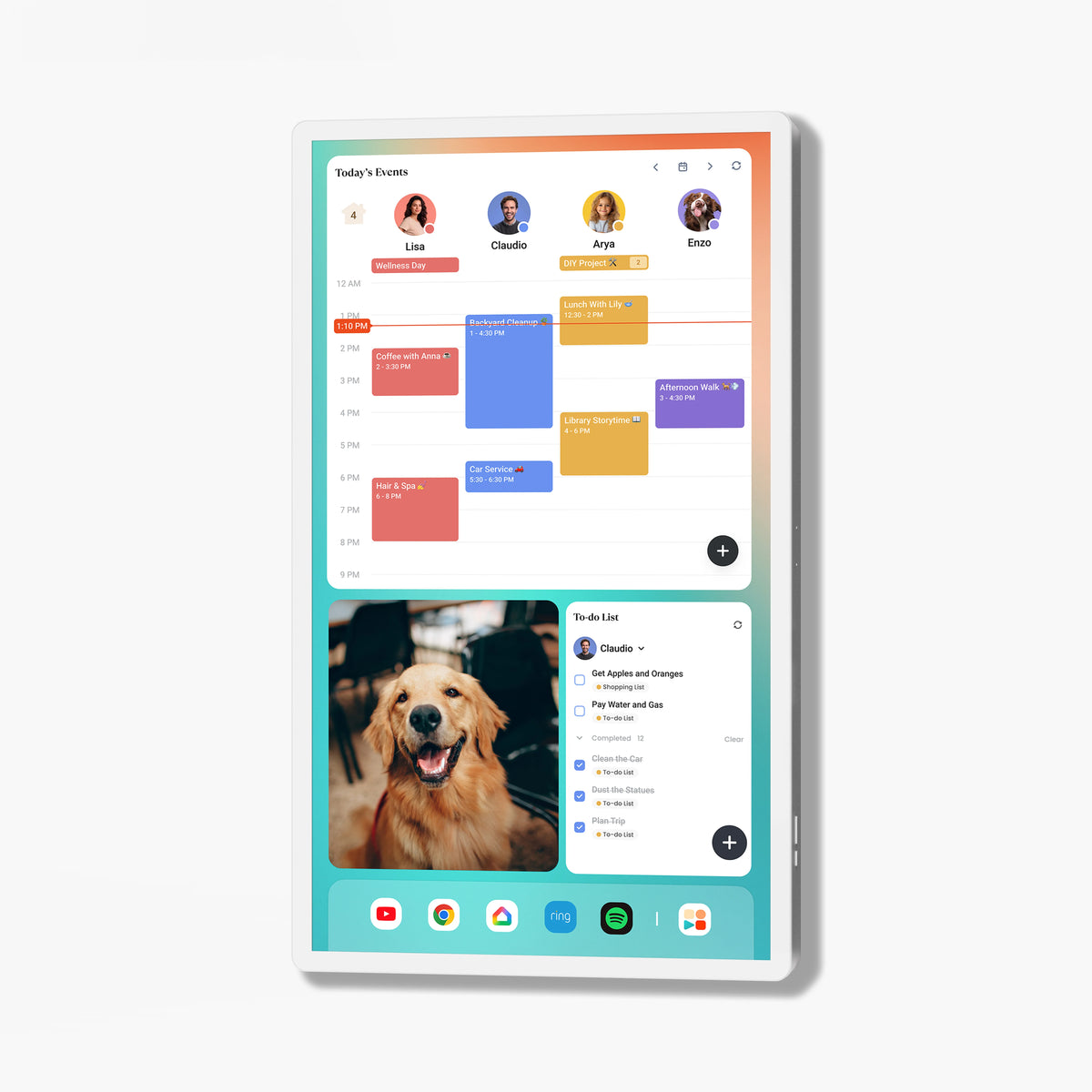
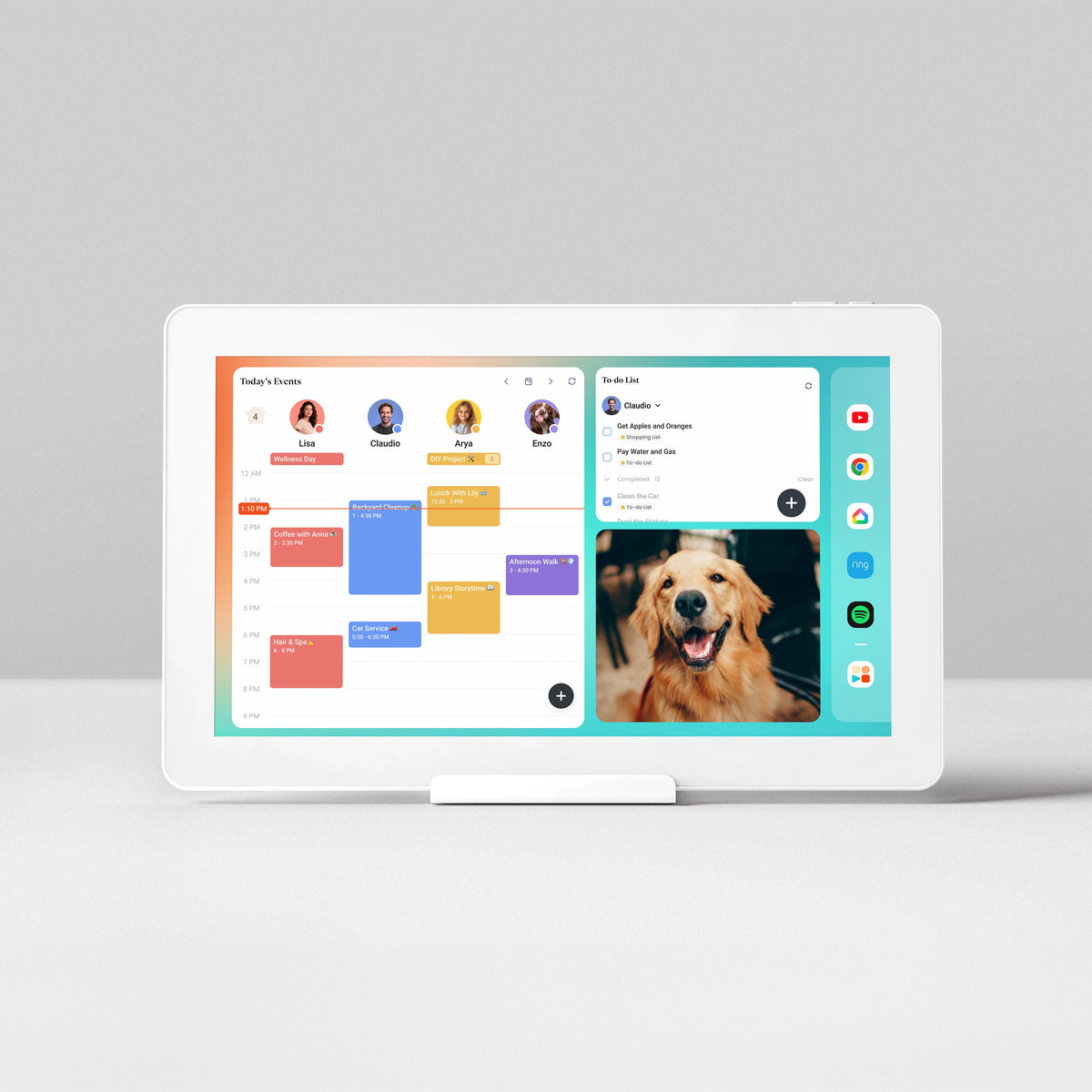
Use color coding to quickly separate schedules—each family member can have their own color, or different types of events like school, work, and activities can be grouped visually. This makes it much easier to understand what’s happening at a glance.
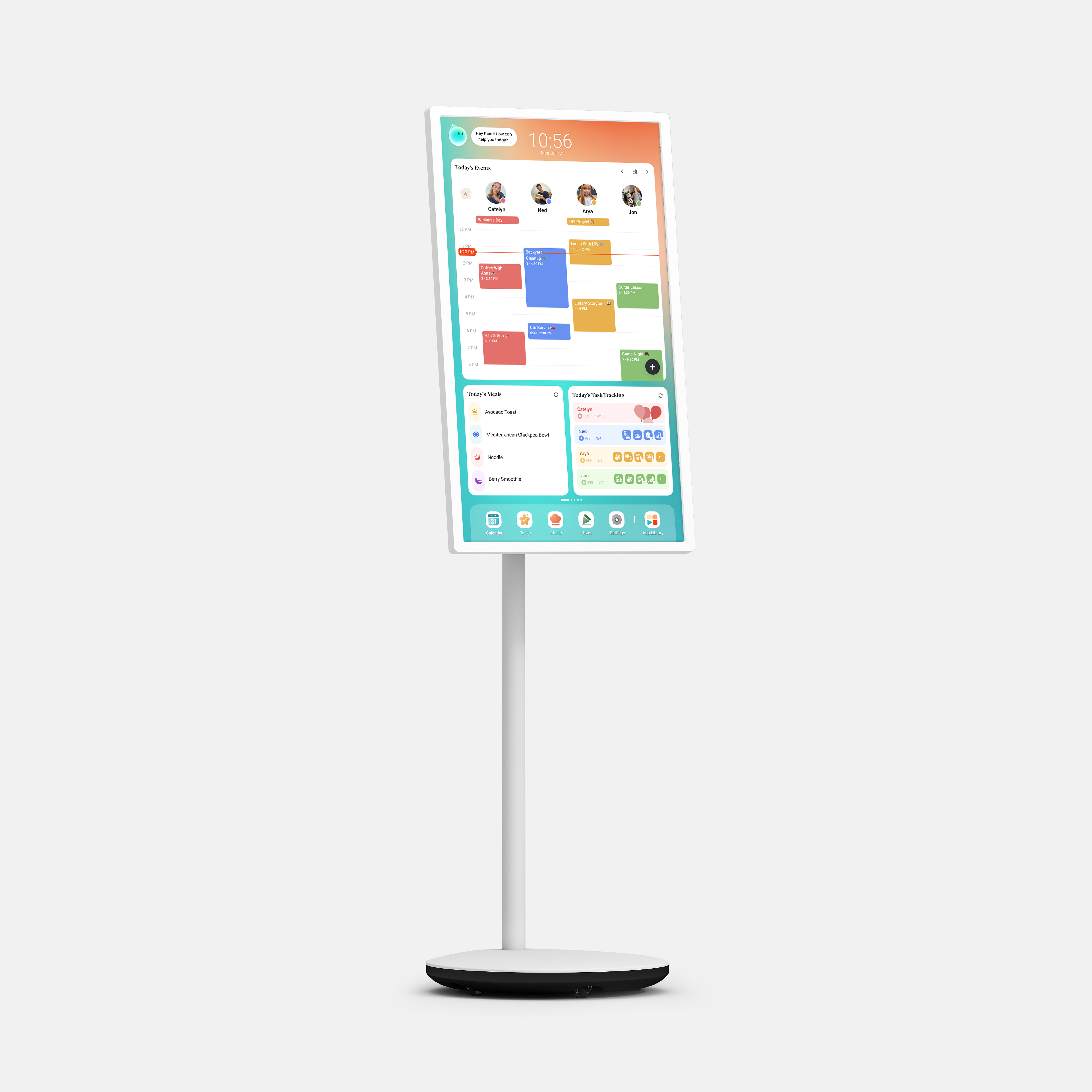
Widgets can also help bring the planner to life. Weather, to-dos, countdowns, or simple reminders can sit alongside your schedule and give you a clearer picture of the day without opening anything else.
7. Customize it for your family's needs
Adjust what you show based on age and needs. For younger kids, keep things simple and visual. For teens and adults, you can include more detailed schedules, work commitments, or reminders. Always keep the layout clean. A clear, simple view makes it easier for everyone in the family to check what matters without feeling overwhelmed.
8. Focus on consistency, not perfection
A digital calendar for family doesn’t have to be perfectly updated to be useful. Its value comes from how naturally it fits into your family’s daily rhythm. A glance in the morning, or a short check before dinner, is often more valuable than keeping every detail perfectly organized.
Over time, the goal is simple: not a flawless calendar, but a shared habit where everyone knows where to look and actually does.





 United States




Share: